> ## Documentation Index
> Fetch the complete documentation index at: https://docs.imagine.art/llms.txt
> Use this file to discover all available pages before exploring further.

# Chatgpt image 2

<div style={{background: "linear-gradient(135deg, #0d0016 0%, #18003a 55%, #08000f 100%)", borderRadius: "20px", padding: "3.5rem 3rem 3rem", marginBottom: "2.5rem", overflow: "hidden", position: "relative"}}>
  <div style={{position: "absolute", inset: "0", background: "radial-gradient(ellipse at 30% 25%, rgba(124,0,251,0.28) 0%, transparent 55%), radial-gradient(ellipse at 85% 80%, rgba(146,73,255,0.16) 0%, transparent 50%)", pointerEvents: "none"}} />

  <div style={{position: "relative"}}>
    <div style={{display: "flex", gap: "0.5rem", marginBottom: "1.5rem", flexWrap: "wrap"}}>
      <span style={{background: "rgba(124,0,251,0.25)", border: "1px solid rgba(124,0,251,0.5)", borderRadius: "100px", padding: "0.3rem 1rem", fontSize: "0.72rem", color: "#c084fc", fontWeight: "500", letterSpacing: "0.06em"}}>IMAGE MODEL</span>
      <span style={{background: "rgba(255,255,255,0.06)", border: "1px solid rgba(255,255,255,0.12)", borderRadius: "100px", padding: "0.3rem 1rem", fontSize: "0.72rem", color: "rgba(255,255,255,0.45)", fontWeight: "400"}}>by OpenAI</span>
      <span style={{background: "rgba(255,255,255,0.06)", border: "1px solid rgba(255,255,255,0.12)", borderRadius: "100px", padding: "0.3rem 1rem", fontSize: "0.72rem", color: "rgba(255,255,255,0.45)", fontWeight: "400"}}>gpt-image-2</span>
    </div>

    <h1 style={{fontSize: "clamp(2.5rem, 5vw, 3.75rem)", fontWeight: "700", color: "#ffffff", lineHeight: "1.1", letterSpacing: "-0.025em", margin: "0 0 1.1rem 0"}}>ChatGPT Image 2</h1>
    <p style={{fontSize: "1.1rem", color: "rgba(255,255,255,0.52)", maxWidth: "580px", lineHeight: "1.7", marginBottom: "2.25rem"}}>OpenAI's most advanced image model — powered by GPT-5.4. Near-perfect text rendering in any language, reasoning-driven generation, and consistent multi-image output across a single prompt. The benchmark leader for complex, knowledge-grounded, and multilingual visual work.</p>

    <div style={{display: "flex", gap: "0.75rem", flexWrap: "wrap"}}>
      <div style={{background: "rgba(255,255,255,0.06)", borderRadius: "14px", padding: "0.875rem 1.5rem", border: "1px solid rgba(255,255,255,0.1)"}}>
        <div style={{fontSize: "0.62rem", color: "rgba(255,255,255,0.32)", textTransform: "uppercase", letterSpacing: "0.1em", marginBottom: "0.3rem"}}>Resolutions</div>
        <div style={{fontSize: "1rem", color: "#ffffff", fontWeight: "600"}}>Up to 4K</div>
      </div>

      <div style={{background: "rgba(255,255,255,0.06)", borderRadius: "14px", padding: "0.875rem 1.5rem", border: "1px solid rgba(255,255,255,0.1)"}}>
        <div style={{fontSize: "0.62rem", color: "rgba(255,255,255,0.32)", textTransform: "uppercase", letterSpacing: "0.1em", marginBottom: "0.3rem"}}>Text rendering</div>
        <div style={{fontSize: "1rem", color: "#ffffff", fontWeight: "600"}}>99%+ accuracy, multilingual</div>
      </div>

      <div style={{background: "rgba(255,255,255,0.06)", borderRadius: "14px", padding: "0.875rem 1.5rem", border: "1px solid rgba(255,255,255,0.1)"}}>
        <div style={{fontSize: "0.62rem", color: "rgba(255,255,255,0.32)", textTransform: "uppercase", letterSpacing: "0.1em", marginBottom: "0.3rem"}}>Input refs</div>
        <div style={{fontSize: "1rem", color: "#ffffff", fontWeight: "600"}}>Up to 10 images</div>
      </div>

      <div style={{background: "rgba(255,255,255,0.06)", borderRadius: "14px", padding: "0.875rem 1.5rem", border: "1px solid rgba(255,255,255,0.1)"}}>
        <div style={{fontSize: "0.62rem", color: "rgba(255,255,255,0.32)", textTransform: "uppercase", letterSpacing: "0.1em", marginBottom: "0.3rem"}}>Released</div>
        <div style={{fontSize: "1rem", color: "#ffffff", fontWeight: "600"}}>April 2026</div>
      </div>
    </div>
  </div>
</div>

<iframe src="https://www.youtube.com/embed/-7JSa_luc6k" title="YouTube video player" frameborder="0" className="w-full aspect-video rounded-xl" allow="accelerometer; autoplay; clipboard-write; encrypted-media; gyroscope; picture-in-picture; web-share" allowfullscreen />

## What makes ChatGPT Image 2 different

ChatGPT Image 2 is OpenAI's first image model built on GPT-5.4 — their most capable reasoning architecture. Unlike previous image models, gpt-image-2 actively *thinks* before generating: it plans composition, resolves spatial relationships, and interprets multi-part instructions before a single pixel is produced.

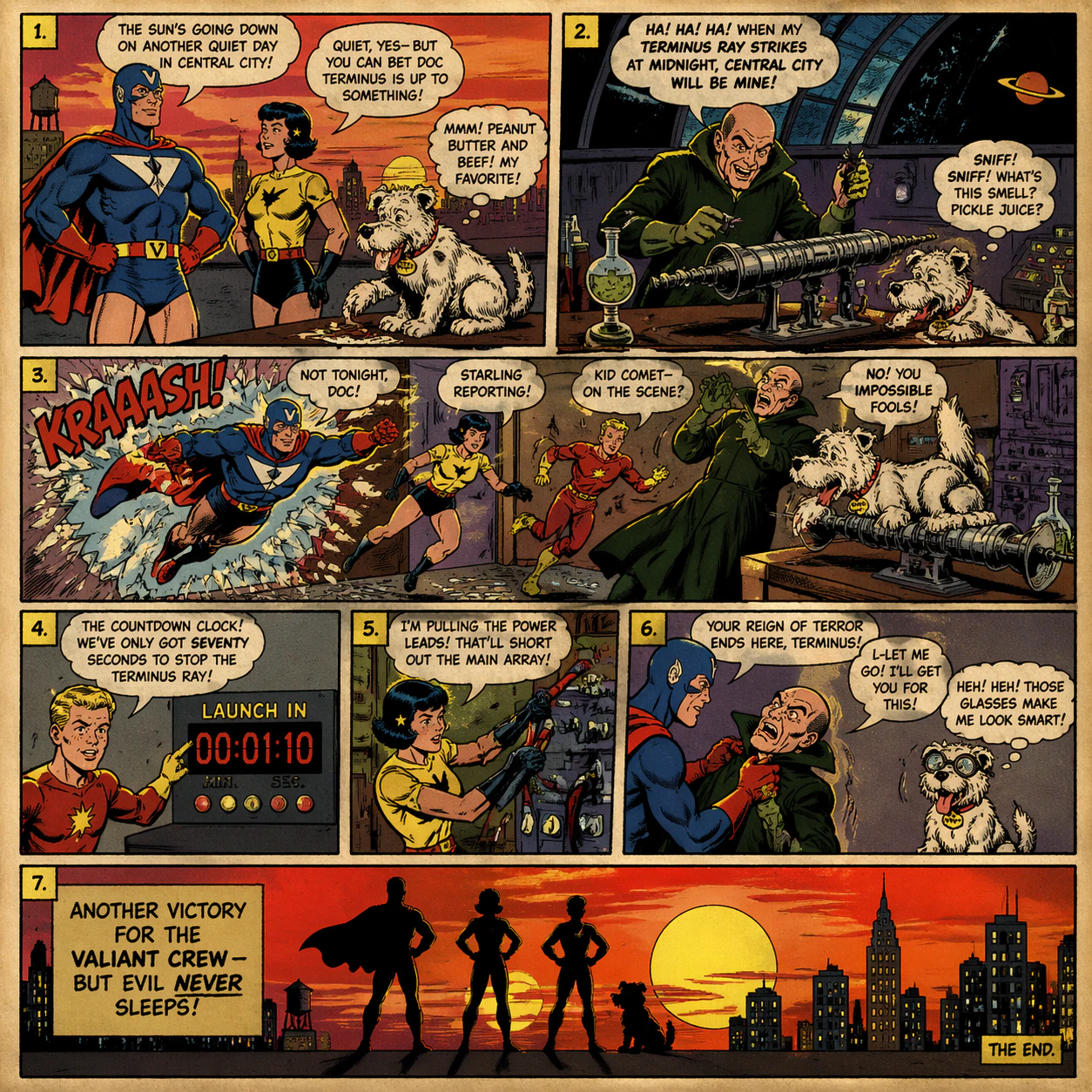
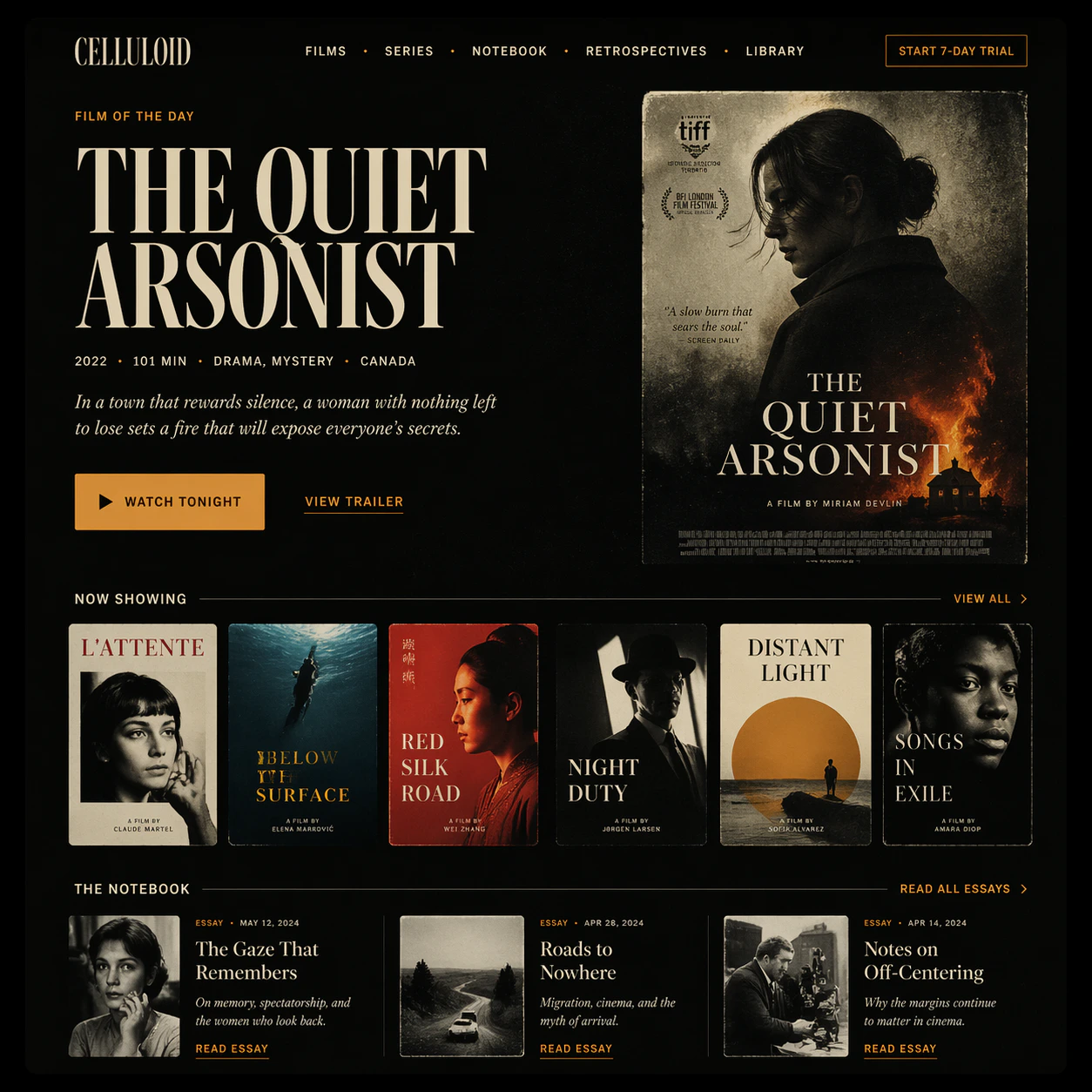
The result is near-perfect in-image text accuracy (99%+) across dozens of languages including Chinese, Japanese, Korean, Hindi, and Bengali, comprehensive prompt fidelity for complex multi-element scenes, and character consistency across batches of up to 10 images. It ranks #1 on all Image Arena leaderboards with a +242 point lead at launch.

<div style={{display: "grid", gridTemplateColumns: "repeat(3, 1fr)", gap: "12px", margin: "2rem 0"}}>
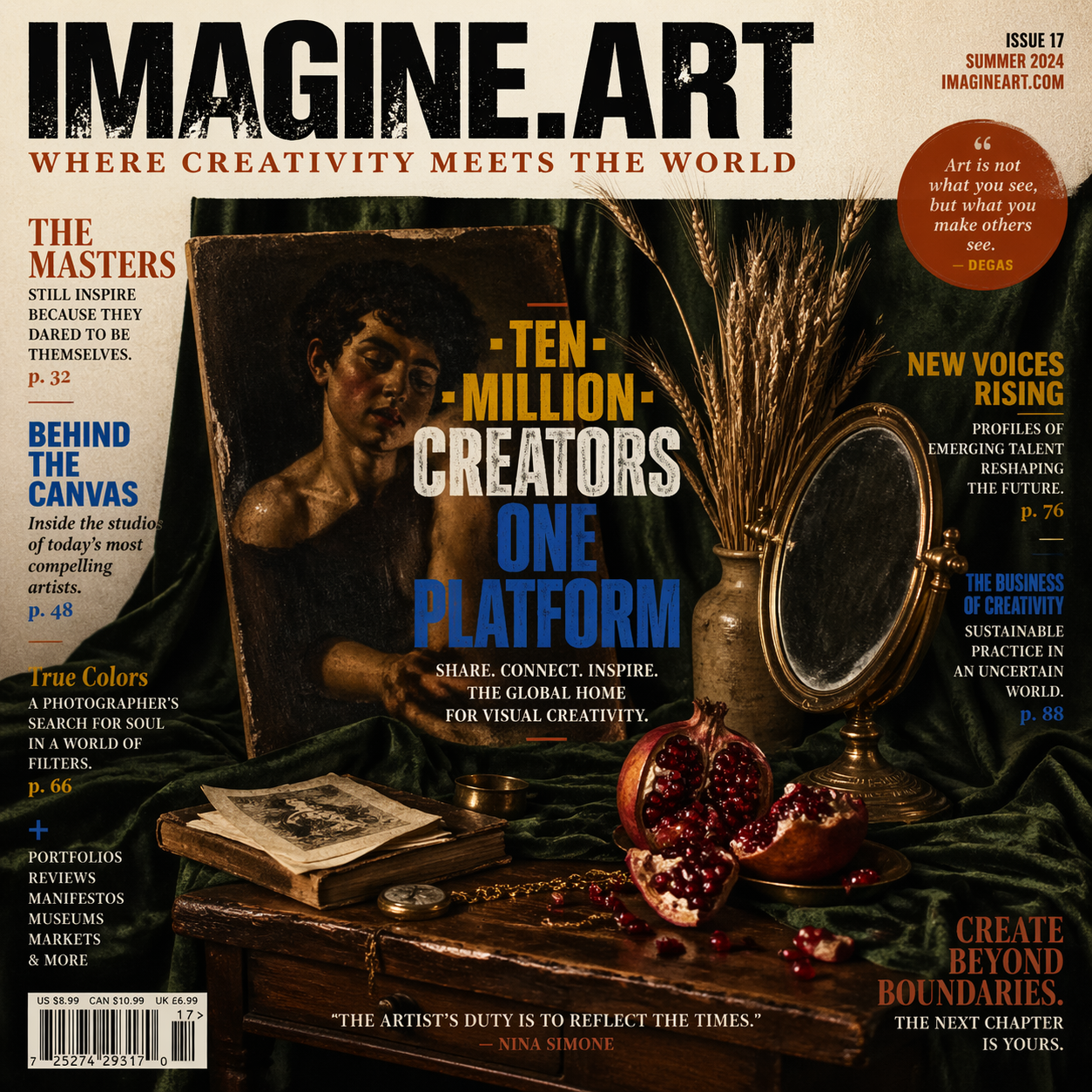
  <img src="https://mintcdn.com/imagineart/twQ4wzwb5l4c33et/images/prompt-1---magazine-cover.png?fit=max&auto=format&n=twQ4wzwb5l4c33et&q=85&s=efdc5e46ac0cd871ccdb202d3e0036d8" alt="Magazine cover generated by ChatGPT Image 2" style={{width: "100%", aspectRatio: "1/1", objectFit: "cover", borderRadius: "12px", display: "block"}} width="1254" height="1254" data-path="images/prompt-1---magazine-cover.png" />

  <img src="https://mintcdn.com/imagineart/twQ4wzwb5l4c33et/images/prompt-3---comic-strip.png?fit=max&auto=format&n=twQ4wzwb5l4c33et&q=85&s=19c667a810bd6e09e2e449768753f685" alt="Comic strip generated by ChatGPT Image 2" style={{width: "100%", aspectRatio: "1/1", objectFit: "cover", borderRadius: "12px", display: "block"}} width="1254" height="1254" data-path="images/prompt-3---comic-strip.png" />

  <img src="https://mintcdn.com/imagineart/twQ4wzwb5l4c33et/images/prompt-6---landing-page.png?fit=max&auto=format&n=twQ4wzwb5l4c33et&q=85&s=7de3e20604af2bd57e62f8b138882860" alt="Landing page mockup generated by ChatGPT Image 2" style={{width: "100%", aspectRatio: "1/1", objectFit: "cover", borderRadius: "12px", display: "block"}} width="1254" height="1254" data-path="images/prompt-6---landing-page.png" />
</div>

## Capabilities

<CardGroup cols={3}>
  <Card title="Near-perfect text rendering">
    99%+ accuracy for in-image text including multilingual scripts — CJK (Chinese, Japanese, Korean), Indic (Hindi, Bengali), and more. The strongest model for infographics, posters, and text-heavy layouts.
  </Card>

  <Card title="Reasoning-driven generation">
    Powered by GPT-5.4's reasoning capabilities. The model plans composition, resolves spatial relationships, and interprets complex multi-element prompts before generating — yielding higher instruction fidelity than any prior model.
  </Card>

  <Card title="Character consistency across batches">
    Generates up to 10 images per prompt while maintaining consistent facial features, clothing, expressions, and visual identity across different scenes and poses.
  </Card>

  <Card title="World-knowledge grounding">
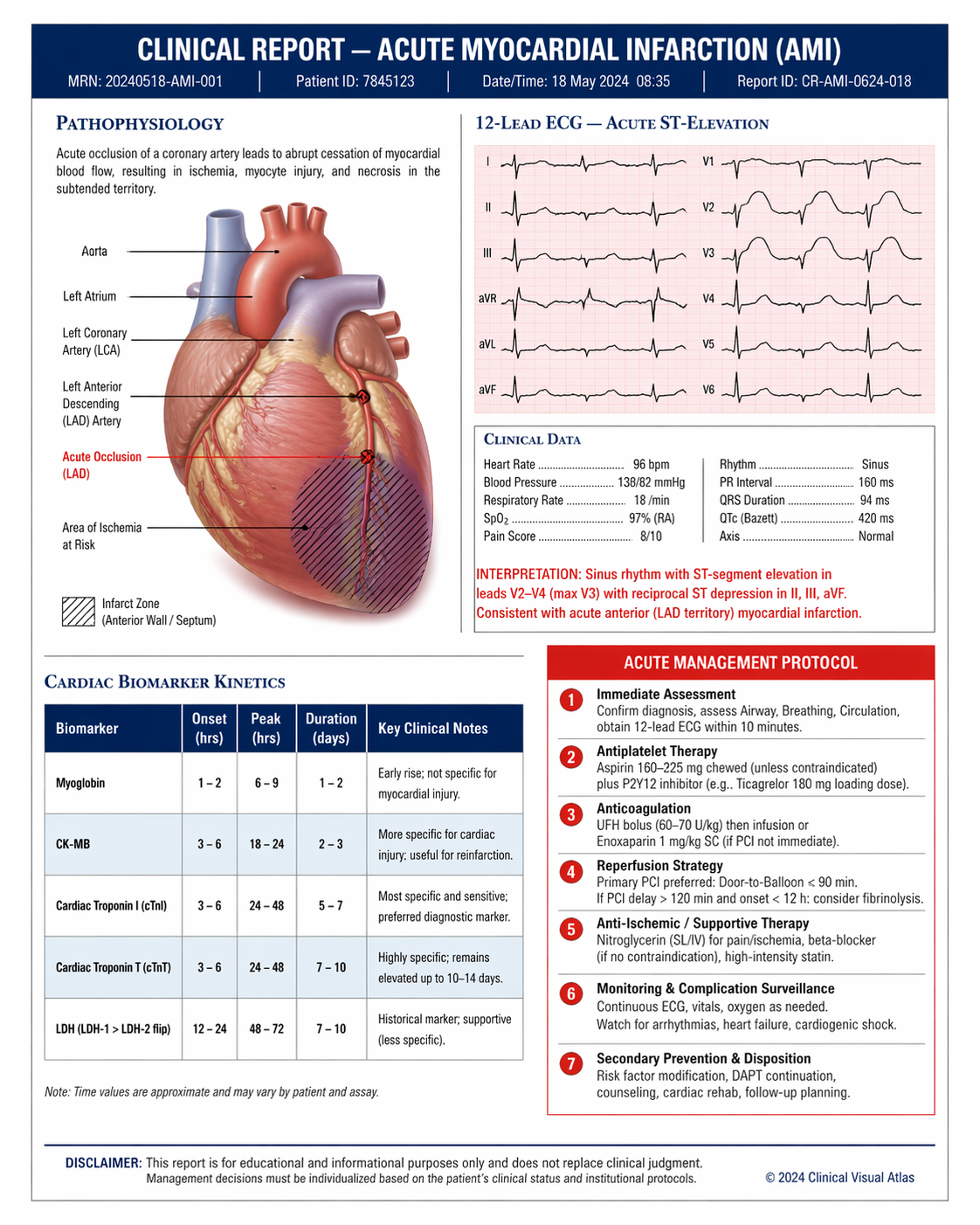
    GPT-5.4's knowledge base enables accurate rendering of logos, national flags, landmarks, scientific diagrams, and UI mockups that other models typically misrepresent.
  </Card>

  <Card title="Natural language editing">
    Describe changes in plain English — the model applies them without requiring manual mask drawing. Also supports mask-based inpainting and outpainting for precise region-level control.
  </Card>

  <Card title="Multi-reference compositing">
    Accepts up to 10 reference images for editing — combine subjects, backgrounds, products, and styles in a single generation with accurate spatial and stylistic coherence.
  </Card>
</CardGroup>

<div style={{display: "grid", gridTemplateColumns: "repeat(3, 1fr)", gap: "12px", margin: "2rem 0"}}>
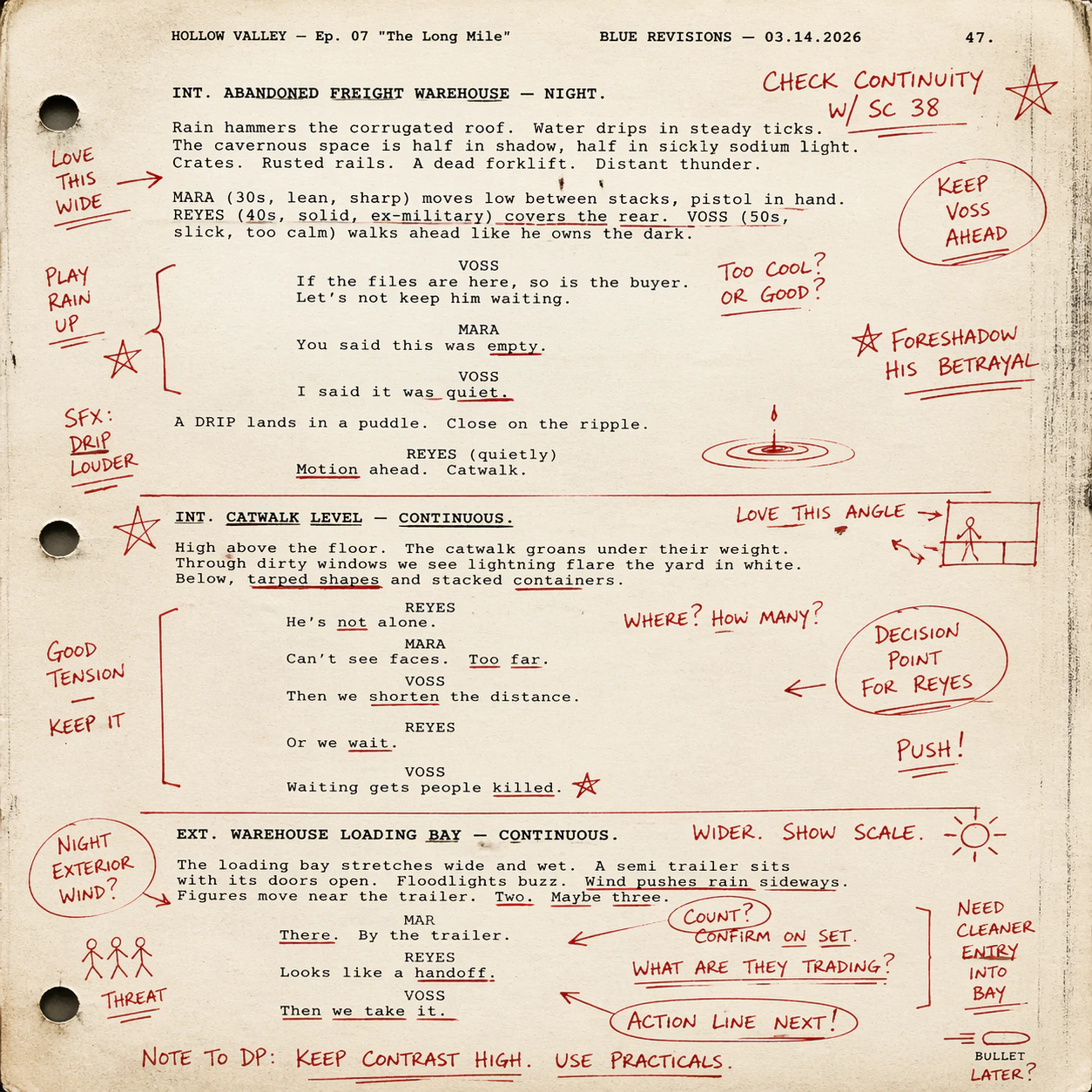
  <img src="https://mintcdn.com/imagineart/twQ4wzwb5l4c33et/images/prompt-9---script.png?fit=max&auto=format&n=twQ4wzwb5l4c33et&q=85&s=0690823db707efbf44029594b1566e69" alt="Script generated by ChatGPT Image 2" style={{width: "100%", aspectRatio: "1/1", objectFit: "cover", borderRadius: "12px", display: "block"}} width="1254" height="1254" data-path="images/prompt-9---script.png" />

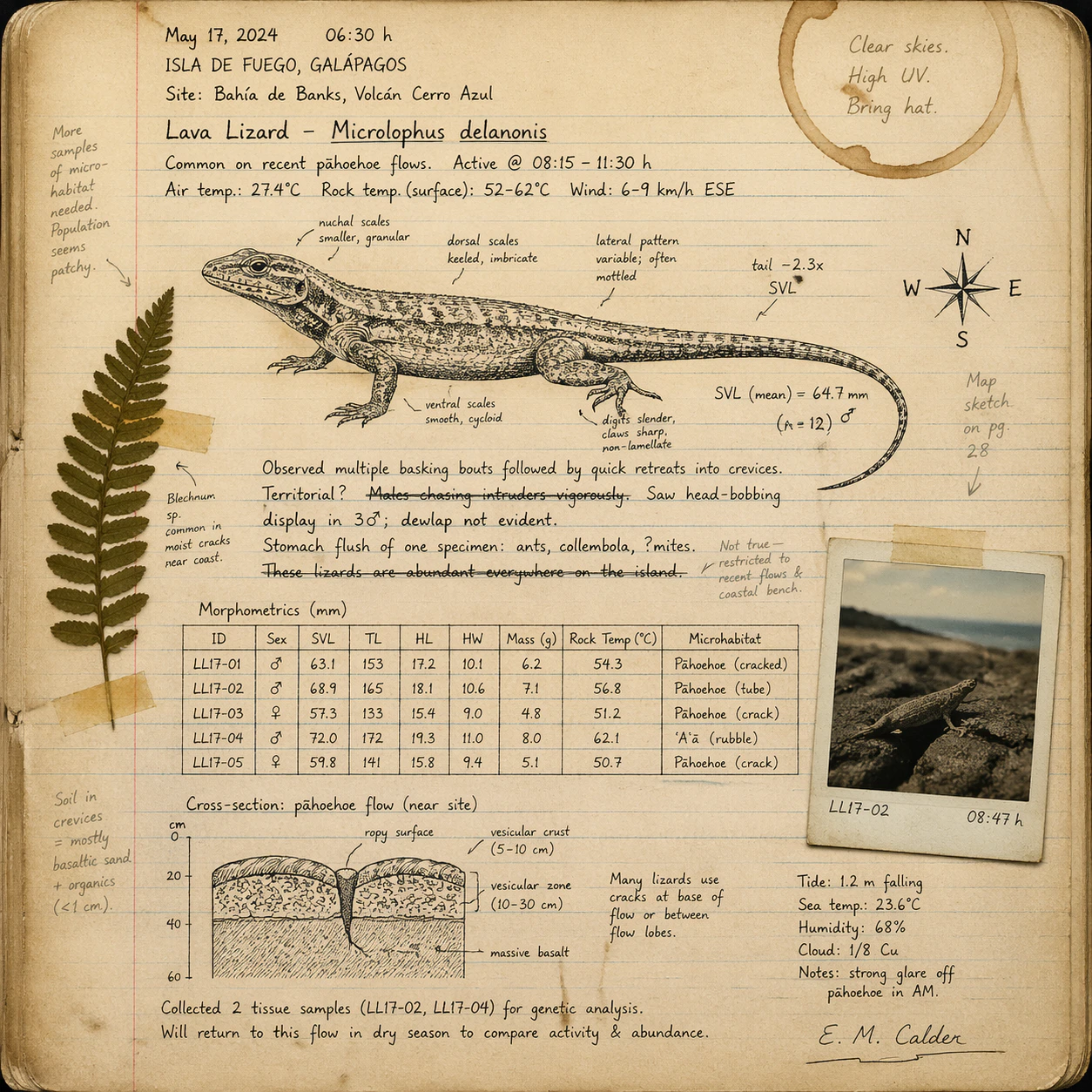
  <img src="https://mintcdn.com/imagineart/twQ4wzwb5l4c33et/images/prompt-10---field-notebook.png?fit=max&auto=format&n=twQ4wzwb5l4c33et&q=85&s=ebd8a72f2cbdc60618db11b5ec0970a2" alt="Field notebook generated by ChatGPT Image 2" style={{width: "100%", aspectRatio: "1/1", objectFit: "cover", borderRadius: "12px", display: "block"}} width="1254" height="1254" data-path="images/prompt-10---field-notebook.png" />

  <img src="https://mintcdn.com/imagineart/twQ4wzwb5l4c33et/images/prompt-7---scientific-reports.png?fit=max&auto=format&n=twQ4wzwb5l4c33et&q=85&s=0b357a77811b86e345bed9f1d1d36fa9" alt="Scientific report generated by ChatGPT Image 2" style={{width: "100%", aspectRatio: "1/1", objectFit: "cover", borderRadius: "12px", display: "block"}} width="1122" height="1402" data-path="images/prompt-7---scientific-reports.png" />
</div>

## Specifications

| Feature                    | Details                              |
| -------------------------- | ------------------------------------ |
| **Model API name**         | `gpt-image-2`                        |
| **Max resolution**         | Up to 4K                             |
| **Aspect ratios**          | 1:1, 3:4, 4:3, 9:16, 16:9, 3:2, 21:9 |
| **Quality tiers**          | Low, Medium, High                    |
| **Output formats**         | PNG, JPEG, WebP                      |
| **Transparent background** | No                                   |
| **Max reference images**   | 10 (for editing workflows)           |
| **Architecture**           | Native GPT-5.4 multimodal            |
| **Released**               | April 21, 2026                       |

## How to use

<Steps>
  <Step title="Open the AI Image Generator">
    Go to the **ImagineArt AI Image Generator**.
  </Step>

  <Step title="Select the model">
    From the model dropdown, choose **ChatGPT Image 2**.
  </Step>

  <Step title="Write your prompt">
    Write a detailed, structured prompt. ChatGPT Image 2 excels at multi-element instructions — describe text content, spatial relationships, style, and real-world references explicitly.
  </Step>

  <Step title="Upload references (optional)">
    Upload up to 10 reference images for compositing, style guidance, or character consistency.
  </Step>

  <Step title="Generate and iterate">
    Generate your image. Use follow-up prompts to refine specific elements — the model maintains composition intent and subject identity across iterative edits.
  </Step>
</Steps>

## Prompting tips

* **Name text content explicitly** — Include exact wording, language, font style, and placement. Example: *"A poster with the Japanese title '春の祭り' in bold brushstroke style at the top."*
* **Use it for knowledge-dependent visuals** — Prompts referencing specific brands, flags, scientific concepts, or real-world diagrams produce accurate results that other models get wrong.
* **Leverage reasoning for complex scenes** — Describe spatial relationships, layering, and composition constraints directly: *"Three-column infographic: icons left, data center, footnotes right."*
* **For editing, specify what to preserve** — *"Change the background to a night city skyline but keep the subject's lighting, pose, and outfit exactly as-is."*
* **Multi-image consistency** — To generate scene variations, describe all scenes in a single prompt. The model will maintain visual identity across all outputs.

### Example prompts

> A bilingual product packaging label for "Alpine Spring Water" — English headline at top, Japanese subtitle 天然湧水 below, mountain waterfall illustration, clean minimal design, blue and white palette.

> A six-panel manga page: a samurai confronts a dragon in a bamboo forest. Consistent character design, bold linework, speech bubbles with legible Japanese text, dramatic panel transitions.

> A scientific infographic illustrating CRISPR gene editing — labeled molecular diagrams, step-by-step breakdown, clean white background, accurate scientific notation, sans-serif type throughout.

> A social media post for a coffee shop grand opening: warm amber tones, latte art, bold text reading "Now Open — Shibuya, Tokyo" in English and Japanese, minimal modern layout.

## Compare models

| Model                                                   | Text rendering           | Speed            | World knowledge    | Best for                                                    |
| ------------------------------------------------------- | ------------------------ | ---------------- | ------------------ | ----------------------------------------------------------- |
| **ChatGPT Image 2**                                     | 99%+, multilingual       | Fastest          | Yes (GPT-5.4)      | Multilingual text, complex reasoning, character consistency |
| [ChatGPT Image 1.5](/ai-models/image/chatgpt-image-1-5) | Superior (dense + small) | Fast (4× v1)     | Excellent (GPT-4o) | Fast knowledge-grounded infographics                        |
| [ChatGPT Image](/ai-models/image/chatgpt-image)         | Best-in-class            | Up to 2 min      | Excellent (GPT-4o) | Complex multi-reference compositing                         |
| [Ideogram v3](/ai-models/image/ideogram-v3)             | \~90–95%                 | Flash to Quality | Limited            | Typography, posters, brand design                           |

<Note>
  ChatGPT Image 2 does not support transparent background output. For images requiring a transparent PNG or WebP with alpha channel, use [ChatGPT Image](/ai-models/image/chatgpt-image) or [ChatGPT Image 1.5](/ai-models/image/chatgpt-image-1-5).
</Note>