> ## Documentation Index
> Fetch the complete documentation index at: https://docs.imagine.art/llms.txt
> Use this file to discover all available pages before exploring further.

# Dreamina 3 1

<div style={{background: "linear-gradient(135deg, #0d0016 0%, #18003a 55%, #08000f 100%)", borderRadius: "20px", padding: "3.5rem 3rem 3rem", marginBottom: "2.5rem", overflow: "hidden", position: "relative"}}>
  <div style={{position: "absolute", inset: "0", background: "radial-gradient(ellipse at 20% 40%, rgba(124,0,251,0.2) 0%, transparent 55%), radial-gradient(ellipse at 80% 70%, rgba(146,73,255,0.12) 0%, transparent 50%)", pointerEvents: "none"}} />

  <div style={{position: "relative"}}>
    <div style={{display: "flex", gap: "0.5rem", marginBottom: "1.5rem", flexWrap: "wrap"}}>
      <span style={{background: "rgba(124,0,251,0.25)", border: "1px solid rgba(124,0,251,0.5)", borderRadius: "100px", padding: "0.3rem 1rem", fontSize: "0.72rem", color: "#c084fc", fontWeight: "500", letterSpacing: "0.06em"}}>IMAGE MODEL</span>
      <span style={{background: "rgba(255,255,255,0.06)", border: "1px solid rgba(255,255,255,0.12)", borderRadius: "100px", padding: "0.3rem 1rem", fontSize: "0.72rem", color: "rgba(255,255,255,0.45)", fontWeight: "400"}}>by ByteDance</span>
      <span style={{background: "rgba(255,255,255,0.06)", border: "1px solid rgba(255,255,255,0.12)", borderRadius: "100px", padding: "0.3rem 1rem", fontSize: "0.72rem", color: "rgba(255,255,255,0.45)", fontWeight: "400"}}>dreamina-3.1</span>
    </div>

    <h1 style={{fontSize: "clamp(2.5rem, 5vw, 3.75rem)", fontWeight: "700", color: "#ffffff", lineHeight: "1.1", letterSpacing: "-0.025em", margin: "0 0 1.1rem 0"}}>Dreamina Image 3.1</h1>
    <p style={{fontSize: "1.1rem", color: "rgba(255,255,255,0.52)", maxWidth: "580px", lineHeight: "1.7", marginBottom: "2.25rem"}}>ByteDance's cinematic image generation model — known for nuanced lighting and reflections, improved human anatomy, and a broad style range from photorealism to anime, illustration, and Baroque-inspired art.</p>

    <div style={{display: "flex", gap: "0.75rem", flexWrap: "wrap"}}>
      <div style={{background: "rgba(255,255,255,0.06)", borderRadius: "14px", padding: "0.875rem 1.5rem", border: "1px solid rgba(255,255,255,0.1)"}}>
        <div style={{fontSize: "0.62rem", color: "rgba(255,255,255,0.32)", textTransform: "uppercase", letterSpacing: "0.1em", marginBottom: "0.3rem"}}>Resolution</div>
        <div style={{fontSize: "1rem", color: "#ffffff", fontWeight: "600"}}>Up to \~4MP</div>
      </div>

      <div style={{background: "rgba(255,255,255,0.06)", borderRadius: "14px", padding: "0.875rem 1.5rem", border: "1px solid rgba(255,255,255,0.1)"}}>
        <div style={{fontSize: "0.62rem", color: "rgba(255,255,255,0.32)", textTransform: "uppercase", letterSpacing: "0.1em", marginBottom: "0.3rem"}}>Max dimension</div>
        <div style={{fontSize: "1rem", color: "#ffffff", fontWeight: "600"}}>\~1328px/side</div>
      </div>

      <div style={{background: "rgba(255,255,255,0.06)", borderRadius: "14px", padding: "0.875rem 1.5rem", border: "1px solid rgba(255,255,255,0.1)"}}>
        <div style={{fontSize: "0.62rem", color: "rgba(255,255,255,0.32)", textTransform: "uppercase", letterSpacing: "0.1em", marginBottom: "0.3rem"}}>Languages</div>
        <div style={{fontSize: "1rem", color: "#ffffff", fontWeight: "600"}}>EN + Chinese</div>
      </div>

      <div style={{background: "rgba(255,255,255,0.06)", borderRadius: "14px", padding: "0.875rem 1.5rem", border: "1px solid rgba(255,255,255,0.1)"}}>
        <div style={{fontSize: "0.62rem", color: "rgba(255,255,255,0.32)", textTransform: "uppercase", letterSpacing: "0.1em", marginBottom: "0.3rem"}}>By</div>
        <div style={{fontSize: "1rem", color: "#ffffff", fontWeight: "600"}}>ByteDance</div>
      </div>
    </div>
  </div>
</div>

<Frame>

  <img src="https://mintcdn.com/imagineart/410AHfb3Tlhn-w0b/images/girl.3b4a3c35.webp?fit=max&auto=format&n=410AHfb3Tlhn-w0b&q=85&s=e9a1faf2514c25a0f5c39646d003b5ec" alt="Girl 3b4a3c35" width="650" height="430" data-path="images/girl.3b4a3c35.webp" />
</Frame>

<Info>
  Dreamina Image 3.1 is part of ByteDance's Seedream model family. For the latest version with native 4K and multi-reference support, see [Seedream 4.0](/ai-models/image/seedream-4).
</Info>

## Capabilities

<CardGroup cols={3}>
  <Card title="Broad style range">
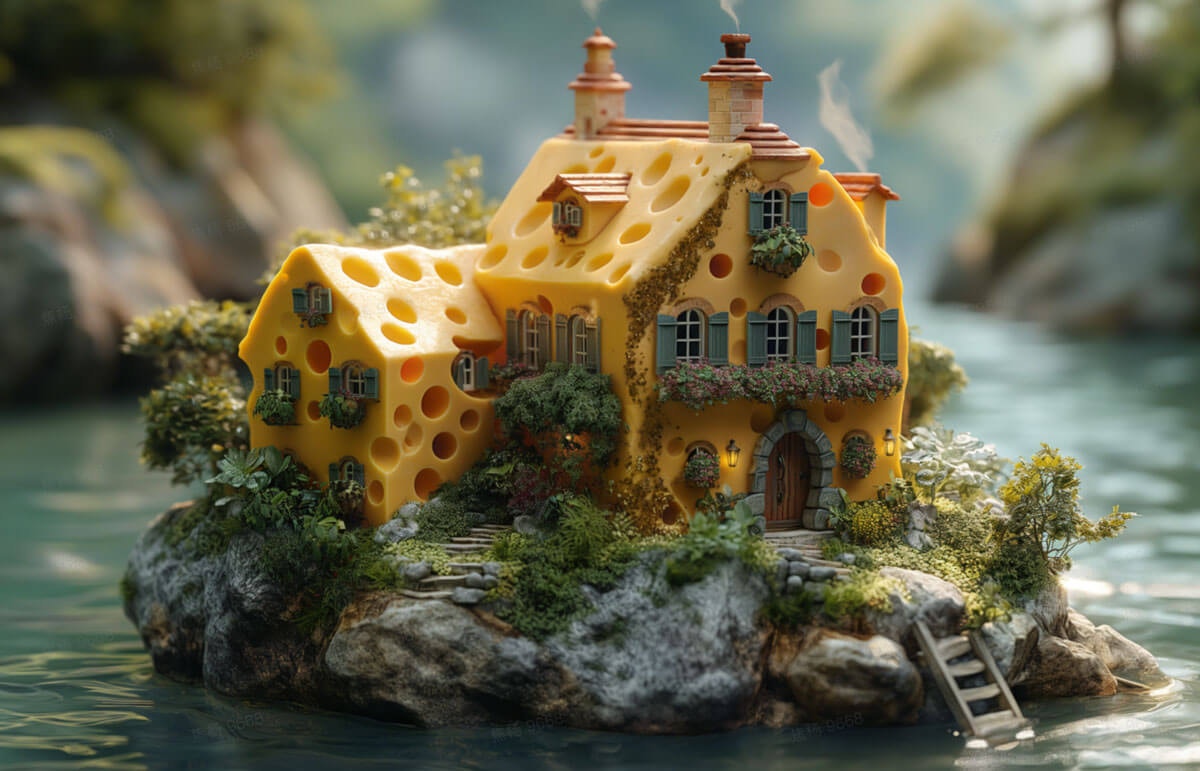
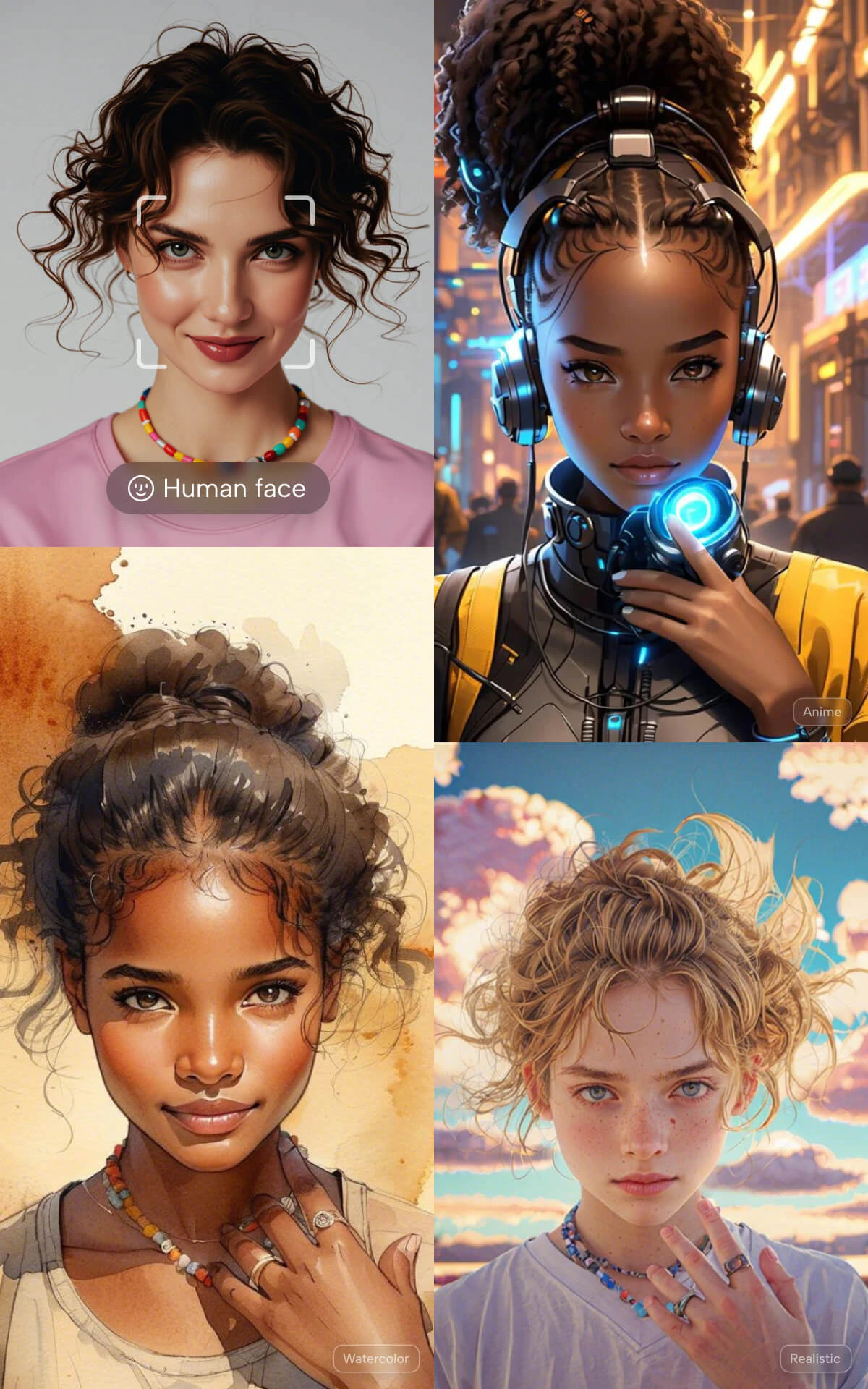
    Adapts to documentary, fashion, commercial photography, Baroque, Cubism, ink wash, anime characters, and fantasy scenes.
  </Card>

  <Card title="Text rendering">
    Place text in quotes within your prompt for improved rendering. Supports English and Chinese text in images.
  </Card>

  <Card title="Precise style control">
    Claimed 98% prompt adherence for style and composition instructions — reliable for specific creative briefs.
  </Card>
</CardGroup>

<Frame>
  <img src="https://mintcdn.com/imagineart/410AHfb3Tlhn-w0b/images/t2i-2.9d3b8c28.jpg?fit=max&auto=format&n=410AHfb3Tlhn-w0b&q=85&s=fc092219f3449ef381e9cb78f7c40156" alt="T2i 2 9d3b8c28" width="1200" height="771" data-path="images/t2i-2.9d3b8c28.jpg" />
</Frame>

## How to use

<Steps>
  <Step title="Open the AI Image Generator">
    Go to the **ImagineArt AI Image Generator**.
  </Step>

  <Step title="Select the model">
    From the model dropdown, choose **Dreamina Image 3.1**.
  </Step>

  <Step title="Write your prompt">
    Describe the subject, environment, style, and lighting. For text in images, put the exact text in quotation marks within your prompt.
  </Step>

  <Step title="Set your aspect ratio">
    Choose from 1:1, 16:9, 9:16, 4:3, 3:4, 3:2, or 2:3.
  </Step>

  <Step title="Generate">
    Click **Generate** and review the output.
  </Step>
</Steps>

<div style={{display: "grid", gridTemplateColumns: "repeat(2, 1fr)", gap: "12px", margin: "2rem 0"}}>
  <img src="https://mintcdn.com/imagineart/410AHfb3Tlhn-w0b/images/i2i-1.29df1f9c.jpg?fit=max&auto=format&n=410AHfb3Tlhn-w0b&q=85&s=6de8e47646d1dc6e8ed548f8e68e7a04" alt="Dreamina 3.1 example" style={{width: "100%", aspectRatio: "1/1", objectFit: "cover", borderRadius: "12px", display: "block"}} width="1200" height="1920" data-path="images/i2i-1.29df1f9c.jpg" />

  <img src="https://mintcdn.com/imagineart/410AHfb3Tlhn-w0b/images/t2i-1.67f2bba0.jpg?fit=max&auto=format&n=410AHfb3Tlhn-w0b&q=85&s=6753ed8ae54ad9eef2f56cb16e26dbca" alt="Dreamina 3.1 example" style={{width: "100%", aspectRatio: "1/1", objectFit: "cover", borderRadius: "12px", display: "block"}} width="1500" height="1833" data-path="images/t2i-1.67f2bba0.jpg" />
</div>

## Prompting tips

* **For text rendering** — Put the exact text you want in the image in quotes: *A poster with "SPRING COLLECTION 2025" in bold serif text.*
* **For cinematic style** — Use descriptive lighting language: *"volumetric lighting"*, *"Rembrandt lighting"*, *"neon-lit rain reflections"*, *"golden hour backlighting"*.
* **For anime or illustration** — Specify art style explicitly: *"anime key visual"*, *"ink wash painting"*, *"Baroque oil painting style"*.

<Frame>
  <img src="https://mintcdn.com/imagineart/410AHfb3Tlhn-w0b/images/i2i-2.f481e756.jpg?fit=max&auto=format&n=410AHfb3Tlhn-w0b&q=85&s=ebb5faa370d0b64fef5b67a56975283c" alt="I2i 2 F481e756" width="1200" height="674" data-path="images/i2i-2.f481e756.jpg" />
</Frame>

### Example prompts

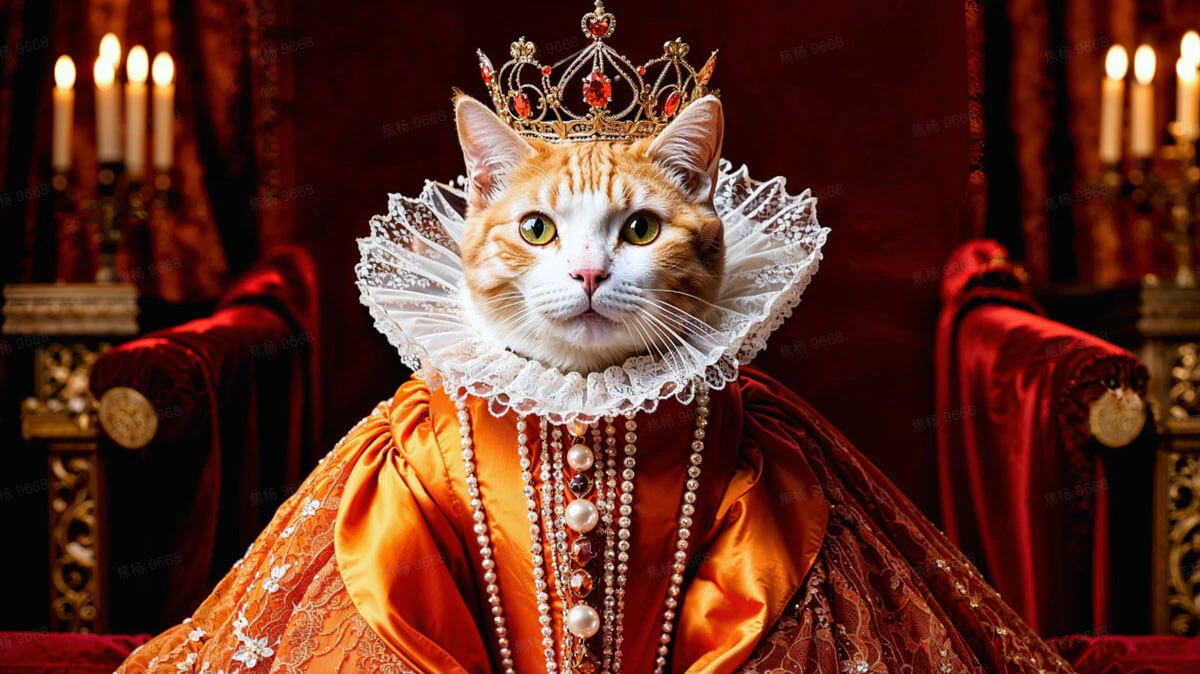
> A woman in a crimson ball gown standing in an abandoned baroque ballroom, shafts of moonlight streaming through broken windows, atmospheric dust particles, cinematic composition.

> A stylized anime character with silver hair and glowing eyes in a futuristic cityscape, neon lights, detailed illustration style.

## Compare models

| Model                  | Cinematic style | Anatomy  | Multi-reference | Best for                          |
| ---------------------- | --------------- | -------- | --------------- | --------------------------------- |
| **Dreamina Image 3.1** | Excellent       | Improved | No              | Cinematic portraits, stylized art |
| **Seedream 4.0**       | Excellent       | Strong   | Up to 6         | Commercial campaigns, 4K output   |
| **Seedream v3**        | Strong          | Good     | No              | Fast branded imagery              |
| **ImagineArt 1.5 Pro** | Excellent       | Strong   | Multi-ref       | Posters, product visuals          |