> ## Documentation Index
> Fetch the complete documentation index at: https://docs.imagine.art/llms.txt
> Use this file to discover all available pages before exploring further.

# Flux dev

<div style={{background: "linear-gradient(135deg, #0d0016 0%, #18003a 55%, #08000f 100%)", borderRadius: "20px", padding: "3.5rem 3rem 3rem", marginBottom: "2.5rem", overflow: "hidden", position: "relative"}}>
  <div style={{position: "absolute", inset: "0", background: "radial-gradient(ellipse at 25% 60%, rgba(124,0,251,0.2) 0%, transparent 55%), radial-gradient(ellipse at 80% 20%, rgba(146,73,255,0.12) 0%, transparent 50%)", pointerEvents: "none"}} />

  <div style={{position: "relative"}}>
    <div style={{display: "flex", gap: "0.5rem", marginBottom: "1.5rem", flexWrap: "wrap"}}>
      <span style={{background: "rgba(124,0,251,0.25)", border: "1px solid rgba(124,0,251,0.5)", borderRadius: "100px", padding: "0.3rem 1rem", fontSize: "0.72rem", color: "#c084fc", fontWeight: "500", letterSpacing: "0.06em"}}>IMAGE MODEL</span>
      <span style={{background: "rgba(255,255,255,0.06)", border: "1px solid rgba(255,255,255,0.12)", borderRadius: "100px", padding: "0.3rem 1rem", fontSize: "0.72rem", color: "rgba(255,255,255,0.45)", fontWeight: "400"}}>by Black Forest Labs</span>
      <span style={{background: "rgba(255,255,255,0.06)", border: "1px solid rgba(255,255,255,0.12)", borderRadius: "100px", padding: "0.3rem 1rem", fontSize: "0.72rem", color: "rgba(255,255,255,0.45)", fontWeight: "400"}}>FLUX.1 \[dev]</span>
    </div>

    <h1 style={{fontSize: "clamp(2.5rem, 5vw, 3.75rem)", fontWeight: "700", color: "#ffffff", lineHeight: "1.1", letterSpacing: "-0.025em", margin: "0 0 1.1rem 0"}}>Flux Dev</h1>
    <p style={{fontSize: "1.1rem", color: "rgba(255,255,255,0.52)", maxWidth: "580px", lineHeight: "1.7", marginBottom: "2.25rem"}}>Black Forest Labs' 12-billion parameter open-weight model — guidance-distilled from FLUX.1 Pro. Known for exceptional visual quality, strong prompt adherence, and as the most popular open-weight image model on Hugging Face.</p>

    <div style={{display: "flex", gap: "0.75rem", flexWrap: "wrap"}}>
      <div style={{background: "rgba(255,255,255,0.06)", borderRadius: "14px", padding: "0.875rem 1.5rem", border: "1px solid rgba(255,255,255,0.1)"}}>
        <div style={{fontSize: "0.62rem", color: "rgba(255,255,255,0.32)", textTransform: "uppercase", letterSpacing: "0.1em", marginBottom: "0.3rem"}}>Parameters</div>
        <div style={{fontSize: "1rem", color: "#ffffff", fontWeight: "600"}}>12 Billion</div>
      </div>

      <div style={{background: "rgba(255,255,255,0.06)", borderRadius: "14px", padding: "0.875rem 1.5rem", border: "1px solid rgba(255,255,255,0.1)"}}>
        <div style={{fontSize: "0.62rem", color: "rgba(255,255,255,0.32)", textTransform: "uppercase", letterSpacing: "0.1em", marginBottom: "0.3rem"}}>Resolution</div>
        <div style={{fontSize: "1rem", color: "#ffffff", fontWeight: "600"}}>Up to 1MP</div>
      </div>

      <div style={{background: "rgba(255,255,255,0.06)", borderRadius: "14px", padding: "0.875rem 1.5rem", border: "1px solid rgba(255,255,255,0.1)"}}>
        <div style={{fontSize: "0.62rem", color: "rgba(255,255,255,0.32)", textTransform: "uppercase", letterSpacing: "0.1em", marginBottom: "0.3rem"}}>Architecture</div>
        <div style={{fontSize: "1rem", color: "#ffffff", fontWeight: "600"}}>Rectified Flow Transformer</div>
      </div>

      <div style={{background: "rgba(255,255,255,0.06)", borderRadius: "14px", padding: "0.875rem 1.5rem", border: "1px solid rgba(255,255,255,0.1)"}}>
        <div style={{fontSize: "0.62rem", color: "rgba(255,255,255,0.32)", textTransform: "uppercase", letterSpacing: "0.1em", marginBottom: "0.3rem"}}>Released</div>
        <div style={{fontSize: "1rem", color: "#ffffff", fontWeight: "600"}}>August 2024</div>
      </div>
    </div>
  </div>
</div>

<Frame>
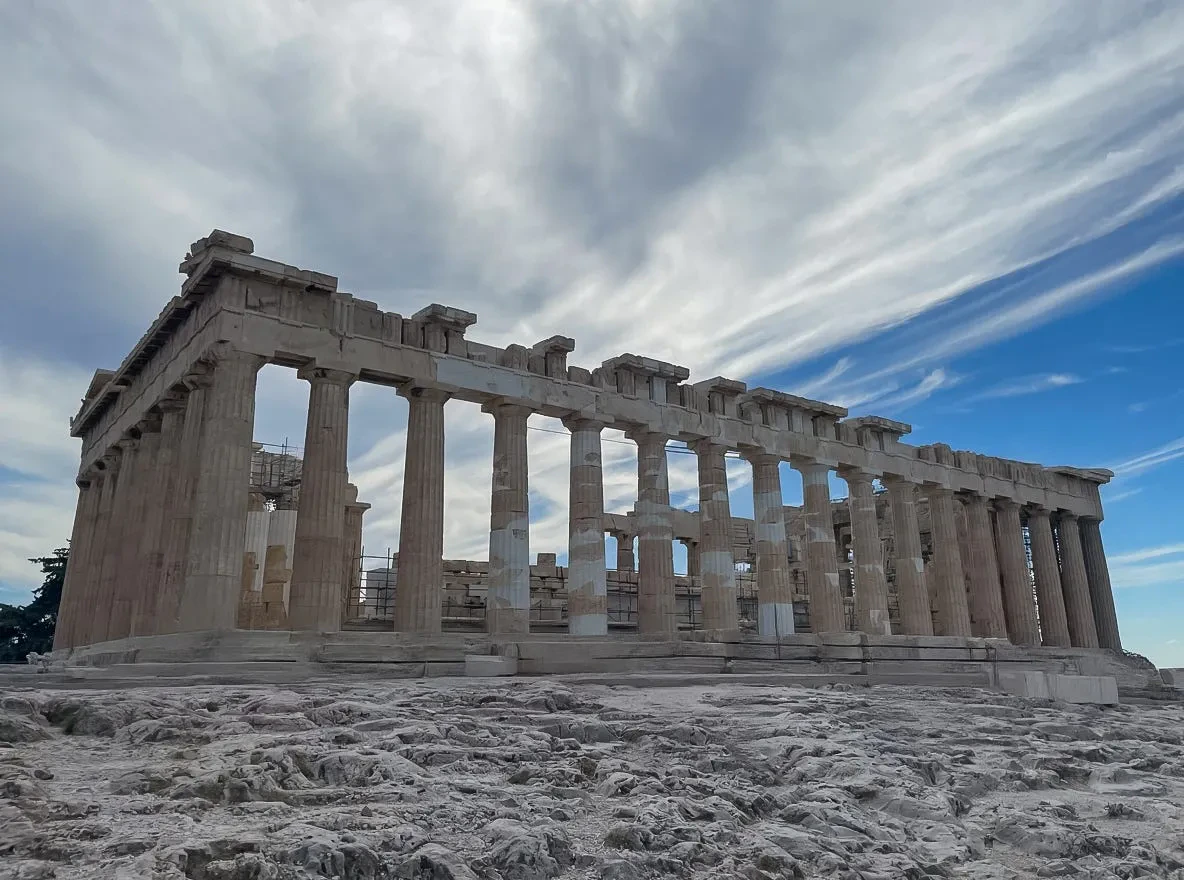
  <img src="https://mintcdn.com/imagineart/410AHfb3Tlhn-w0b/images/0_InYcV746D1XEbcZ0.webp?fit=max&auto=format&n=410AHfb3Tlhn-w0b&q=85&s=199aff53f98912fa0cd77be236255ba3" alt="0 In Yc V746D1X Ebc Z0" width="1184" height="880" data-path="images/0_InYcV746D1XEbcZ0.webp" />
</Frame>

## Capabilities

<CardGroup cols={3}>
  <Card title="Natural lighting and composition">
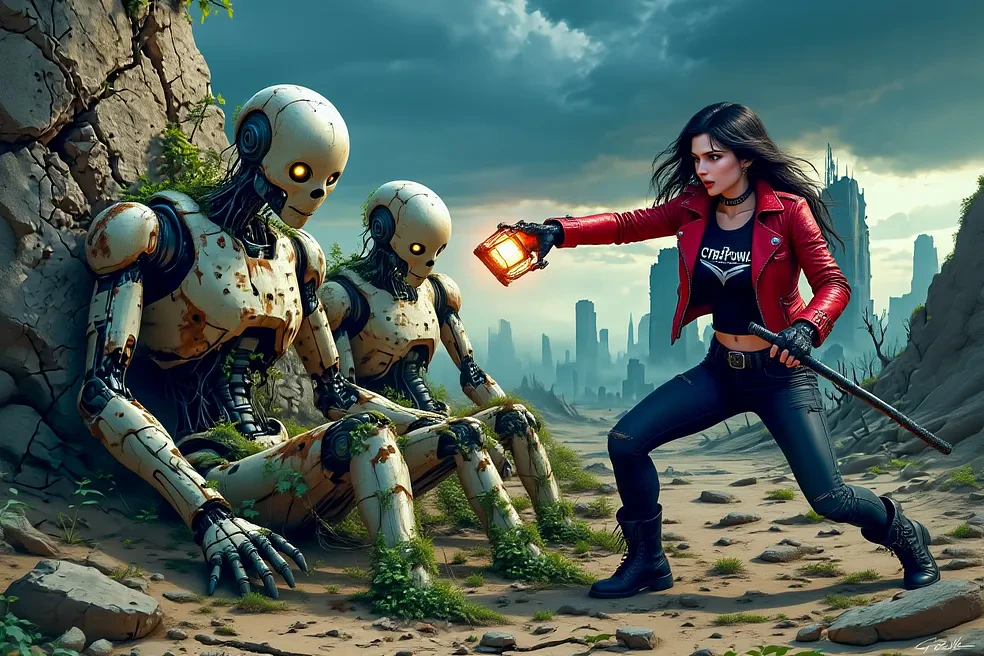
    Produces well-balanced lighting effects, realistic shadows, and visually coherent compositions
  </Card>

  <Card title="Fine-tuning foundation">
    The most popular open-weight base for LoRA fine-tunes over 36,000 community adapters available on Hugging Face.
  </Card>

  <Card title="Flexible aspect ratios">
    Supports aspect ratios from 3:7 portrait to 7:3 landscape with resolutions up to 1 megapixel.
  </Card>
</CardGroup>

<Frame>
  <img src="https://mintcdn.com/imagineart/410AHfb3Tlhn-w0b/images/1_KlmaNv2mvAp2xWO55SOE_A.webp?fit=max&auto=format&n=410AHfb3Tlhn-w0b&q=85&s=9ab6af330cd01b445cc53d0c3eeb9b23" alt="1 Klma Nv2mv Ap2x WO55SOE A" width="984" height="656" data-path="images/1_KlmaNv2mvAp2xWO55SOE_A.webp" />
</Frame>

## Specifications

| Feature                | Details                                                               |
| ---------------------- | --------------------------------------------------------------------- |
| **Architecture**       | Hybrid multimodal and parallel diffusion transformer (rectified flow) |
| **Parameters**         | 12 billion                                                            |
| **Training method**    | Guidance distillation from FLUX.1 \[pro]                              |
| **Max resolution**     | \~1 megapixel (default 1024×1024)                                     |
| **Aspect ratios**      | 3:7 to 7:3 (all intermediate ratios supported)                        |
| **Recommended steps**  | 20–50                                                                 |
| **Prompt token limit** | 512 tokens                                                            |
| **Released**           | August 1, 2024                                                        |

## How to use

<Steps>
  <Step title="Open the AI Image Generator">
    Go to the **ImagineArt AI Image Generator**.
  </Step>

  <Step title="Select the model">
    From the model dropdown, choose **Flux Dev**.
  </Step>

  <Step title="Write your prompt">
    Write a detailed prompt describing the subject, style, lighting, and composition. Flux Dev responds well to descriptive, structured prompts.
  </Step>

  <Step title="Set your aspect ratio">
    Choose the aspect ratio that fits your project. Flux Dev supports a wide range from portrait to landscape.
  </Step>

  <Step title="Generate">
    Click **Generate** and review your output. Iterate on the prompt to refine results.
  </Step>
</Steps>

<div style={{display: "grid", gridTemplateColumns: "repeat(3, 1fr)", gap: "12px", margin: "2rem 0"}}>
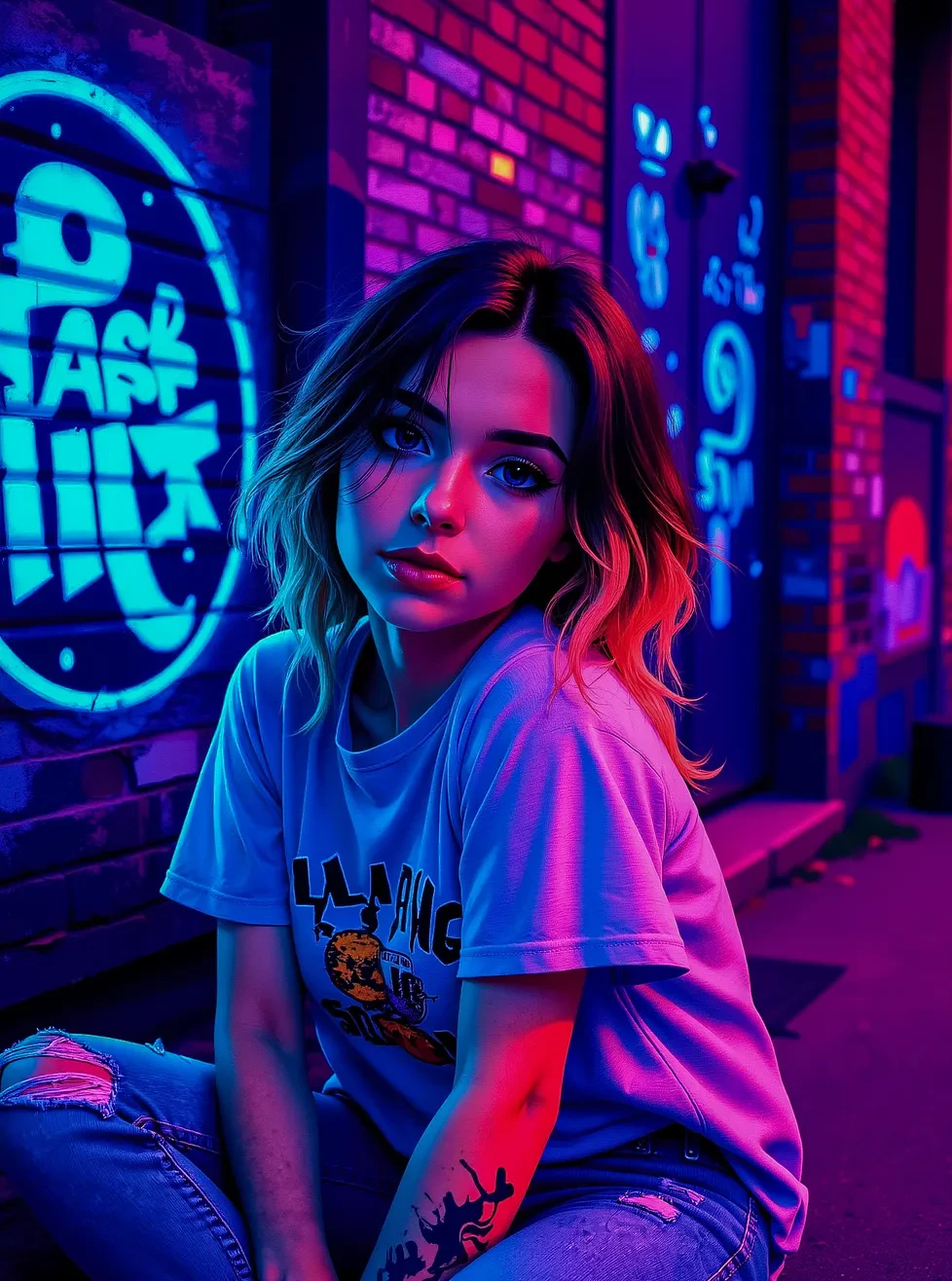
  <img src="https://mintcdn.com/imagineart/410AHfb3Tlhn-w0b/images/1_P-ZVV7TDvPpqmmFy-eM1iQ.webp?fit=max&auto=format&n=410AHfb3Tlhn-w0b&q=85&s=98fa19f7825c7c51d639950048365fd2" alt="Flux Dev example" style={{width: "100%", aspectRatio: "1/1", objectFit: "cover", borderRadius: "12px", display: "block"}} width="978" height="1316" data-path="images/1_P-ZVV7TDvPpqmmFy-eM1iQ.webp" />

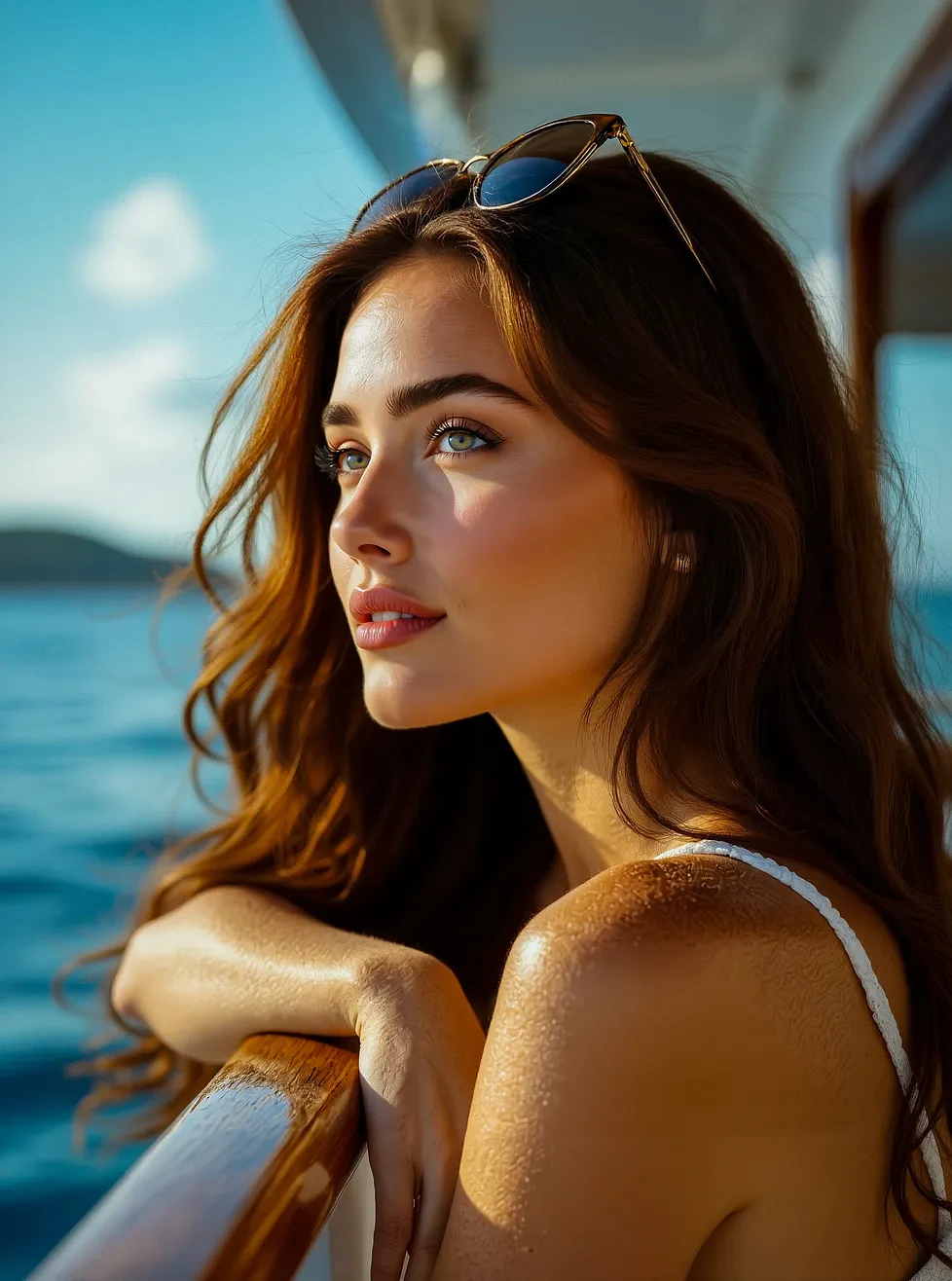
  <img src="https://mintcdn.com/imagineart/410AHfb3Tlhn-w0b/images/1_yDkXsun3CX4bxYa9fHkhdA.webp?fit=max&auto=format&n=410AHfb3Tlhn-w0b&q=85&s=0ef09c91f9d968a9619a8e3eb1db2034" alt="Flux Dev example" style={{width: "100%", aspectRatio: "1/1", objectFit: "cover", borderRadius: "12px", display: "block"}} width="978" height="1316" data-path="images/1_yDkXsun3CX4bxYa9fHkhdA.webp" />

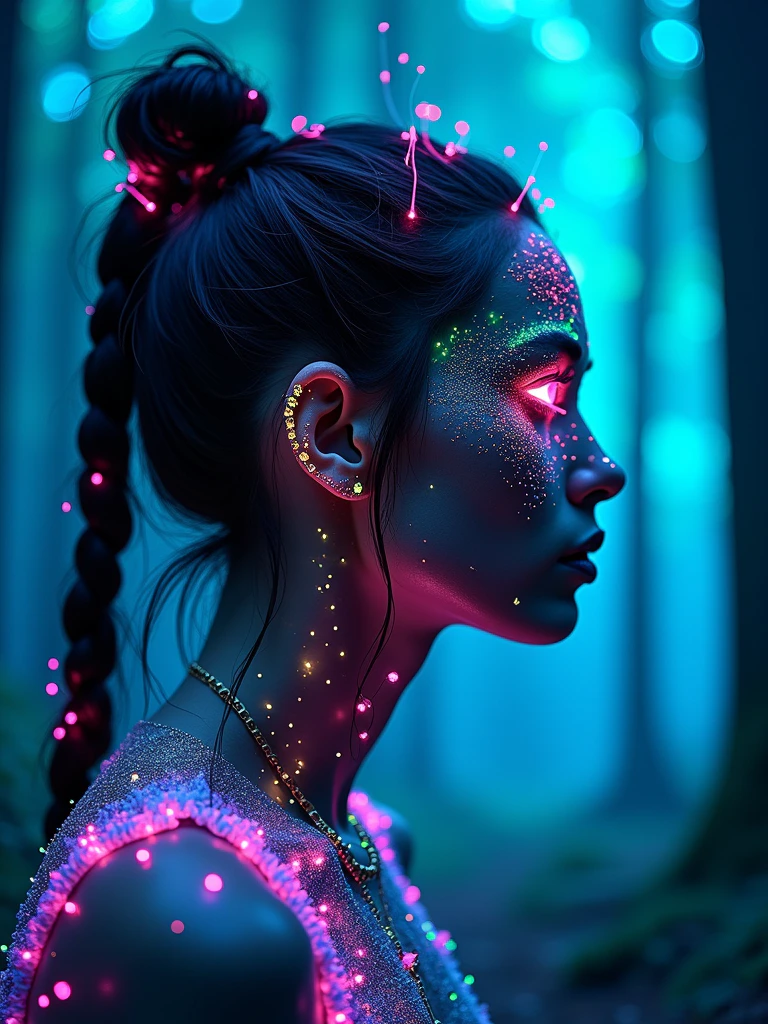
  <img src="https://mintcdn.com/imagineart/410AHfb3Tlhn-w0b/images/WF1Q_8cKxy7yC252zR59b.png?fit=max&auto=format&n=410AHfb3Tlhn-w0b&q=85&s=d0844153ff3116b573c182884a85ec08" alt="Flux Dev example" style={{width: "100%", aspectRatio: "1/1", objectFit: "cover", borderRadius: "12px", display: "block"}} width="768" height="1024" data-path="images/WF1Q_8cKxy7yC252zR59b.png" />
</div>

## Prompting tips

* **Describe lighting explicitly** — Terms like *"golden hour"*, *"studio lighting"*, *"soft diffused light"* significantly shape the output.
* **Be specific about style** — Mention the photographic or artistic style: *"cinematic", "editorial", "National Geographic-style"*, or art movements like *"impressionist"*, *"concept art"*.
* **Use composition language** — *"close-up"*, *"wide shot"*, *"shallow depth of field"*, *"bokeh background"* guide framing.
* **Keep complex scenes structured** — For multi-element compositions, describe the primary subject first, then supporting elements, then environment.

### Example prompts

> A bioluminescent forest at night, glowing mushrooms illuminating the forest floor, misty atmosphere, macro photography style, ethereal blue-green light.

> Editorial portrait of a woman in 1970s fashion, warm film grain texture, golden hour lighting, cinematic composition, Kodak portra 400 aesthetic.

## Compare models

| Model                  | Parameters | Max resolution | Best for                             | License                       |
| ---------------------- | ---------- | -------------- | ------------------------------------ | ----------------------------- |
| **Flux Dev**           | 12B        | \~1MP          | Fine-tuning, research, creative work | Non-commercial (open weights) |
| **Flux Ultra 1.1**     | 12B        | 4MP            | Print-res commercial output          | Proprietary API               |
| **ImagineArt 1.5 Pro** | —          | 4K native      | Composition-heavy professional work  | Commercial                    |
| **Seedream 4.0**       | 12B        | 4K native      | Multi-reference campaigns            | Commercial                    |

<Info>
  Flux Dev's open weights are hosted on Hugging Face under a non-commercial license. For commercial projects on ImagineArt, all usage is covered under ImagineArt's platform licensing.
</Info>