> ## Documentation Index
> Fetch the complete documentation index at: https://docs.imagine.art/llms.txt
> Use this file to discover all available pages before exploring further.

# Flux ultra

<div style={{background: "linear-gradient(135deg, #0d0016 0%, #18003a 55%, #08000f 100%)", borderRadius: "20px", padding: "3.5rem 3rem 3rem", marginBottom: "2.5rem", overflow: "hidden", position: "relative"}}>
  <div style={{position: "absolute", inset: "0", background: "radial-gradient(ellipse at 70% 20%, rgba(124,0,251,0.2) 0%, transparent 55%), radial-gradient(ellipse at 10% 75%, rgba(146,73,255,0.14) 0%, transparent 50%)", pointerEvents: "none"}} />

  <div style={{position: "relative"}}>
    <div style={{display: "flex", gap: "0.5rem", marginBottom: "1.5rem", flexWrap: "wrap"}}>
      <span style={{background: "rgba(124,0,251,0.25)", border: "1px solid rgba(124,0,251,0.5)", borderRadius: "100px", padding: "0.3rem 1rem", fontSize: "0.72rem", color: "#c084fc", fontWeight: "500", letterSpacing: "0.06em"}}>IMAGE MODEL</span>
      <span style={{background: "rgba(255,255,255,0.06)", border: "1px solid rgba(255,255,255,0.12)", borderRadius: "100px", padding: "0.3rem 1rem", fontSize: "0.72rem", color: "rgba(255,255,255,0.45)", fontWeight: "400"}}>by Black Forest Labs</span>
      <span style={{background: "rgba(255,255,255,0.06)", border: "1px solid rgba(255,255,255,0.12)", borderRadius: "100px", padding: "0.3rem 1rem", fontSize: "0.72rem", color: "rgba(255,255,255,0.45)", fontWeight: "400"}}>FLUX1.1 \[pro] Ultra</span>
    </div>

    <h1 style={{fontSize: "clamp(2.5rem, 5vw, 3.75rem)", fontWeight: "700", color: "#ffffff", lineHeight: "1.1", letterSpacing: "-0.025em", margin: "0 0 1.1rem 0"}}>Flux Ultra 1.1</h1>
    <p style={{fontSize: "1.1rem", color: "rgba(255,255,255,0.52)", maxWidth: "580px", lineHeight: "1.7", marginBottom: "2.25rem"}}>Black Forest Labs' highest-resolution model — up to 4 megapixels of output, with full prompt adherence preserved at scale. Includes Raw mode for authentic, candid photography aesthetics.</p>

    <div style={{display: "flex", gap: "0.75rem", flexWrap: "wrap"}}>
      <div style={{background: "rgba(255,255,255,0.06)", borderRadius: "14px", padding: "0.875rem 1.5rem", border: "1px solid rgba(255,255,255,0.1)"}}>
        <div style={{fontSize: "0.62rem", color: "rgba(255,255,255,0.32)", textTransform: "uppercase", letterSpacing: "0.1em", marginBottom: "0.3rem"}}>Max Output</div>
        <div style={{fontSize: "1rem", color: "#ffffff", fontWeight: "600"}}>4 Megapixels</div>
      </div>

      <div style={{background: "rgba(255,255,255,0.06)", borderRadius: "14px", padding: "0.875rem 1.5rem", border: "1px solid rgba(255,255,255,0.1)"}}>
        <div style={{fontSize: "0.62rem", color: "rgba(255,255,255,0.32)", textTransform: "uppercase", letterSpacing: "0.1em", marginBottom: "0.3rem"}}>Dimensions</div>
        <div style={{fontSize: "1rem", color: "#ffffff", fontWeight: "600"}}>Up to 2752×1536</div>
      </div>

      <div style={{background: "rgba(255,255,255,0.06)", borderRadius: "14px", padding: "0.875rem 1.5rem", border: "1px solid rgba(255,255,255,0.1)"}}>
        <div style={{fontSize: "0.62rem", color: "rgba(255,255,255,0.32)", textTransform: "uppercase", letterSpacing: "0.1em", marginBottom: "0.3rem"}}>Special mode</div>
        <div style={{fontSize: "1rem", color: "#ffffff", fontWeight: "600"}}>Raw Mode</div>
      </div>

      <div style={{background: "rgba(255,255,255,0.06)", borderRadius: "14px", padding: "0.875rem 1.5rem", border: "1px solid rgba(255,255,255,0.1)"}}>
        <div style={{fontSize: "0.62rem", color: "rgba(255,255,255,0.32)", textTransform: "uppercase", letterSpacing: "0.1em", marginBottom: "0.3rem"}}>Released</div>
        <div style={{fontSize: "1rem", color: "#ffffff", fontWeight: "600"}}>November 2024</div>
      </div>
    </div>
  </div>
</div>

<Frame>
  <img src="https://mintcdn.com/imagineart/410AHfb3Tlhn-w0b/images/10137f57a8a1652bf7c3d9fc1c163cb0fc80af93-1372x764.avif?fit=max&auto=format&n=410AHfb3Tlhn-w0b&q=85&s=5ad7769df2f9436c046093e6defad149" alt="10137f57a8a1652bf7c3d9fc1c163cb0fc80af93 1372x764" width="1372" height="764" data-path="images/10137f57a8a1652bf7c3d9fc1c163cb0fc80af93-1372x764.avif" />
</Frame>

## Two modes

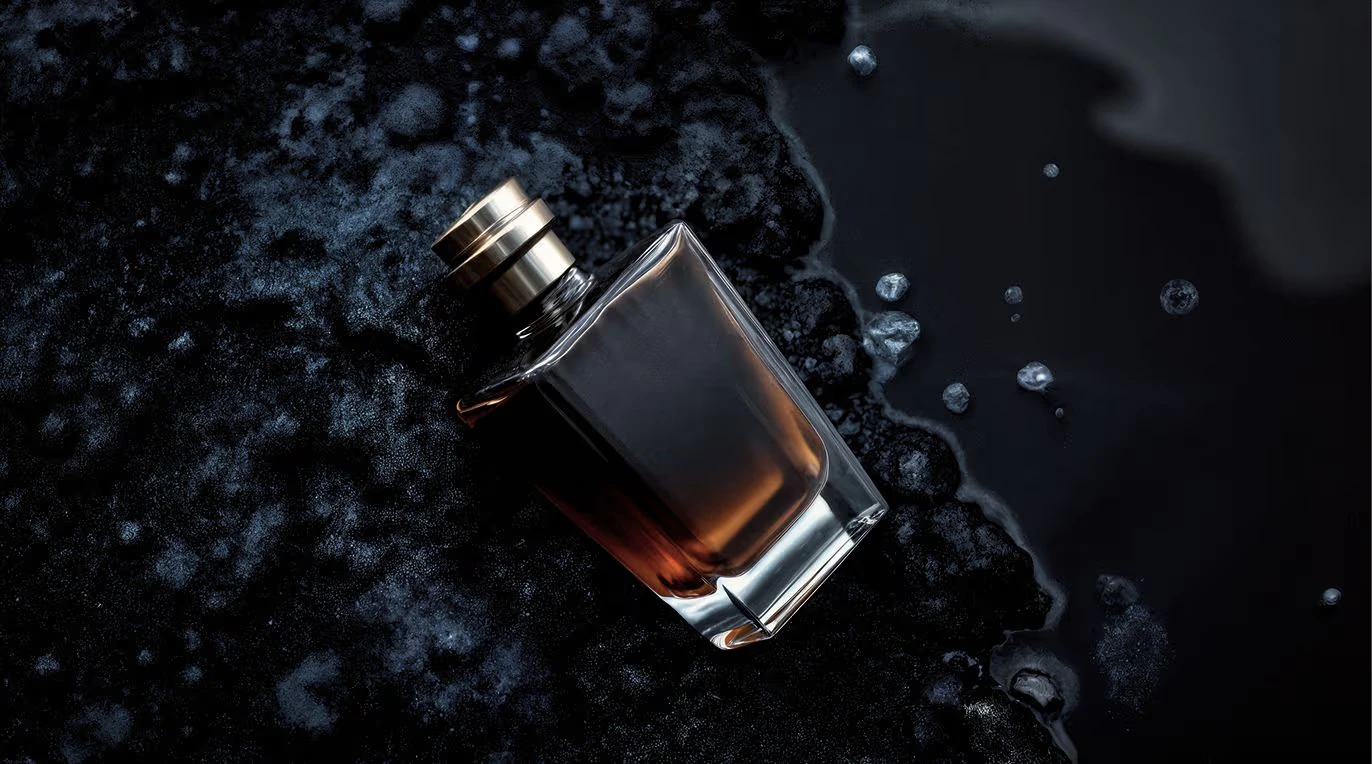
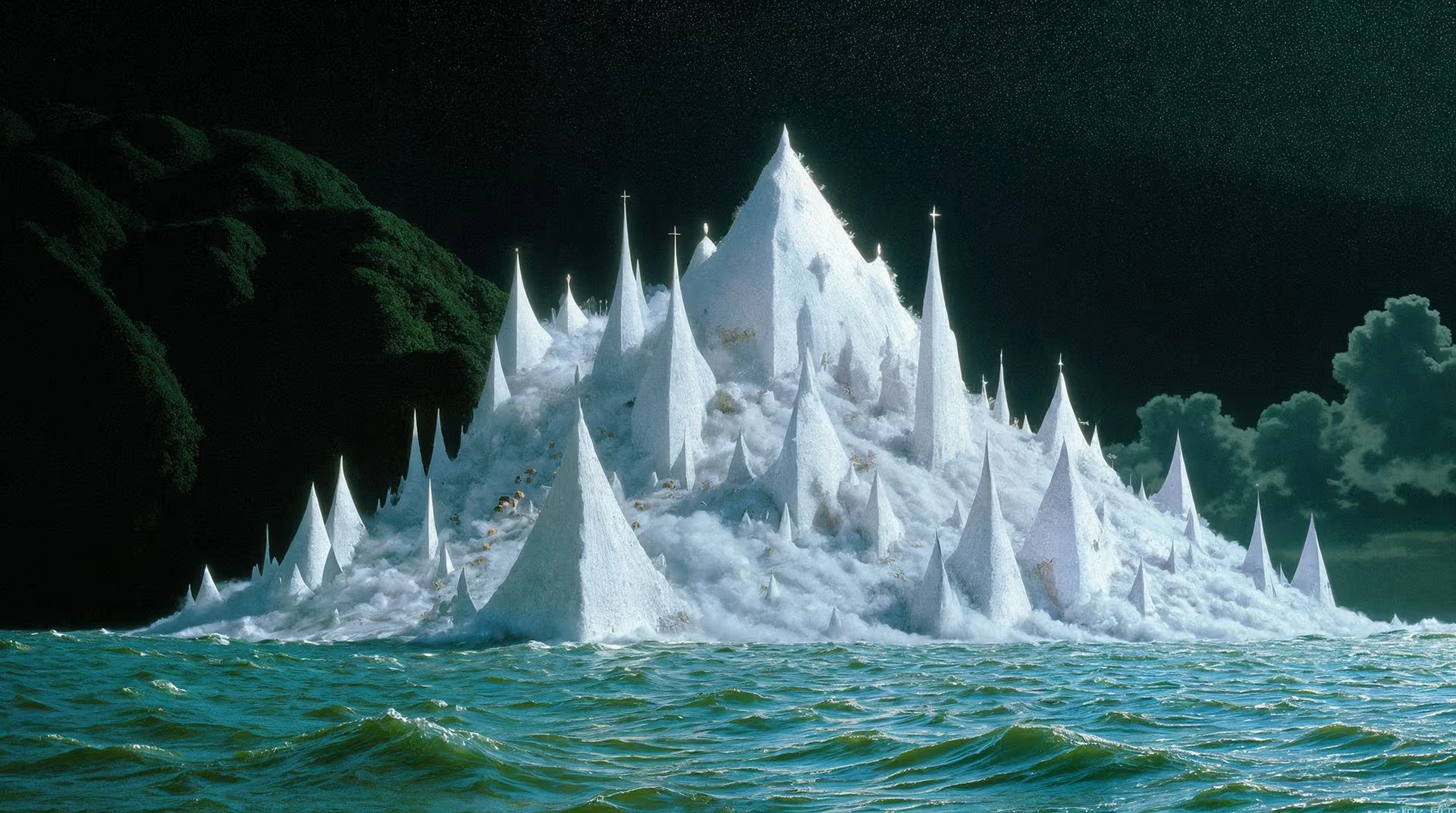
**Ultra Mode** generates images at up to 4 megapixels — four times the resolution of standard FLUX1.1 \[pro] — with full prompt fidelity preserved at the higher resolution. No quality degradation.

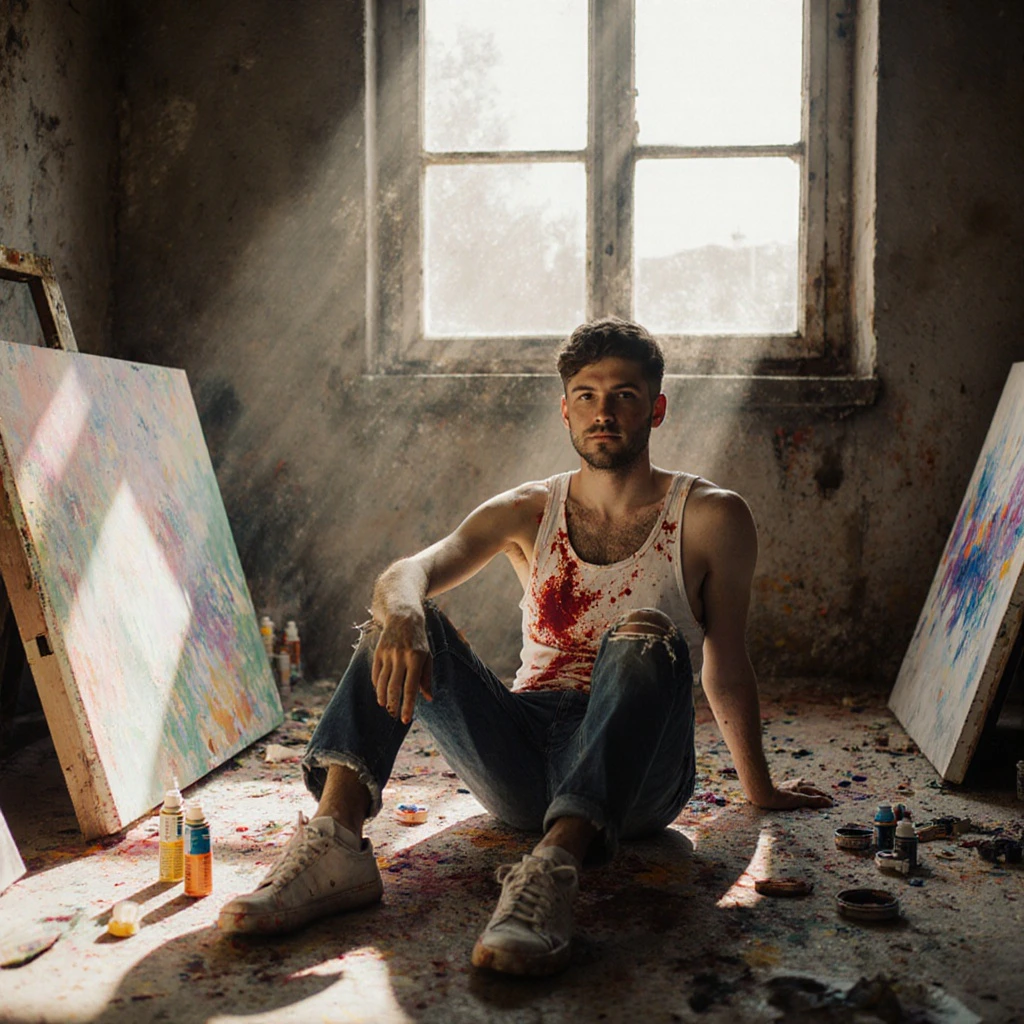
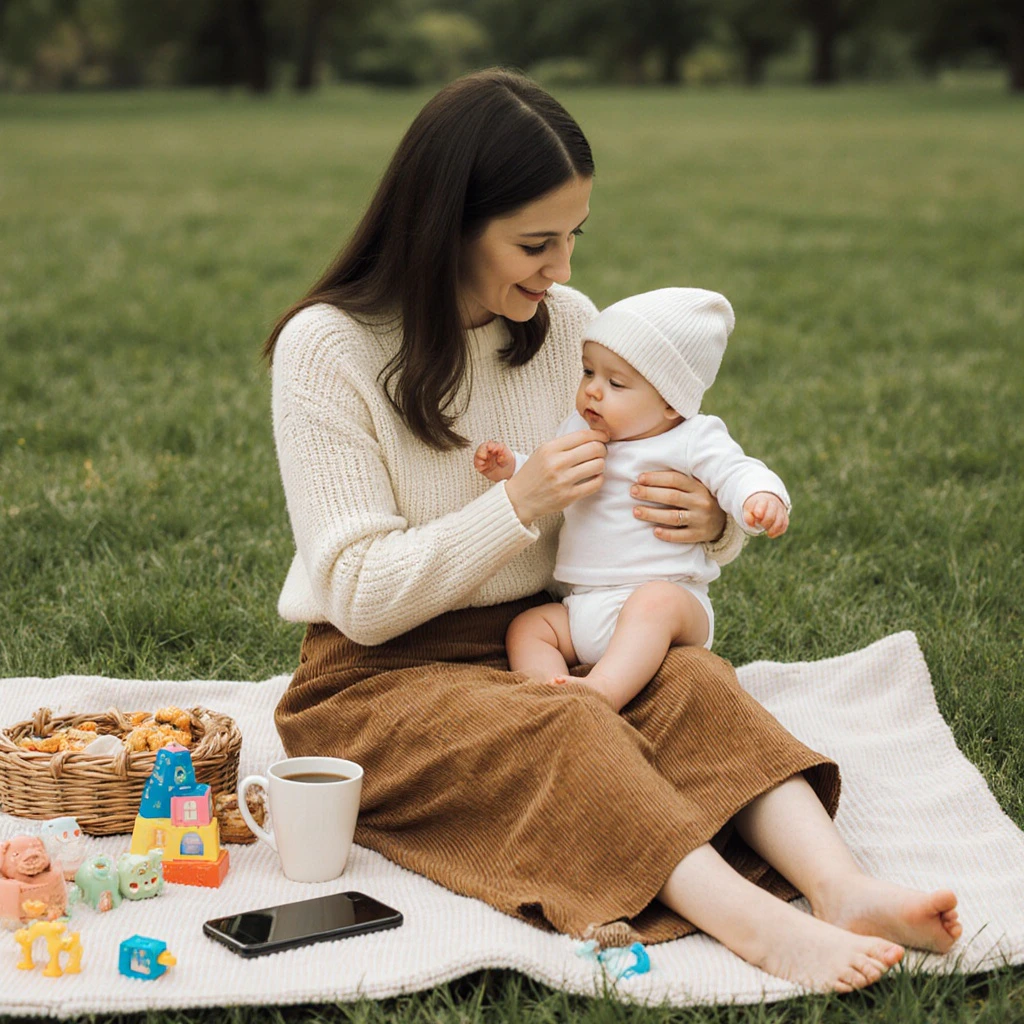
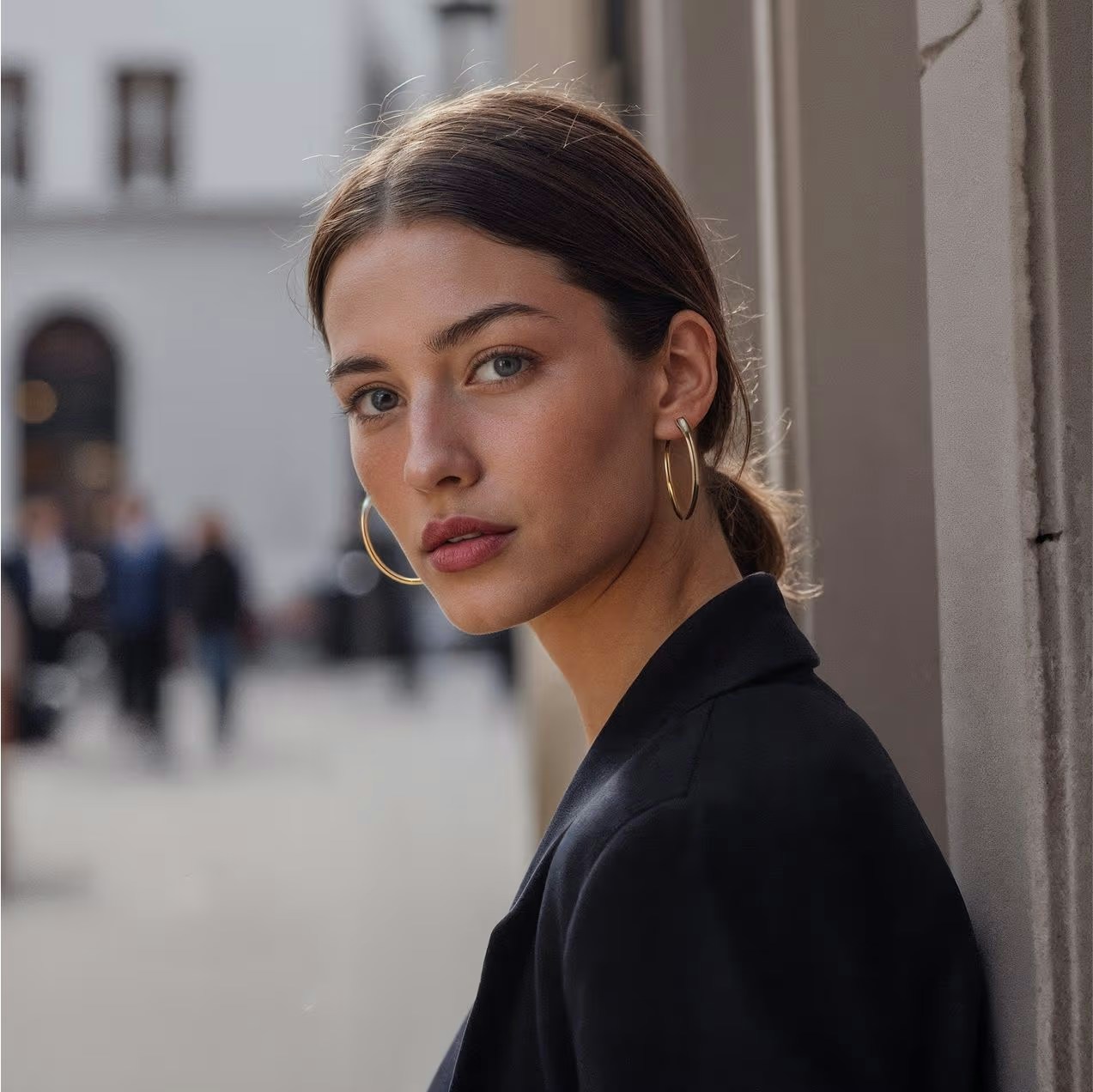
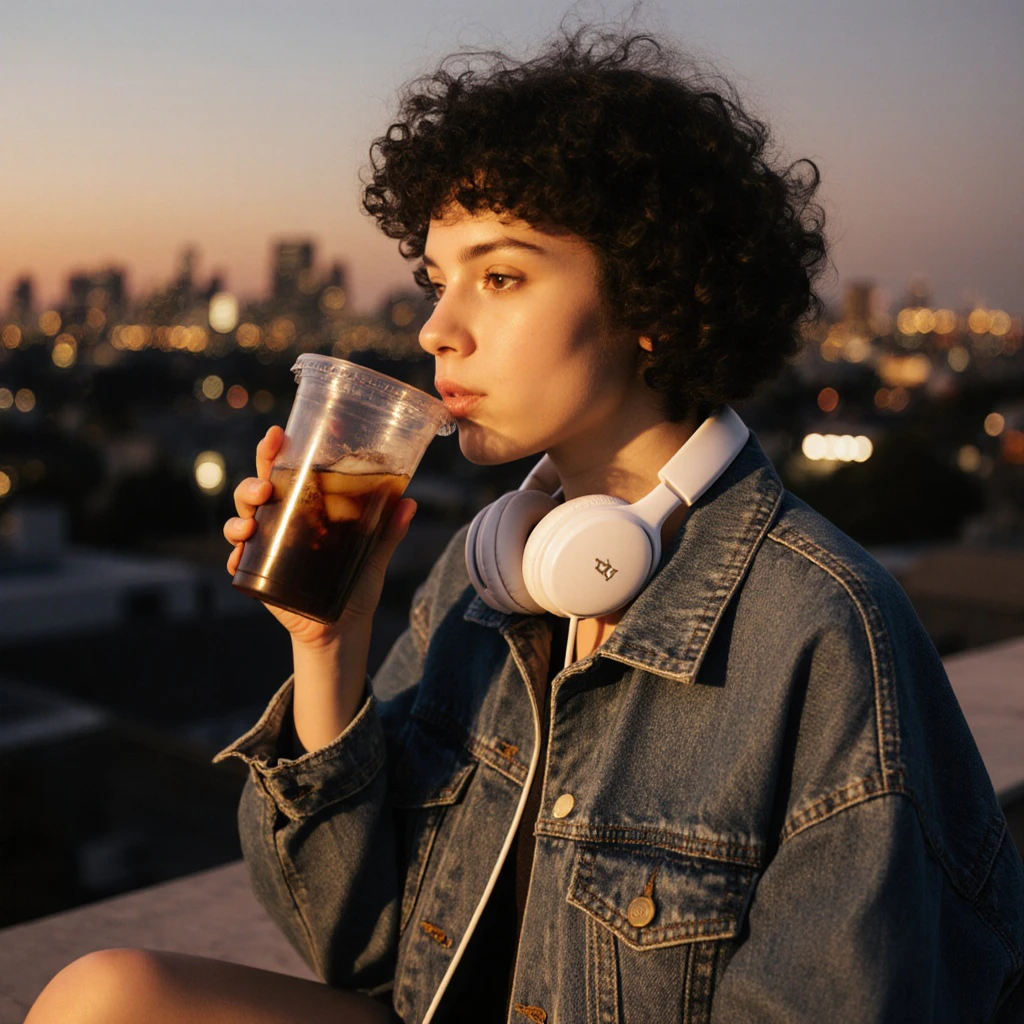
**Raw Mode** produces a less synthetic, more natural aesthetic: candid photography style, increased diversity in human subjects, and enhanced realism for nature and documentary scenes. Enable it when you want output that looks like it was captured, not generated.
<Frame>
  <img src="https://mintcdn.com/imagineart/410AHfb3Tlhn-w0b/images/a1b7fd8752da616e93054230e22f1b6357475c78-1935x1080.avif?fit=max&auto=format&n=410AHfb3Tlhn-w0b&q=85&s=c746171809075bd4c56d5c0aa06fc40f" alt="A1b7fd8752da616e93054230e22f1b6357475c78 1935x1080" width="1920" height="1072" data-path="images/a1b7fd8752da616e93054230e22f1b6357475c78-1935x1080.avif" />
</Frame>

## Capabilities

<CardGroup cols={3}>
  <Card title="Raw mode">
    Produces candid, photojournalism-style images with authentic lighting variation, more diverse human subjects, and reduced synthetic look.
  </Card>

  <Card title="Image-to-image support">
    Accepts a base image as input with adjustable influence strength (0.0–1.0) for style-guided or composition-directed generation.
  </Card>

  <Card title="Prompt upsampling">
    Optional prompt enhancement automatically expands short prompts into richer descriptions for better results.
  </Card>
</CardGroup>

<div style={{display: "grid", gridTemplateColumns: "repeat(2, 1fr)", gap: "12px", margin: "2rem 0"}}>
  <img src="https://mintcdn.com/imagineart/410AHfb3Tlhn-w0b/images/996c5ea47f7ea129b6b973d19c449c3de75f23cd-1273x1272.avif?fit=max&auto=format&n=410AHfb3Tlhn-w0b&q=85&s=52a2aa9ba13457ed75d902dc6e48bc6a" alt="Flux Ultra 1.1 example" style={{width: "100%", aspectRatio: "1/1", objectFit: "cover", borderRadius: "12px", display: "block"}} width="1273" height="1272" data-path="images/996c5ea47f7ea129b6b973d19c449c3de75f23cd-1273x1272.avif" />

  <img src="https://mintcdn.com/imagineart/410AHfb3Tlhn-w0b/images/krea-1.jpeg?fit=max&auto=format&n=410AHfb3Tlhn-w0b&q=85&s=1a1ffde9c5994f410c26e6664aba7bb1" alt="Flux Ultra 1.1 example" style={{width: "100%", aspectRatio: "1/1", objectFit: "cover", borderRadius: "12px", display: "block"}} width="1024" height="1024" data-path="images/krea-1.jpeg" />
</div>

## How to use

<Steps>
  <Step title="Open the AI Image Generator">
    Go to the **ImagineArt AI Image Generator**.
  </Step>

  <Step title="Select the model">
    From the model dropdown, choose **Flux Ultra 1.1**.
  </Step>

  <Step title="Choose your mode">
    Select standard **Ultra Mode** for maximum resolution, or enable **Raw Mode** if you want a more candid, photojournalistic aesthetic.
  </Step>

  <Step title="Write your prompt">
    Write a detailed prompt. For Raw mode, describe candid scenes, environmental portraits, or nature photography subjects for the most authentic results.
  </Step>

  <Step title="Set your aspect ratio">
    Choose the aspect ratio. Landscape (16:9) or portrait (9:16) recommended for maximum pixel dimensions.
  </Step>

  <Step title="Generate">
    Click **Generate**. Flux Ultra delivers results in approximately 10 seconds.
  </Step>
</Steps>

<div style={{display: "grid", gridTemplateColumns: "repeat(2, 1fr)", gap: "12px", margin: "2rem 0"}}>
  <img src="https://mintcdn.com/imagineart/410AHfb3Tlhn-w0b/images/krea-2-1.jpeg?fit=max&auto=format&n=410AHfb3Tlhn-w0b&q=85&s=cb9bb824d0942808968257d018b3c149" alt="Flux Ultra 1.1 example" style={{width: "100%", aspectRatio: "1/1", objectFit: "cover", borderRadius: "12px", display: "block"}} width="1024" height="1024" data-path="images/krea-2-1.jpeg" />

  <img src="https://mintcdn.com/imagineart/410AHfb3Tlhn-w0b/images/krea-3-1.jpeg?fit=max&auto=format&n=410AHfb3Tlhn-w0b&q=85&s=8c24555c28ab316586b1c83e3efbf16e" alt="Flux Ultra 1.1 example" style={{width: "100%", aspectRatio: "1/1", objectFit: "cover", borderRadius: "12px", display: "block"}} width="1024" height="1024" data-path="images/krea-3-1.jpeg" />
</div>

## Prompting tips

* **Ultra mode** works best with highly descriptive prompts — include lighting, composition, texture, and atmosphere details to take advantage of the 4MP fidelity.
* **Raw mode** excels with scene-based prompts: *"Street photographer capturing a busy market"*, *"Wildlife portrait of an otter in natural habitat"*, *"Candid portrait, soft natural window light"*.
* **Product photography** — Use Ultra mode with precise material and lighting descriptions: *"Levitating wireless mouse, studio soft box lighting, shadow gradient, minimalist white background"*.

### Example prompts

> Macro photograph of bioluminescent mushrooms glowing in a dark forest, ethereal blue-green light, mist, shallow depth of field, National Geographic style.

> Aerial view of mountain terrain at golden hour, dramatic shadow and light across ridgelines, landscape photography, ultra-detailed.

## Compare models

| Model                  | Max resolution    | Key differentiator                  | Best for                                 |
| ---------------------- | ----------------- | ----------------------------------- | ---------------------------------------- |
| **Flux Ultra 1.1**     | 4MP (2752×1536)   | Raw mode, 4× resolution             | Print, editorial, commercial photography |
| **Flux Dev**           | \~1MP (1024×1024) | Open weights, fine-tuning           | Research, experimentation, LoRA base     |
| **ImagineArt 1.5 Pro** | Native 4K         | Composition control, text rendering | Posters, branding, typography            |
| **Seedream 4.0**       | Native 4K         | Up to 6 references                  | Multi-reference campaigns                |