> ## Documentation Index
> Fetch the complete documentation index at: https://docs.imagine.art/llms.txt
> Use this file to discover all available pages before exploring further.

# Imagineart 1 5 pro

<div style={{background: "linear-gradient(135deg, #0d0016 0%, #18003a 55%, #08000f 100%)", borderRadius: "20px", padding: "3.5rem 3rem 3rem", marginBottom: "2.5rem", overflow: "hidden", position: "relative"}}>
  <div style={{position: "absolute", inset: "0", background: "radial-gradient(ellipse at 15% 60%, rgba(124,0,251,0.22) 0%, transparent 55%), radial-gradient(ellipse at 85% 15%, rgba(146,73,255,0.14) 0%, transparent 50%)", pointerEvents: "none"}} />

  <div style={{position: "relative"}}>
    <div style={{display: "flex", gap: "0.5rem", marginBottom: "1.5rem", flexWrap: "wrap"}}>
      <span style={{background: "rgba(124,0,251,0.25)", border: "1px solid rgba(124,0,251,0.5)", borderRadius: "100px", padding: "0.3rem 1rem", fontSize: "0.72rem", color: "#c084fc", fontWeight: "500", letterSpacing: "0.06em"}}>IMAGE MODEL</span>
      <span style={{background: "rgba(255,255,255,0.06)", border: "1px solid rgba(255,255,255,0.12)", borderRadius: "100px", padding: "0.3rem 1rem", fontSize: "0.72rem", color: "rgba(255,255,255,0.45)", fontWeight: "400"}}>by ImagineArt</span>
    </div>

    <h1 style={{fontSize: "clamp(2.5rem, 5vw, 3.75rem)", fontWeight: "700", color: "#ffffff", lineHeight: "1.1", letterSpacing: "-0.025em", margin: "0 0 1.1rem 0"}}>ImagineArt 1.5 Pro</h1>
    <p style={{fontSize: "1.1rem", color: "rgba(255,255,255,0.52)", maxWidth: "580px", lineHeight: "1.7", marginBottom: "2.25rem"}}>ImagineArt's flagship image model — native 4K output, enhanced realism, accurate text rendering, and composition intelligence for professional-grade creative work.</p>

    <div style={{display: "flex", gap: "0.75rem", flexWrap: "wrap"}}>
      <div style={{background: "rgba(255,255,255,0.06)", borderRadius: "14px", padding: "0.875rem 1.5rem", border: "1px solid rgba(255,255,255,0.1)"}}>
        <div style={{fontSize: "0.62rem", color: "rgba(255,255,255,0.32)", textTransform: "uppercase", letterSpacing: "0.1em", marginBottom: "0.3rem"}}>Output</div>
        <div style={{fontSize: "1rem", color: "#ffffff", fontWeight: "600"}}>Native 4K</div>
      </div>

      <div style={{background: "rgba(255,255,255,0.06)", borderRadius: "14px", padding: "0.875rem 1.5rem", border: "1px solid rgba(255,255,255,0.1)"}}>
        <div style={{fontSize: "0.62rem", color: "rgba(255,255,255,0.32)", textTransform: "uppercase", letterSpacing: "0.1em", marginBottom: "0.3rem"}}>Input</div>
        <div style={{fontSize: "1rem", color: "#ffffff", fontWeight: "600"}}>Text + Image</div>
      </div>

      <div style={{background: "rgba(255,255,255,0.06)", borderRadius: "14px", padding: "0.875rem 1.5rem", border: "1px solid rgba(255,255,255,0.1)"}}>
        <div style={{fontSize: "0.62rem", color: "rgba(255,255,255,0.32)", textTransform: "uppercase", letterSpacing: "0.1em", marginBottom: "0.3rem"}}>Strength</div>
        <div style={{fontSize: "1rem", color: "#ffffff", fontWeight: "600"}}>Text Rendering</div>
      </div>

      <div style={{background: "rgba(255,255,255,0.06)", borderRadius: "14px", padding: "0.875rem 1.5rem", border: "1px solid rgba(255,255,255,0.1)"}}>
        <div style={{fontSize: "0.62rem", color: "rgba(255,255,255,0.32)", textTransform: "uppercase", letterSpacing: "0.1em", marginBottom: "0.3rem"}}>By</div>
        <div style={{fontSize: "1rem", color: "#ffffff", fontWeight: "600"}}>ImagineArt</div>
      </div>
    </div>
  </div>
</div>

## Capabilities

<CardGroup cols={3}>
  <Card title="Native 4K generation" icon="expand">
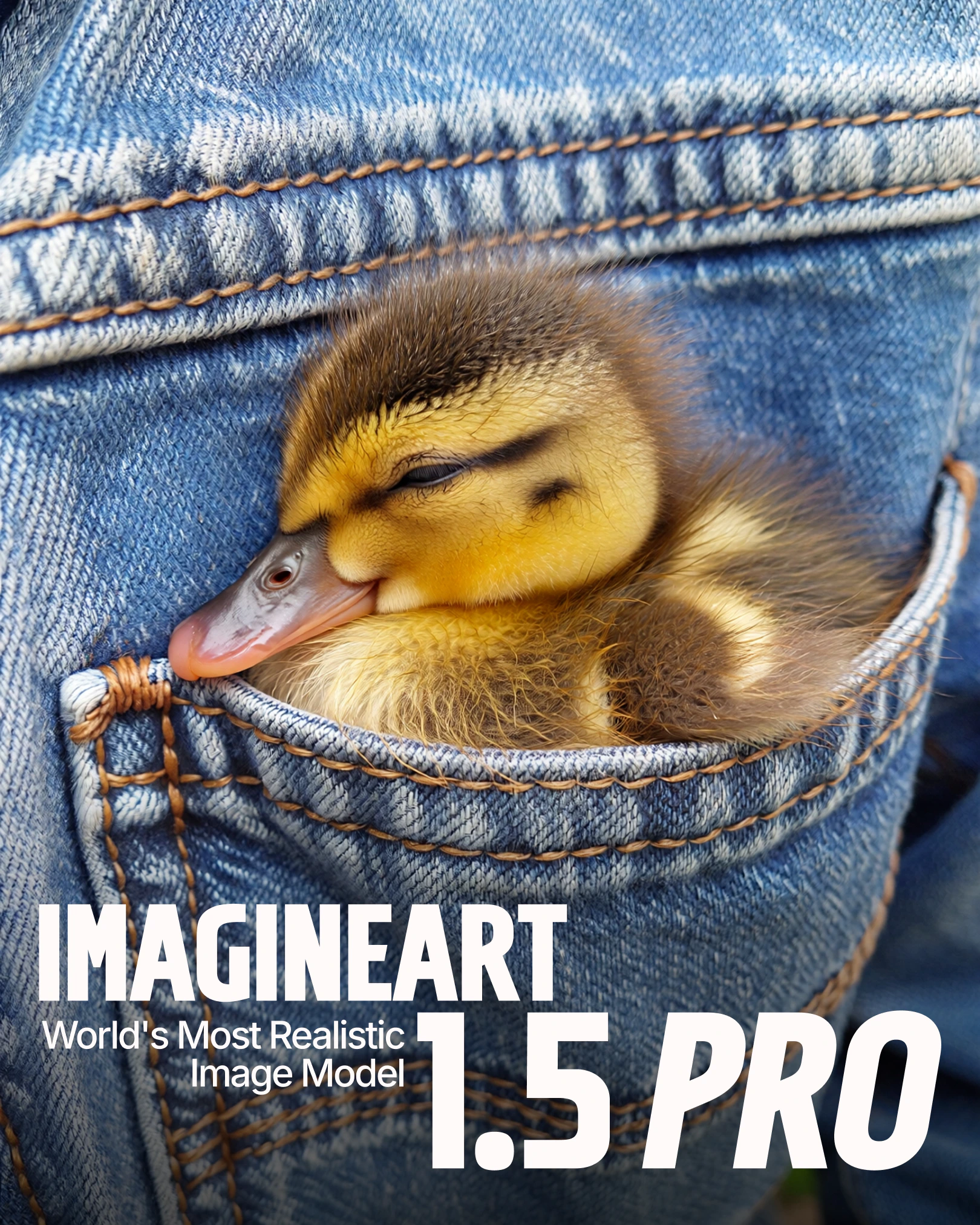
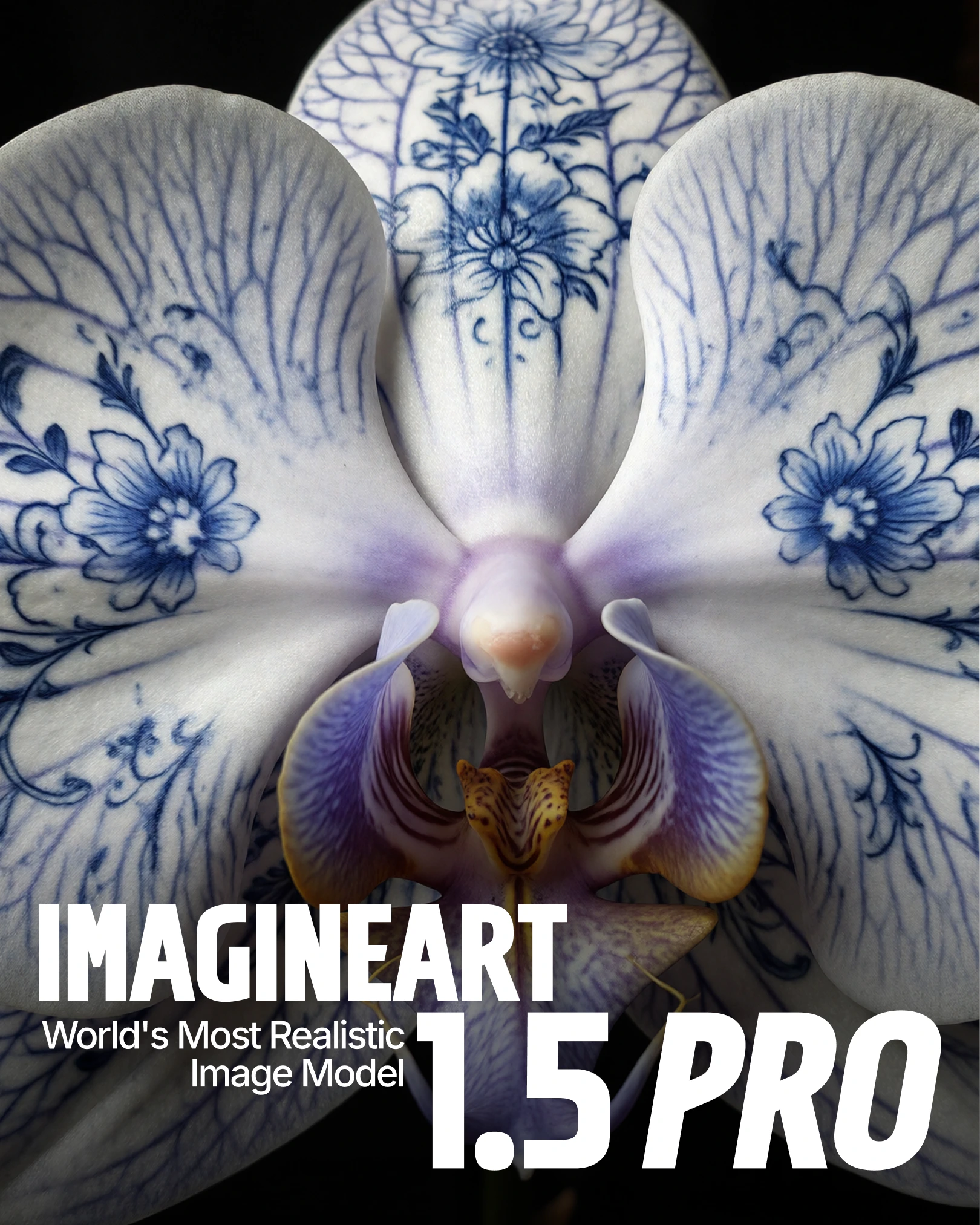
    Generate images directly at 4K resolution. Fine details, textures, and typography stay crisp — ideal for posters, banners, and large-format visuals.
  </Card>

  <Card title="Enhanced realism" icon="eye">
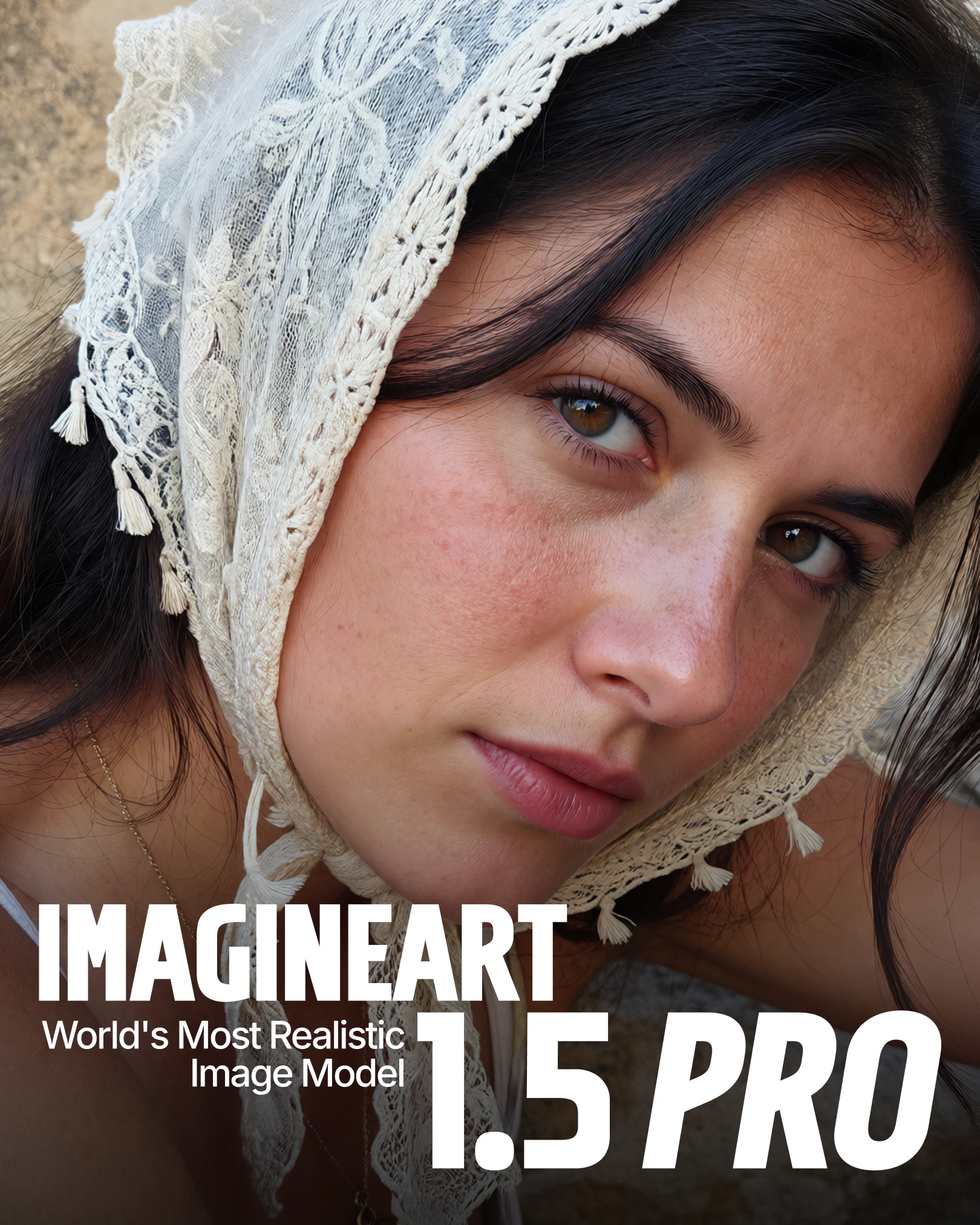
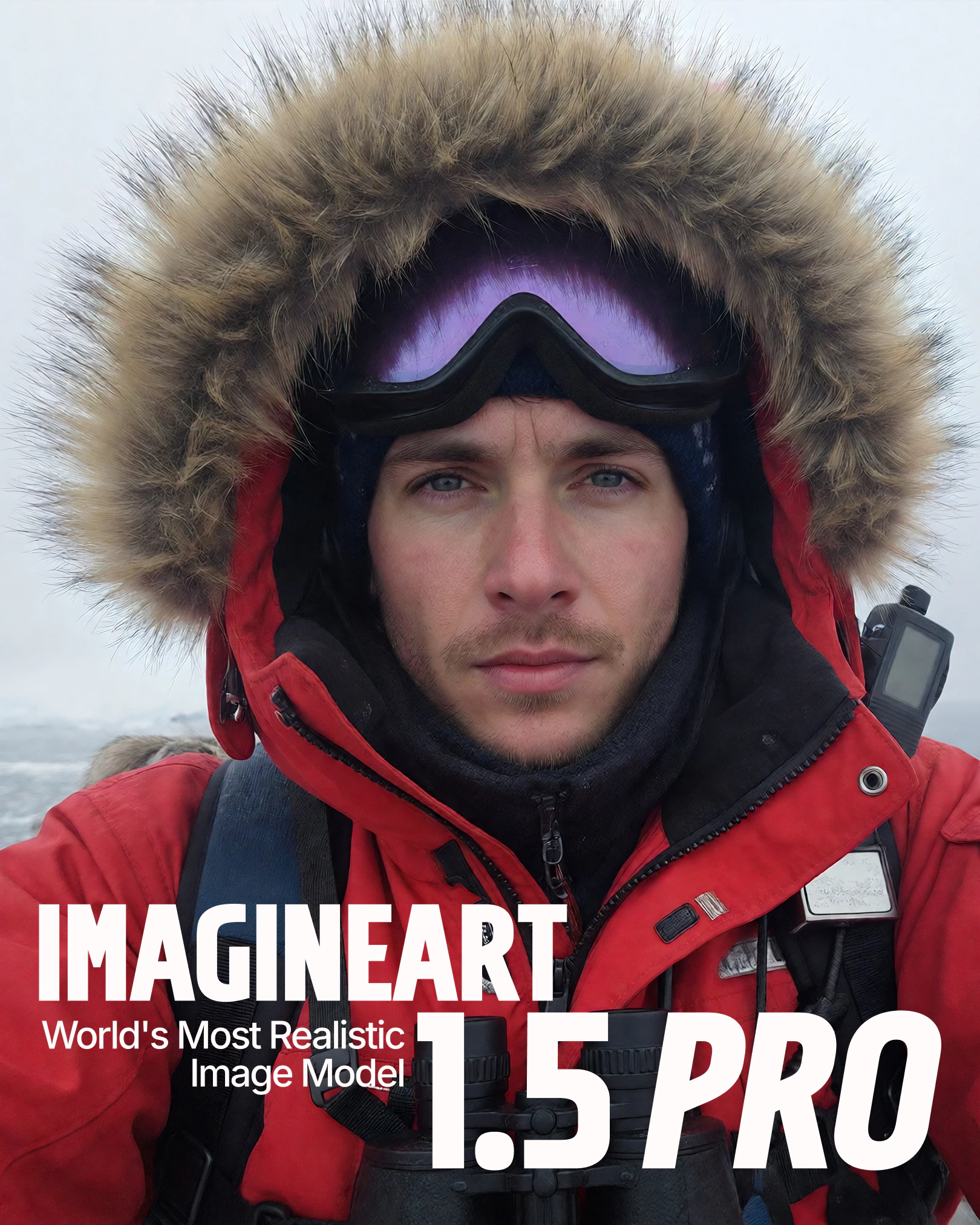
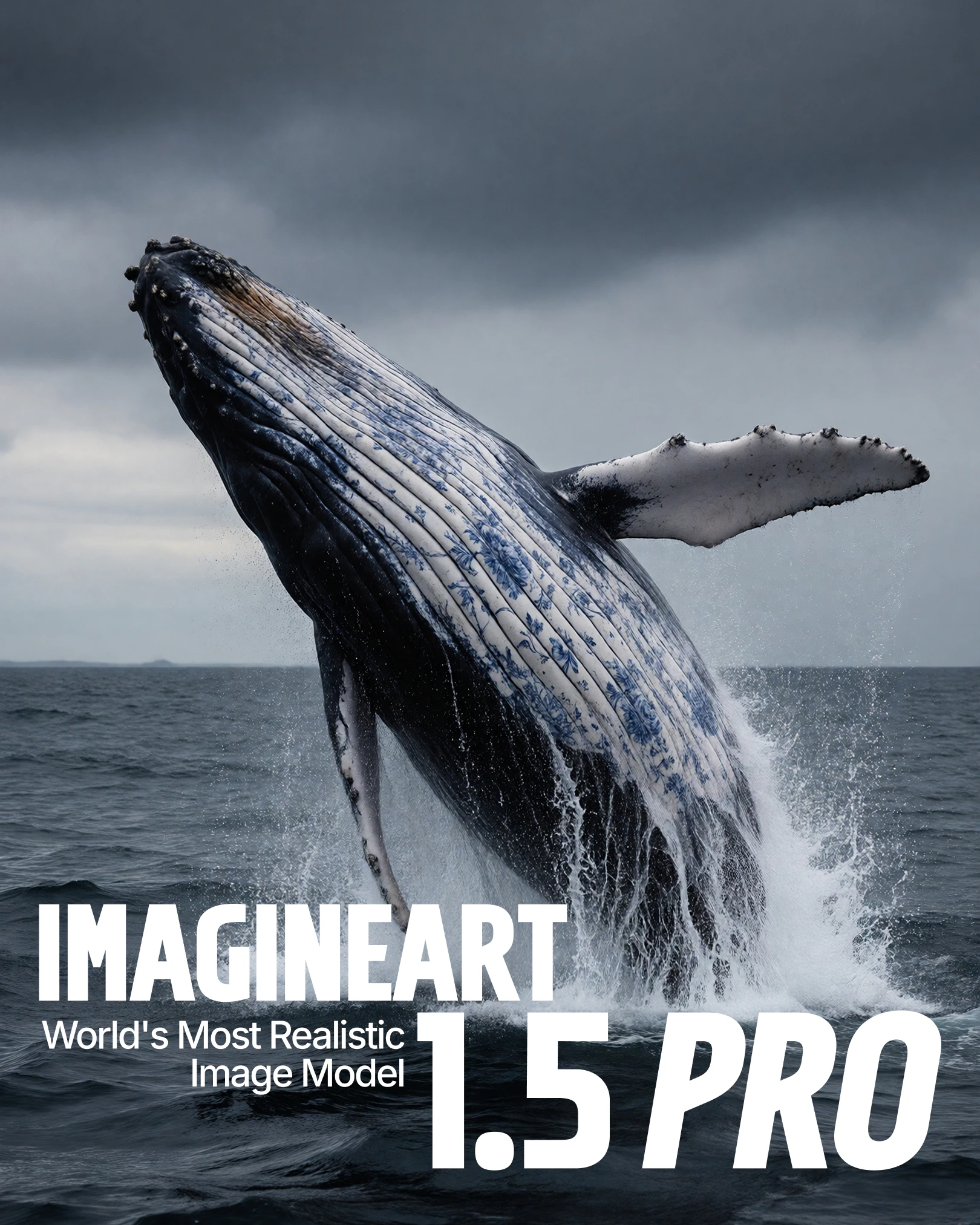
    Refined lighting, depth, and material handling produce cohesive visuals with natural shadows, accurate skin tones, and realistic reflective surfaces.
  </Card>

  <Card title="Composition control" icon="layout-grid">
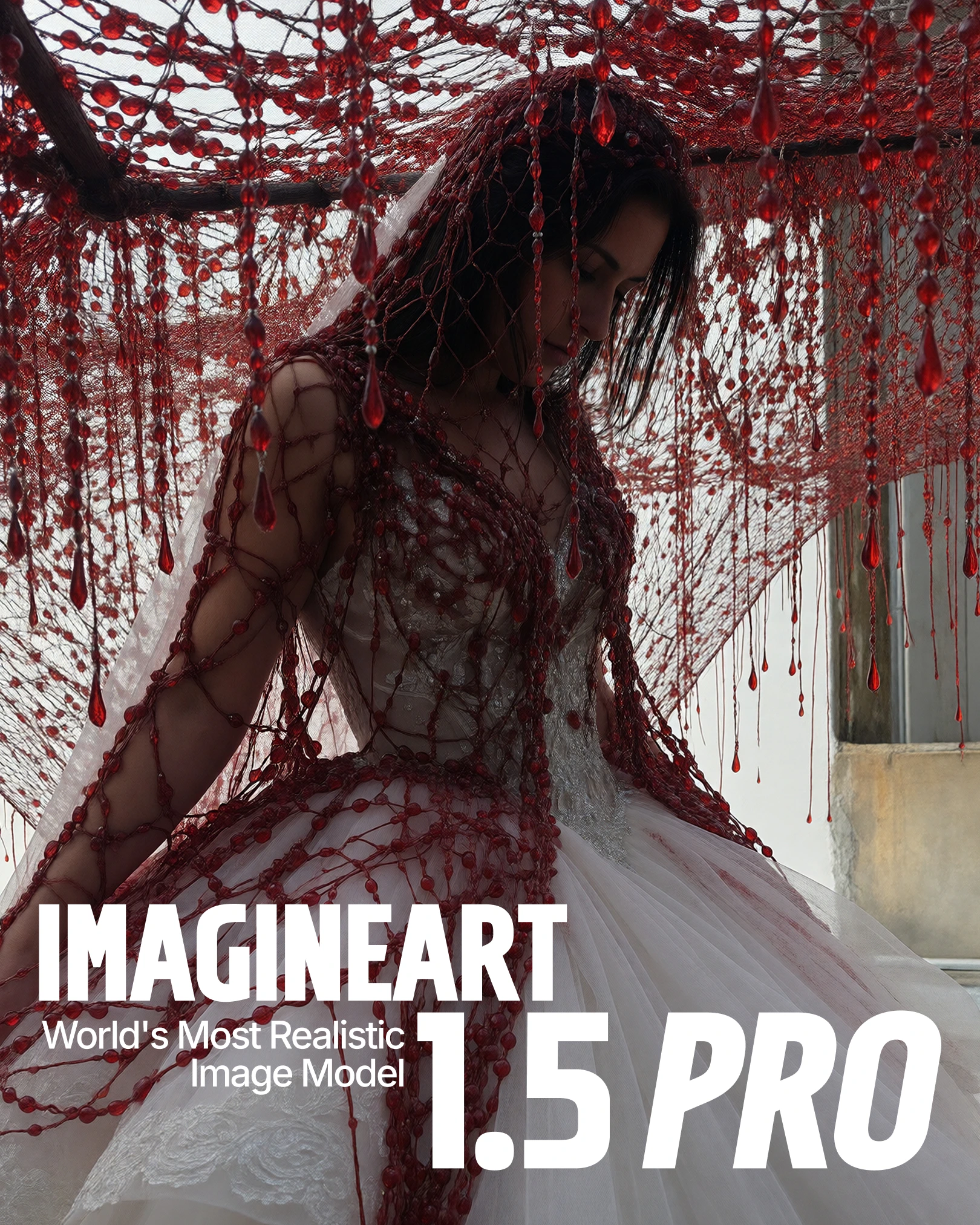
    Maintains spatial relationships and visual hierarchy across complex multi-element compositions, keeping designs balanced and structured.
  </Card>

  <Card title="Accurate text rendering" icon="font-case">
    Sharp, correctly spelled text at 4K resolution. Ideal for posters, advertisements, and typography-forward editorial layouts.
  </Card>

  <Card title="Precise color placement" icon="palette">
    Colors apply accurately to intended objects or regions — critical for brand designs and product concepts where color fidelity matters.
  </Card>

  <Card title="Emotional detail" icon="face-smile">
    Refined facial expressions and emotional nuance make it well-suited for portraits, cinematic stills, and narrative-driven artwork.
  </Card>
</CardGroup>

<div style={{display: "grid", gridTemplateColumns: "repeat(3, 1fr)", gap: "12px", margin: "2rem 0"}}>
  <img src="https://mintcdn.com/imagineart/zKDRl1T1RWJ1PaQ7/images/cover-1.png?fit=max&auto=format&n=zKDRl1T1RWJ1PaQ7&q=85&s=208931f8bb03182849368e90f5352388" alt="ImagineArt 1.5 Pro example" style={{width: "100%", aspectRatio: "3/4", objectFit: "cover", borderRadius: "12px", display: "block"}} width="1620" height="2025" data-path="images/cover-1.png" />

  <img src="https://mintcdn.com/imagineart/zKDRl1T1RWJ1PaQ7/images/cover-2.png?fit=max&auto=format&n=zKDRl1T1RWJ1PaQ7&q=85&s=8ba03ce196c15b2326e94505a4b65330" alt="ImagineArt 1.5 Pro example" style={{width: "100%", aspectRatio: "3/4", objectFit: "cover", borderRadius: "12px", display: "block"}} width="1620" height="2025" data-path="images/cover-2.png" />

  <img src="https://mintcdn.com/imagineart/zKDRl1T1RWJ1PaQ7/images/cover-3.png?fit=max&auto=format&n=zKDRl1T1RWJ1PaQ7&q=85&s=fee77ec5045759826c05d78c0f384d01" alt="ImagineArt 1.5 Pro example" style={{width: "100%", aspectRatio: "3/4", objectFit: "cover", borderRadius: "12px", display: "block"}} width="1620" height="2025" data-path="images/cover-3.png" />
</div>

## How to use

<Steps>
  <Step title="Open the AI Image Generator">
    Navigate to the **AI Image Generator** in ImagineArt.
  </Step>

  <Step title="Select the model">
    Open the model dropdown and choose **ImagineArt 1.5 Pro**.
  </Step>

  <Step title="Write your prompt">
    Write a clear, descriptive prompt. Include style cues, text instructions, or upload reference images to guide the model toward your intended result.
  </Step>

  <Step title="Customize the output">
    Apply visual styles, effects, or color palettes to match your brand or creative direction.
  </Step>

  <Step title="Set your aspect ratio">
    Choose the aspect ratio that fits your project — 1:1 for social, 16:9 for widescreen, 4:3 for editorial, and so on.
  </Step>

  <Step title="Generate">
    Click **Generate** and let the model produce your image.
  </Step>
</Steps>

<div style={{display: "grid", gridTemplateColumns: "repeat(3, 1fr)", gap: "12px", margin: "2rem 0"}}>
  <img src="https://mintcdn.com/imagineart/rOmEbtEJXQ-1o4eO/images/cover-5.png?fit=max&auto=format&n=rOmEbtEJXQ-1o4eO&q=85&s=89132038745d76deb8add22065d79d6e" alt="ImagineArt 1.5 Pro example" style={{width: "100%", aspectRatio: "3/4", objectFit: "cover", borderRadius: "12px", display: "block"}} width="1620" height="2025" data-path="images/cover-5.png" />

  <img src="https://mintcdn.com/imagineart/rOmEbtEJXQ-1o4eO/images/cover-7.png?fit=max&auto=format&n=rOmEbtEJXQ-1o4eO&q=85&s=8b80a7424f2e8228553bf15d4fd9b8a6" alt="ImagineArt 1.5 Pro example" style={{width: "100%", aspectRatio: "3/4", objectFit: "cover", borderRadius: "12px", display: "block"}} width="1620" height="2025" data-path="images/cover-7.png" />

  <img src="https://mintcdn.com/imagineart/UTyX6tBpnGIhqeeT/images/cover-8.png?fit=max&auto=format&n=UTyX6tBpnGIhqeeT&q=85&s=7ef99485ecf02b96300df781d7ce13d9" alt="ImagineArt 1.5 Pro example" style={{width: "100%", aspectRatio: "3/4", objectFit: "cover", borderRadius: "12px", display: "block"}} width="1620" height="2025" data-path="images/cover-8.png" />
</div>

## Use cases

<AccordionGroup>
  <Accordion title="Posters and visual design">
    Native 4K support and strong composition handling make ImagineArt 1.5 Pro ideal for posters, banners, and complex visual layouts. The model's spatial awareness keeps multi-element designs structured and balanced.
  </Accordion>

  <Accordion title="Product and concept visualization">
    Accurate lighting, materials, and realism make it well-suited for product mockups and concept designs where photographic quality is essential.
  </Accordion>

  <Accordion title="Typography-based creatives">
    Clear, accurate text rendering at 4K makes it the right choice when typography is the focal point — advertisements, editorial layouts, and branded text overlays.
  </Accordion>

  <Accordion title="Cinematic and narrative artwork">
    Enhanced realism and emotional detail make it effective for cinematic stills, storytelling-driven projects, and portrait work requiring nuanced facial expression.
  </Accordion>
</AccordionGroup>

## Compare models

| Model                  | Visual style             | Strengths                                    | Best for                             |
| ---------------------- | ------------------------ | -------------------------------------------- | ------------------------------------ |
| **ImagineArt 1.5 Pro** | Realistic, cinematic     | Native 4K, strong composition, accurate text | Posters, product visuals, typography |
| **Flux 2**             | Stylized, artistic       | Strong color interpretation, fast generation | Concept art, abstract scenes         |
| **Google Imagen 4**    | Photorealism, clean      | Sharp detail, accurate text, fast generation | Marketing, editorial work            |
| **Seedream 4.0**       | Photorealistic, adaptive | Multi-reference (up to 6), fast generation   | Branded imagery, complex campaigns   |
| **Nano Banana**        | Photorealistic, adaptive | One-shot accuracy, multi-image editing       | Product mockups, e-commerce          |