> ## Documentation Index
> Fetch the complete documentation index at: https://docs.imagine.art/llms.txt
> Use this file to discover all available pages before exploring further.

# Imagineart 1 5

<div style={{background: "linear-gradient(135deg, #0d0016 0%, #18003a 55%, #08000f 100%)", borderRadius: "20px", padding: "3.5rem 3rem 3rem", marginBottom: "2.5rem", overflow: "hidden", position: "relative"}}>
  <div style={{position: "absolute", inset: "0", background: "radial-gradient(ellipse at 75% 55%, rgba(124,0,251,0.18) 0%, transparent 55%), radial-gradient(ellipse at 20% 20%, rgba(146,73,255,0.12) 0%, transparent 50%)", pointerEvents: "none"}} />

  <div style={{position: "relative"}}>
    <div style={{display: "flex", gap: "0.5rem", marginBottom: "1.5rem", flexWrap: "wrap"}}>
      <span style={{background: "rgba(124,0,251,0.25)", border: "1px solid rgba(124,0,251,0.5)", borderRadius: "100px", padding: "0.3rem 1rem", fontSize: "0.72rem", color: "#c084fc", fontWeight: "500", letterSpacing: "0.06em"}}>IMAGE MODEL</span>
      <span style={{background: "rgba(255,255,255,0.06)", border: "1px solid rgba(255,255,255,0.12)", borderRadius: "100px", padding: "0.3rem 1rem", fontSize: "0.72rem", color: "rgba(255,255,255,0.45)", fontWeight: "400"}}>by ImagineArt</span>
    </div>

    <h1 style={{fontSize: "clamp(2.5rem, 5vw, 3.75rem)", fontWeight: "700", color: "#ffffff", lineHeight: "1.1", letterSpacing: "-0.025em", margin: "0 0 1.1rem 0"}}>ImagineArt 1.5</h1>
    <p style={{fontSize: "1.1rem", color: "rgba(255,255,255,0.52)", maxWidth: "580px", lineHeight: "1.7", marginBottom: "2.25rem"}}>ImagineArt's accessible photorealistic generation model — built on the same generation as ImagineArt 1.5 Pro at a lower cost tier. High-quality true-to-life imagery for portraits, lifestyle photography, and realistic scenes. The right choice when you need reliable photorealism without the 4K overhead of the Pro variant.</p>

    <div style={{display: "flex", gap: "0.75rem", flexWrap: "wrap"}}>
      <div style={{background: "rgba(255,255,255,0.06)", borderRadius: "14px", padding: "0.875rem 1.5rem", border: "1px solid rgba(255,255,255,0.1)"}}>
        <div style={{fontSize: "0.62rem", color: "rgba(255,255,255,0.32)", textTransform: "uppercase", letterSpacing: "0.1em", marginBottom: "0.3rem"}}>Style</div>
        <div style={{fontSize: "1rem", color: "#ffffff", fontWeight: "600"}}>Photorealistic</div>
      </div>

      <div style={{background: "rgba(255,255,255,0.06)", borderRadius: "14px", padding: "0.875rem 1.5rem", border: "1px solid rgba(255,255,255,0.1)"}}>
        <div style={{fontSize: "0.62rem", color: "rgba(255,255,255,0.32)", textTransform: "uppercase", letterSpacing: "0.1em", marginBottom: "0.3rem"}}>By</div>
        <div style={{fontSize: "1rem", color: "#ffffff", fontWeight: "600"}}>ImagineArt</div>
      </div>

      <div style={{background: "rgba(255,255,255,0.06)", borderRadius: "14px", padding: "0.875rem 1.5rem", border: "1px solid rgba(255,255,255,0.1)"}}>
        <div style={{fontSize: "0.62rem", color: "rgba(255,255,255,0.32)", textTransform: "uppercase", letterSpacing: "0.1em", marginBottom: "0.3rem"}}>Best for</div>
        <div style={{fontSize: "1rem", color: "#ffffff", fontWeight: "600"}}>Portraits, lifestyle, scenes</div>
      </div>
    </div>
  </div>
</div>

## Reliable photorealism at lower cost

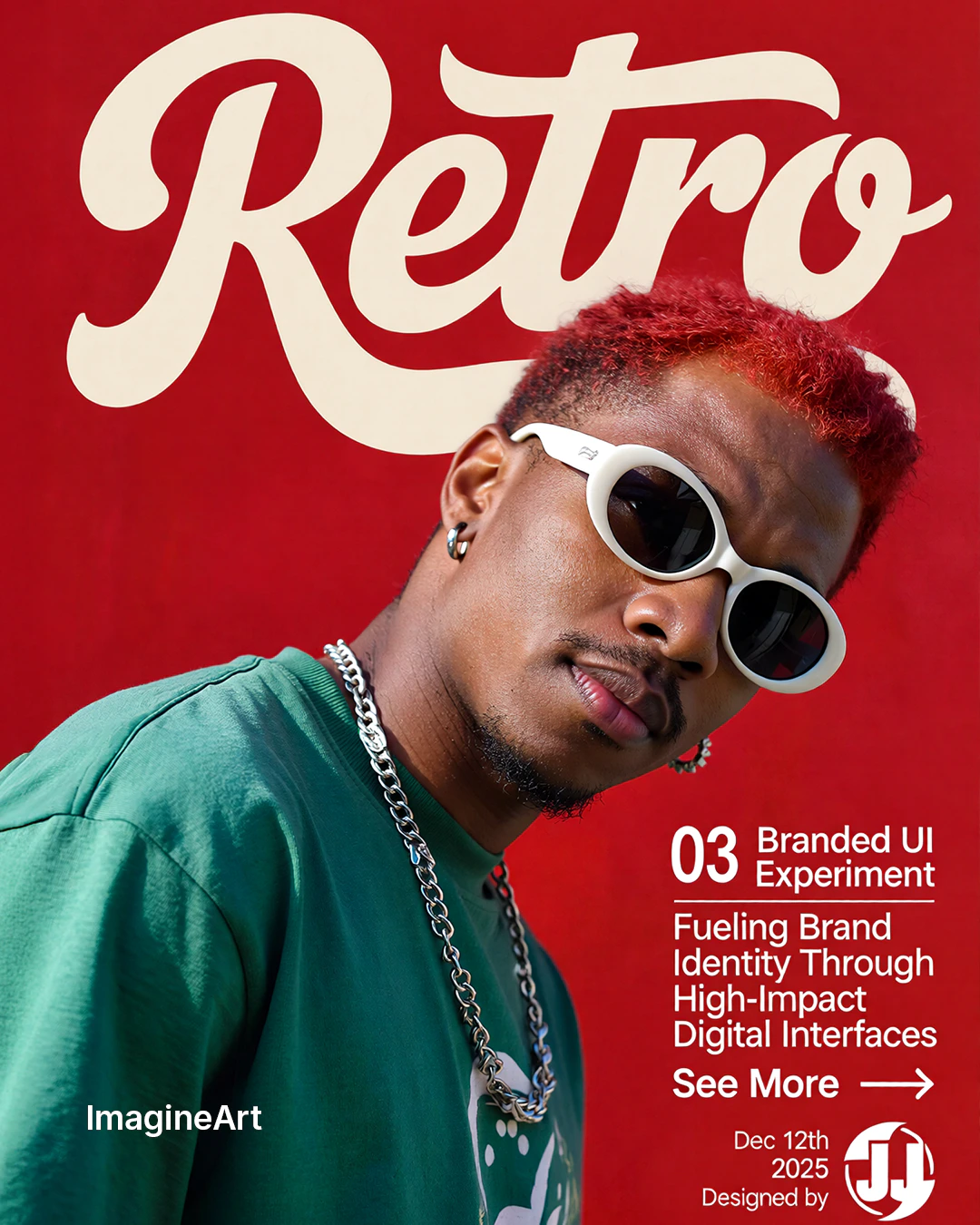
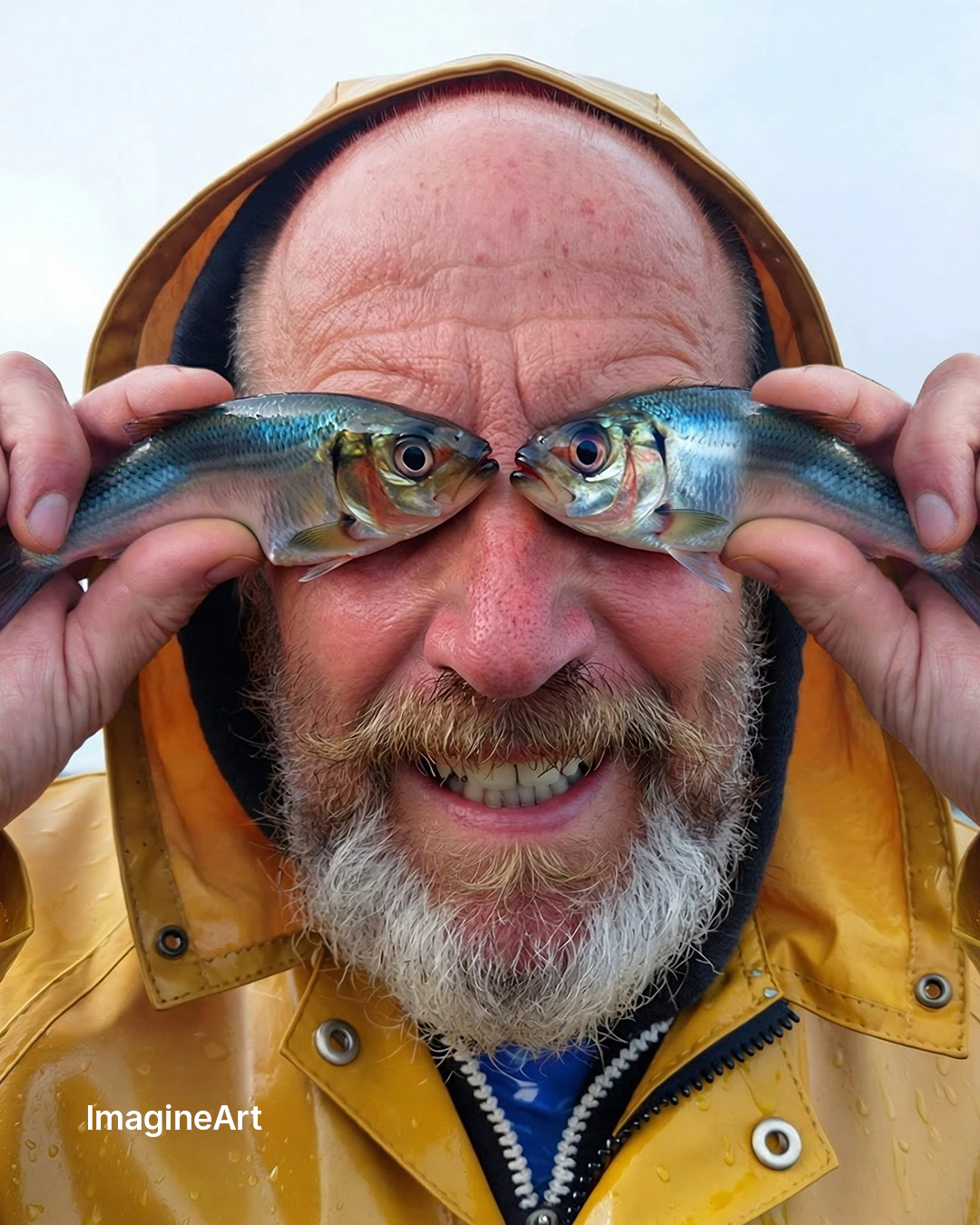
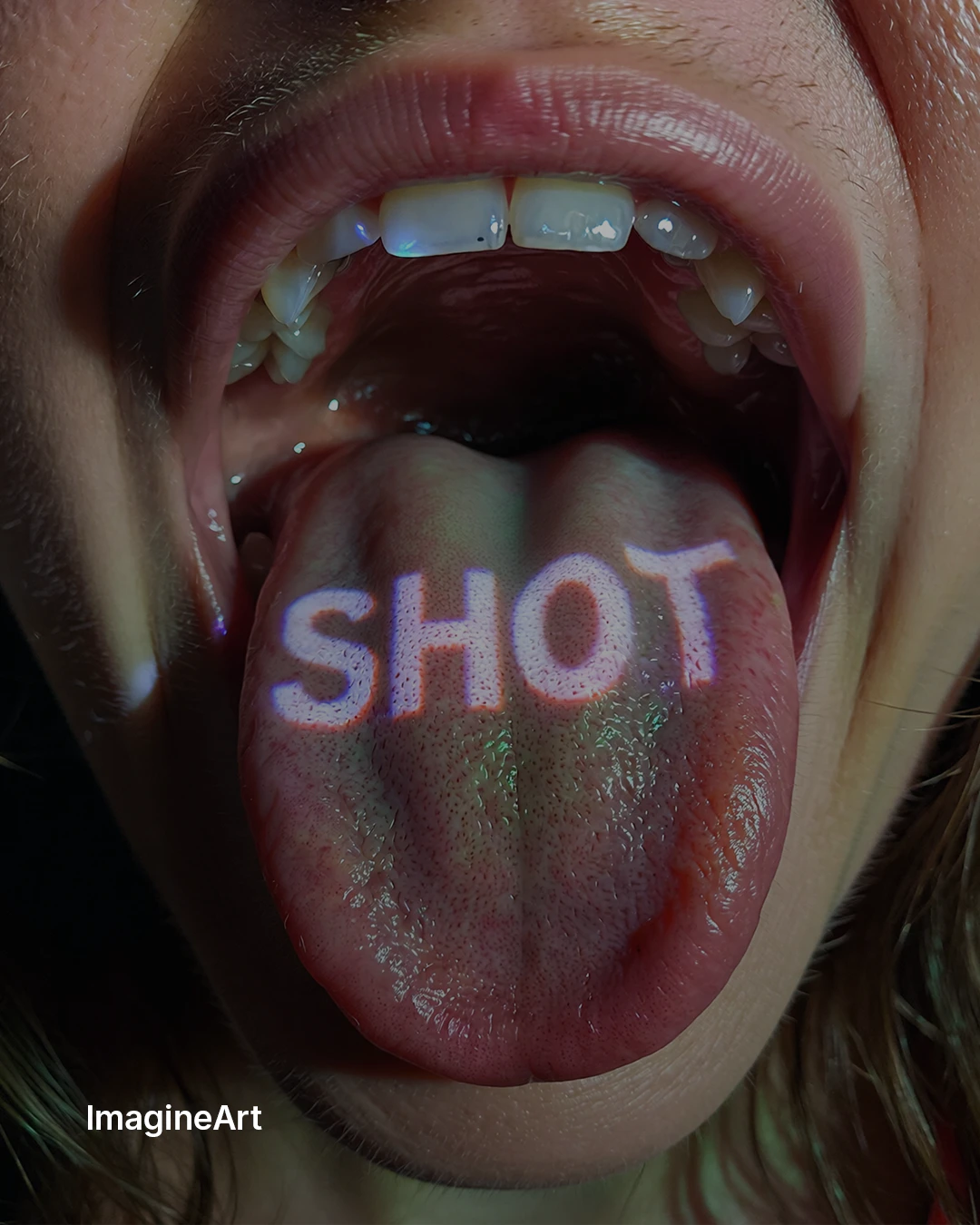
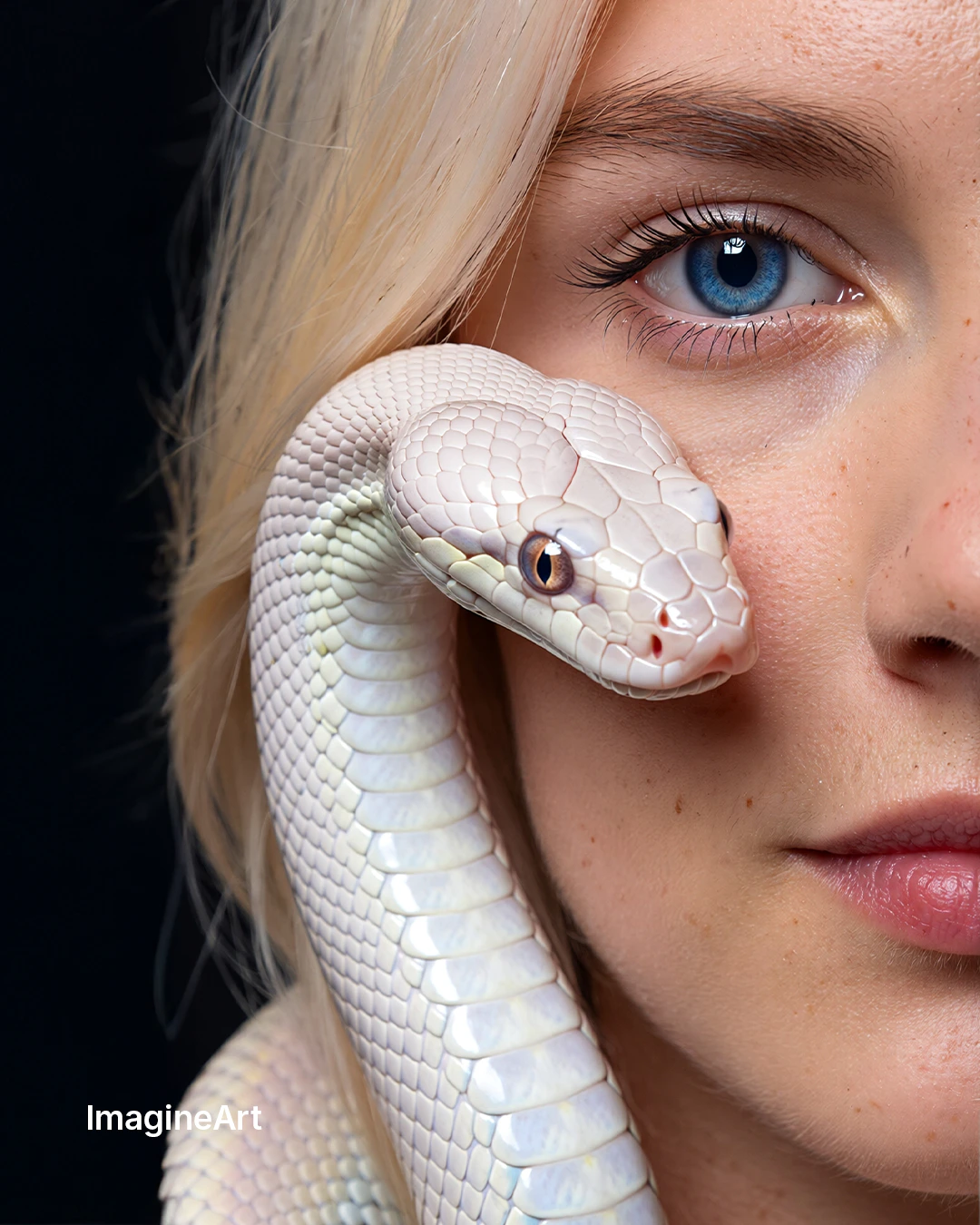
ImagineArt 1.5 shares the same architectural generation as ImagineArt 1.5 Pro — the same photorealistic quality pipeline — at a standard resolution output and lower credit cost. It's the ideal choice when you need dependable photorealism for portraits, lifestyle images, and realistic scenes without requiring the 4K native output that the Pro variant delivers.

A recommended workflow: iterate on ImagineArt 1.5 to validate composition, lighting, and subject, then move to [ImagineArt 1.5 Pro](/ai-models/image/imagineart-1-5-pro) for the final high-resolution deliverable.

<div style={{display: "grid", gridTemplateColumns: "repeat(3, 1fr)", gap: "12px", margin: "2rem 0"}}>
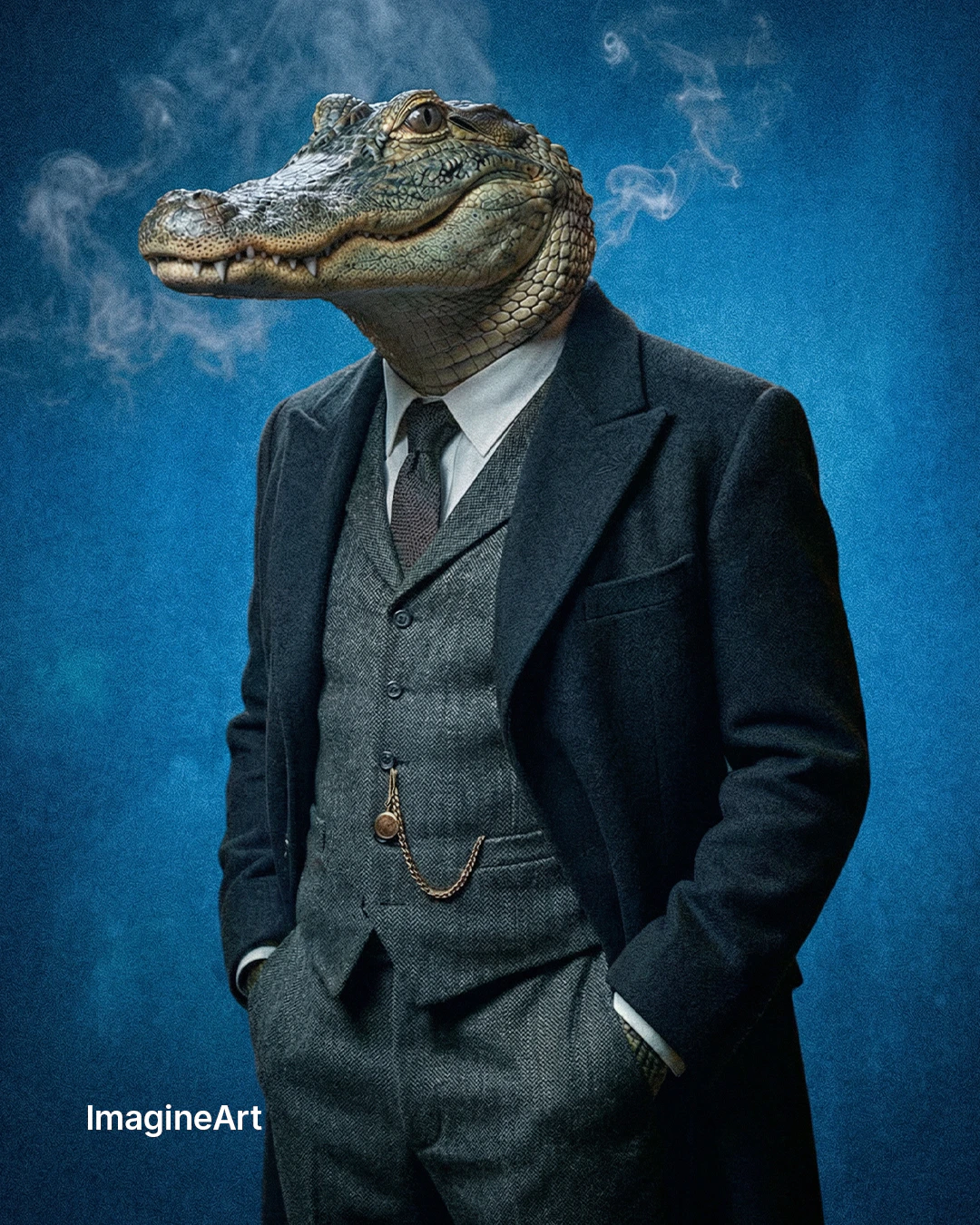
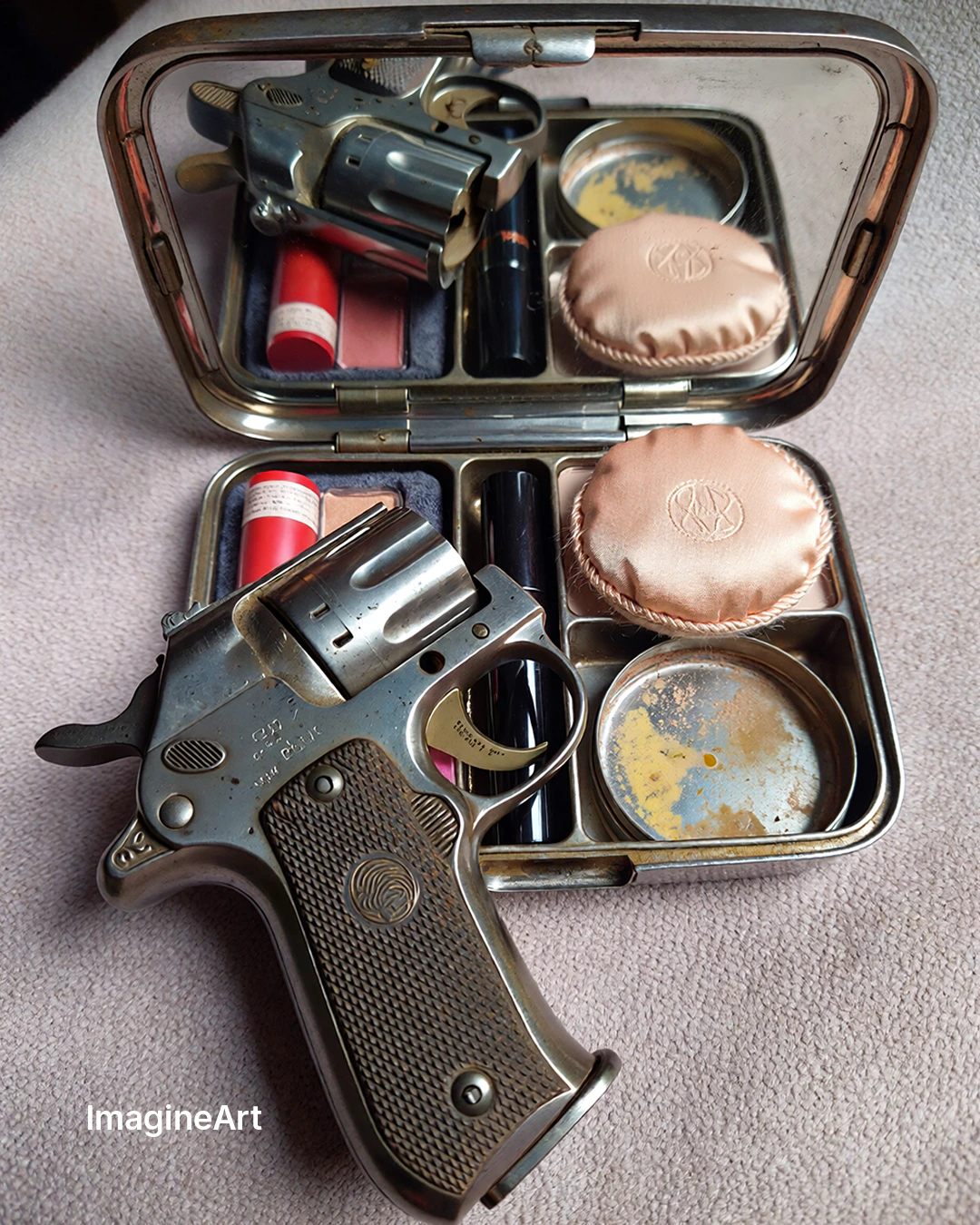
  <img src="https://mintcdn.com/imagineart/S1j5nVI4MbG3XTlF/images/1-1.png?fit=max&auto=format&n=S1j5nVI4MbG3XTlF&q=85&s=9eda8af23ef21527362265519ac8c71a" alt="ImagineArt 1.5 example" style={{width: "100%", aspectRatio: "3/4", objectFit: "cover", borderRadius: "12px", display: "block"}} width="1080" height="1350" data-path="images/1-1.png" />

  <img src="https://mintcdn.com/imagineart/S1j5nVI4MbG3XTlF/images/2-1.png?fit=max&auto=format&n=S1j5nVI4MbG3XTlF&q=85&s=ecf7b27e914dd40bca48a56dbfa75ca3" alt="ImagineArt 1.5 example" style={{width: "100%", aspectRatio: "3/4", objectFit: "cover", borderRadius: "12px", display: "block"}} width="1080" height="1350" data-path="images/2-1.png" />

  <img src="https://mintcdn.com/imagineart/S1j5nVI4MbG3XTlF/images/3-1.png?fit=max&auto=format&n=S1j5nVI4MbG3XTlF&q=85&s=790f82ea277b4f2d5d534a54fff4db0d" alt="ImagineArt 1.5 example" style={{width: "100%", aspectRatio: "3/4", objectFit: "cover", borderRadius: "12px", display: "block"}} width="1080" height="1350" data-path="images/3-1.png" />
</div>

## Capabilities

<CardGroup cols={3}>
  <Card title="Landscapes and scenes">
    Natural environments, urban scenes, and architectural compositions with realistic depth, atmospheric perspective, and color accuracy.
  </Card>

  <Card title="Authentic lighting">
    Proper light behavior: natural shadows, ambient occlusion, golden hour gradients, and studio lighting setups that read as genuinely photographic.
  </Card>

  <Card title="Lower credit cost">
    More cost-efficient than ImagineArt 1.5 Pro — generate multiple variations to explore direction before committing to a full-resolution final.
  </Card>
</CardGroup>

## How to use

<Steps>
  <Step title="Open the AI Image Generator">
    Go to the **ImagineArt AI Image Generator**.
  </Step>

  <Step title="Select the model">
    From the model dropdown, choose **ImagineArt 1.5**.
  </Step>

  <Step title="Write your prompt">
    Use descriptive, photography-style prompts — lighting conditions, environment, subject details, and any stylistic references.
  </Step>

  <Step title="Set your aspect ratio">
    Choose the aspect ratio for your subject — portrait for people, landscape for environments and wide scenes.
  </Step>

  <Step title="Generate">
    Click **Generate**. Use the lower cost to explore multiple directions before moving to 1.5 Pro for the final output.
  </Step>
</Steps>

<div style={{display: "grid", gridTemplateColumns: "repeat(3, 1fr)", gap: "12px", margin: "2rem 0"}}>
  <img src="https://mintcdn.com/imagineart/S1j5nVI4MbG3XTlF/images/4-1.png?fit=max&auto=format&n=S1j5nVI4MbG3XTlF&q=85&s=6c2869b418526e1dfe26c65dba6dd2c1" alt="ImagineArt 1.5 example" style={{width: "100%", aspectRatio: "3/4", objectFit: "cover", borderRadius: "12px", display: "block"}} width="1080" height="1350" data-path="images/4-1.png" />

  <img src="https://mintcdn.com/imagineart/oPtF8B-1qLY-HQuK/images/5-1.png?fit=max&auto=format&n=oPtF8B-1qLY-HQuK&q=85&s=a96855d14e79be3e1c9e8ad65b9dc65a" alt="ImagineArt 1.5 example" style={{width: "100%", aspectRatio: "3/4", objectFit: "cover", borderRadius: "12px", display: "block"}} width="1080" height="1350" data-path="images/5-1.png" />

  <img src="https://mintcdn.com/imagineart/oPtF8B-1qLY-HQuK/images/6.png?fit=max&auto=format&n=oPtF8B-1qLY-HQuK&q=85&s=93287ba89a2eaa436ef3e5f75f4a413b" alt="ImagineArt 1.5 example" style={{width: "100%", aspectRatio: "3/4", objectFit: "cover", borderRadius: "12px", display: "block"}} width="1080" height="1350" data-path="images/6.png" />
</div>

## Prompting tips

* **Describe the photography style** — "Natural light portrait", "golden hour landscape", "studio product photography" guide the model toward specific photorealistic aesthetics.
* **Camera details improve results** — "85mm portrait lens", "wide-angle establishing shot", "macro close-up" influence framing and perspective significantly.
* **Avoid overly stylized requests** — ImagineArt 1.5 is optimized for photorealism. For illustrations or artistic styles, use a different model.

### Example prompts

> A 30-something man with natural stubble, warm hazel eyes, photographed outdoors in soft overcast light, shallow depth of field, lifestyle portrait photography.

> A coastal village at sunset, warm amber light on whitewashed buildings, gentle waves, Mediterranean atmosphere, landscape photography.

## When to use 1.5 vs other ImagineArt models

| Need                         | Recommended model      |
| ---------------------------- | ---------------------- |
| Quick photorealistic draft   | **ImagineArt 1.5**     |
| Final 4K output with text    | **ImagineArt 1.5 Pro** |
| Latest flagship capabilities | **ImagineArt 2.0**     |

<Tip>
  ImagineArt 1.5 is the most cost-efficient entry in the ImagineArt model family. Use it for rapid exploration and iteration, then step up to [ImagineArt 1.5 Pro](/ai-models/image/imagineart-1-5-pro) or [ImagineArt 2.0](/ai-models/image/imagineart-2-0) for final production output.
</Tip>