> ## Documentation Index
> Fetch the complete documentation index at: https://docs.imagine.art/llms.txt
> Use this file to discover all available pages before exploring further.

# Midjourney v7

<div style={{background: "linear-gradient(135deg, #0d0016 0%, #18003a 55%, #08000f 100%)", borderRadius: "20px", padding: "3.5rem 3rem 3rem", marginBottom: "2.5rem", overflow: "hidden", position: "relative"}}>
  <div style={{position: "absolute", inset: "0", background: "radial-gradient(ellipse at 40% 70%, rgba(124,0,251,0.22) 0%, transparent 55%), radial-gradient(ellipse at 80% 10%, rgba(146,73,255,0.14) 0%, transparent 50%)", pointerEvents: "none"}} />

  <div style={{position: "relative"}}>
    <div style={{display: "flex", gap: "0.5rem", marginBottom: "1.5rem", flexWrap: "wrap"}}>
      <span style={{background: "rgba(124,0,251,0.25)", border: "1px solid rgba(124,0,251,0.5)", borderRadius: "100px", padding: "0.3rem 1rem", fontSize: "0.72rem", color: "#c084fc", fontWeight: "500", letterSpacing: "0.06em"}}>IMAGE MODEL</span>
      <span style={{background: "rgba(255,255,255,0.06)", border: "1px solid rgba(255,255,255,0.12)", borderRadius: "100px", padding: "0.3rem 1rem", fontSize: "0.72rem", color: "rgba(255,255,255,0.45)", fontWeight: "400"}}>by Midjourney</span>
      <span style={{background: "rgba(255,255,255,0.06)", border: "1px solid rgba(255,255,255,0.12)", borderRadius: "100px", padding: "0.3rem 1rem", fontSize: "0.72rem", color: "rgba(255,255,255,0.45)", fontWeight: "400"}}>Complete architectural rebuild</span>
    </div>

    <h1 style={{fontSize: "clamp(2.5rem, 5vw, 3.75rem)", fontWeight: "700", color: "#ffffff", lineHeight: "1.1", letterSpacing: "-0.025em", margin: "0 0 1.1rem 0"}}>Midjourney V7</h1>
    <p style={{fontSize: "1.1rem", color: "rgba(255,255,255,0.52)", maxWidth: "580px", lineHeight: "1.7", marginBottom: "2.25rem"}}>Midjourney's most ambitious release — a completely rebuilt architecture delivering richer textures, dramatically improved human anatomy and hands, precise prompt adherence, and personalized output that learns your aesthetic. Draft Mode generates 10× faster at half the cost for rapid exploration.</p>

    <div style={{display: "flex", gap: "0.75rem", flexWrap: "wrap"}}>
      <div style={{background: "rgba(255,255,255,0.06)", borderRadius: "14px", padding: "0.875rem 1.5rem", border: "1px solid rgba(255,255,255,0.1)"}}>
        <div style={{fontSize: "0.62rem", color: "rgba(255,255,255,0.32)", textTransform: "uppercase", letterSpacing: "0.1em", marginBottom: "0.3rem"}}>Draft Mode</div>
        <div style={{fontSize: "1rem", color: "#ffffff", fontWeight: "600"}}>10× faster, half cost</div>
      </div>

      <div style={{background: "rgba(255,255,255,0.06)", borderRadius: "14px", padding: "0.875rem 1.5rem", border: "1px solid rgba(255,255,255,0.1)"}}>
        <div style={{fontSize: "0.62rem", color: "rgba(255,255,255,0.32)", textTransform: "uppercase", letterSpacing: "0.1em", marginBottom: "0.3rem"}}>Architecture</div>
        <div style={{fontSize: "1rem", color: "#ffffff", fontWeight: "600"}}>Complete rebuild</div>
      </div>

      <div style={{background: "rgba(255,255,255,0.06)", borderRadius: "14px", padding: "0.875rem 1.5rem", border: "1px solid rgba(255,255,255,0.1)"}}>
        <div style={{fontSize: "0.62rem", color: "rgba(255,255,255,0.32)", textTransform: "uppercase", letterSpacing: "0.1em", marginBottom: "0.3rem"}}>Personalization</div>
        <div style={{fontSize: "1rem", color: "#ffffff", fontWeight: "600"}}>Built-in, default on</div>
      </div>

      <div style={{background: "rgba(255,255,255,0.06)", borderRadius: "14px", padding: "0.875rem 1.5rem", border: "1px solid rgba(255,255,255,0.1)"}}>
        <div style={{fontSize: "0.62rem", color: "rgba(255,255,255,0.32)", textTransform: "uppercase", letterSpacing: "0.1em", marginBottom: "0.3rem"}}>Released</div>
        <div style={{fontSize: "1rem", color: "#ffffff", fontWeight: "600"}}>April 3, 2025</div>
      </div>
    </div>
  </div>
</div>

<div style={{display: "grid", gridTemplateColumns: "repeat(3, 1fr)", gap: "12px", margin: "2rem 0"}}>
  <img src="https://mintcdn.com/imagineart/wetntQ7sWcqxm5b9/images/u7353888558_rear_low-angle_colossal_humanoid_war_mech_standing__f8023d7a-f2f1-43d5-90ef-37ae9831a7c9.png?fit=max&auto=format&n=wetntQ7sWcqxm5b9&q=85&s=748d5c5c06b71f16180f6fe42923a08f" alt="Midjourney V7 example" style={{width: "100%", aspectRatio: "1/1", objectFit: "cover", borderRadius: "12px", display: "block"}} width="816" height="1456" data-path="images/u7353888558_rear_low-angle_colossal_humanoid_war_mech_standing__f8023d7a-f2f1-43d5-90ef-37ae9831a7c9.png" />

  <img src="https://mintcdn.com/imagineart/wetntQ7sWcqxm5b9/images/biskit555_cyberpunk_android_swordsman_vintage_japanese_poster_-_bb37c6b8-7748-476b-a2c0-8c030402e4ad.png?fit=max&auto=format&n=wetntQ7sWcqxm5b9&q=85&s=287ba8aeec0e9d844f56481eb4e160d0" alt="Midjourney V7 example" style={{width: "100%", aspectRatio: "1/1", objectFit: "cover", borderRadius: "12px", display: "block"}} width="1824" height="2592" data-path="images/biskit555_cyberpunk_android_swordsman_vintage_japanese_poster_-_bb37c6b8-7748-476b-a2c0-8c030402e4ad.png" />

  <img src="https://mintcdn.com/imagineart/_H_3yVfCteCmvkT5/images/thebadunicorn007_a_beautiful_illustration_depicting_butterflies_67c48dff-86f1-4a2d-9c8e-c625b09e284c.png?fit=max&auto=format&n=_H_3yVfCteCmvkT5&q=85&s=eda31c034e5f0c6554be13f51e621516" alt="Midjourney V7 example" style={{width: "100%", aspectRatio: "1/1", objectFit: "cover", borderRadius: "12px", display: "block"}} width="816" height="1456" data-path="images/thebadunicorn007_a_beautiful_illustration_depicting_butterflies_67c48dff-86f1-4a2d-9c8e-c625b09e284c.png" />
</div>

## A completely different architecture

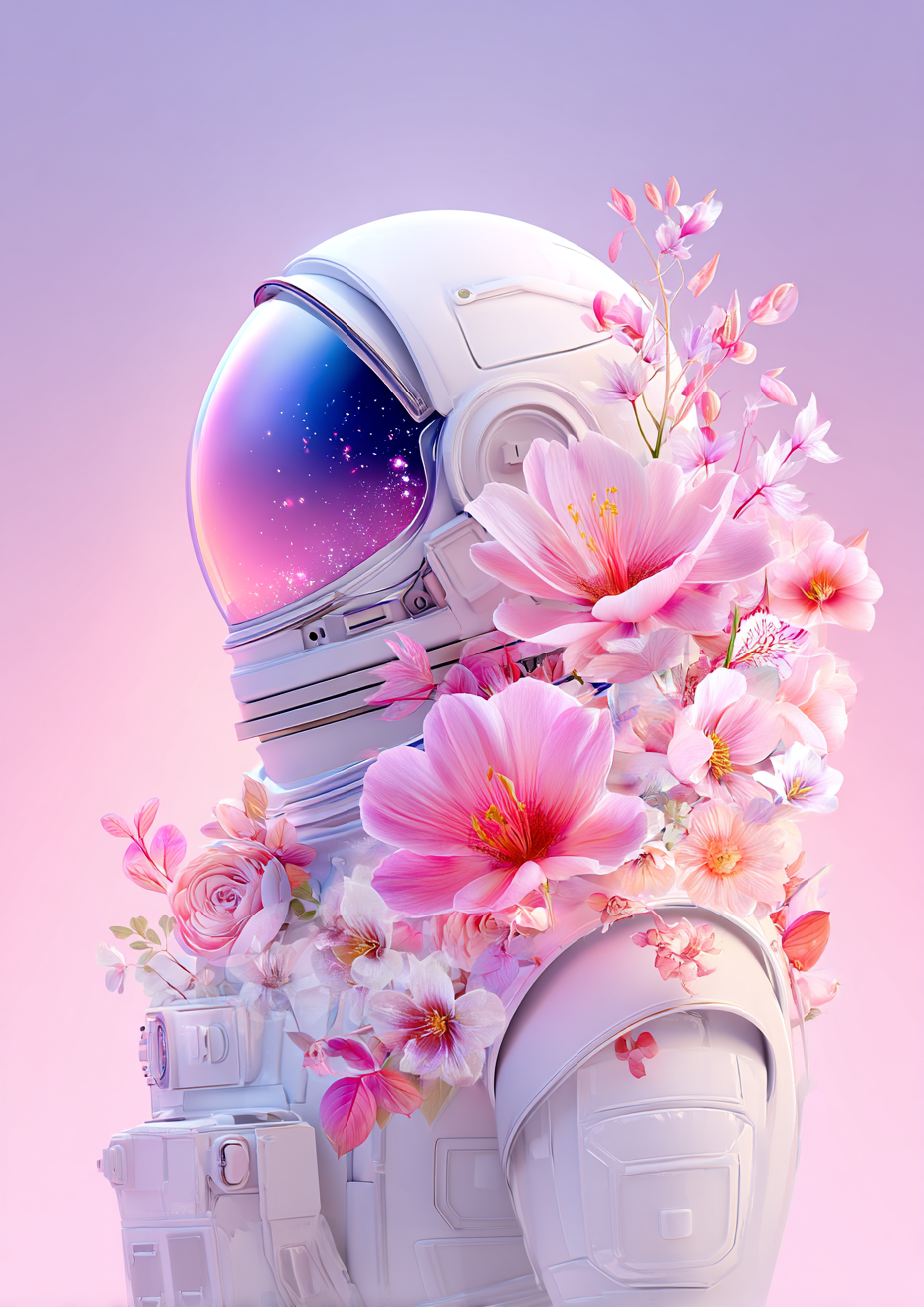
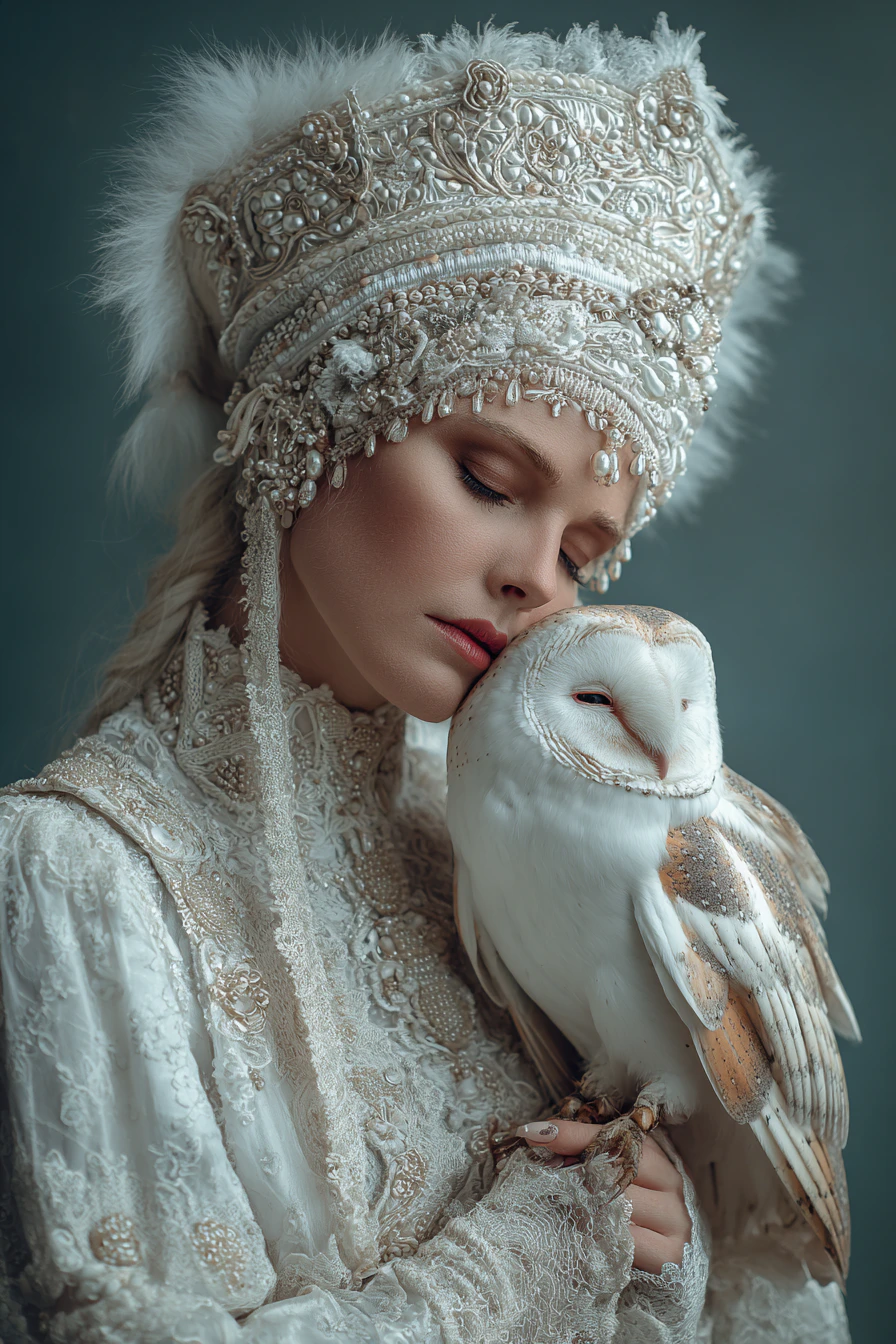
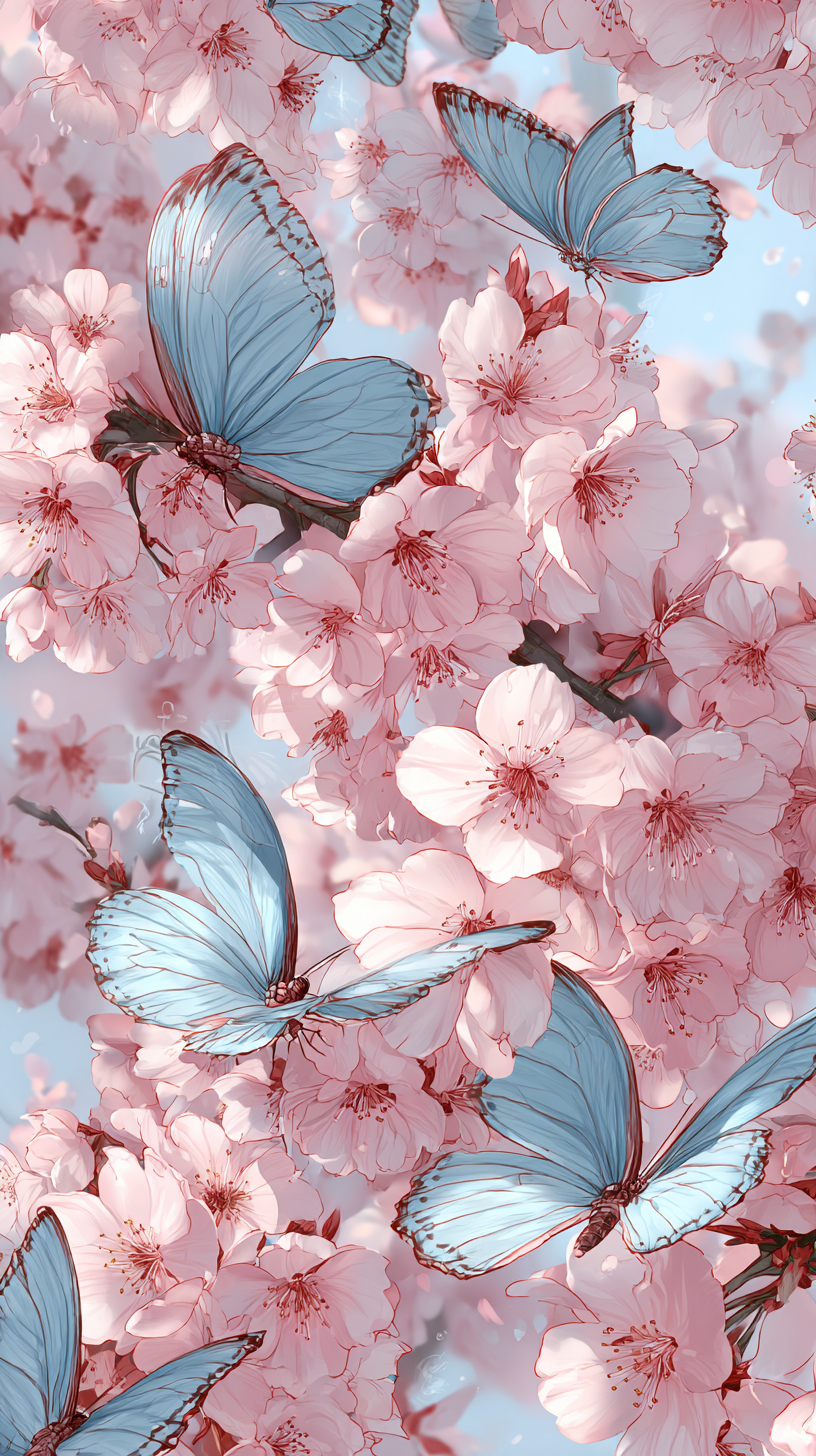
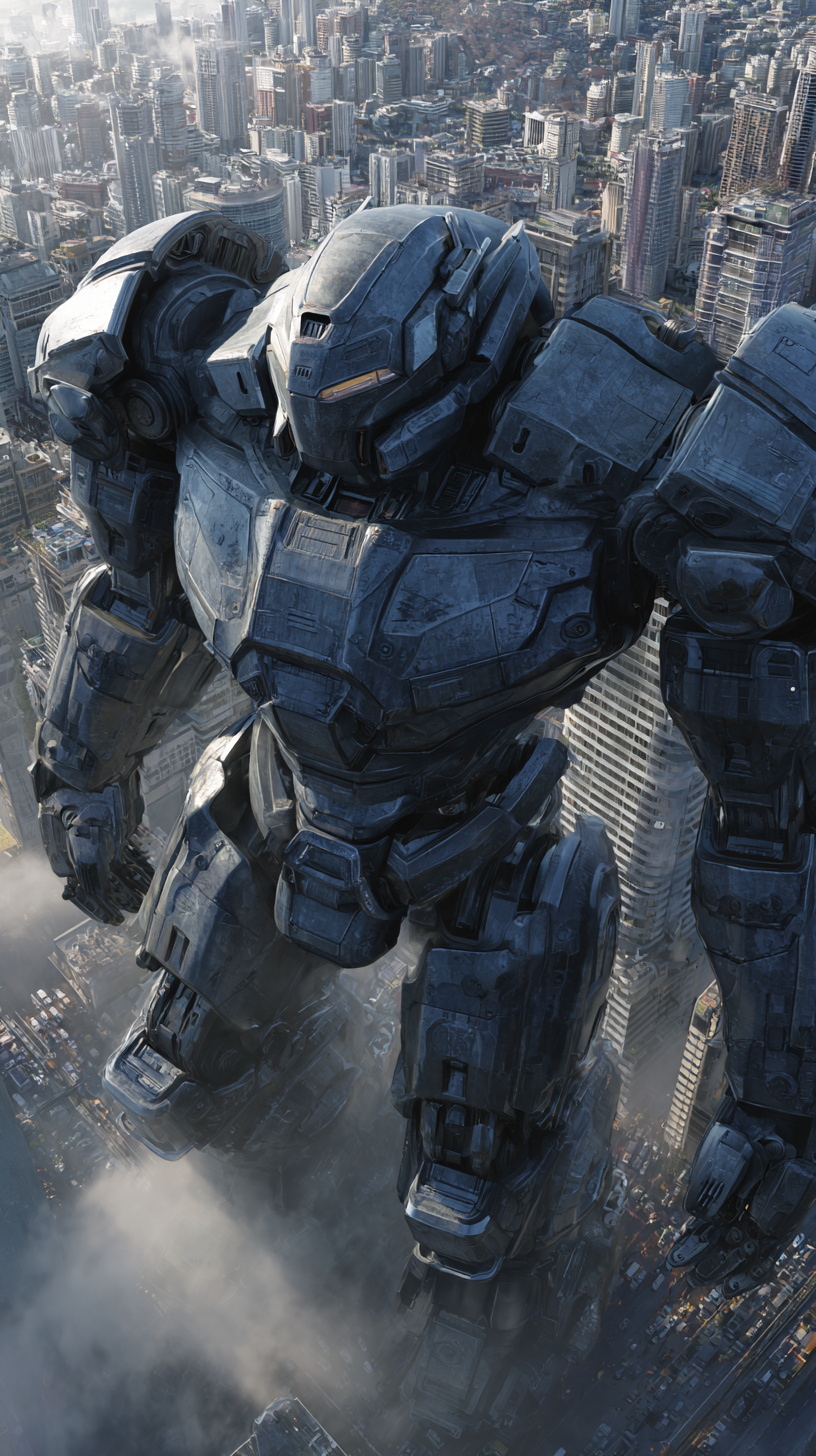
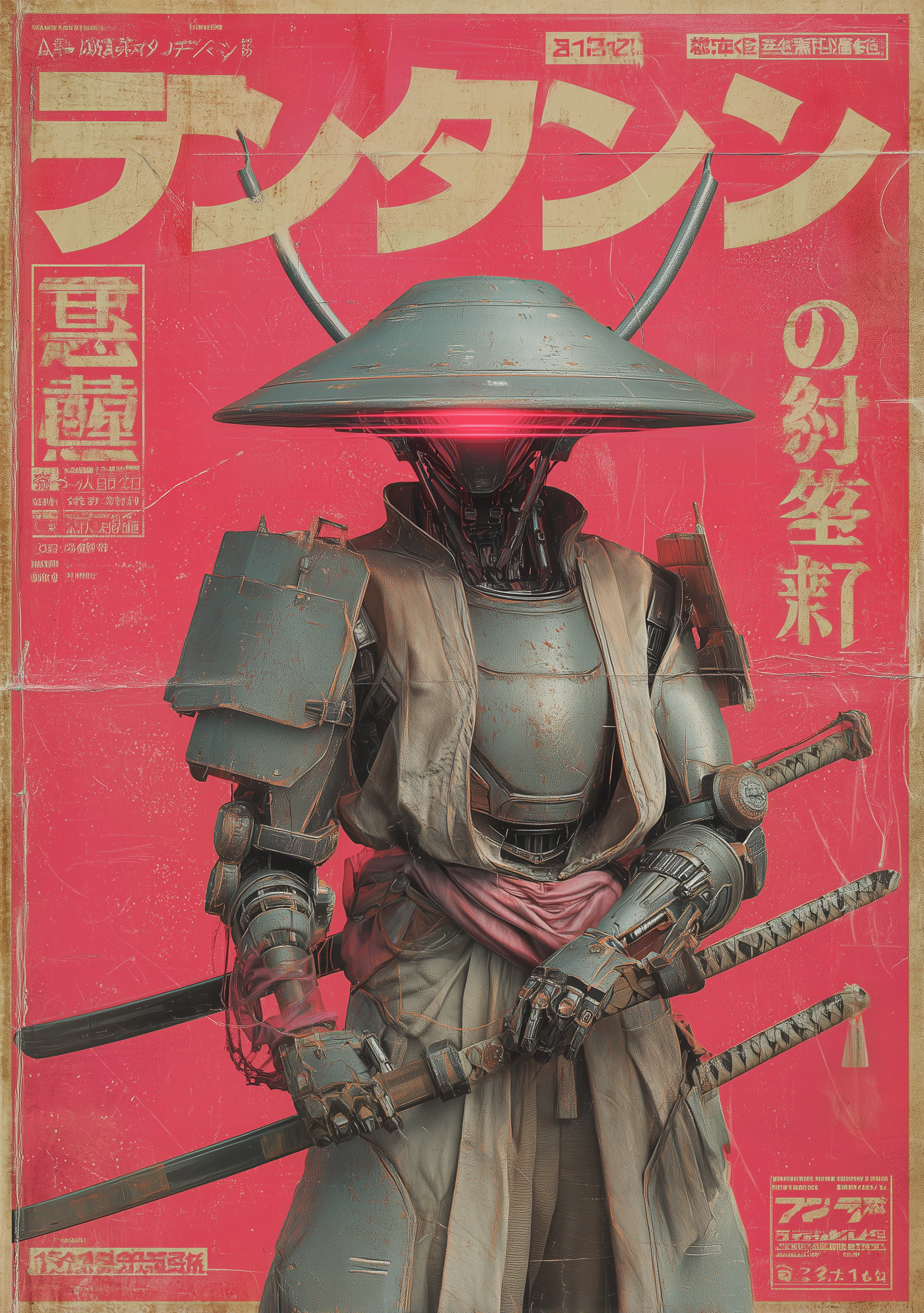
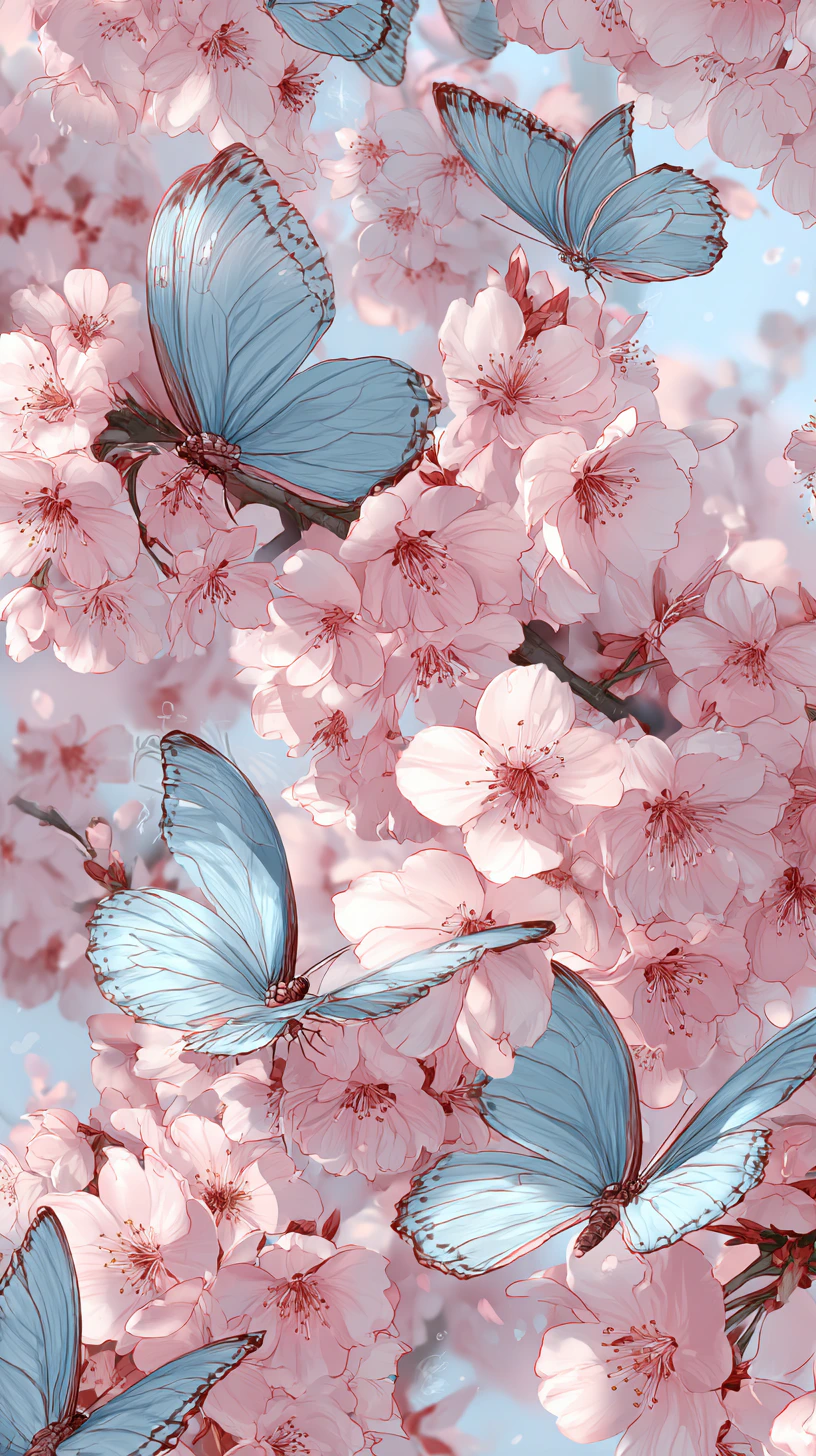
Midjourney V7 is not an incremental update — it's a ground-up rebuild. CEO David Holz described it as "a totally different architecture." The result is visibly richer textures, more coherent spatial compositions, and significantly improved human anatomy (especially hands and bodies) that have historically been a weak point for generative image models.

Prompt adherence is the headline improvement: V7 follows complex, multi-element instructions with far fewer dropped or altered elements compared to V6.

## Capabilities

<CardGroup cols={3}>
  <Card title="Built-in personalization">
    Default personalization learns your aesthetic preferences from your generation history. A brief rating session calibrates the model to your taste.
  </Card>

  <Card title="Omni Reference">
    Unified reference system for style, subject, and character references. Use --sref codes to explore curated style galleries or lock a specific look.
  </Card>

  <Card title="Richer textures and anatomy">
    Markedly improved material rendering — fabric, skin, stone, and organic surfaces look more convincing. Human hands and body proportions are significantly more accurate.
  </Card>
</CardGroup>

## Key parameters

| Parameter             | Range  | Effect                                                |
| --------------------- | ------ | ----------------------------------------------------- |
| `--s` (stylization)   | 0–1000 | Low = prompt-faithful; High = artistic interpretation |
| `--c` (chaos)         | 0–100  | Low = consistent; High = unusual, varied results      |
| `--exp`               | 0–100  | Experimental aesthetics; suggested 5, 10, 25, 50, 100 |
| `--sw` (style weight) | 0–1000 | Strength of `--sref` style reference (default 100)    |
| Draft Mode            | On/Off | 10× faster at half cost, reduced quality              |

## How to use

<Steps>
  <Step title="Open the AI Image Generator">
    Go to the **ImagineArt AI Image Generator**.
  </Step>

  <Step title="Select the model">
    From the model dropdown, choose **Midjourney V7**.
  </Step>

  <Step title="Write your prompt">
    Be specific about subject, mood, lighting, and style. V7 rewards precise prompts — the more detail you include, the more faithfully the output matches your intent.
  </Step>

  <Step title="Start with Draft Mode">
    Enable Draft Mode to explore compositions quickly. Switch to full quality once you've found the direction you want.
  </Step>

  <Step title="Refine with parameters">
    Adjust `--s` for artistic interpretation, `--exp` for experimental aesthetics, or `--sref` to anchor to a specific visual style.
  </Step>
</Steps>

<div style={{display: "grid", gridTemplateColumns: "repeat(3, 1fr)", gap: "12px", margin: "2rem 0"}}>
  <img src="https://mintcdn.com/imagineart/_H_3yVfCteCmvkT5/images/mariaarty__85391_a_white_astronaut_suit_with_flowers_growing_ou_2ed33baf-fec8-4254-823e-54b6afd692cc.png?fit=max&auto=format&n=_H_3yVfCteCmvkT5&q=85&s=fc41bd9d1e793f8125d1fbf824aa049c" alt="Midjourney V7 example" style={{width: "100%", aspectRatio: "1/1", objectFit: "cover", borderRadius: "12px", display: "block"}} width="928" height="1312" data-path="images/mariaarty__85391_a_white_astronaut_suit_with_flowers_growing_ou_2ed33baf-fec8-4254-823e-54b6afd692cc.png" />

  <img src="https://mintcdn.com/imagineart/_H_3yVfCteCmvkT5/images/mcmueller_images_of_woman_with_her_owls_in_the_style_of_etherea_1e281c09-0080-4870-af4c-bd74f0e0263c.png?fit=max&auto=format&n=_H_3yVfCteCmvkT5&q=85&s=f5e4a346ee0334c0e72dbbb6e4c07bac" alt="Midjourney V7 example" style={{width: "100%", aspectRatio: "1/1", objectFit: "cover", borderRadius: "12px", display: "block"}} width="896" height="1344" data-path="images/mcmueller_images_of_woman_with_her_owls_in_the_style_of_etherea_1e281c09-0080-4870-af4c-bd74f0e0263c.png" />

  <img src="https://mintcdn.com/imagineart/_H_3yVfCteCmvkT5/images/thebadunicorn007_a_beautiful_illustration_depicting_butterflies_67c48dff-86f1-4a2d-9c8e-c625b09e284c-1.png?fit=max&auto=format&n=_H_3yVfCteCmvkT5&q=85&s=91ae1c0518dc2c396235c92c41bab35b" alt="Midjourney V7 example" style={{width: "100%", aspectRatio: "1/1", objectFit: "cover", borderRadius: "12px", display: "block"}} width="816" height="1456" data-path="images/thebadunicorn007_a_beautiful_illustration_depicting_butterflies_67c48dff-86f1-4a2d-9c8e-c625b09e284c-1.png" />
</div>

## Prompting tips

* **Draft Mode first, always** — At 10× speed and half cost, Draft Mode is your ideation layer. Lock composition and mood before committing credits to full quality.
* **Use `--exp 10–25` for creative work** — Low `--exp` values push the model into more unusual aesthetic territory without losing coherence.
* **Personalization makes a visible difference** — If you've rated images or generated extensively in Midjourney, V7's personalization will skew outputs toward your established preferences automatically.
* **Be explicit about anatomy** — Despite improvements, specifying "correct hand anatomy" or "natural posture" in prompts reinforces V7's improved but not flawless anatomical rendering.

### Example prompts

> A lone lighthouse on a rocky Atlantic coast at dusk, crashing waves, deep blue and orange sky, cinematic composition, photorealistic.

> A 1970s Tokyo neon-lit street at night, wet cobblestones reflecting signs, rain, cinematic film photography aesthetic, rich shadow detail.

> An architect's desk covered in blueprints and scale models, warm desk lamp, afternoon window light, documentary photography.

<Tip>
  Midjourney V7 became the default model on June 17, 2025. For the most experimental outputs, try `--exp 25` or higher alongside a reduced `--s` value to balance creative expression with prompt fidelity.
</Tip>