> ## Documentation Index
> Fetch the complete documentation index at: https://docs.imagine.art/llms.txt
> Use this file to discover all available pages before exploring further.

# Minimax image

<div style={{background: "linear-gradient(135deg, #0d0016 0%, #18003a 55%, #08000f 100%)", borderRadius: "20px", padding: "3.5rem 3rem 3rem", marginBottom: "2.5rem", overflow: "hidden", position: "relative"}}>
  <div style={{position: "absolute", inset: "0", background: "radial-gradient(ellipse at 65% 25%, rgba(124,0,251,0.2) 0%, transparent 55%), radial-gradient(ellipse at 10% 70%, rgba(146,73,255,0.12) 0%, transparent 50%)", pointerEvents: "none"}} />

  <div style={{position: "relative"}}>
    <div style={{display: "flex", gap: "0.5rem", marginBottom: "1.5rem", flexWrap: "wrap"}}>
      <span style={{background: "rgba(124,0,251,0.25)", border: "1px solid rgba(124,0,251,0.5)", borderRadius: "100px", padding: "0.3rem 1rem", fontSize: "0.72rem", color: "#c084fc", fontWeight: "500", letterSpacing: "0.06em"}}>IMAGE MODEL</span>
      <span style={{background: "rgba(255,255,255,0.06)", border: "1px solid rgba(255,255,255,0.12)", borderRadius: "100px", padding: "0.3rem 1rem", fontSize: "0.72rem", color: "rgba(255,255,255,0.45)", fontWeight: "400"}}>by MiniMax AI</span>
      <span style={{background: "rgba(255,255,255,0.06)", border: "1px solid rgba(255,255,255,0.12)", borderRadius: "100px", padding: "0.3rem 1rem", fontSize: "0.72rem", color: "rgba(255,255,255,0.45)", fontWeight: "400"}}>Image-01</span>
    </div>

    <h1 style={{fontSize: "clamp(2.5rem, 5vw, 3.75rem)", fontWeight: "700", color: "#ffffff", lineHeight: "1.1", letterSpacing: "-0.025em", margin: "0 0 1.1rem 0"}}>Minimax Image</h1>
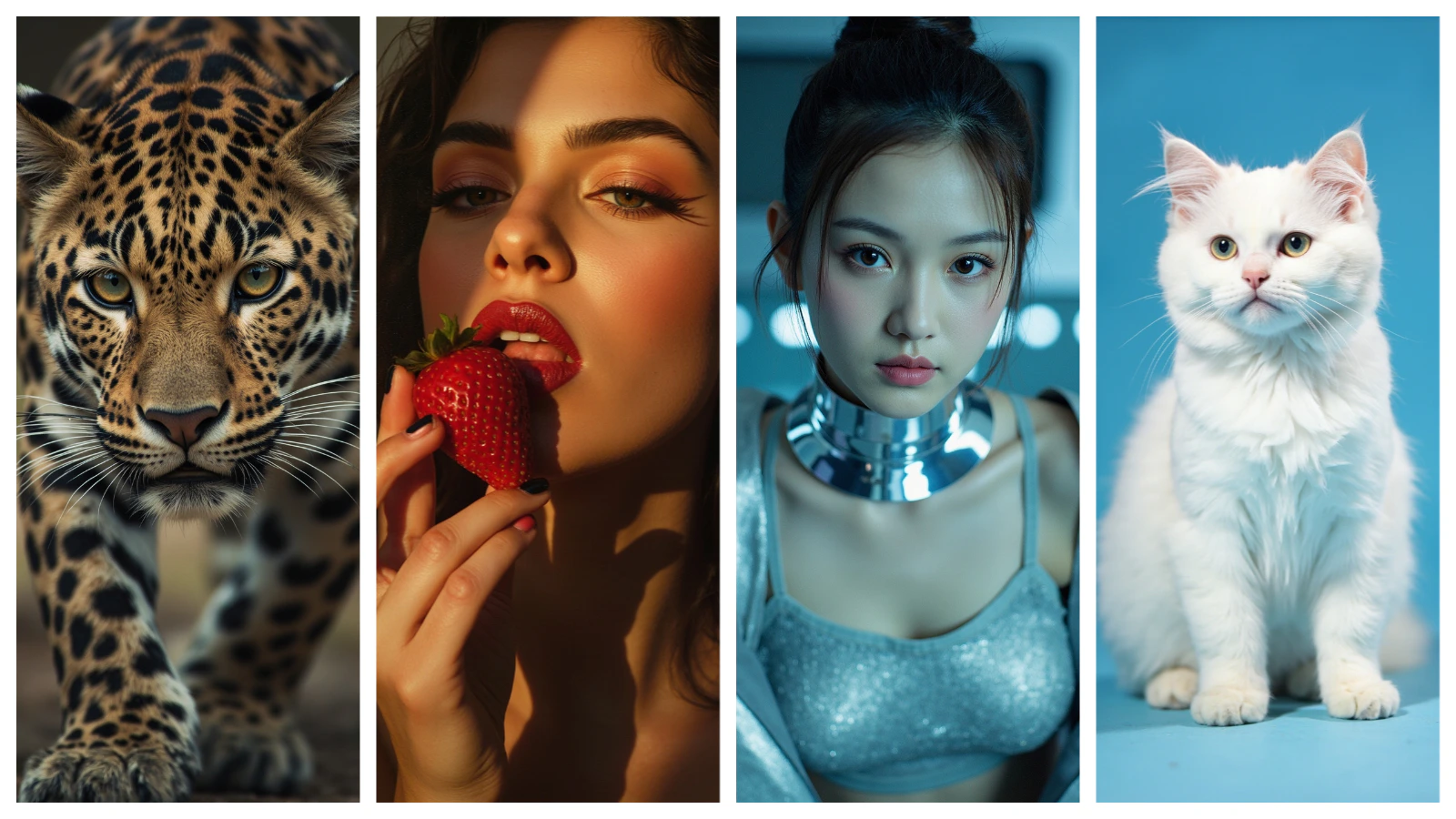
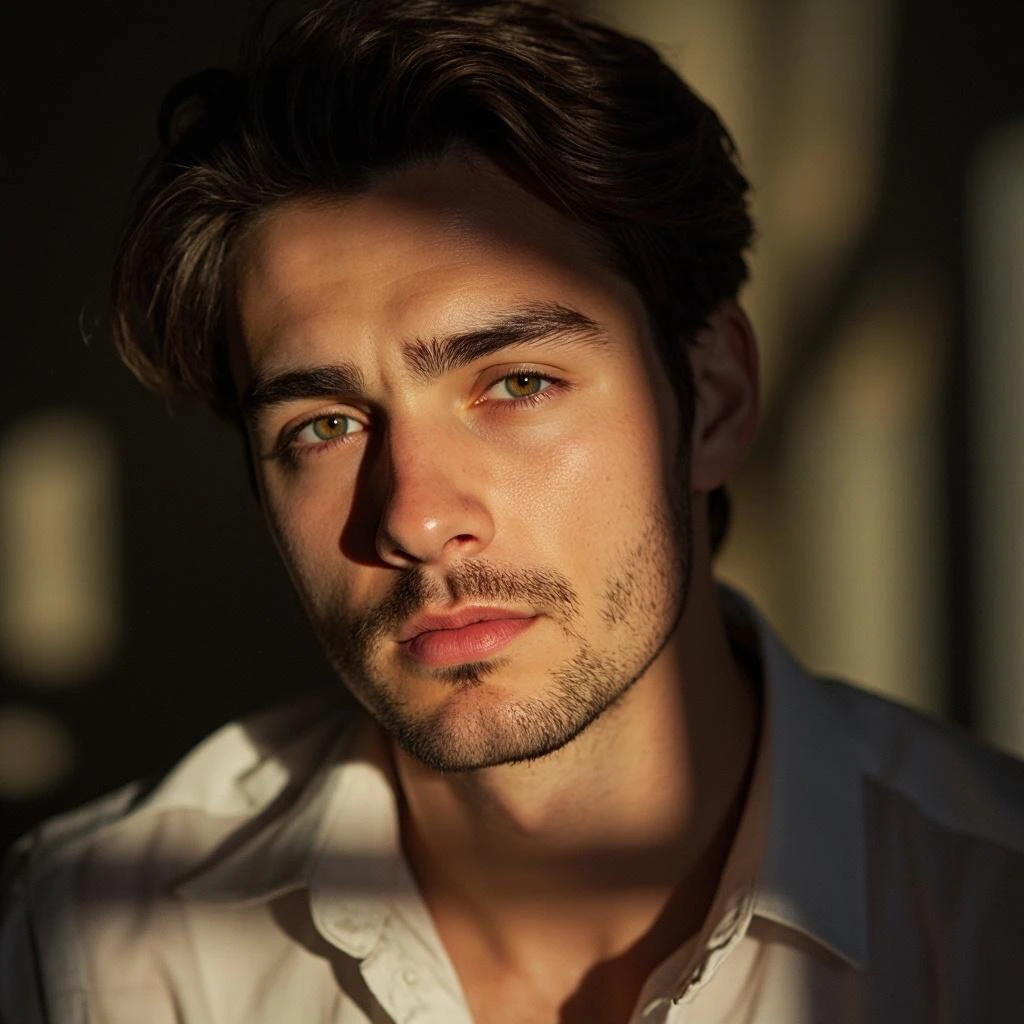
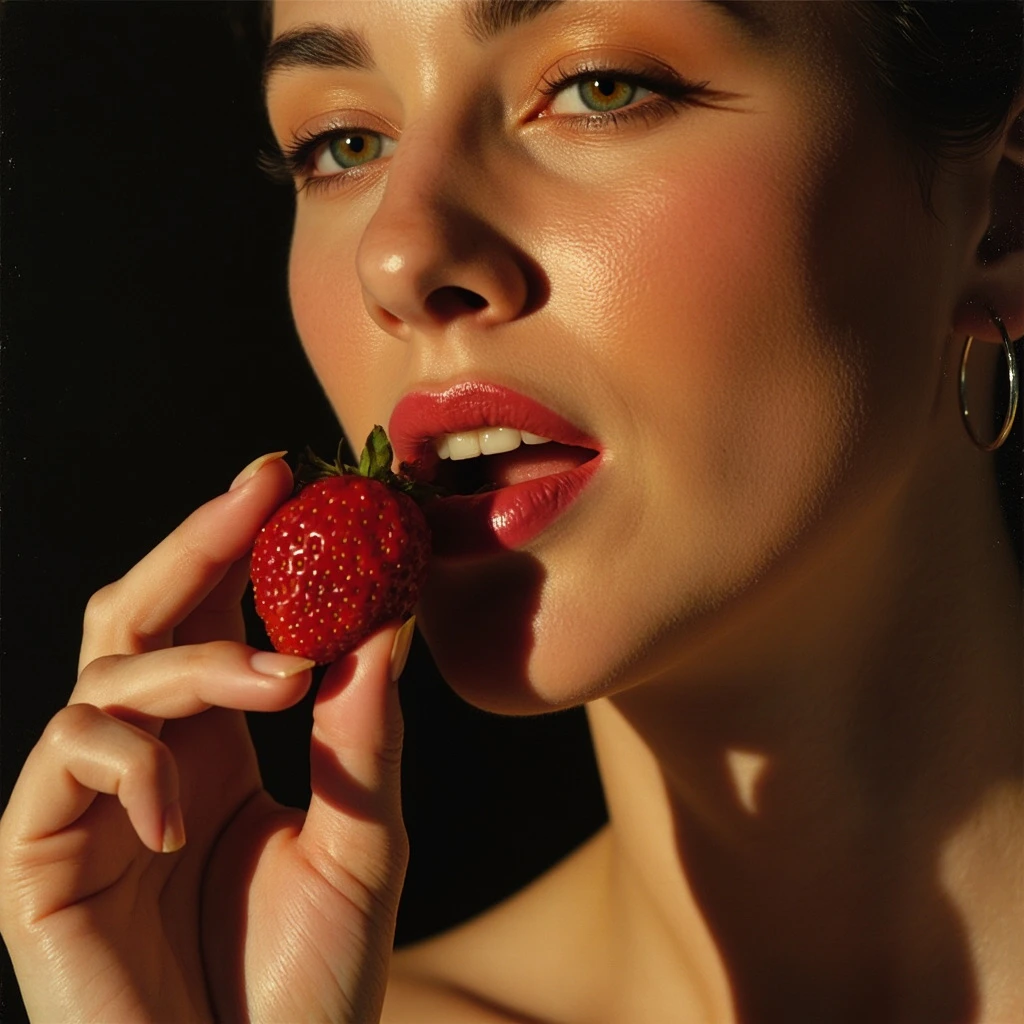
    <p style={{fontSize: "1.1rem", color: "rgba(255,255,255,0.52)", maxWidth: "580px", lineHeight: "1.7", marginBottom: "2.25rem"}}>MiniMax's photorealistic image model — known for lifelike human subjects, cinematic lighting, and complex environmental scenes. Features subject reference support for consistent character generation across multiple outputs.</p>

    <div style={{display: "flex", gap: "0.75rem", flexWrap: "wrap"}}>
      <div style={{background: "rgba(255,255,255,0.06)", borderRadius: "14px", padding: "0.875rem 1.5rem", border: "1px solid rgba(255,255,255,0.1)"}}>
        <div style={{fontSize: "0.62rem", color: "rgba(255,255,255,0.32)", textTransform: "uppercase", letterSpacing: "0.1em", marginBottom: "0.3rem"}}>Resolution</div>
        <div style={{fontSize: "1rem", color: "#ffffff", fontWeight: "600"}}>512–2048px</div>
      </div>

      <div style={{background: "rgba(255,255,255,0.06)", borderRadius: "14px", padding: "0.875rem 1.5rem", border: "1px solid rgba(255,255,255,0.1)"}}>
        <div style={{fontSize: "0.62rem", color: "rgba(255,255,255,0.32)", textTransform: "uppercase", letterSpacing: "0.1em", marginBottom: "0.3rem"}}>Aspect ratios</div>
        <div style={{fontSize: "1rem", color: "#ffffff", fontWeight: "600"}}>1:1, 16:9, 4:3, 9:16, 21:9 +</div>
      </div>

      <div style={{background: "rgba(255,255,255,0.06)", borderRadius: "14px", padding: "0.875rem 1.5rem", border: "1px solid rgba(255,255,255,0.1)"}}>
        <div style={{fontSize: "0.62rem", color: "rgba(255,255,255,0.32)", textTransform: "uppercase", letterSpacing: "0.1em", marginBottom: "0.3rem"}}>Batch</div>
        <div style={{fontSize: "1rem", color: "#ffffff", fontWeight: "600"}}>Up to 9 images</div>
      </div>

      <div style={{background: "rgba(255,255,255,0.06)", borderRadius: "14px", padding: "0.875rem 1.5rem", border: "1px solid rgba(255,255,255,0.1)"}}>
        <div style={{fontSize: "0.62rem", color: "rgba(255,255,255,0.32)", textTransform: "uppercase", letterSpacing: "0.1em", marginBottom: "0.3rem"}}>Released</div>
        <div style={{fontSize: "1rem", color: "#ffffff", fontWeight: "600"}}>February 2025</div>
      </div>
    </div>
  </div>
</div>

<Frame>
  <img src="https://mintcdn.com/imagineart/410AHfb3Tlhn-w0b/images/43b05178-4b2a-42d9-9130-4fedae658816.jpeg?fit=max&auto=format&n=410AHfb3Tlhn-w0b&q=85&s=d1d866efcbb61442f69743e5dcc0b1be" alt="43b05178 4b2a 42d9 9130 4fedae658816" width="1600" height="900" data-path="images/43b05178-4b2a-42d9-9130-4fedae658816.jpeg" />
</Frame>

## Capabilities

<CardGroup cols={3}>
  <Card title="Subject reference">
    Accepts a subject reference image to maintain consistent character appearance across multiple generated images.
  </Card>

  <Card title="Flexible resolution">
    Generate from 512px to 2048px on each side independently — supports 1:1, 16:9, 4:3, 21:9, 9:16, and more.
  </Card>

  <Card title="Rich material rendering">
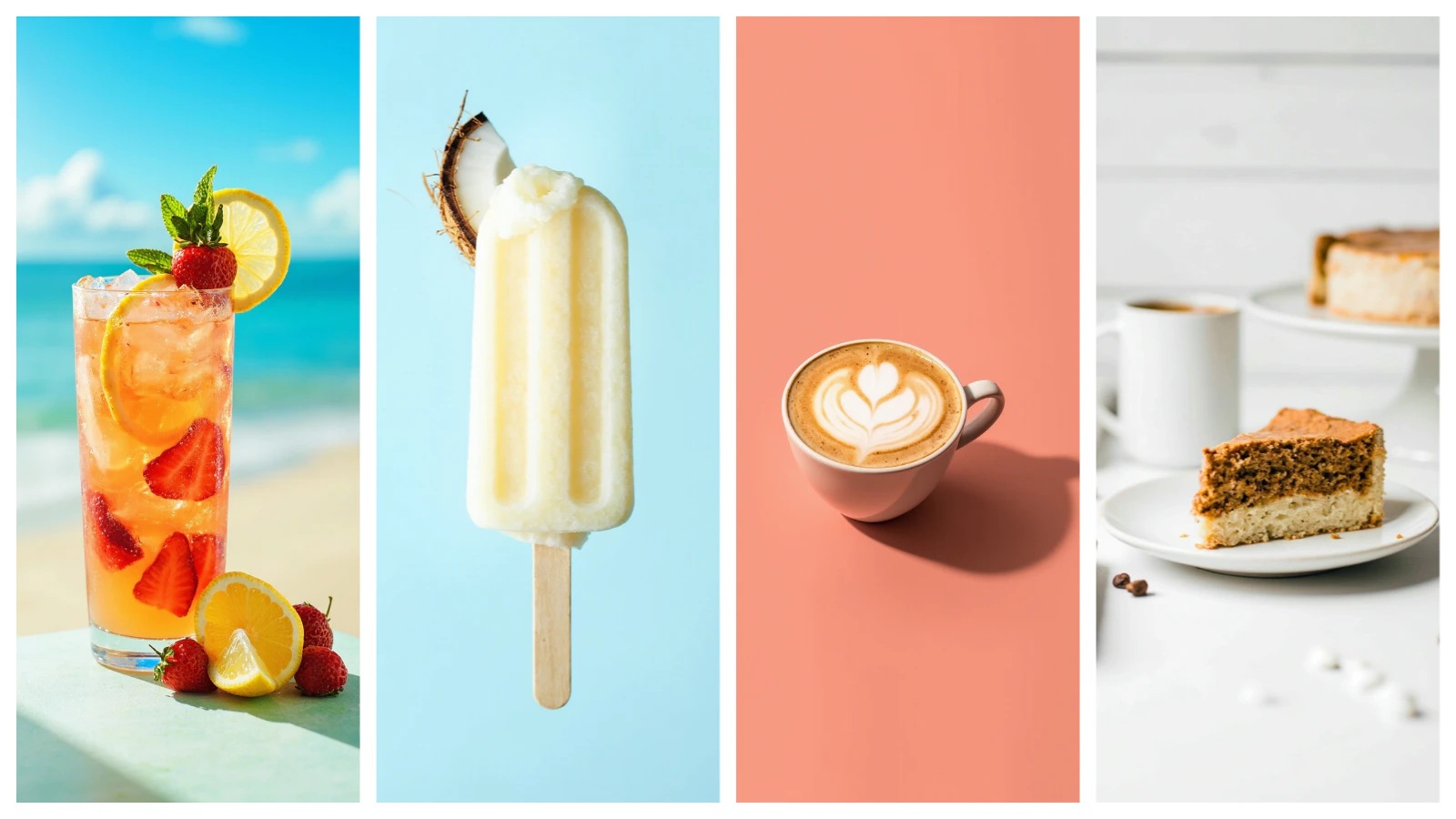
    Handles intricate product details, fabric textures, and complex material surfaces with high fidelity.
  </Card>
</CardGroup>

## How to use

<Steps>
  <Step title="Open the AI Image Generator">
    Go to the **ImagineArt AI Image Generator**.
  </Step>

  <Step title="Select the model">
    From the model dropdown, choose **Minimax Image**.
  </Step>

  <Step title="Write your prompt">
    Describe the subject, environment, lighting, and style. Minimax Image responds well to cinematic and photographic language.
  </Step>

  <Step title="Upload a subject reference (optional)">
    To maintain character consistency across multiple images, upload a reference photo using the subject reference input.
  </Step>

  <Step title="Set aspect ratio and resolution">
    Choose the aspect ratio and pixel dimensions for your output.
  </Step>

  <Step title="Generate">
    Click **Generate** and review the output.
  </Step>
</Steps>

<div style={{display: "grid", gridTemplateColumns: "repeat(3, 1fr)", gap: "12px", margin: "2rem 0"}}>
  <img src="https://mintcdn.com/imagineart/410AHfb3Tlhn-w0b/images/987e436e-d80a-4a67-b6e7-78a43aacfc8d.png?fit=max&auto=format&n=410AHfb3Tlhn-w0b&q=85&s=0cce608964b74972fa25acc7725d80e6" alt="Minimax Image example" style={{width: "100%", aspectRatio: "1/1", objectFit: "cover", borderRadius: "12px", display: "block"}} width="1024" height="1024" data-path="images/987e436e-d80a-4a67-b6e7-78a43aacfc8d.png" />

  <img src="https://mintcdn.com/imagineart/410AHfb3Tlhn-w0b/images/9747151c-e144-43f5-936b-0d6f3ef2ab06.png?fit=max&auto=format&n=410AHfb3Tlhn-w0b&q=85&s=e086364b66ef9b89723190abe7e5c811" alt="Minimax Image example" style={{width: "100%", aspectRatio: "1/1", objectFit: "cover", borderRadius: "12px", display: "block"}} width="1024" height="1024" data-path="images/9747151c-e144-43f5-936b-0d6f3ef2ab06.png" />

  <img src="https://mintcdn.com/imagineart/85UKvQiIQstWsjSy/images/5e46b743-5dab-4d70-b823-251b22027f97.png?fit=max&auto=format&n=85UKvQiIQstWsjSy&q=85&s=3bd4581d56f1f7d175f1387411d9f6bf" alt="Minimax Image example" style={{width: "100%", aspectRatio: "1/1", objectFit: "cover", borderRadius: "12px", display: "block"}} width="1024" height="1024" data-path="images/5e46b743-5dab-4d70-b823-251b22027f97.png" />
</div>

## Prompting tips

* **Describe the lighting explicitly** — *"soft natural window light"*, *"dramatic rim lighting"*, *"overcast studio"* significantly influence the photorealistic output quality.
* **Use subject reference for campaigns** — For consistent character appearances across multiple images (product shots, brand campaigns), always upload a subject reference.
* **Specify materials for product work** — *"brushed stainless steel"*, *"glossy ceramic"*, *"matte leather"* push the model toward more accurate material rendering.

### Example prompts

> A woman in a red silk dress standing in a rain-soaked alley at night, neon reflections on the wet pavement, cinematic composition, shallow depth of field.

> A luxury perfume bottle on a marble surface, soft diffused studio lighting, white background, product photography, ultra-detailed.

<Frame>
  <img src="https://mintcdn.com/imagineart/85UKvQiIQstWsjSy/images/467fdfc1-7e84-4b08-8af6-9af02e022dd3.jpeg?fit=max&auto=format&n=85UKvQiIQstWsjSy&q=85&s=ef93d80e6ca93dd67996b9273f2d3ec4" alt="467fdfc1 7e84 4b08 8af6 9af02e022dd3" width="1600" height="900" data-path="images/467fdfc1-7e84-4b08-8af6-9af02e022dd3.jpeg" />
</Frame>

## Compare models

| Model                  | Portraits | Products  | Subject consistency     | Best for                            |
| ---------------------- | --------- | --------- | ----------------------- | ----------------------------------- |
| **Minimax Image**      | Excellent | Excellent | Yes (subject reference) | Portraits, product shots, campaigns |
| **Nano Banana**        | Strong    | Excellent | Yes (up to 4 refs)      | E-commerce, multi-image editing     |
| **ImagineArt 1.5 Pro** | Strong    | Excellent | Multi-ref support       | Posters, branding, typography       |
| **Google Imagen 4**    | Excellent | Excellent | Limited                 | Marketing, editorial                |