> ## Documentation Index
> Fetch the complete documentation index at: https://docs.imagine.art/llms.txt
> Use this file to discover all available pages before exploring further.

# Qwen image

<div style={{background: "linear-gradient(135deg, #0d0016 0%, #18003a 55%, #08000f 100%)", borderRadius: "20px", padding: "3.5rem 3rem 3rem", marginBottom: "2.5rem", overflow: "hidden", position: "relative"}}>
  <div style={{position: "absolute", inset: "0", background: "radial-gradient(ellipse at 55% 75%, rgba(124,0,251,0.2) 0%, transparent 55%), radial-gradient(ellipse at 10% 20%, rgba(146,73,251,0.14) 0%, transparent 50%)", pointerEvents: "none"}} />

  <div style={{position: "relative"}}>
    <div style={{display: "flex", gap: "0.5rem", marginBottom: "1.5rem", flexWrap: "wrap"}}>
      <span style={{background: "rgba(124,0,251,0.25)", border: "1px solid rgba(124,0,251,0.5)", borderRadius: "100px", padding: "0.3rem 1rem", fontSize: "0.72rem", color: "#c084fc", fontWeight: "500", letterSpacing: "0.06em"}}>IMAGE MODEL</span>
      <span style={{background: "rgba(255,255,255,0.06)", border: "1px solid rgba(255,255,255,0.12)", borderRadius: "100px", padding: "0.3rem 1rem", fontSize: "0.72rem", color: "rgba(255,255,255,0.45)", fontWeight: "400"}}>by Alibaba</span>
      <span style={{background: "rgba(255,255,255,0.06)", border: "1px solid rgba(255,255,255,0.12)", borderRadius: "100px", padding: "0.3rem 1rem", fontSize: "0.72rem", color: "rgba(255,255,255,0.45)", fontWeight: "400"}}>Apache 2.0</span>
    </div>

    <h1 style={{fontSize: "clamp(2.5rem, 5vw, 3.75rem)", fontWeight: "700", color: "#ffffff", lineHeight: "1.1", letterSpacing: "-0.025em", margin: "0 0 1.1rem 0"}}>Qwen Image</h1>
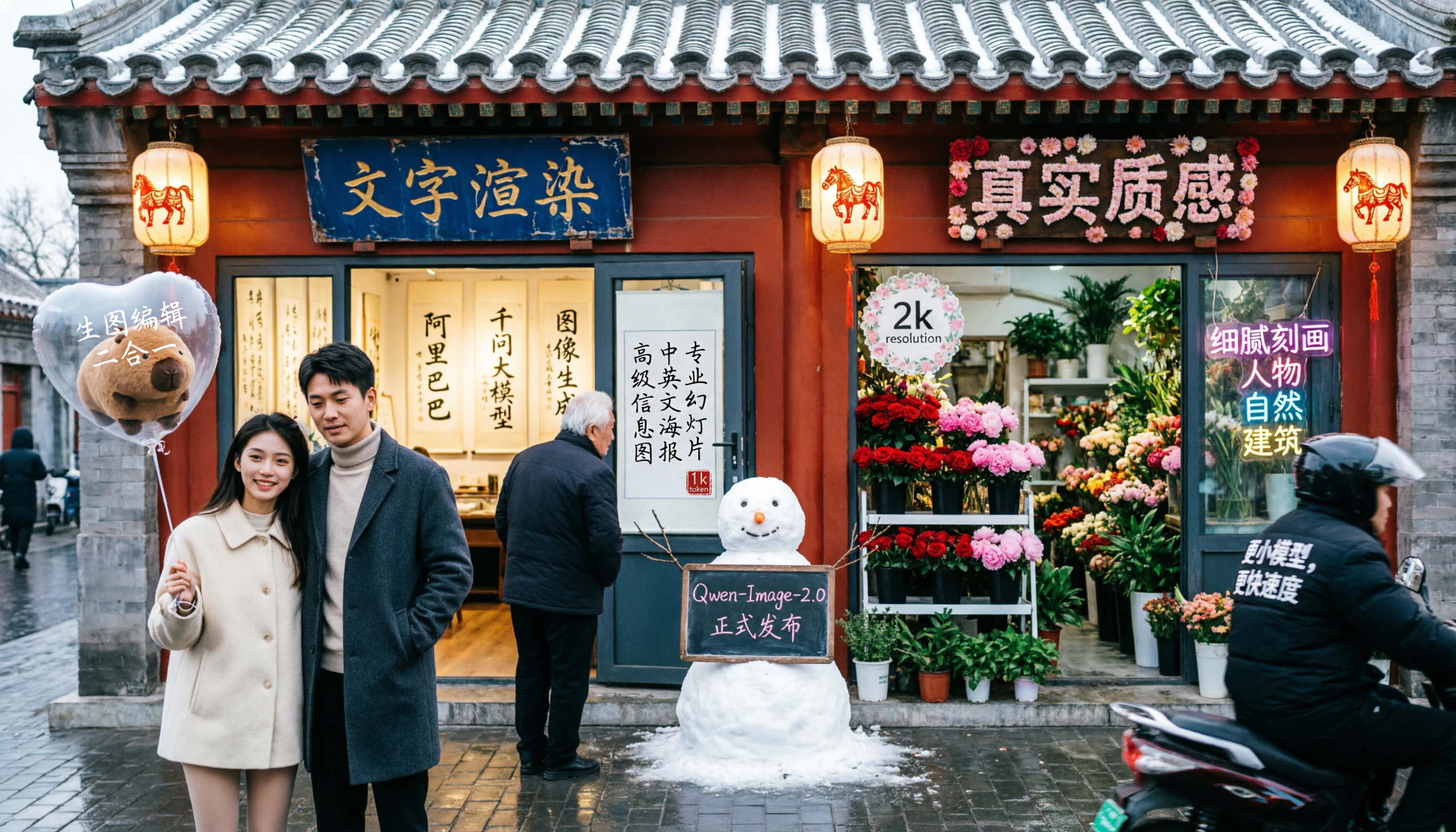
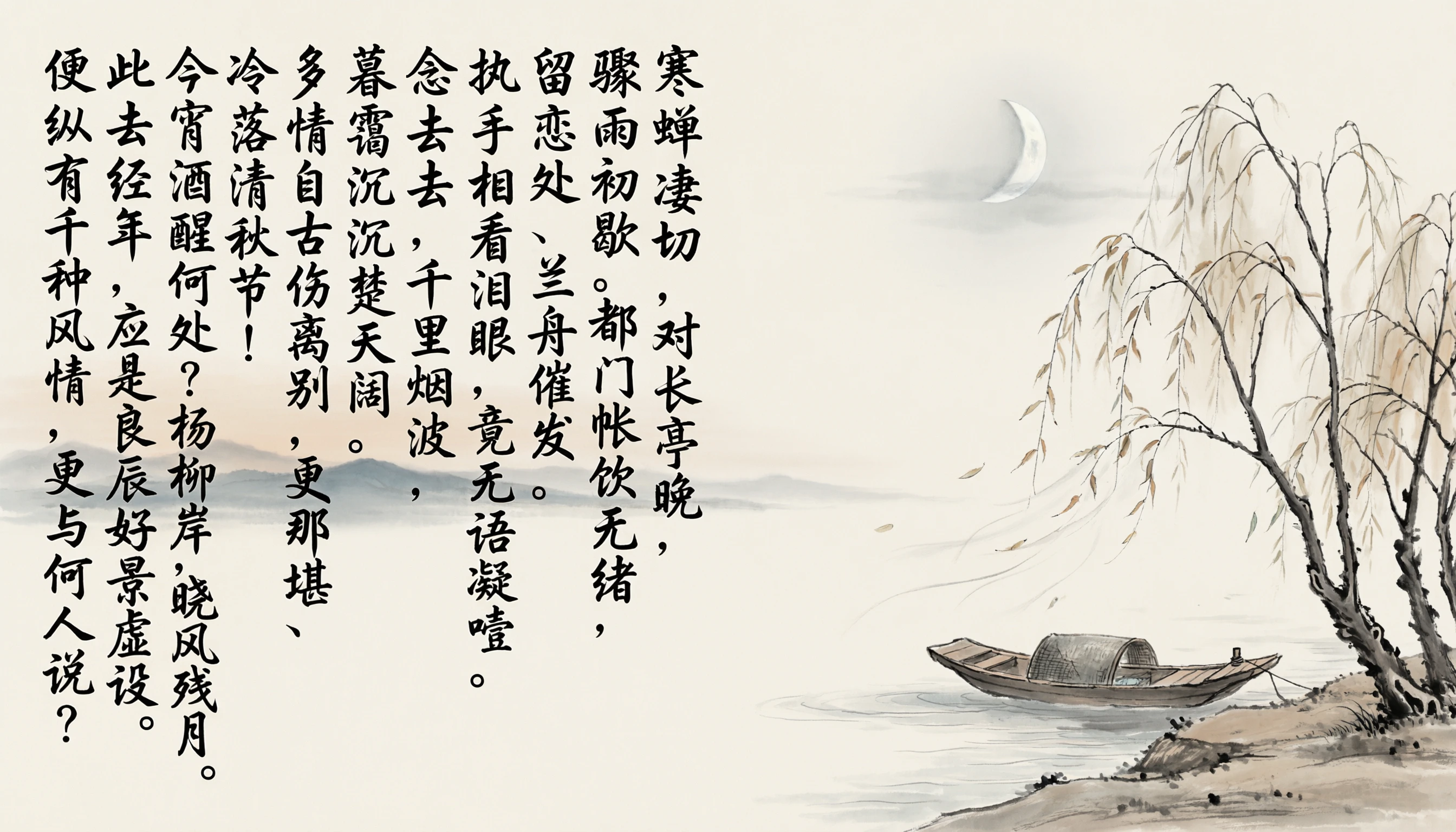
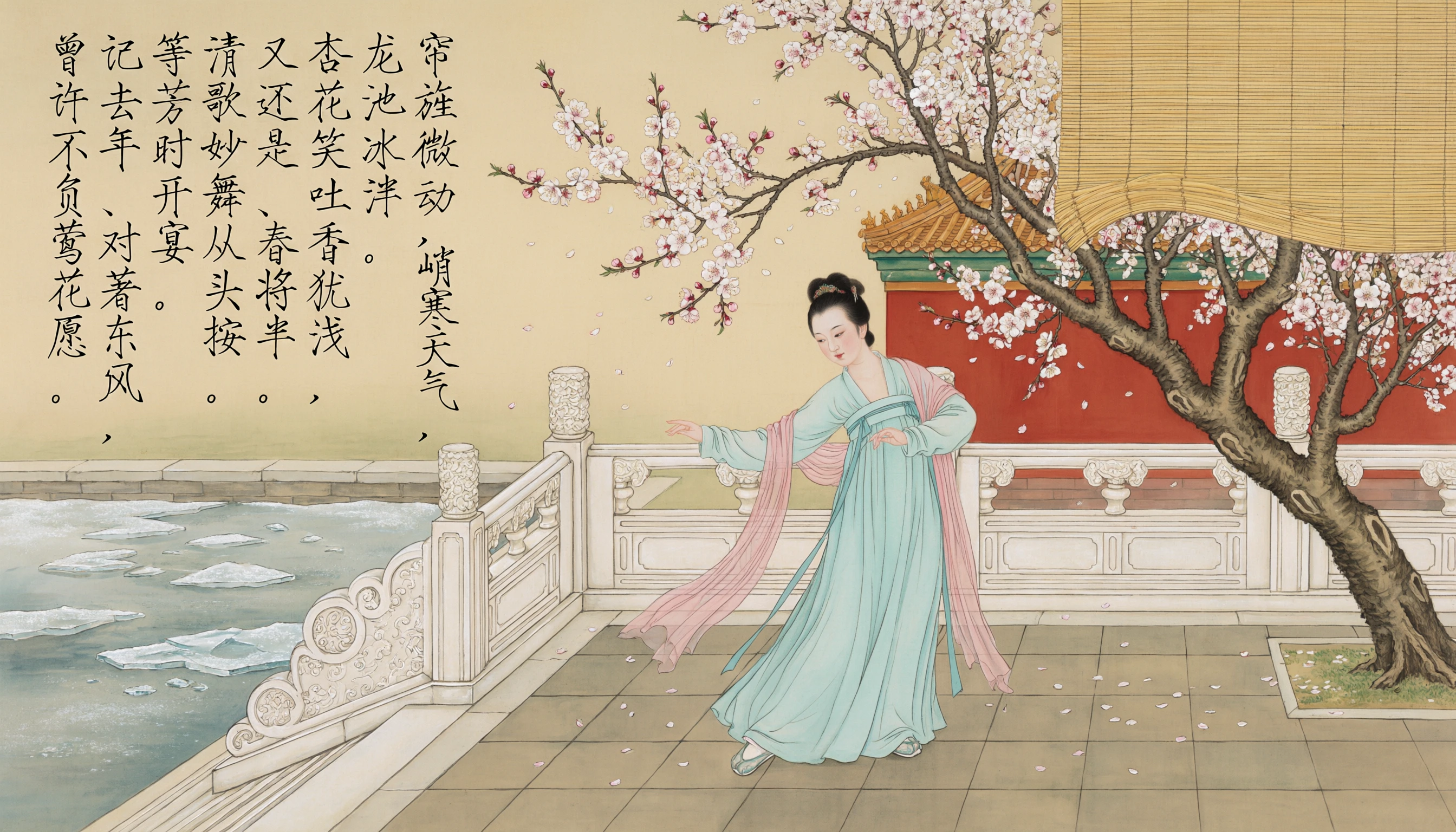
    <p style={{fontSize: "1.1rem", color: "rgba(255,255,255,0.52)", maxWidth: "580px", lineHeight: "1.7", marginBottom: "2.25rem"}}>Alibaba's open-source image generation model — ranked #1 on the AI Arena leaderboard for text-to-image and image editing. Exceptional for complex text rendering, bilingual layouts, and stylized illustrations with enhanced lighting and texture detail.</p>

    <div style={{display: "flex", gap: "0.75rem", flexWrap: "wrap"}}>
      <div style={{background: "rgba(255,255,255,0.06)", borderRadius: "14px", padding: "0.875rem 1.5rem", border: "1px solid rgba(255,255,255,0.1)"}}>
        <div style={{fontSize: "0.62rem", color: "rgba(255,255,255,0.32)", textTransform: "uppercase", letterSpacing: "0.1em", marginBottom: "0.3rem"}}>Resolution</div>
        <div style={{fontSize: "1rem", color: "#ffffff", fontWeight: "600"}}>Native 2K (2048×2048)</div>
      </div>

      <div style={{background: "rgba(255,255,255,0.06)", borderRadius: "14px", padding: "0.875rem 1.5rem", border: "1px solid rgba(255,255,255,0.1)"}}>
        <div style={{fontSize: "0.62rem", color: "rgba(255,255,255,0.32)", textTransform: "uppercase", letterSpacing: "0.1em", marginBottom: "0.3rem"}}>Languages</div>
        <div style={{fontSize: "1rem", color: "#ffffff", fontWeight: "600"}}>EN + Chinese (bilingual)</div>
      </div>

      <div style={{background: "rgba(255,255,255,0.06)", borderRadius: "14px", padding: "0.875rem 1.5rem", border: "1px solid rgba(255,255,255,0.1)"}}>
        <div style={{fontSize: "0.62rem", color: "rgba(255,255,255,0.32)", textTransform: "uppercase", letterSpacing: "0.1em", marginBottom: "0.3rem"}}>License</div>
        <div style={{fontSize: "1rem", color: "#ffffff", fontWeight: "600"}}>Apache 2.0 (Open source)</div>
      </div>

      <div style={{background: "rgba(255,255,255,0.06)", borderRadius: "14px", padding: "0.875rem 1.5rem", border: "1px solid rgba(255,255,255,0.1)"}}>
        <div style={{fontSize: "0.62rem", color: "rgba(255,255,255,0.32)", textTransform: "uppercase", letterSpacing: "0.1em", marginBottom: "0.3rem"}}>Released</div>
        <div style={{fontSize: "1rem", color: "#ffffff", fontWeight: "600"}}>August 2025</div>
      </div>
    </div>
  </div>
</div>

<Frame>
  <img src="https://mintcdn.com/imagineart/ay4zA0qp0zCU0dy3/images/top.png?fit=max&auto=format&n=ay4zA0qp0zCU0dy3&q=85&s=6f2308b509a224bd337ad54a96506705" alt="Top" width="2688" height="1536" data-path="images/top.png" />
</Frame>

## Capabilities

<CardGroup cols={3}>
  <Card title="Integrated image editing">
    The unified Qwen-Image-2.0 model handles generation and editing in one — style transfer, object insertion/removal, text editing within images, pose manipulation.
  </Card>

  <Card title="Photorealistic humans">
    Detailed facial features, skin textures, pores, and natural lighting for high-quality portrait and lifestyle photography.
  </Card>

  <Card title="Native 2K resolution">
    Generates at 2048×2048 natively — no upscaling. Supports custom dimensions from 512px to 2048px on each side.
  </Card>
</CardGroup>

<Frame>
  <img src="https://mintcdn.com/imagineart/85UKvQiIQstWsjSy/images/4-2.png?fit=max&auto=format&n=85UKvQiIQstWsjSy&q=85&s=1949bf3d486ec0e7ac773bd7a8e71bbd" alt="4 2" width="2688" height="1536" data-path="images/4-2.png" />
</Frame>

## How to use

<Steps>
  <Step title="Open the AI Image Generator">
    Go to the **ImagineArt AI Image Generator**.
  </Step>

  <Step title="Select the model">
    From the model dropdown, choose **Qwen Image**.
  </Step>

  <Step title="Write your prompt">
    Write a detailed prompt. For text-in-image generation, include the exact text you want rendered and describe its layout and style.
  </Step>

  <Step title="Set your resolution">
    Choose your output dimensions (512px–2048px per side) and aspect ratio.
  </Step>

  <Step title="Generate">
    Click **Generate** and review the output.
  </Step>
</Steps>

<Frame>
  <img src="https://mintcdn.com/imagineart/ay4zA0qp0zCU0dy3/images/5-2.png?fit=max&auto=format&n=ay4zA0qp0zCU0dy3&q=85&s=ad43e7c28c7a6c8d783ff5381bd833be" alt="5 2" width="2688" height="1536" data-path="images/5-2.png" />
</Frame>

## Prompting tips

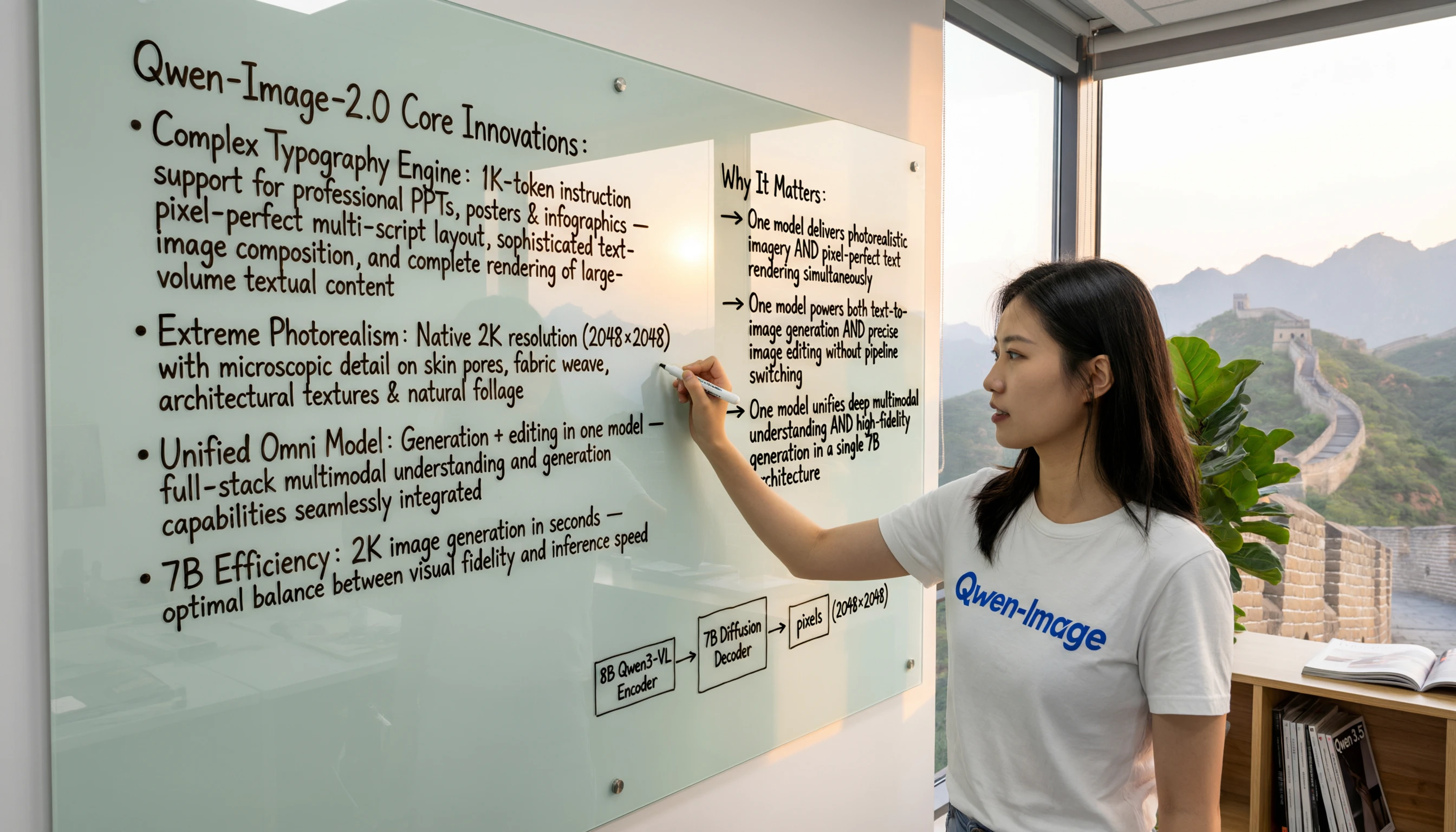
* **For text-in-image** — Describe exactly what text should appear and how: *"A book cover with the title 'The Last Algorithm' in large silver metallic lettering, sci-fi aesthetic."*
* **For bilingual layouts** — Specify both the English and Chinese text content and their relative positions for accurate rendering.
* **For illustrations** — Use rich descriptive vocabulary: *"hyperdetailed concept art"*, *"scientific illustration style"*, *"editorial infographic"* push the model toward its strongest outputs.
* **For editing** — Describe changes clearly: *"change the sky to a sunset"*, *"add a coffee cup on the desk"*, *"make the text red"*.
<Frame>
  <img src="https://mintcdn.com/imagineart/1F8vEAmzM4g2QIGi/images/7-1.png?fit=max&auto=format&n=1F8vEAmzM4g2QIGi&q=85&s=e6b527be3e4c460fa95a14493732e046" alt="7 1" width="2688" height="1536" data-path="images/7-1.png" />
</Frame>

### Example prompts

> A detailed scientific diagram of a human cell with labeled organelles — nucleus, mitochondria, Golgi apparatus, endoplasmic reticulum — clean white background, educational illustration style.

> A Chinese New Year poster with bold red typography reading "新年快乐" (Happy New Year) and "2026" in gold, traditional patterns, fireworks illustration.

> A book cover for a fantasy novel: "The Iron Sky" in large ornate metallic lettering, dramatic storm clouds, a lone figure silhouetted on a rocky cliff.

## Compare models

| Model             | Text rendering              | Bilingual             | Image editing    | Open source      | Best for                                     |
| ----------------- | --------------------------- | --------------------- | ---------------- | ---------------- | -------------------------------------------- |
| **Qwen Image**    | Excellent (complex layouts) | Yes (ZH + EN)         | Yes (unified)    | Yes (Apache 2.0) | Infographics, bilingual design, illustration |
| **Ideogram v3**   | \~90–95%                    | Limited (6 languages) | Limited          | No               | Typography, brand design                     |
| **ChatGPT Image** | Best-in-class               | Limited               | Yes (mask-based) | No               | Knowledge-grounded visuals                   |
| **Seedream 4.0**  | Strong (multilingual)       | Yes                   | No               | No               | Commercial campaigns                         |