> ## Documentation Index
> Fetch the complete documentation index at: https://docs.imagine.art/llms.txt
> Use this file to discover all available pages before exploring further.

# Z image turbo

<div style={{background: "linear-gradient(135deg, #0d0016 0%, #18003a 55%, #08000f 100%)", borderRadius: "20px", padding: "3.5rem 3rem 3rem", marginBottom: "2.5rem", overflow: "hidden", position: "relative"}}>
  <div style={{position: "absolute", inset: "0", background: "radial-gradient(ellipse at 25% 65%, rgba(124,0,251,0.22) 0%, transparent 55%), radial-gradient(ellipse at 80% 15%, rgba(146,73,255,0.14) 0%, transparent 50%)", pointerEvents: "none"}} />

  <div style={{position: "relative"}}>
    <div style={{display: "flex", gap: "0.5rem", marginBottom: "1.5rem", flexWrap: "wrap"}}>
      <span style={{background: "rgba(124,0,251,0.25)", border: "1px solid rgba(124,0,251,0.5)", borderRadius: "100px", padding: "0.3rem 1rem", fontSize: "0.72rem", color: "#c084fc", fontWeight: "500", letterSpacing: "0.06em"}}>IMAGE MODEL</span>
      <span style={{background: "rgba(255,255,255,0.06)", border: "1px solid rgba(255,255,255,0.12)", borderRadius: "100px", padding: "0.3rem 1rem", fontSize: "0.72rem", color: "rgba(255,255,255,0.45)", fontWeight: "400"}}>by Alibaba Tongyi Lab</span>
      <span style={{background: "rgba(255,255,255,0.06)", border: "1px solid rgba(255,255,255,0.12)", borderRadius: "100px", padding: "0.3rem 1rem", fontSize: "0.72rem", color: "rgba(255,255,255,0.45)", fontWeight: "400"}}>Apache 2.0</span>
      <span style={{background: "rgba(255,255,255,0.06)", border: "1px solid rgba(255,255,255,0.12)", borderRadius: "100px", padding: "0.3rem 1rem", fontSize: "0.72rem", color: "rgba(255,255,255,0.45)", fontWeight: "400"}}>#1 open-source</span>
    </div>

    <h1 style={{fontSize: "clamp(2.5rem, 5vw, 3.75rem)", fontWeight: "700", color: "#ffffff", lineHeight: "1.1", letterSpacing: "-0.025em", margin: "0 0 1.1rem 0"}}>Z Image Turbo</h1>
    <p style={{fontSize: "1.1rem", color: "rgba(255,255,255,0.52)", maxWidth: "580px", lineHeight: "1.7", marginBottom: "2.25rem"}}>Alibaba's ultra-fast, open-source image model — 8-step distilled generation, bilingual English and Chinese text rendering, and photorealistic quality at approximately 4× the speed of FLUX. Ranked #1 among open-source models on the Artificial Analysis Text-to-Image Leaderboard.</p>

    <div style={{display: "flex", gap: "0.75rem", flexWrap: "wrap"}}>
      <div style={{background: "rgba(255,255,255,0.06)", borderRadius: "14px", padding: "0.875rem 1.5rem", border: "1px solid rgba(255,255,255,0.1)"}}>
        <div style={{fontSize: "0.62rem", color: "rgba(255,255,255,0.32)", textTransform: "uppercase", letterSpacing: "0.1em", marginBottom: "0.3rem"}}>Parameters</div>
        <div style={{fontSize: "1rem", color: "#ffffff", fontWeight: "600"}}>6.15 Billion</div>
      </div>

      <div style={{background: "rgba(255,255,255,0.06)", borderRadius: "14px", padding: "0.875rem 1.5rem", border: "1px solid rgba(255,255,255,0.1)"}}>
        <div style={{fontSize: "0.62rem", color: "rgba(255,255,255,0.32)", textTransform: "uppercase", letterSpacing: "0.1em", marginBottom: "0.3rem"}}>Inference steps</div>
        <div style={{fontSize: "1rem", color: "#ffffff", fontWeight: "600"}}>8 steps</div>
      </div>

      <div style={{background: "rgba(255,255,255,0.06)", borderRadius: "14px", padding: "0.875rem 1.5rem", border: "1px solid rgba(255,255,255,0.1)"}}>
        <div style={{fontSize: "0.62rem", color: "rgba(255,255,255,0.32)", textTransform: "uppercase", letterSpacing: "0.1em", marginBottom: "0.3rem"}}>Resolution</div>
        <div style={{fontSize: "1rem", color: "#ffffff", fontWeight: "600"}}>Up to 2048×2048</div>
      </div>

      <div style={{background: "rgba(255,255,255,0.06)", borderRadius: "14px", padding: "0.875rem 1.5rem", border: "1px solid rgba(255,255,255,0.1)"}}>
        <div style={{fontSize: "0.62rem", color: "rgba(255,255,255,0.32)", textTransform: "uppercase", letterSpacing: "0.1em", marginBottom: "0.3rem"}}>Released</div>
        <div style={{fontSize: "1rem", color: "#ffffff", fontWeight: "600"}}>November 2025</div>
      </div>
    </div>
  </div>
</div>

<Frame>
  <img src="https://mintcdn.com/imagineart/410AHfb3Tlhn-w0b/images/zimageturbo-3.webp?fit=max&auto=format&n=410AHfb3Tlhn-w0b&q=85&s=f7d00229929ab26346b8e123617c4899" alt="Zimageturbo 3" width="1280" height="800" data-path="images/zimageturbo-3.webp" />
</Frame>

## Built for speed without sacrificing quality

Z Image Turbo is built on **S3-DiT** (Scalable Single-Stream Diffusion Transformer) — a unified architecture where text, visual semantic, and image tokens are processed in a single stream rather than dual-stream models like FLUX. Combined with **Decoupled-DMD distillation**, generation is compressed to just 8 steps with no classifier-free guidance required, delivering results approximately 4× faster than FLUX.2 Dev at comparable or better quality.

## Capabilities
<CardGroup cols={3}>
  <Card title="Photorealistic output">
    Photography-grade quality with accurate lighting, shadows, and fine material detail. Performs at or above models with 5× more parameters.
  </Card>

  <Card title="World knowledge grounding">
    Accurately renders named landmarks, cultural references, and recognizable figures — drawing on Alibaba's Qwen3-4B text encoder for  depth.
  </Card>

  <Card title="Prompt enhancement">
    Built-in structured reasoning chains expand and refine prompts automatically for richer, more coherent outputs from short instructions.
  </Card>
</CardGroup>

<div style={{display: "grid", gridTemplateColumns: "repeat(2, 1fr)", gap: "12px", margin: "2rem 0"}}>
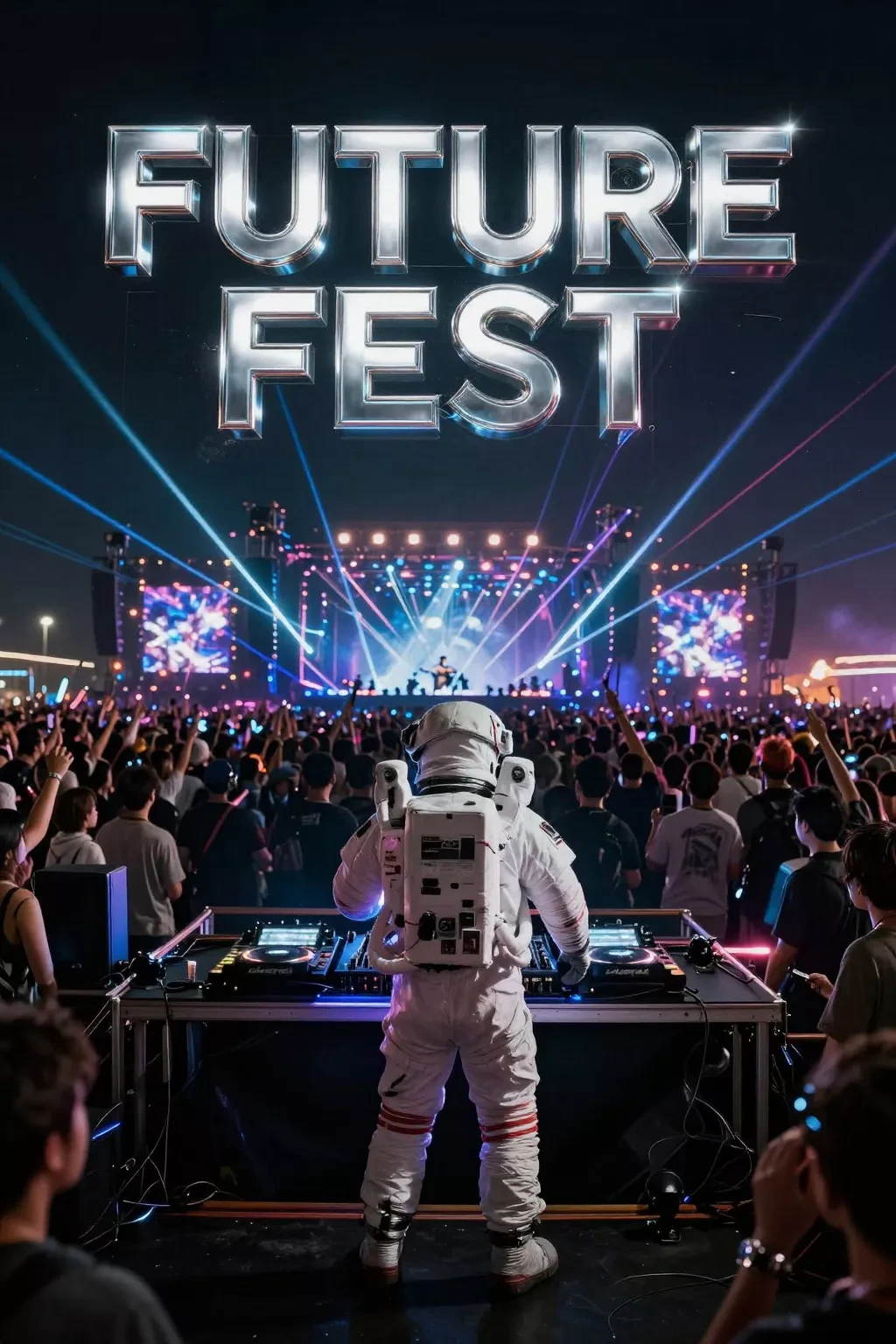
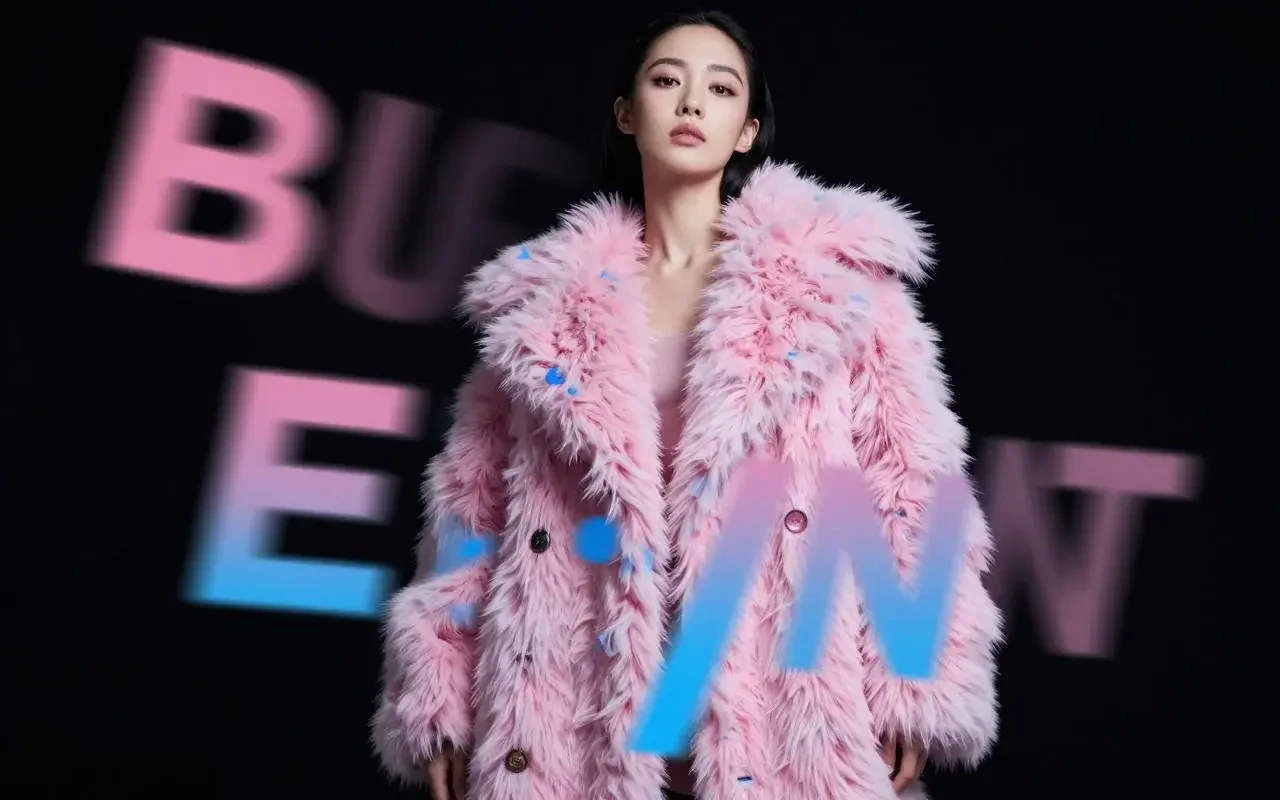
  <img src="https://mintcdn.com/imagineart/410AHfb3Tlhn-w0b/images/1766907312587-(1).webp?fit=max&auto=format&n=410AHfb3Tlhn-w0b&q=85&s=5215acbee07a87b8bd0b715f87836fd8" alt="Z Image Turbo example" style={{width: "100%", aspectRatio: "1/1", objectFit: "cover", borderRadius: "12px", display: "block"}} width="768" height="1376" data-path="images/1766907312587-(1).webp" />

  <img src="https://mintcdn.com/imagineart/410AHfb3Tlhn-w0b/images/event-promo.webp?fit=max&auto=format&n=410AHfb3Tlhn-w0b&q=85&s=d9c93794524125b8d1353b53b60ae05c" alt="Z Image Turbo example" style={{width: "100%", aspectRatio: "1/1", objectFit: "cover", borderRadius: "12px", display: "block"}} width="1024" height="1536" data-path="images/event-promo.webp" />
</div>

## Specifications

| Feature              | Details                                               |
| -------------------- | ----------------------------------------------------- |
| **Architecture**     | S3-DiT (Scalable Single-Stream Diffusion Transformer) |
| **Text encoder**     | Qwen3-4B                                              |
| **Parameters**       | 6.15 billion                                          |
| **Inference steps**  | 8 (distilled via Decoupled-DMD)                       |
| **CFG guidance**     | Not required (scale: 0.0)                             |
| **Resolution**       | 512×512 to 2048×2048                                  |
| **VRAM requirement** | 16 GB (fits RTX 3080 Ti, 4080, Mac M-series)          |
| **License**          | Apache 2.0                                            |
| **Released**         | November 26, 2025                                     |

## Benchmarks

Z Image Turbo was evaluated against leading proprietary and open-source models:

| Benchmark                                     | Z Image Turbo          | Ranking                         |
| --------------------------------------------- | ---------------------- | ------------------------------- |
| Artificial Analysis Text-to-Image Leaderboard | Elo 1025, 45% win rate | **#1 open-source**, 4th overall |
| CVTG-2K text rendering (word accuracy)        | 0.8585                 | Top tier                        |
| LongText-Bench English                        | 0.917                  | Top tier                        |
| LongText-Bench Chinese                        | 0.926                  | Top tier                        |
| Speed vs. FLUX.2 Dev (100 imgs @ 1024×1024)   | 279s vs. 1,152s        | **\~4× faster**                 |

<div style={{display: "grid", gridTemplateColumns: "repeat(2, 1fr)", gap: "12px", margin: "2rem 0"}}>
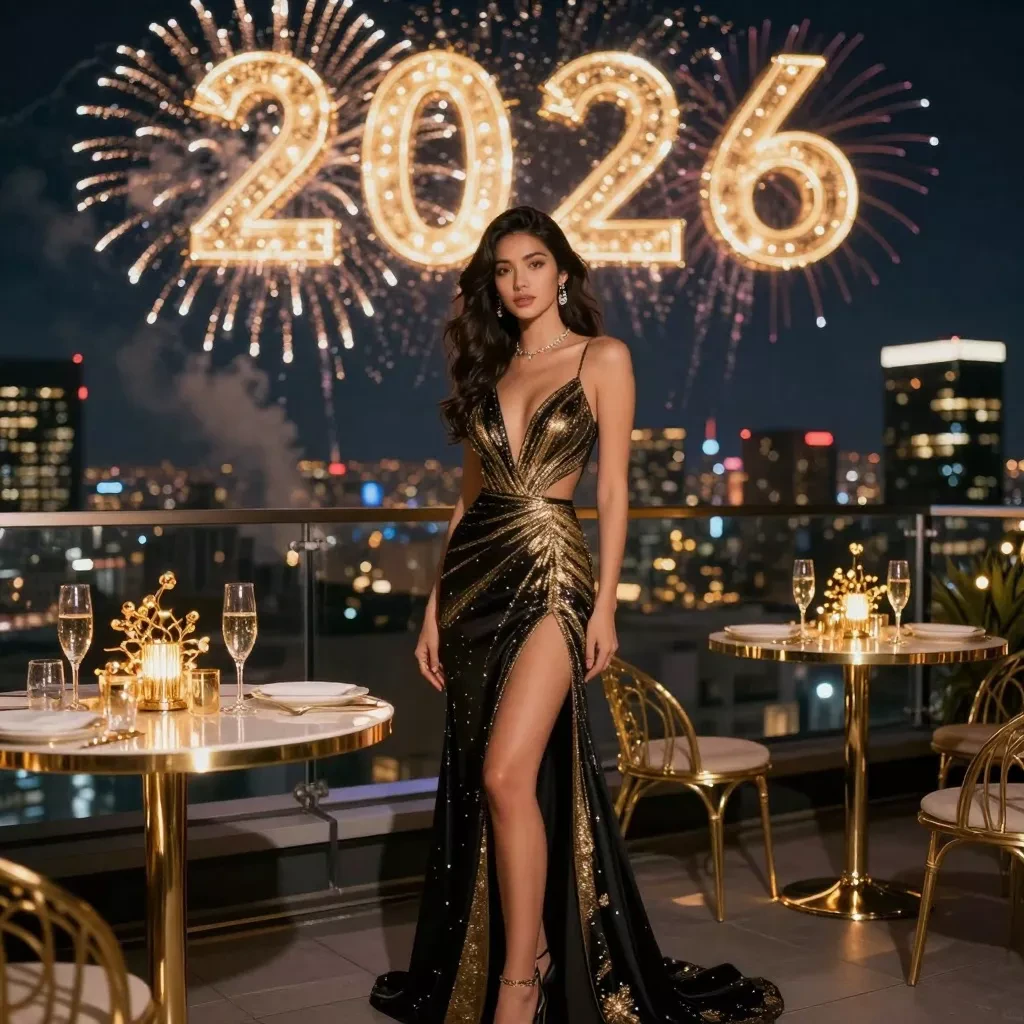
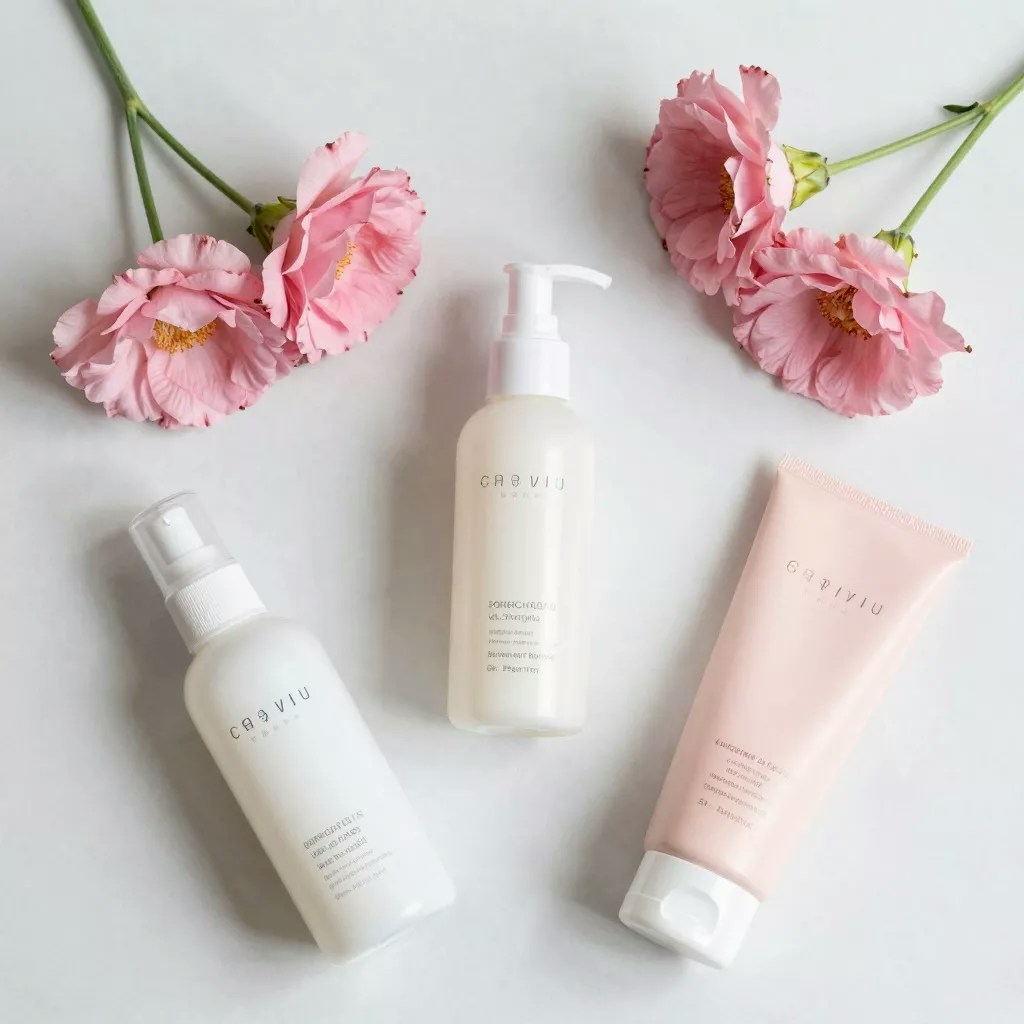
  <img src="https://mintcdn.com/imagineart/410AHfb3Tlhn-w0b/images/lifestyle-aesthetic.webp?fit=max&auto=format&n=410AHfb3Tlhn-w0b&q=85&s=191f4aa22cfdc3fb57eb4611626e1258" alt="Z Image Turbo example" style={{width: "100%", aspectRatio: "1/1", objectFit: "cover", borderRadius: "12px", display: "block"}} width="1024" height="1024" data-path="images/lifestyle-aesthetic.webp" />

  <img src="https://mintcdn.com/imagineart/410AHfb3Tlhn-w0b/images/z-image-happy-new-year-3.webp?fit=max&auto=format&n=410AHfb3Tlhn-w0b&q=85&s=8debf4fdb6b76e11c3a0cce19f2bd9ea" alt="Z Image Turbo example" style={{width: "100%", aspectRatio: "1/1", objectFit: "cover", borderRadius: "12px", display: "block"}} width="1024" height="1024" data-path="images/z-image-happy-new-year-3.webp" />
</div>

## How to use

<Steps>
  <Step title="Open the AI Image Generator">
    Go to the **ImagineArt AI Image Generator**.
  </Step>

  <Step title="Select the model">
    From the model dropdown, choose **Z Image Turbo**.
  </Step>

  <Step title="Write your prompt">
    Write a clear, focused prompt. Z Image Turbo responds best to precise, concise descriptions — overly long prompts can add noise rather than detail.
  </Step>

  <Step title="Set your resolution">
    Choose from 512×512 up to 2048×2048. The model performs consistently across the full resolution range.
  </Step>

  <Step title="Generate">
    Click **Generate**. At 8 steps, results arrive significantly faster than most other models.
  </Step>
</Steps>

## Prompting tips

* **Keep prompts concise and specific** — Z Image Turbo is optimized for structured, precise prompts. Dense, paragraph-length prompts can reduce coherence rather than improve it.
* **For bilingual text in images** — Include both the English and Chinese text you want rendered, with explicit placement: *"A product banner with bold red text reading 'Summer Sale' and '夏季特卖' below it."*
* **Avoid high CFG values** — The model was trained at guidance scale 0.0. Using high CFG in manual configurations introduces artifacts. Leave guidance at default.
* **Use prompt enhancement** — Enable the built-in prompt enhancer for short or abstract prompts. It applies Alibaba's structured reasoning to expand your intent into richer descriptions.

### Example prompts

> A Japanese ramen shop at night, warm amber light spilling from the windows onto rain-wet cobblestones, steam rising from bowls inside, photorealistic, cinematic composition.

> A product flatlay of a wireless speaker on brushed concrete, minimalist studio lighting, crisp shadow, commercial photography style.

> A bold event poster with "OPEN MIC NIGHT" in large neon-style lettering and "每周五 / Every Friday" beneath it, dark urban background.

## Compare models

| Model                                             | Speed                 | Text rendering               | Parameters | License        | Best for                                  |
| ------------------------------------------------- | --------------------- | ---------------------------- | ---------- | -------------- | ----------------------------------------- |
| **Z Image Turbo**                                 | \~4× faster than FLUX | Bilingual (EN + ZH), low WER | 6.15B      | Apache 2.0     | Rapid generation, bilingual, photorealism |
| [Flux Dev](/ai-models/image/flux-dev)             | Moderate (\~7–18s)    | Decent                       | 12B        | Non-commercial | Fine-tuning base, creative research       |
| [Qwen Image](/ai-models/image/qwen-image)         | Fast                  | Excellent (EN + ZH)          | 7B (2.0)   | Apache 2.0     | Illustrations, bilingual, complex layouts |
| [Seedream v3](/ai-models/image/seedream-1)        | Seconds               | EN + ZH                      | 12B        | Commercial     | Fast branded imagery                      |
| [ImagineArt 1.0](/ai-models/image/imagineart-1-0) | Industry-leading      | Good                         | —          | Commercial     | Photorealistic portraits                  |

<Info>
  Z Image Turbo is developed by Alibaba's Tongyi Lab under the Apache 2.0 license. It outperforms models with 5× more parameters — including FLUX.2 Dev (32B) — on several benchmarks, making it one of the most efficient high-quality image models available.
</Info>