> ## Documentation Index
> Fetch the complete documentation index at: https://docs.imagine.art/llms.txt
> Use this file to discover all available pages before exploring further.
# Video mode
> Turn a still shot into a short video — a different, media-upload-driven panel from Image mode.
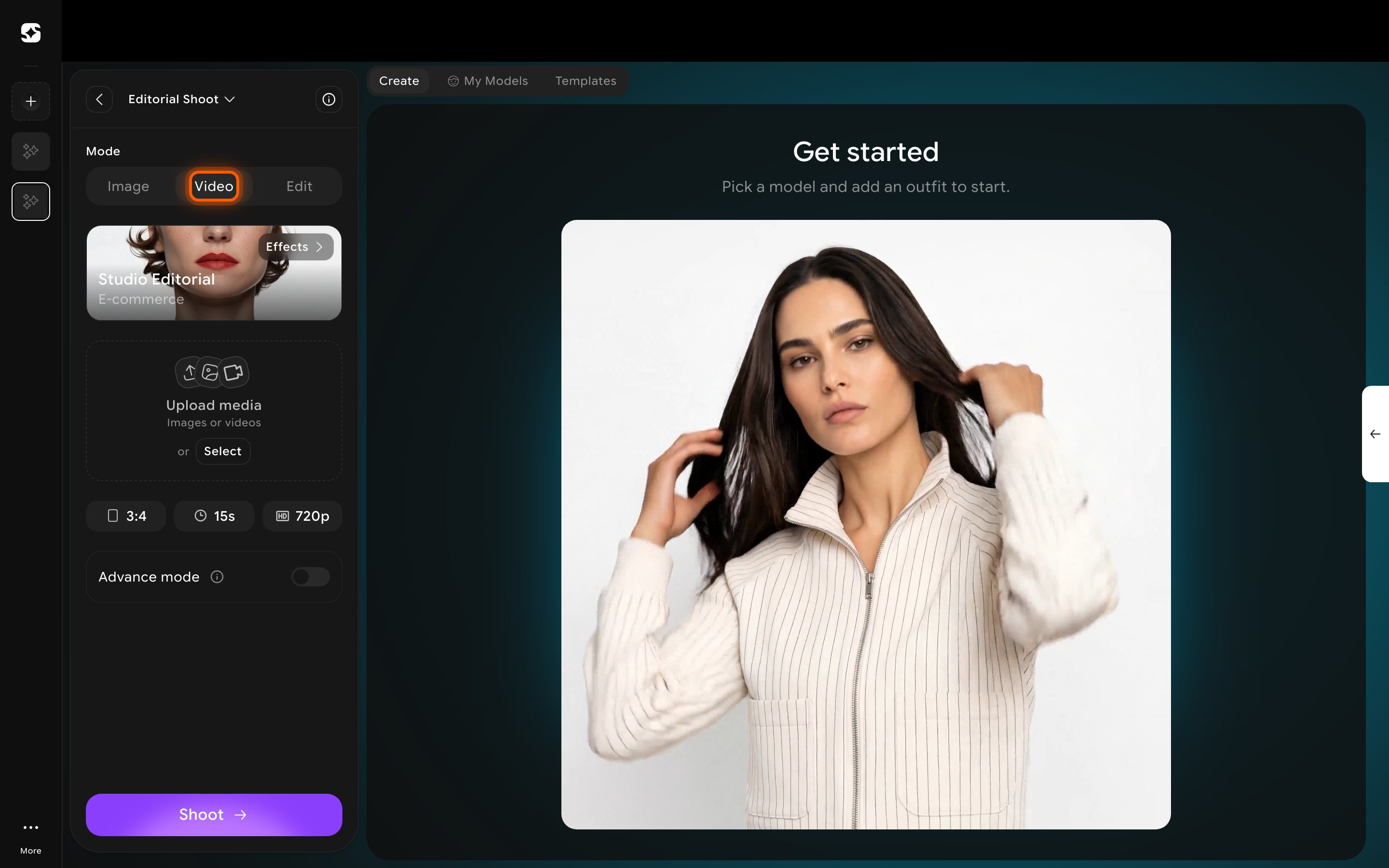
Switching to **Video** under **Mode** doesn't just add video-specific fields to the Image mode panel — it replaces the entire left panel with a different workflow. Model, Choose outfit, Model styling, and Shot settings from Image mode aren't part of it.
From the Editorial or Catalog Shoot editor, click **Video** under **Mode**. Configure the shot from:
* **Effects** — a preset style for the video (e.g. "Studio Editorial — E-commerce").
* **Upload media** — the starting image or video the clip is generated from.
* **Aspect ratio**, **Duration**, and **Resolution** pills (defaults: 3:4, 15s, 720p).
 Turning on **Advance mode** adds a **Camera movement** setting (default: Auto) and an optional **Describe your shot** text field, for when you want more control than the Effects preset gives you.
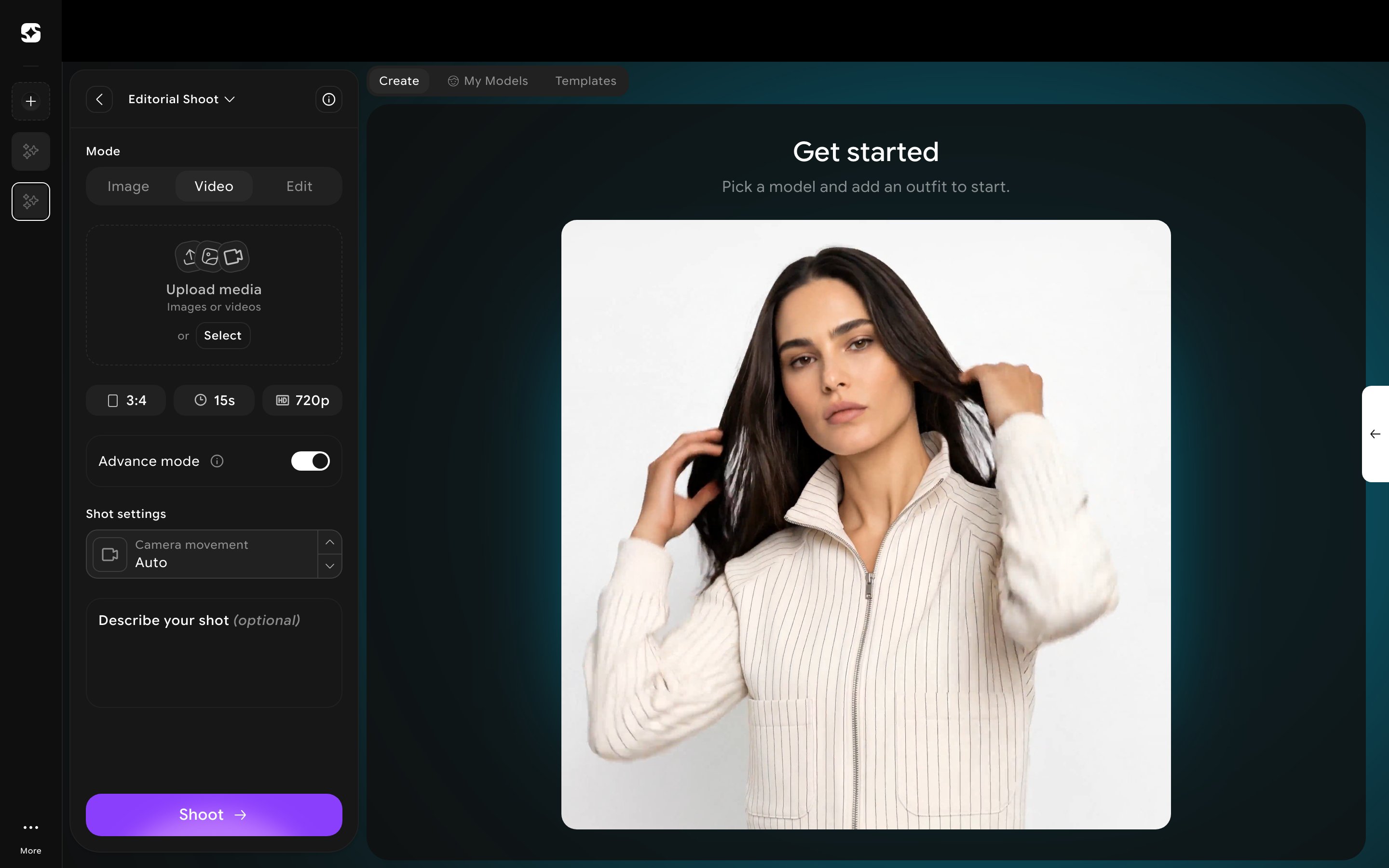 Video mode works identically in Editorial and Catalog shoots — same Effects preset, same defaults, same Advance mode controls. Only the panel title changes.