> ## Documentation Index
> Fetch the complete documentation index at: https://docs.imagine.art/llms.txt
> Use this file to discover all available pages before exploring further.
# Upscale
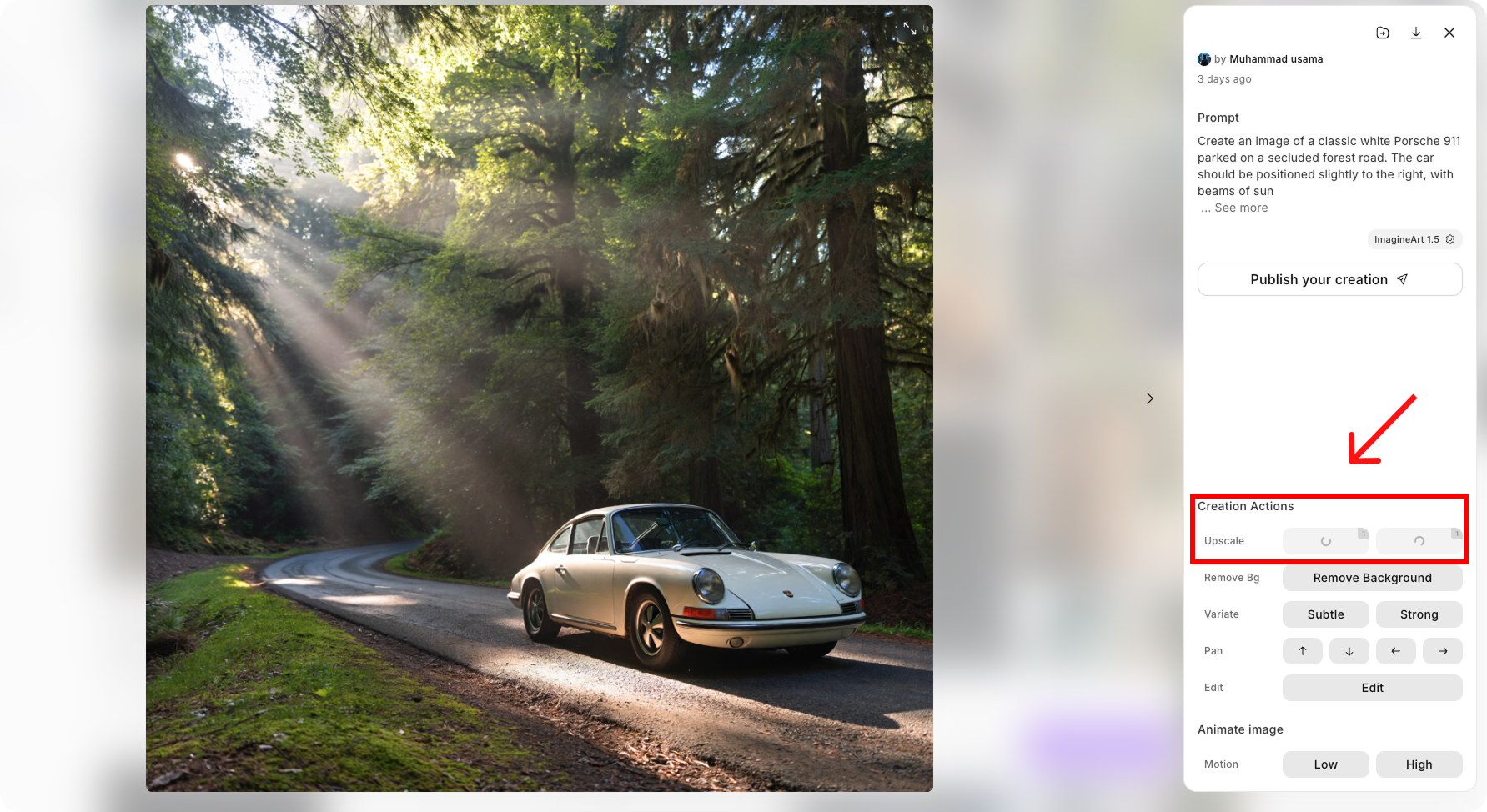
Upscaler is an AI-powered tool designed to enhance your image resolution, making it sharper and more detailed without compromising on quality. Whether you need a subtle increase in resolution or a creative boost to bring more depth and richness, the Upscaler service has you covered.
 ### **How to use Upscaler?**
Video Studio offers a suite of AI-powered tools to enhance your creative workflow:
**Select Your Image**\
Upload your image that you want to upscale.
**Choose the Upscale Option**
* **Subtle**: This option simply increases the resolution of your image while retaining the original details and characteristics.
* **Creative**: This option not only upscales the image but also adds creative details to enhance the image, giving it a fresh look and new elements.
You can view the credit consumption for upscaling [here](/image-tools/credit-consumption#upscale-image)
### **How to use Upscaler?**
Video Studio offers a suite of AI-powered tools to enhance your creative workflow:
**Select Your Image**\
Upload your image that you want to upscale.
**Choose the Upscale Option**
* **Subtle**: This option simply increases the resolution of your image while retaining the original details and characteristics.
* **Creative**: This option not only upscales the image but also adds creative details to enhance the image, giving it a fresh look and new elements.
You can view the credit consumption for upscaling [here](/image-tools/credit-consumption#upscale-image)