> ## Documentation Index
> Fetch the complete documentation index at: https://docs.imagine.art/llms.txt
> Use this file to discover all available pages before exploring further.
# Customize
> Give it your own files, let it remember things, and build a custom personality — three tabs alongside Connectors.
**Customize** in the sidebar has four tabs: [Connectors](/imagine-computer/connectors), **Sources**, **Memory**, and **Personalization**.
## Sources
Sources let you upload your own files so the agent can reference them in any chat.
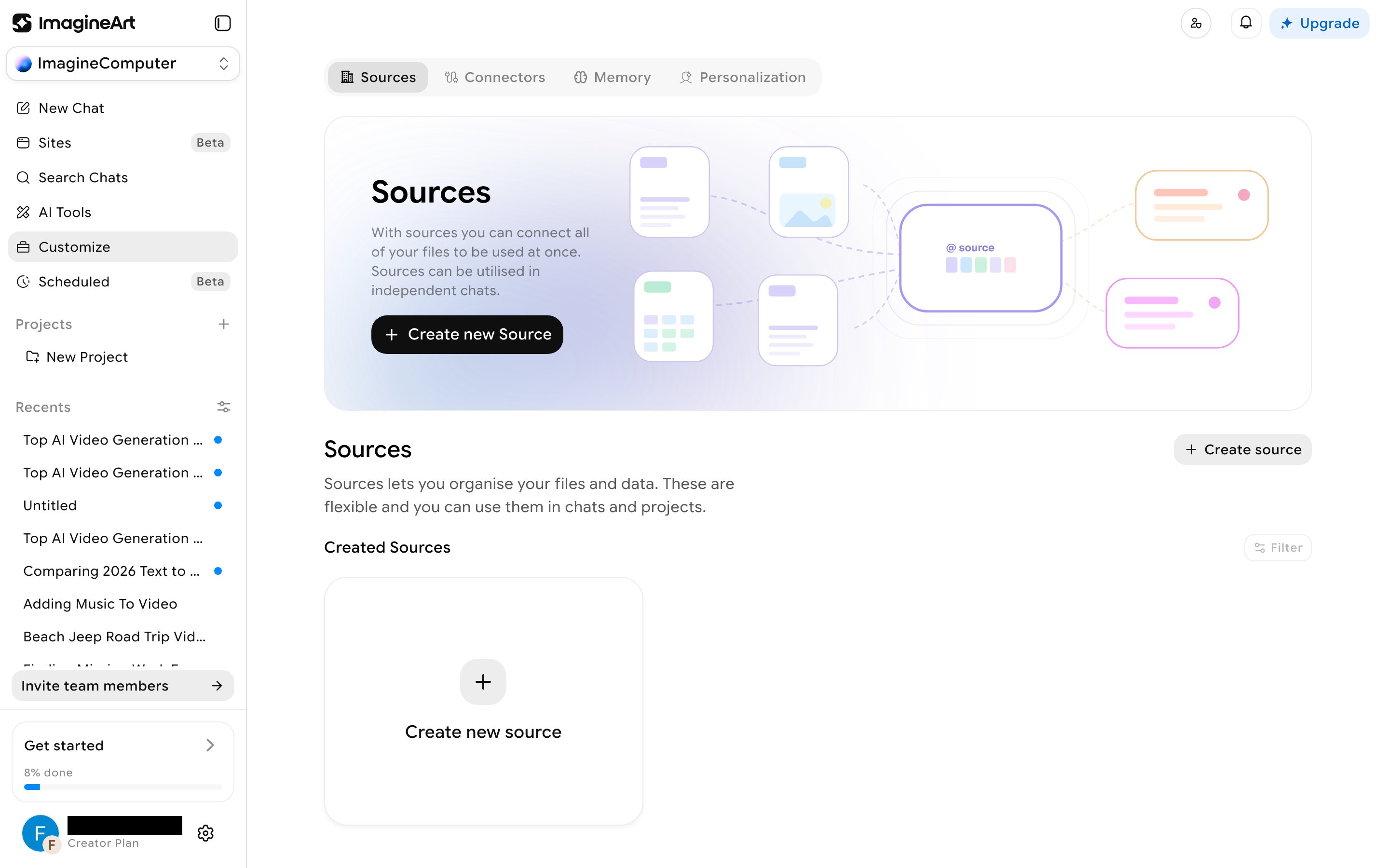 Click **Create new Source**, give it a name and description, choose whether it's **org-shared** or **private**, then upload files. Accepted formats are documents (PDF, DOCX, DOC, PPTX, PPT, XLSX, CSV, MD, TXT) and a wide range of code/config files (JS, TS, PY, GO, JAVA, RS, SQL, JSON, YAML, XML, and more) — no image formats. Each source has a **Use in chat** action, plus a menu for **Download All** or **Delete**.
## Memory
Click **Create new Source**, give it a name and description, choose whether it's **org-shared** or **private**, then upload files. Accepted formats are documents (PDF, DOCX, DOC, PPTX, PPT, XLSX, CSV, MD, TXT) and a wide range of code/config files (JS, TS, PY, GO, JAVA, RS, SQL, JSON, YAML, XML, and more) — no image formats. Each source has a **Use in chat** action, plus a menu for **Download All** or **Delete**.
## Memory
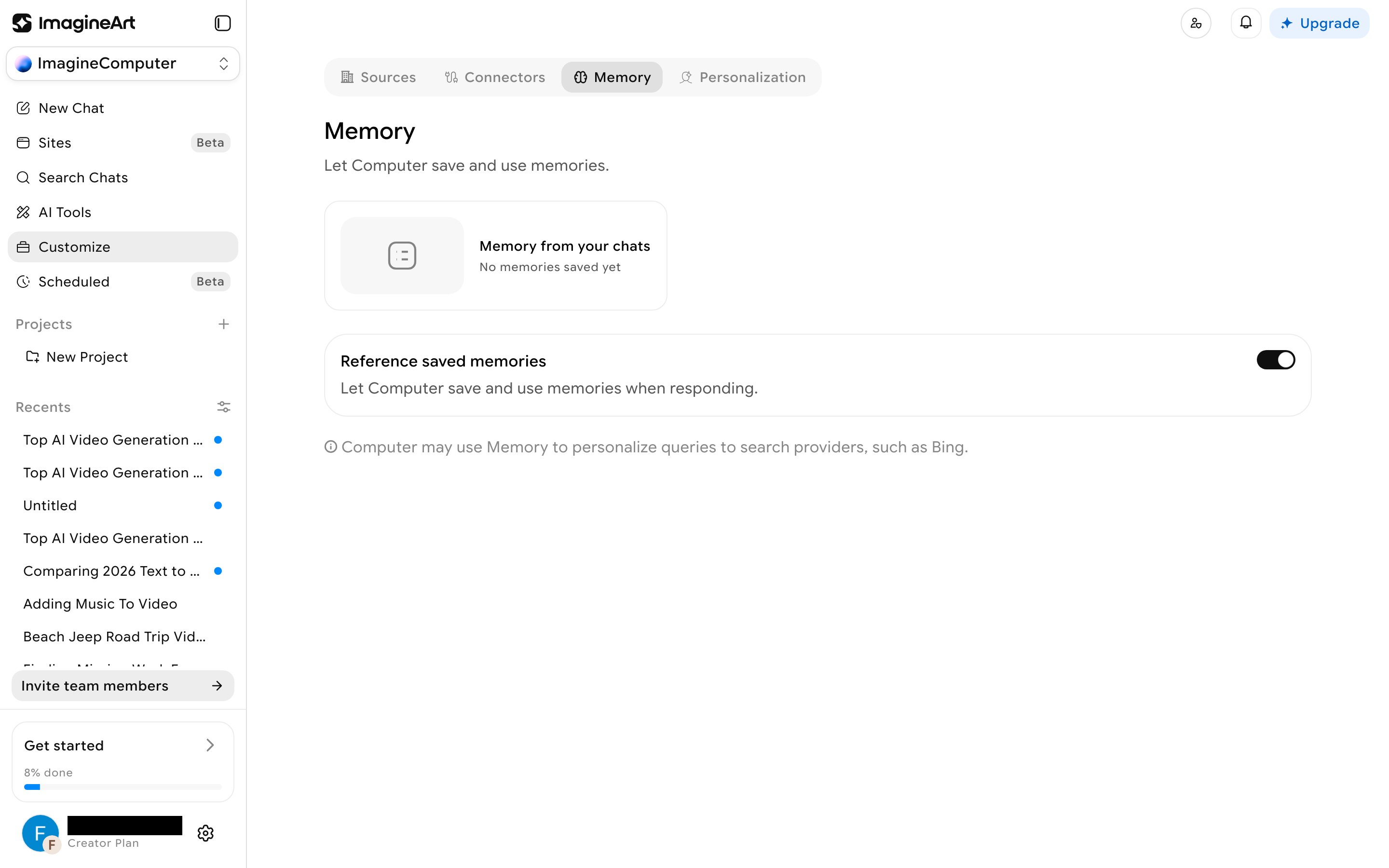 A single **Reference saved memories** toggle (on by default) controls whether the agent saves and uses memories when responding. The **Memory from your chats** panel is meant to list facts it's automatically extracted from past conversations — there's no manual "add a fact" option. Memory can also personalize the queries it sends to search providers like Bing.
## Personalization
A single **Reference saved memories** toggle (on by default) controls whether the agent saves and uses memories when responding. The **Memory from your chats** panel is meant to list facts it's automatically extracted from past conversations — there's no manual "add a fact" option. Memory can also personalize the queries it sends to search providers like Bing.
## Personalization
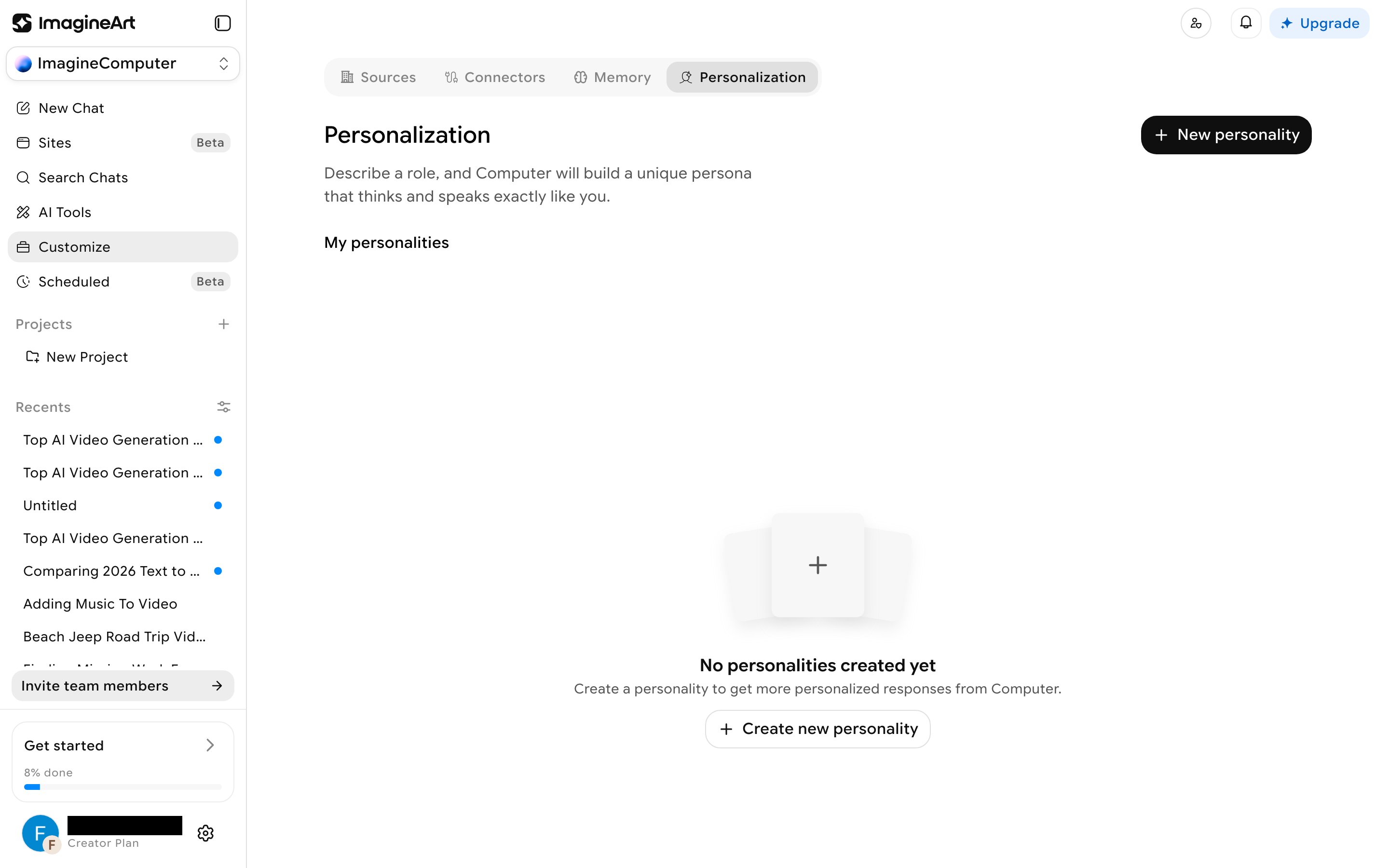 This isn't a settings panel — it's a custom-persona builder. Click **Create new personality** and fill in: **Your name**, **Personality name**, **Your profession**, **Personality traits** (free text, with suggested tags like Witty, Poetic, Encouraging, Gen Z), and **What Personality should know about you**. The result is a persona that "thinks and speaks exactly like you," per the tab's own description, rather than a simple tone-of-voice setting.