> ## Documentation Index
> Fetch the complete documentation index at: https://docs.imagine.art/llms.txt
> Use this file to discover all available pages before exploring further.
# ImagineArt for After Effects
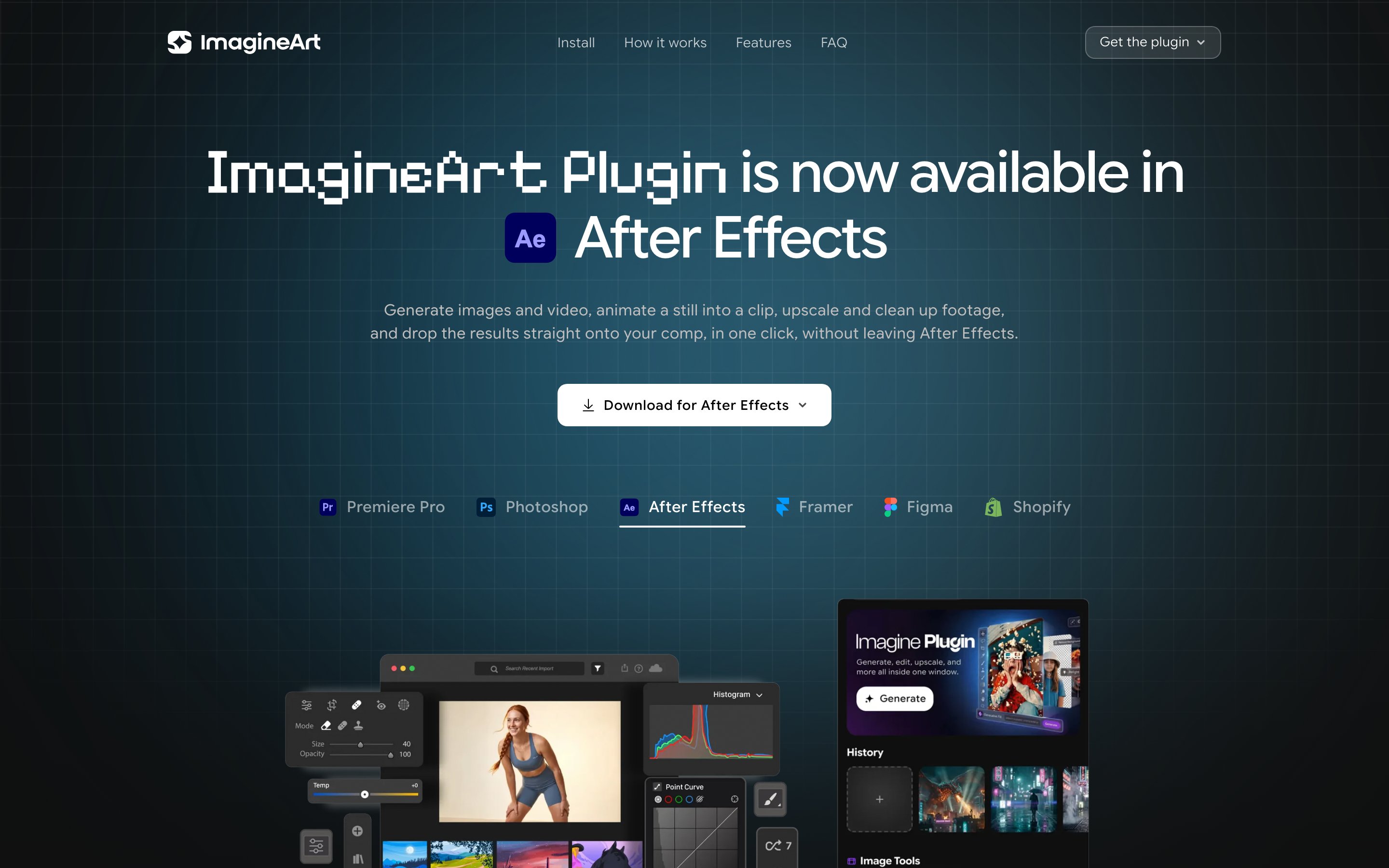
> Generate images and video, animate a still into a clip, upscale and clean up footage, and drop the results straight onto your comp, without leaving After Effects.
The ImagineArt panel docks inside After Effects so you can generate, animate, and clean up footage right where you're compositing — no browser tab, no export, no round trip.
 ## Install
Download `ImagineArt-AfterEffects.pkg` from the [After Effects plugin page](https://imagine.art/plugins).
Double-click the `.pkg` and follow the prompts. Quit After Effects first if it's open.
If macOS says it "could not verify" the developer: click **Done**, open **System Settings → Privacy & Security**, scroll to the Security section, and click **Open Anyway** next to `ImagineArt-AfterEffects.pkg`. Run the installer again and choose **Open** — you only do this once.
In After Effects, go to **Window → Extensions → ImagineArt**. Dock the panel and sign in once.
Get a free ZXP installer — [ZXPInstaller](https://zxpinstaller.com) or Anastasiy's Extension Manager — then drag `ImagineArt-AfterEffects.zxp` onto it (or **File → Install**). Quit After Effects first.
Reopen After Effects and go to **Window → Extensions → ImagineArt**. Dock the panel and sign in once.
## How the panel works
Open the panel and choose what to make — image, video, animation, upscale, or remove background.
Type a prompt, then set the model, aspect ratio, resolution, and duration. The panel shows the credit cost before you run anything.
The panel generates right where you're docked — no browser tab, no export, no round trip.
Add the result to your composition as footage, then keep working — the clip lands ready to animate.
Animate a still, upscale a clip, or clean a plate — every action targets the layer you already have selected.
## What you can do
| Tool | What it does |
| ---------------------------- | ------------------------------------------------------------------------ |
| Image generation (txt2img) | Describe an idea, pick a model and aspect ratio, generate in the panel |
| Video generation (txt2video) | Text-to-video with resolution and duration controls |
| Image to video (i2v) | Turn a still into motion, or animate from a start frame |
| Typo animation | Animate a typography still into a moving title clip |
| Logo animation | Turn a static logo into an animated reveal |
| Poster animation | Bring a poster to life as a short animated loop |
| Remove object from video | Erase an object from a clip with a prompt — the background fills back in |
| Video object replace | Swap an object in a clip for something new, by description |
| Video reframe | Reframe a clip to a new aspect ratio while keeping the subject in shot |
| Video background changer | Replace a clip's background with a prompt — the subject stays put |
| AI video translator | Translate a clip into another language with natural voice and lip-sync |
| Text to speech | Turn a script into narration, dropped onto your timeline |
| Creative upscale | Boost any image or selection to crisp, hi-res |
| Remove background | Clean cutouts in one click |
| Camera angle | Re-angle a shot by spinning an orbit globe; the subject stays intact |
| Relight | Drag a light globe to relight a scene from any direction |
## FAQ
No — nothing comes from the Marketplace. On macOS you download the `.pkg` and run it; on Windows you install the small `.zxp` with a free ZXP installer.
Quit After Effects completely and reopen it — the extension is only picked up on launch. Then check **Window → Extensions → ImagineArt**. If it's still missing, reinstall with After Effects closed.
Every result has an **Add to comp** action — it adds the image or video as a footage layer, ready to animate. You can also select a footage layer already in your comp to feed the edit tools.
Return to After Effects and give it a moment — the panel picks up the session automatically. If it still doesn't connect, copy the code shown after sign-in and paste it into the panel; it's accepted as a manual fallback.
Generation, animation, upscaling, and background removal use the same ImagineArt credits as the web app, and the panel shows the estimated cost next to each model and tool before you run anything.
Free with your ImagineArt account. Works on macOS and Windows.
## Install
Download `ImagineArt-AfterEffects.pkg` from the [After Effects plugin page](https://imagine.art/plugins).
Double-click the `.pkg` and follow the prompts. Quit After Effects first if it's open.
If macOS says it "could not verify" the developer: click **Done**, open **System Settings → Privacy & Security**, scroll to the Security section, and click **Open Anyway** next to `ImagineArt-AfterEffects.pkg`. Run the installer again and choose **Open** — you only do this once.
In After Effects, go to **Window → Extensions → ImagineArt**. Dock the panel and sign in once.
Get a free ZXP installer — [ZXPInstaller](https://zxpinstaller.com) or Anastasiy's Extension Manager — then drag `ImagineArt-AfterEffects.zxp` onto it (or **File → Install**). Quit After Effects first.
Reopen After Effects and go to **Window → Extensions → ImagineArt**. Dock the panel and sign in once.
## How the panel works
Open the panel and choose what to make — image, video, animation, upscale, or remove background.
Type a prompt, then set the model, aspect ratio, resolution, and duration. The panel shows the credit cost before you run anything.
The panel generates right where you're docked — no browser tab, no export, no round trip.
Add the result to your composition as footage, then keep working — the clip lands ready to animate.
Animate a still, upscale a clip, or clean a plate — every action targets the layer you already have selected.
## What you can do
| Tool | What it does |
| ---------------------------- | ------------------------------------------------------------------------ |
| Image generation (txt2img) | Describe an idea, pick a model and aspect ratio, generate in the panel |
| Video generation (txt2video) | Text-to-video with resolution and duration controls |
| Image to video (i2v) | Turn a still into motion, or animate from a start frame |
| Typo animation | Animate a typography still into a moving title clip |
| Logo animation | Turn a static logo into an animated reveal |
| Poster animation | Bring a poster to life as a short animated loop |
| Remove object from video | Erase an object from a clip with a prompt — the background fills back in |
| Video object replace | Swap an object in a clip for something new, by description |
| Video reframe | Reframe a clip to a new aspect ratio while keeping the subject in shot |
| Video background changer | Replace a clip's background with a prompt — the subject stays put |
| AI video translator | Translate a clip into another language with natural voice and lip-sync |
| Text to speech | Turn a script into narration, dropped onto your timeline |
| Creative upscale | Boost any image or selection to crisp, hi-res |
| Remove background | Clean cutouts in one click |
| Camera angle | Re-angle a shot by spinning an orbit globe; the subject stays intact |
| Relight | Drag a light globe to relight a scene from any direction |
## FAQ
No — nothing comes from the Marketplace. On macOS you download the `.pkg` and run it; on Windows you install the small `.zxp` with a free ZXP installer.
Quit After Effects completely and reopen it — the extension is only picked up on launch. Then check **Window → Extensions → ImagineArt**. If it's still missing, reinstall with After Effects closed.
Every result has an **Add to comp** action — it adds the image or video as a footage layer, ready to animate. You can also select a footage layer already in your comp to feed the edit tools.
Return to After Effects and give it a moment — the panel picks up the session automatically. If it still doesn't connect, copy the code shown after sign-in and paste it into the panel; it's accepted as a manual fallback.
Generation, animation, upscaling, and background removal use the same ImagineArt credits as the web app, and the panel shows the estimated cost next to each model and tool before you run anything.
Free with your ImagineArt account. Works on macOS and Windows.