> ## Documentation Index
> Fetch the complete documentation index at: https://docs.imagine.art/llms.txt
> Use this file to discover all available pages before exploring further.
# ImagineArt for Shopify
> Generate product photos and videos, put apparel on a model, spin it 360°, then publish straight to your products, all inside your Shopify admin.
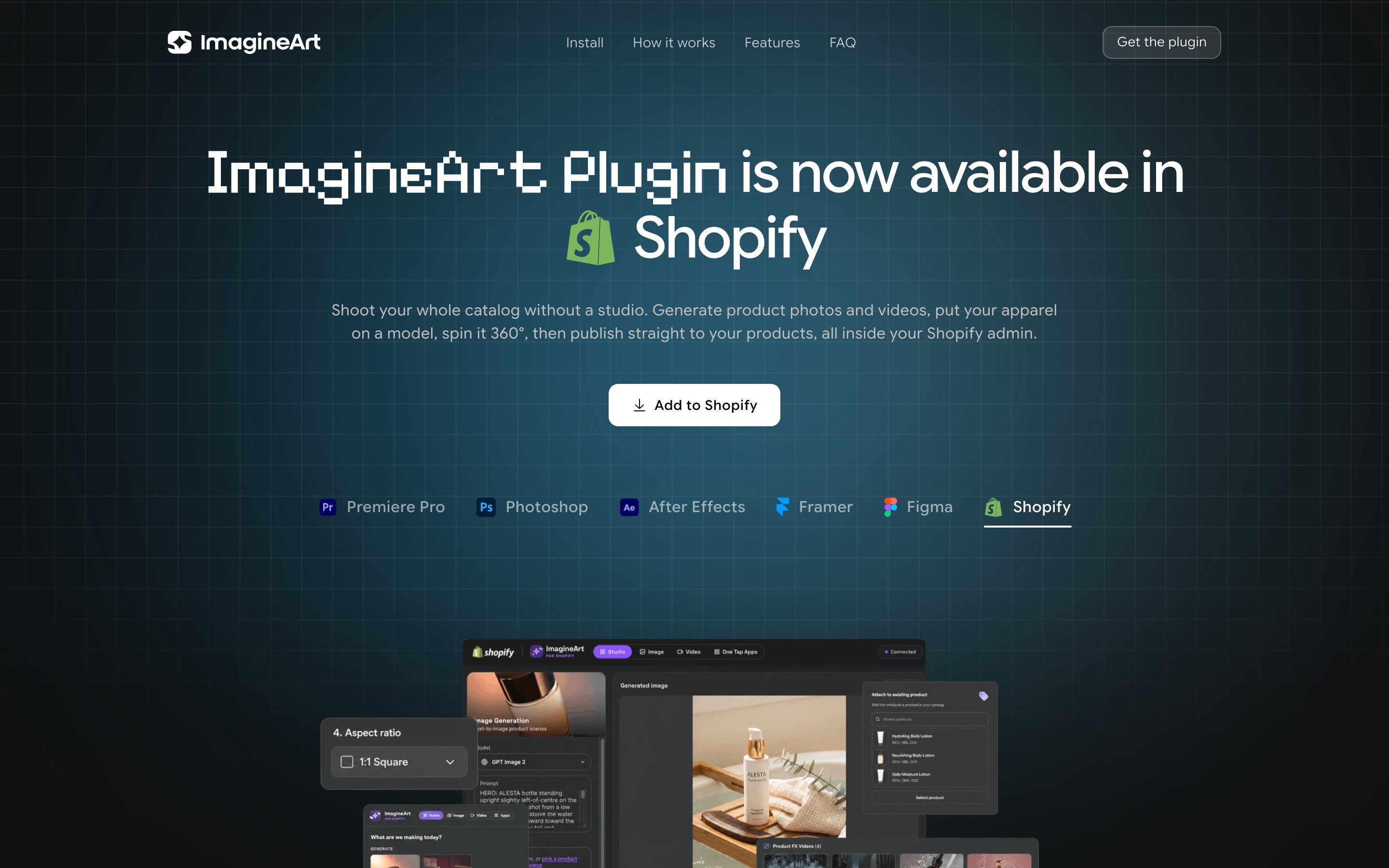
ImagineArt is live on the Shopify App Store as an embedded admin app. Shoot your whole catalog without a studio — generate product photography, UGC-style video, and fashion try-ons, then publish the results directly to a product.
 ## Install
Open the [Shopify App Store listing](https://imagine.art/plugins), or search "ImagineArt" in the Shopify App Store from your admin.
Click **Install** and approve. The app asks for one permission — write access to products — and nothing else.
Click **Connect** inside the app. Your browser opens, you approve, and you're back in the admin. You bring your own ImagineArt credits — the app never charges through Shopify.
Go to **Apps → ImagineArt** in your admin sidebar. The session sticks, so you go straight back to the studio.
## How the app works
ImagineArt opens inside your admin with its own workspace — Studio, Image, Video, and One Tap Apps across the top.
Seventeen tools, grouped the way you'd shop for them: Generate, Product FX videos, Edit & enhance, Fashion, and UGC. Every card previews what it does before you spend a credit.
Write the shot you want, then pick a model, an aspect ratio, and how many variations. Drag in a reference image or pull one straight from your catalog.
Results fill in as they finish, up to four at a time, each with its own status. Images take about 30 seconds, so you can keep working elsewhere in your admin.
Attach the result to an existing product, or create a new draft product with the media already in place. It lands in your catalog at full resolution.
## What you can do
Seventeen tools across five groups:
| Group | Tools |
| ----------------- | ----------------------------------------------------------------------------------------------------------------- |
| Generate | Image generation (txt2img), video generation (txt2video) |
| Product FX videos | Product ad cinematic (brief → hero ad), UGC try-on, UGC video factory, 360° rotation, animate image |
| Fashion | Outfit try-on, AI clothes changer |
| Edit & enhance | Change background, variate, generative fill, outpaint, camera angle, relight, creative upscale, remove background |
Some highlights:
* **Product ad cinematic** — turn a product photo and a short brand brief into a cinematic ad clip.
* **UGC video factory** — generate a UGC-style creator video talking about your product, ready for paid social.
* **360° rotation** — spin a single product photo into a smooth turntable video for the product page.
* **AI clothes changer** — dress a model in your apparel, with a realistic fit and matching lighting.
## FAQ
The Shopify App Store. It installs in a couple of clicks and updates itself from there — nothing to download, no theme code to touch.
The app itself is free to install, with no subscription and no charge through Shopify. Generations run on ImagineArt credits from your own account, so you only ever pay for the generating you actually do.
One: write access to products. That's what lets the app attach generated media to a product or create a draft product. It doesn't read orders, customers, or payment data.
Yes, deliberately — you connect your own ImagineArt account and generations run on your own credits, so nothing is billed through Shopify.
Not for everything. Image and video generation work from a prompt alone. Try-ons, 360° spins, ad cinematics, relight, upscale, and background/inpaint work run on a photo you already have — a plain supplier shot is enough.
It only ever adds. Publishing to an existing product appends the new media to that product's media, and new products are created as drafts — nothing goes live until you publish it yourself. Titles, prices, and inventory are never touched.
The app stores only what it needs to work — your Shopify session and your ImagineArt connection. Uninstalling purges that automatically.
Free to install. Bring your own ImagineArt credits — the app never charges through Shopify.
## Install
Open the [Shopify App Store listing](https://imagine.art/plugins), or search "ImagineArt" in the Shopify App Store from your admin.
Click **Install** and approve. The app asks for one permission — write access to products — and nothing else.
Click **Connect** inside the app. Your browser opens, you approve, and you're back in the admin. You bring your own ImagineArt credits — the app never charges through Shopify.
Go to **Apps → ImagineArt** in your admin sidebar. The session sticks, so you go straight back to the studio.
## How the app works
ImagineArt opens inside your admin with its own workspace — Studio, Image, Video, and One Tap Apps across the top.
Seventeen tools, grouped the way you'd shop for them: Generate, Product FX videos, Edit & enhance, Fashion, and UGC. Every card previews what it does before you spend a credit.
Write the shot you want, then pick a model, an aspect ratio, and how many variations. Drag in a reference image or pull one straight from your catalog.
Results fill in as they finish, up to four at a time, each with its own status. Images take about 30 seconds, so you can keep working elsewhere in your admin.
Attach the result to an existing product, or create a new draft product with the media already in place. It lands in your catalog at full resolution.
## What you can do
Seventeen tools across five groups:
| Group | Tools |
| ----------------- | ----------------------------------------------------------------------------------------------------------------- |
| Generate | Image generation (txt2img), video generation (txt2video) |
| Product FX videos | Product ad cinematic (brief → hero ad), UGC try-on, UGC video factory, 360° rotation, animate image |
| Fashion | Outfit try-on, AI clothes changer |
| Edit & enhance | Change background, variate, generative fill, outpaint, camera angle, relight, creative upscale, remove background |
Some highlights:
* **Product ad cinematic** — turn a product photo and a short brand brief into a cinematic ad clip.
* **UGC video factory** — generate a UGC-style creator video talking about your product, ready for paid social.
* **360° rotation** — spin a single product photo into a smooth turntable video for the product page.
* **AI clothes changer** — dress a model in your apparel, with a realistic fit and matching lighting.
## FAQ
The Shopify App Store. It installs in a couple of clicks and updates itself from there — nothing to download, no theme code to touch.
The app itself is free to install, with no subscription and no charge through Shopify. Generations run on ImagineArt credits from your own account, so you only ever pay for the generating you actually do.
One: write access to products. That's what lets the app attach generated media to a product or create a draft product. It doesn't read orders, customers, or payment data.
Yes, deliberately — you connect your own ImagineArt account and generations run on your own credits, so nothing is billed through Shopify.
Not for everything. Image and video generation work from a prompt alone. Try-ons, 360° spins, ad cinematics, relight, upscale, and background/inpaint work run on a photo you already have — a plain supplier shot is enough.
It only ever adds. Publishing to an existing product appends the new media to that product's media, and new products are created as drafts — nothing goes live until you publish it yourself. Titles, prices, and inventory are never touched.
The app stores only what it needs to work — your Shopify session and your ImagineArt connection. Uninstalling purges that automatically.
Free to install. Bring your own ImagineArt credits — the app never charges through Shopify.