> ## Documentation Index
> Fetch the complete documentation index at: https://docs.imagine.art/llms.txt
> Use this file to discover all available pages before exploring further.
# What is ImagineArt?
> An overview of ImagineArt, how to create an account, and the core tools available to you.
ImagineArt is an AI-powered creative platform designed to close the gap between imagination and execution. Whether you're a professional designer, a digital artist, or someone exploring AI for the first time, ImagineArt gives you the tools to generate stunning images, cinematic videos, and immersive audio with just a few keystrokes.
More than 6 million people use ImagineArt to bring creative ideas to life.
## Sign up for an account
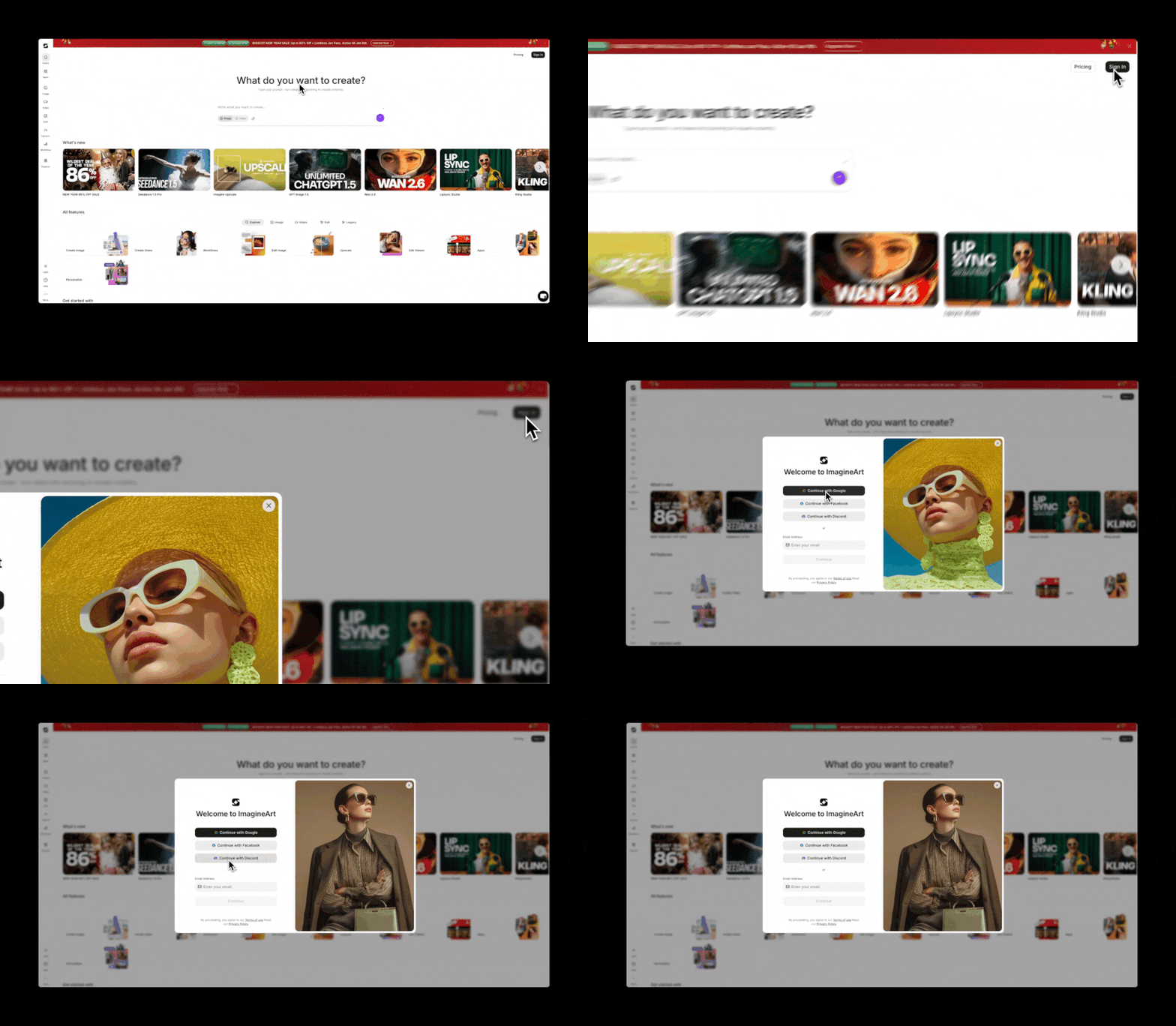
Visit [imagine.art](https://www.imagine.art) and click the **Sign In** button in the top-right corner of the dashboard. A secure window guides you through creating an account or returning to your existing workspace.
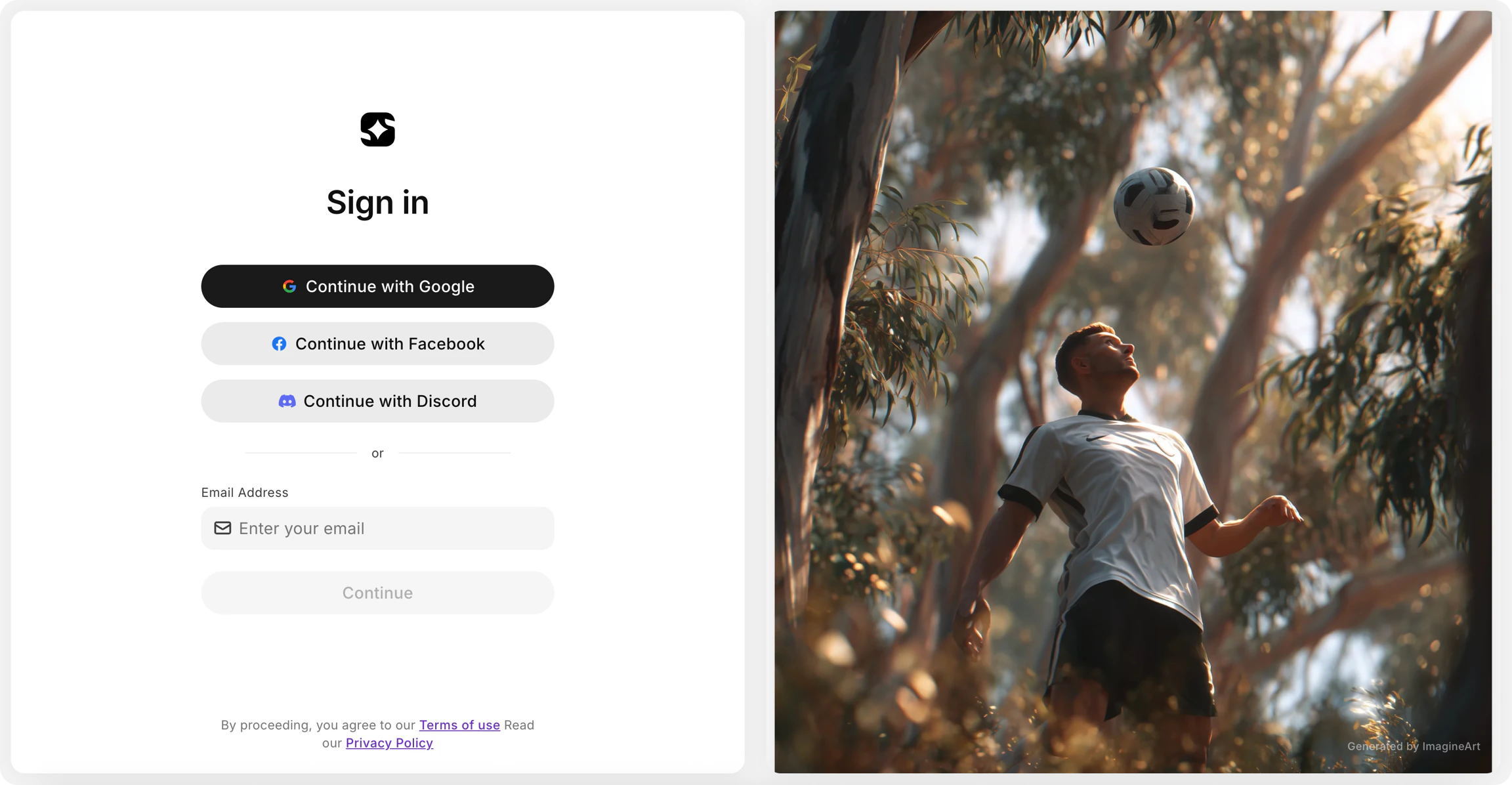
You can sign up using any of the following methods:
* **Google**
* **Facebook**
* **Discord**
* **Email**
Once signed in, you have access to your ImagineArt profile and can start creating immediately.
## Sign in to your account
Select the same method you used when you first signed up.
If you can't remember which method you used, try each option one by one — Google, Facebook, Discord, and then Email — until you find the one that matches your original sign-up.
When signing in with email, enter the same address you registered with and use your password. If you've forgotten it, select **Forgot Password** to receive a reset link.
## Key features
ImagineArt is built around two core creative areas.
Transform ideas into visual masterpieces using a full suite of generation and editing tools — from text-to-image generation to advanced editing with models like Nano Banana and Seedream v4.
Bring visuals to life with cinematic movement and professional-grade effects, powered by the latest AI video models including Google Veo 3, Kling 2.5, and Hailuo 02 Pro.
### Image Tools
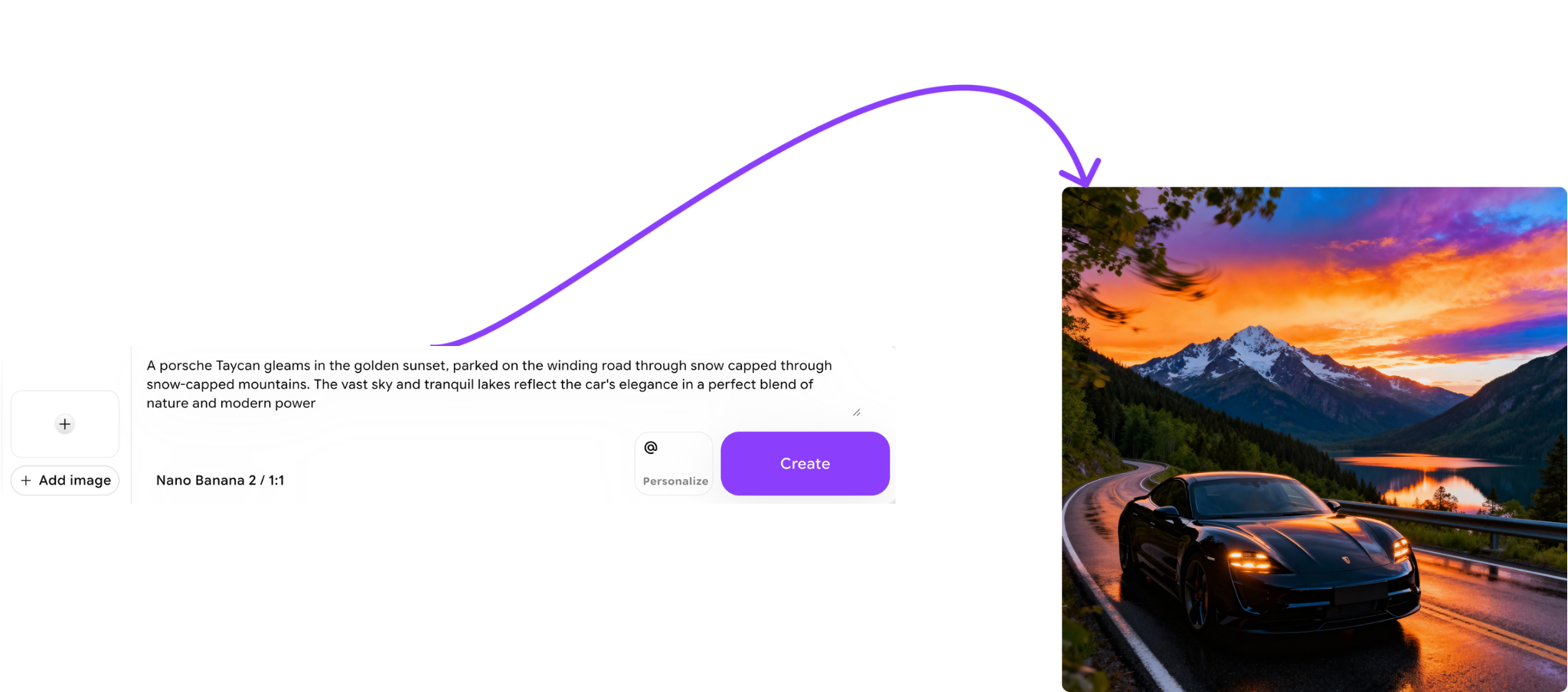
Image Tools cover everything from initial generation to precise editing:
* **Image Generation** — turn descriptive prompts into high-fidelity art instantly.
* **Image Prompt** — combine a reference image with your text prompt so ImagineArt analyzes the core elements and creates new, unique visuals based on it.
* **Image Edit** — refine your work using advanced models like Nano Banana and Seedream v4. Change lighting, add objects, or tweak details with surgical precision.
* **Style** — maintain consistent visual styles across your images by uploading reference images to guide your creative direction.
### Video Tools
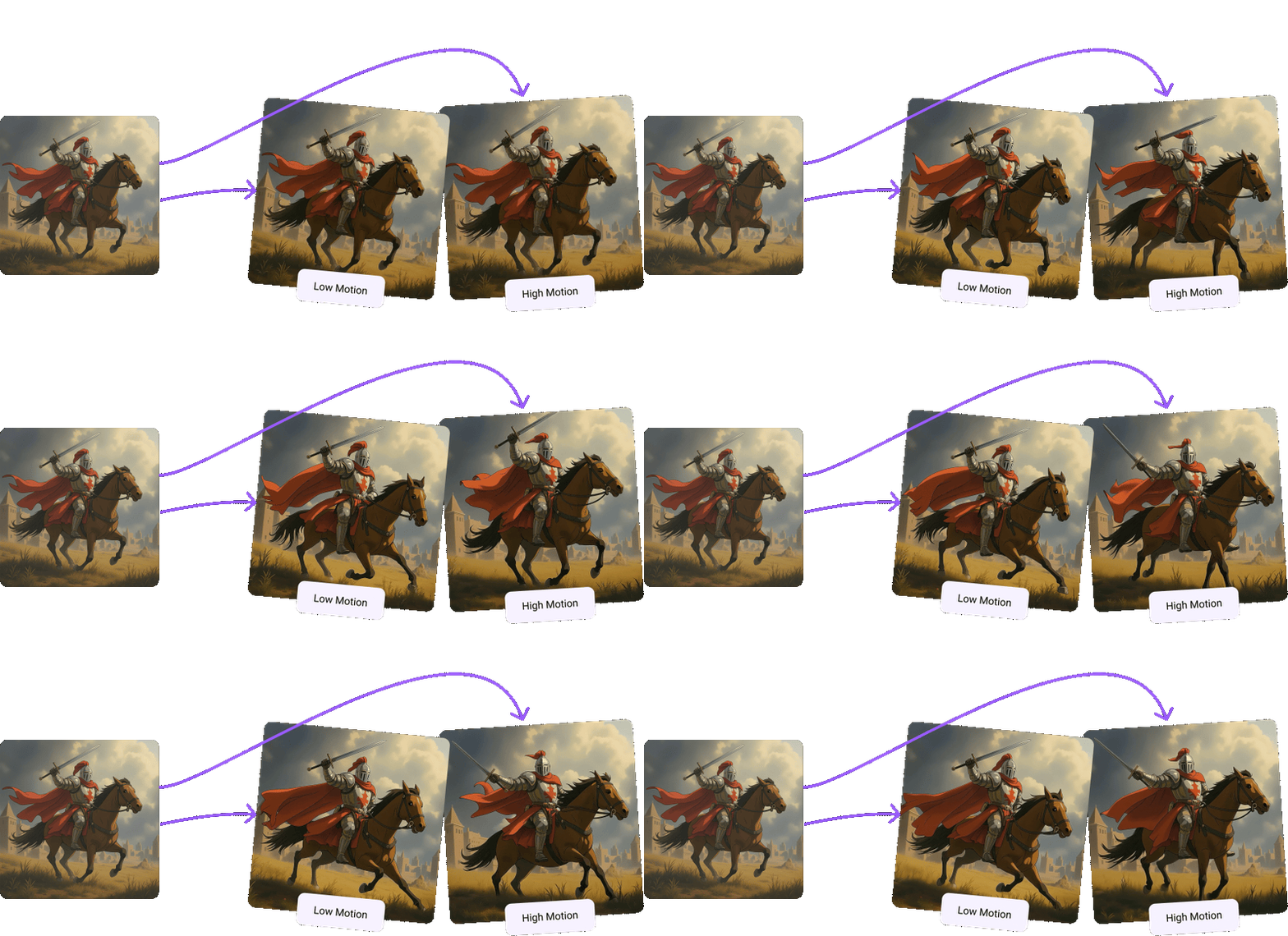
Video Tools give you cinematic control over motion and effects:
* **Video Generation** — generate videos, short clips, or dub existing videos based on your text and image prompts. Access the latest AI video models including Google Veo 3, Kling 2.5, and Hailuo 02 Pro.
* **Image to Video** — upload any static image and watch the AI breathe life into it with fluid, realistic animation.
* **Video Effects** — add realistic VFX to your videos and animate images for a truly cinematic experience.
 You can sign up using any of the following methods:
* **Google**
* **Facebook**
* **Discord**
* **Email**
You can sign up using any of the following methods:
* **Google**
* **Facebook**
* **Discord**
* **Email**
 Once signed in, you have access to your ImagineArt profile and can start creating immediately.
## Sign in to your account
Select the same method you used when you first signed up.
Once signed in, you have access to your ImagineArt profile and can start creating immediately.
## Sign in to your account
Select the same method you used when you first signed up.
 ### Image Tools
Image Tools cover everything from initial generation to precise editing:
* **Image Generation** — turn descriptive prompts into high-fidelity art instantly.
* **Image Prompt** — combine a reference image with your text prompt so ImagineArt analyzes the core elements and creates new, unique visuals based on it.
* **Image Edit** — refine your work using advanced models like Nano Banana and Seedream v4. Change lighting, add objects, or tweak details with surgical precision.
* **Style** — maintain consistent visual styles across your images by uploading reference images to guide your creative direction.
### Image Tools
Image Tools cover everything from initial generation to precise editing:
* **Image Generation** — turn descriptive prompts into high-fidelity art instantly.
* **Image Prompt** — combine a reference image with your text prompt so ImagineArt analyzes the core elements and creates new, unique visuals based on it.
* **Image Edit** — refine your work using advanced models like Nano Banana and Seedream v4. Change lighting, add objects, or tweak details with surgical precision.
* **Style** — maintain consistent visual styles across your images by uploading reference images to guide your creative direction.
 ### Video Tools
Video Tools give you cinematic control over motion and effects:
* **Video Generation** — generate videos, short clips, or dub existing videos based on your text and image prompts. Access the latest AI video models including Google Veo 3, Kling 2.5, and Hailuo 02 Pro.
* **Image to Video** — upload any static image and watch the AI breathe life into it with fluid, realistic animation.
* **Video Effects** — add realistic VFX to your videos and animate images for a truly cinematic experience.
### Video Tools
Video Tools give you cinematic control over motion and effects:
* **Video Generation** — generate videos, short clips, or dub existing videos based on your text and image prompts. Access the latest AI video models including Google Veo 3, Kling 2.5, and Hailuo 02 Pro.
* **Image to Video** — upload any static image and watch the AI breathe life into it with fluid, realistic animation.
* **Video Effects** — add realistic VFX to your videos and animate images for a truly cinematic experience.