> ## Documentation Index
> Fetch the complete documentation index at: https://docs.imagine.art/llms.txt
> Use this file to discover all available pages before exploring further.
# The Brand Hub
> Store your logo, colors, fonts, and visual direction once — apply them to every generation automatically.
**Brand Hub** is ImagineBusiness's brand-governance layer: two tools, **Brand Kits** and **Moodboards**, that let a team set its visual identity once and have it carried into every generation, rather than re-specifying brand details in every prompt.
## Brand Kits
Click **Brand Kits** to store your logo, colors, and fonts in one place.
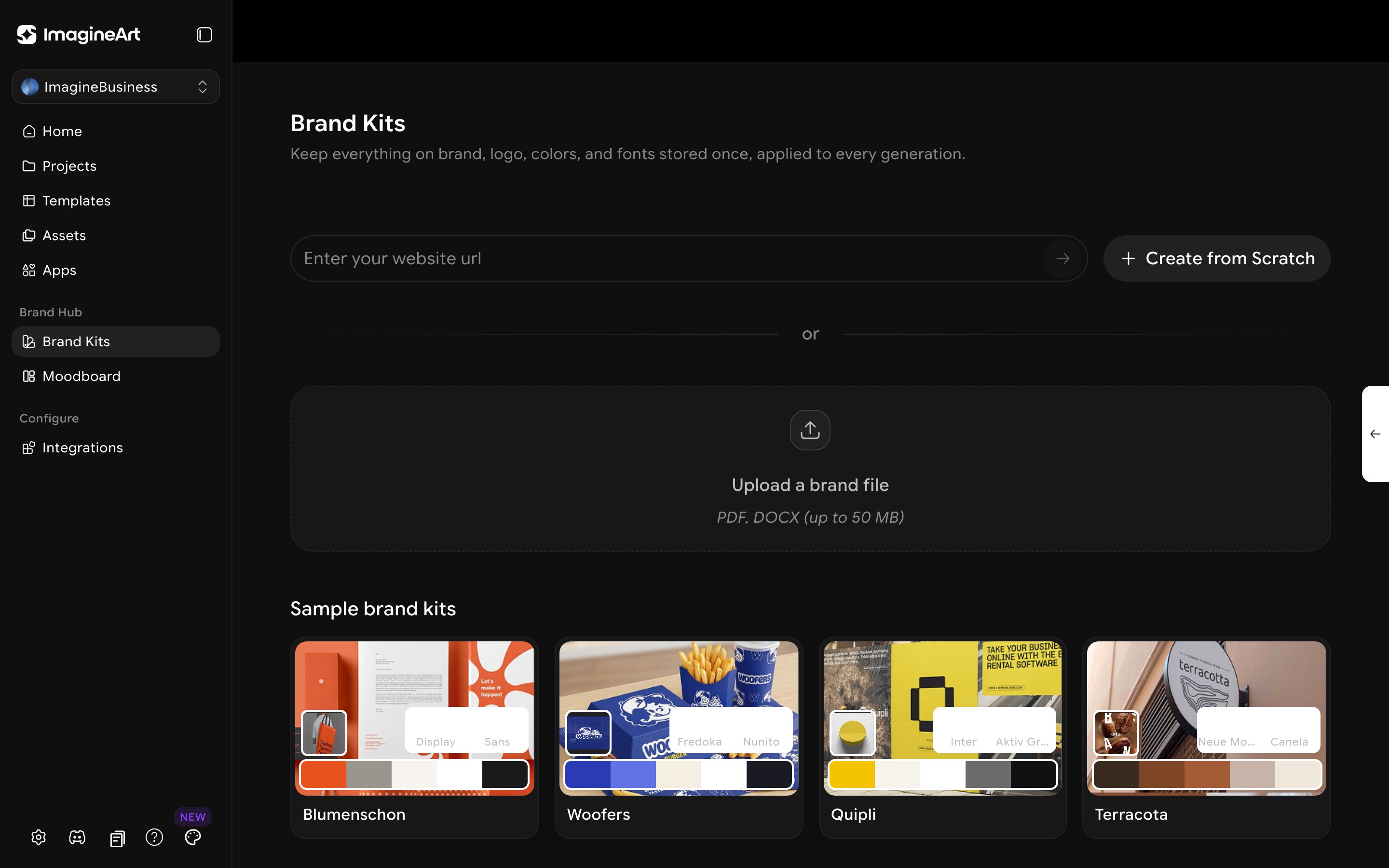 Three ways to build one:
* **Enter your website URL** — the fastest path if your brand guidelines already live on your site.
* **Upload a brand file** — PDF or DOCX, up to 50MB, if you have an existing brand guidelines document.
* **Create from Scratch** — build a kit manually if you don't have either.
Sample brand kits (Blumenschon, Woofers, Quipli, Terracota) are shown as real examples of what a finished kit looks like — each with a logo, font pairing, and color palette.
## Moodboards
Click **Moodboard** to set a visual direction — mood, style, and look — that every generation then follows, separately from the literal brand assets in a Brand Kit.
Three ways to build one:
* **Enter your website URL** — the fastest path if your brand guidelines already live on your site.
* **Upload a brand file** — PDF or DOCX, up to 50MB, if you have an existing brand guidelines document.
* **Create from Scratch** — build a kit manually if you don't have either.
Sample brand kits (Blumenschon, Woofers, Quipli, Terracota) are shown as real examples of what a finished kit looks like — each with a logo, font pairing, and color palette.
## Moodboards
Click **Moodboard** to set a visual direction — mood, style, and look — that every generation then follows, separately from the literal brand assets in a Brand Kit.
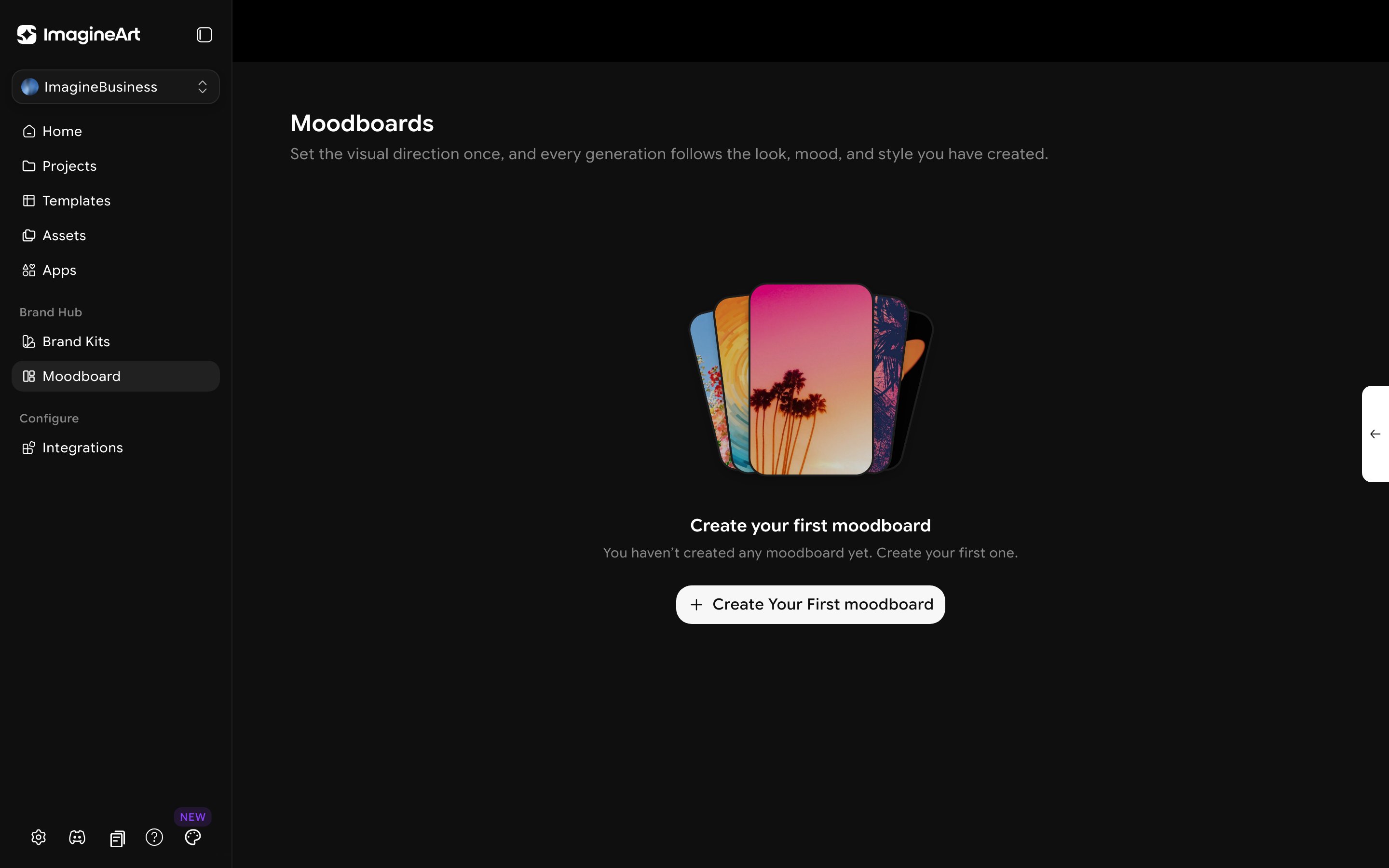 Brand Kits and Moodboards solve different problems. A **Brand Kit** locks in *what's literally yours* — your actual logo, your actual brand colors and fonts. A **Moodboard** locks in *a feel* — the mood and visual style a generation should have, useful even before a formal brand kit exists.
Set up a Brand Kit before onboarding a new team member to ImagineBusiness. Once it exists, everyone generating content for that brand inherits the same visual identity automatically, instead of everyone individually re-describing the brand in their prompts.
Brand Kits and Moodboards solve different problems. A **Brand Kit** locks in *what's literally yours* — your actual logo, your actual brand colors and fonts. A **Moodboard** locks in *a feel* — the mood and visual style a generation should have, useful even before a formal brand kit exists.
Set up a Brand Kit before onboarding a new team member to ImagineBusiness. Once it exists, everyone generating content for that brand inherits the same visual identity automatically, instead of everyone individually re-describing the brand in their prompts.