

Sign up for an account
Visit imagine.art and click the Sign In button in the top-right corner of the dashboard. A secure window guides you through creating an account or returning to your existing workspace.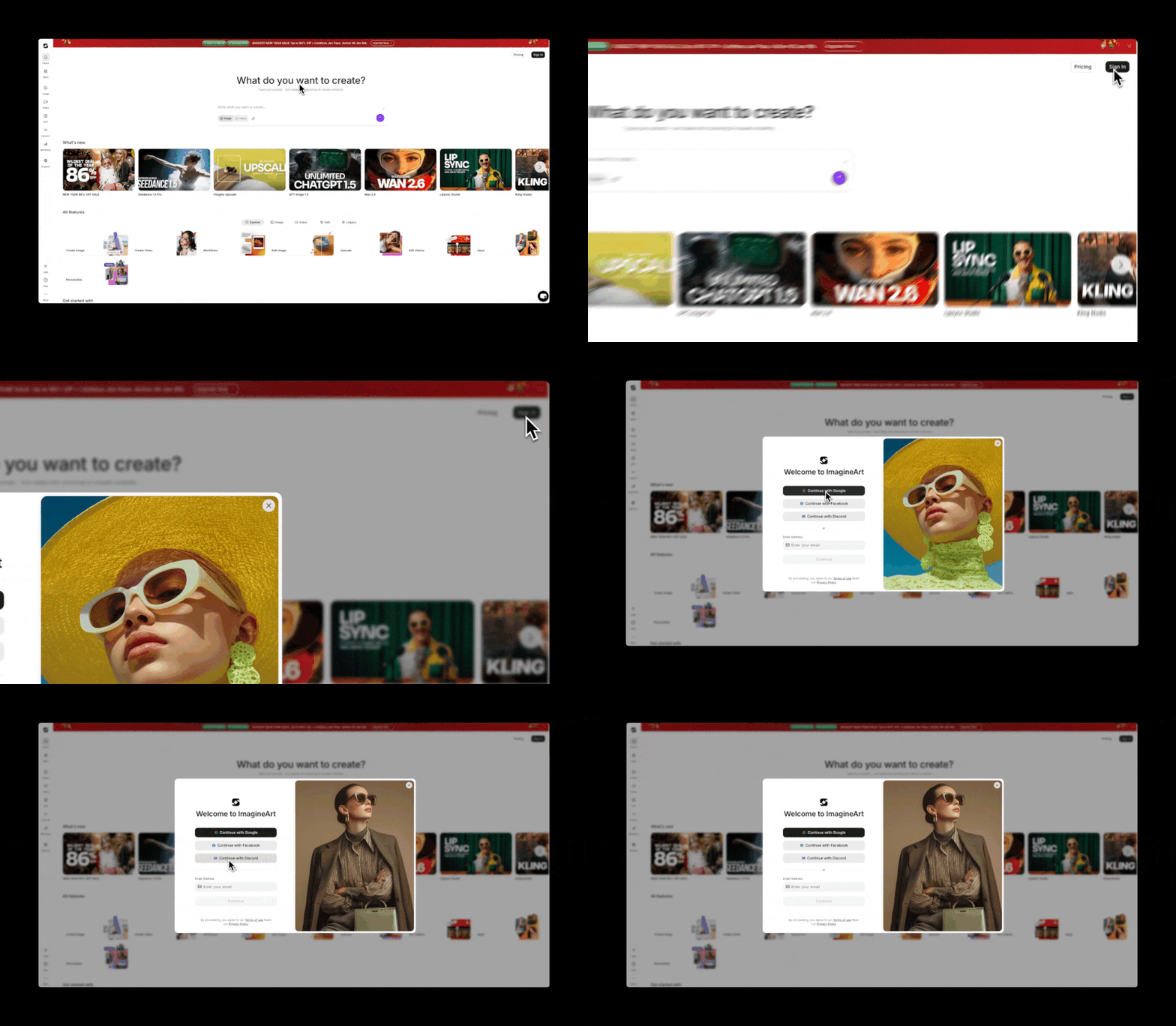
- Discord
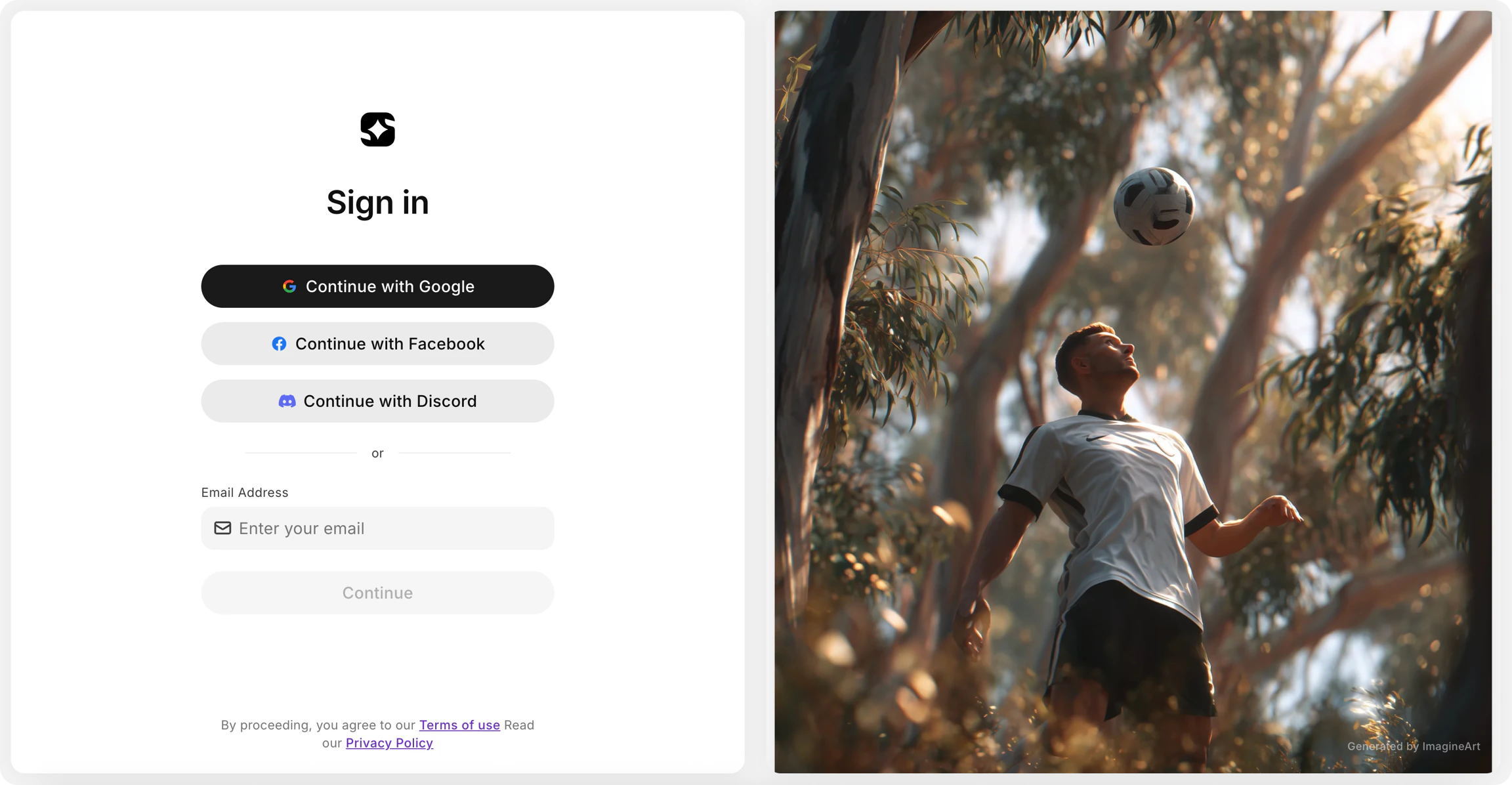
Sign in to your account
Select the same method you used when you first signed up. When signing in with email, enter the same address you registered with and use your password. If you’ve forgotten it, select Forgot Password to receive a reset link.Key features
ImagineArt is built around two core creative areas.Image Tools
Transform ideas into visual masterpieces using a full suite of generation and editing tools — from text-to-image generation to advanced editing with models like Nano Banana and Seedream v4.
Video Tools
Bring visuals to life with cinematic movement and professional-grade effects, powered by the latest AI video models including Google Veo 3, Kling 2.5, and Hailuo 02 Pro.
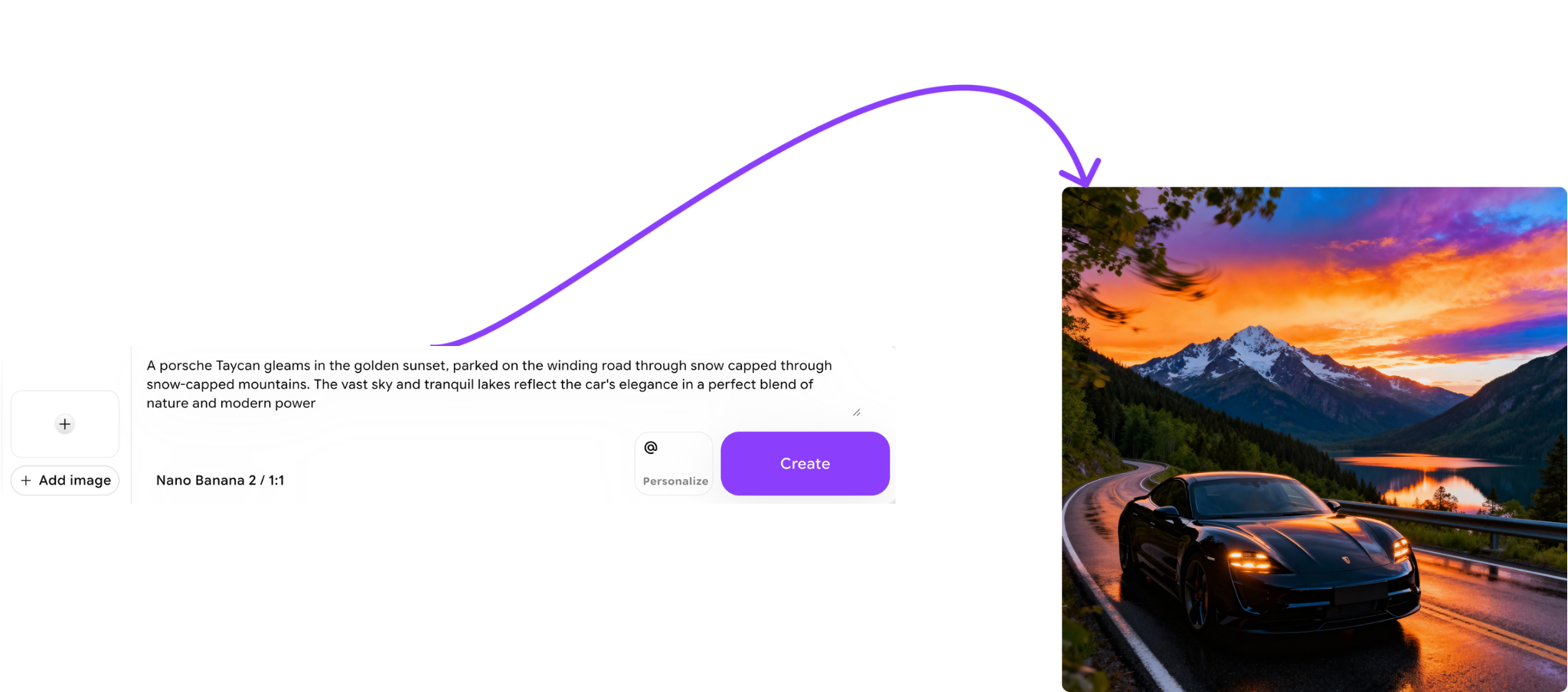
Image Tools
Image Tools cover everything from initial generation to precise editing:- Image Generation — turn descriptive prompts into high-fidelity art instantly.
- Image Prompt — combine a reference image with your text prompt so ImagineArt analyzes the core elements and creates new, unique visuals based on it.
- Image Edit — refine your work using advanced models like Nano Banana and Seedream v4. Change lighting, add objects, or tweak details with surgical precision.
- Style — maintain consistent visual styles across your images by uploading reference images to guide your creative direction.
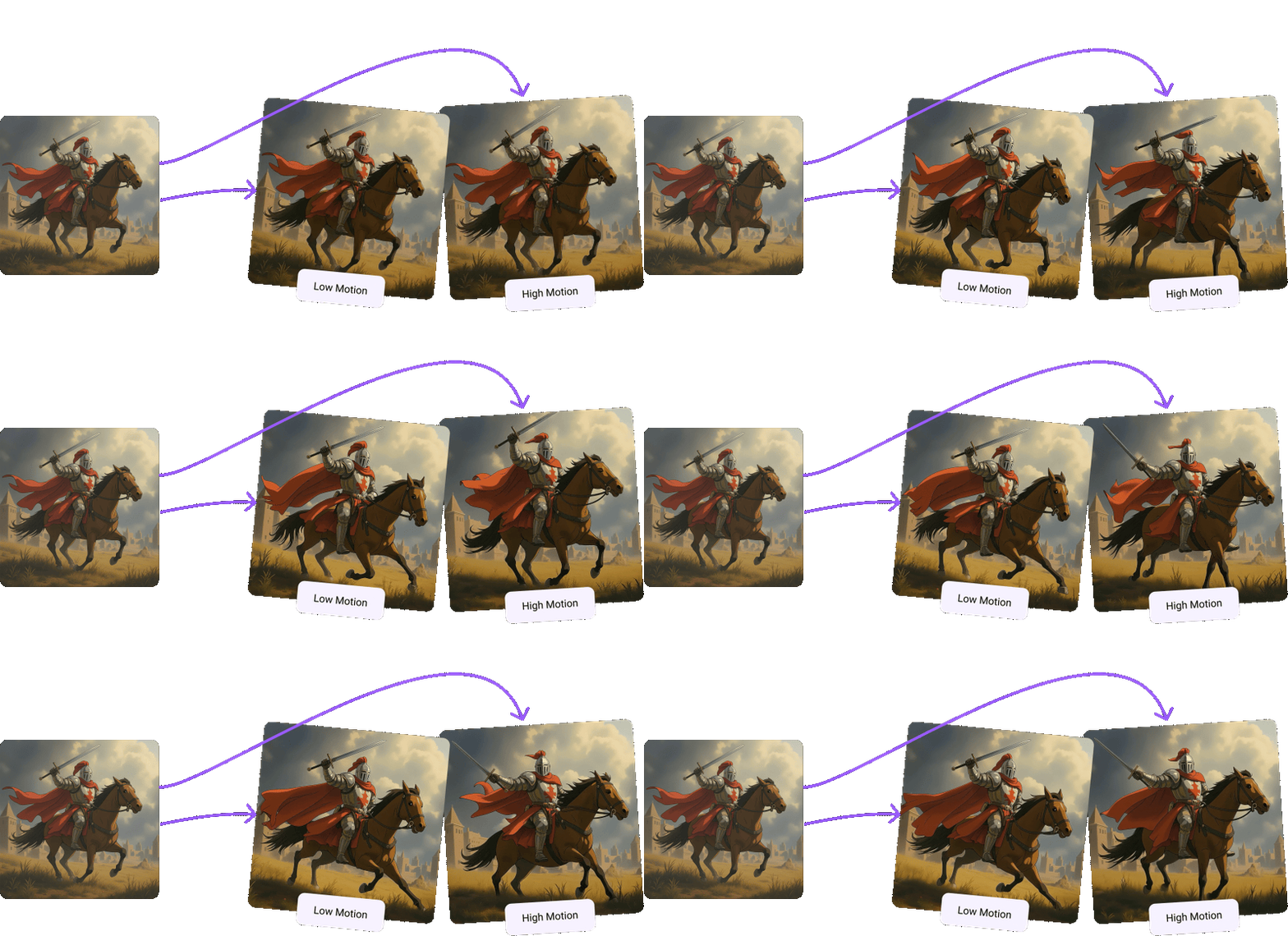
Video Tools
Video Tools give you cinematic control over motion and effects:- Video Generation — generate videos, short clips, or dub existing videos based on your text and image prompts. Access the latest AI video models including Google Veo 3, Kling 2.5, and Hailuo 02 Pro.
- Image to Video — upload any static image and watch the AI breathe life into it with fluid, realistic animation.
- Video Effects — add realistic VFX to your videos and animate images for a truly cinematic experience.