

Sign-in methods
ImagineArt supports four ways to sign in:- Google authentication
- Facebook authentication
- Discord authentication
- Email and password
Recover your password
1
Go to the sign-in page
Navigate to imagine.art and click Log In.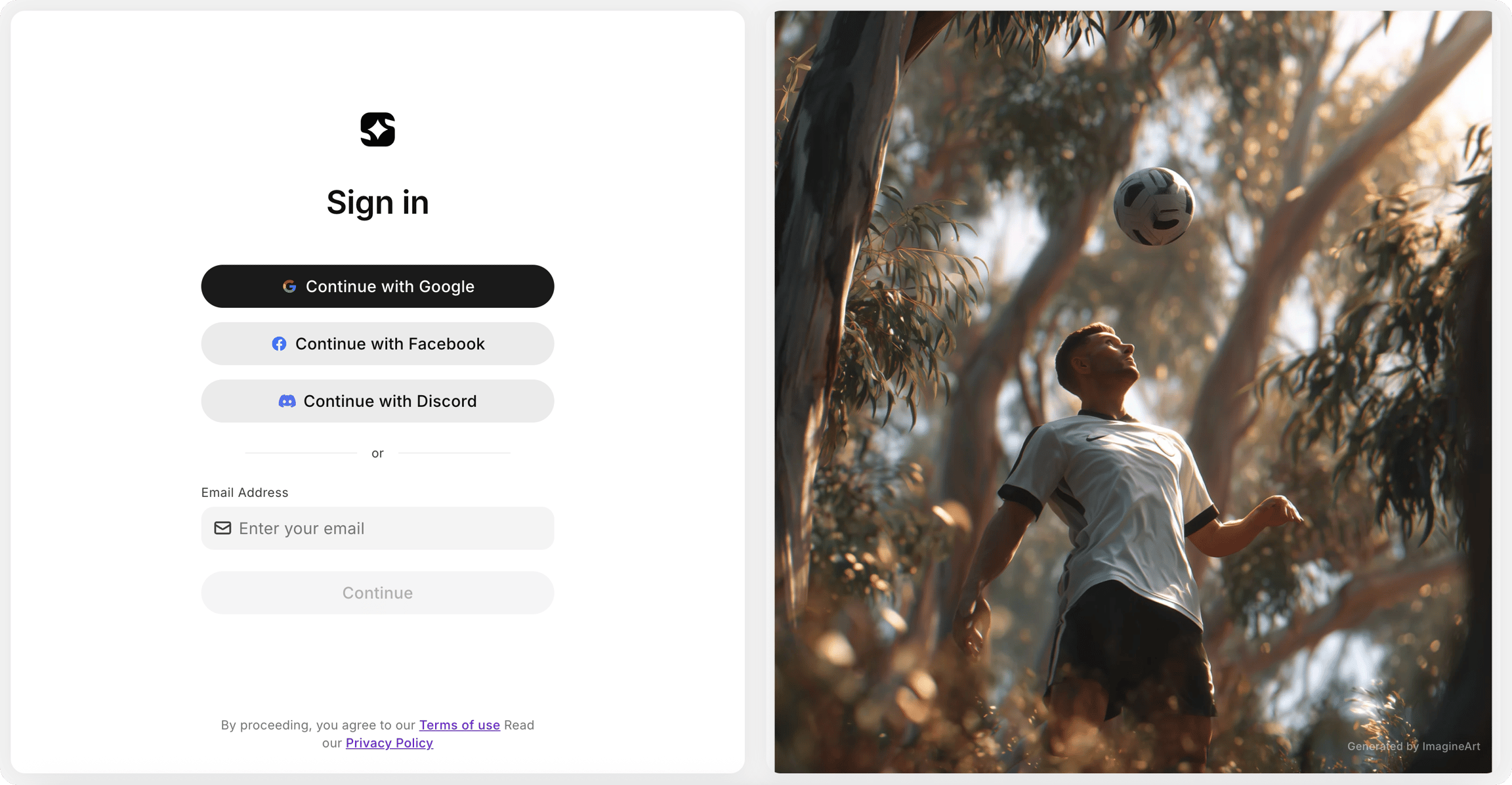
2
Enter your email address
Enter the email address associated with your account and click Continue.
3
Select Forgot Password
On the next screen, select the Forgot Password option.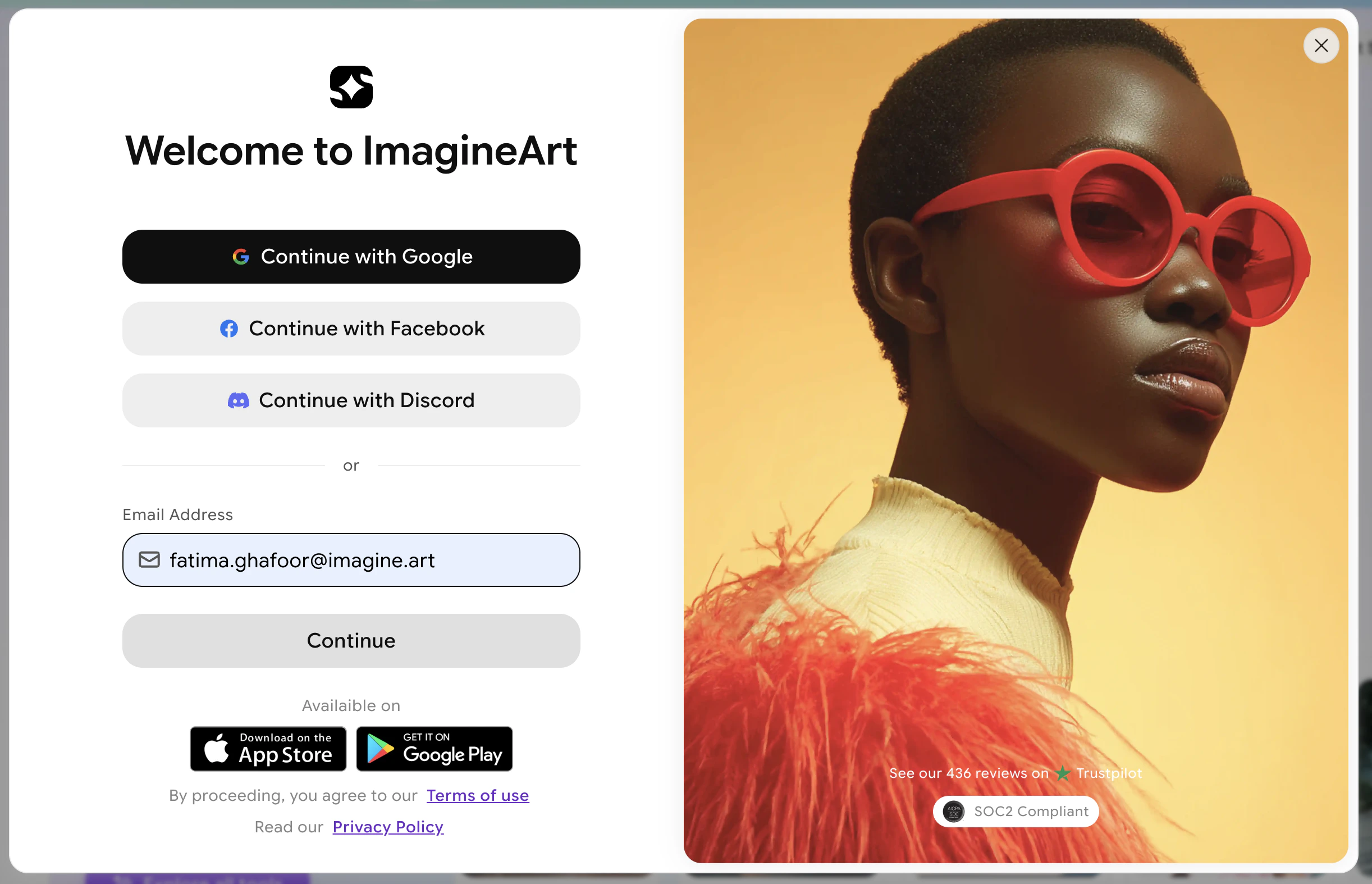
4
Check your email
Open the password reset email sent to your inbox and click the reset link.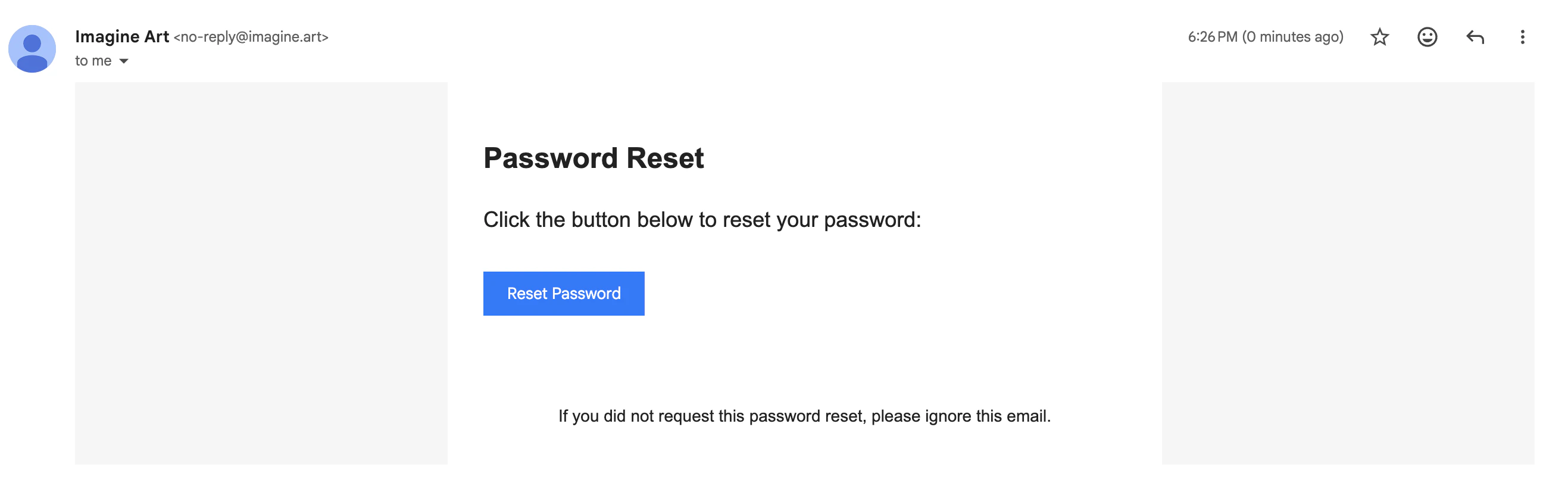
5
Set a new password
Follow the link to create and confirm your new password.
Set up email login from a social account
If you originally registered with Google, Facebook, or Discord but want to add email-and-password access to your account:1
Enter your email on the sign-in screen
On the sign-in page, enter the email address associated with your social account and click Continue.
2
Request a password reset email
A password reset email will be sent to your inbox automatically.
3
Set your password
Open the email, click the link, and create a password. You can now sign in with email and password in addition to your social login.