

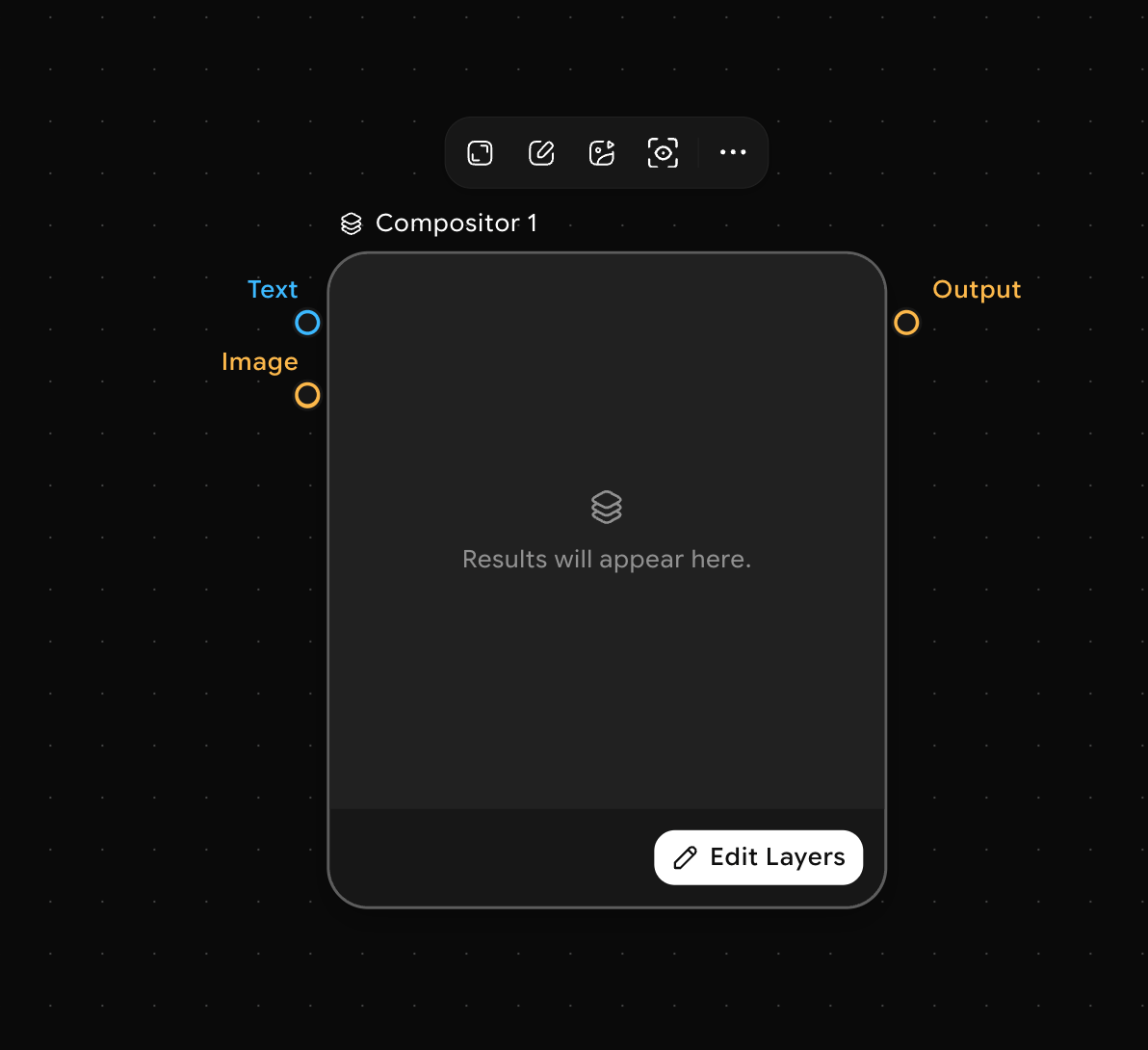
How to use the Compositor node
1
Add the Compositor node
Open the node picker (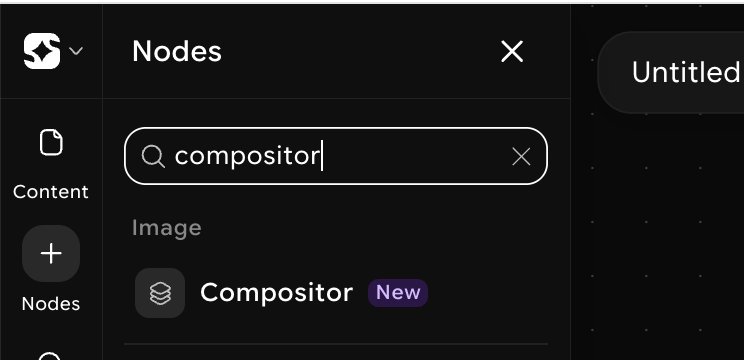
Space or right-click on the canvas) and search for Compositor. Click to place it.2
Connect your inputs
Connect the output handles of any Image or Video nodes to the input slots on the Compositor. You can connect multiple inputs — each one becomes a separate layer.
3
Configure layering
In the Eedit layers mode, reorder layers by dragging them up or down. Set blend mode, opacity, position, and scale for each layer independently.
4
Connect the output
Connect the Compositor’s output handle to any downstream node — a Generate Video node, an Export node, or another Compositor for more complex compositions.
5
Run
Click Run on the Compositor node or run the full workflow. The node merges all connected layers and produces a single composited output.