Documentation Index

Fetch the complete documentation index at: https://docs.imagine.art/llms.txt

Use this file to discover all available pages before exploring further.

Folder-level sharing is available on enterprise plans and is managed by Admins and Owners.
By default, your private folders are only visible to you. Folder-level sharing lets you grant specific team members access to individual private folders, so you can collaborate on a project without exposing your entire workspace.

Sharing a private folder

1

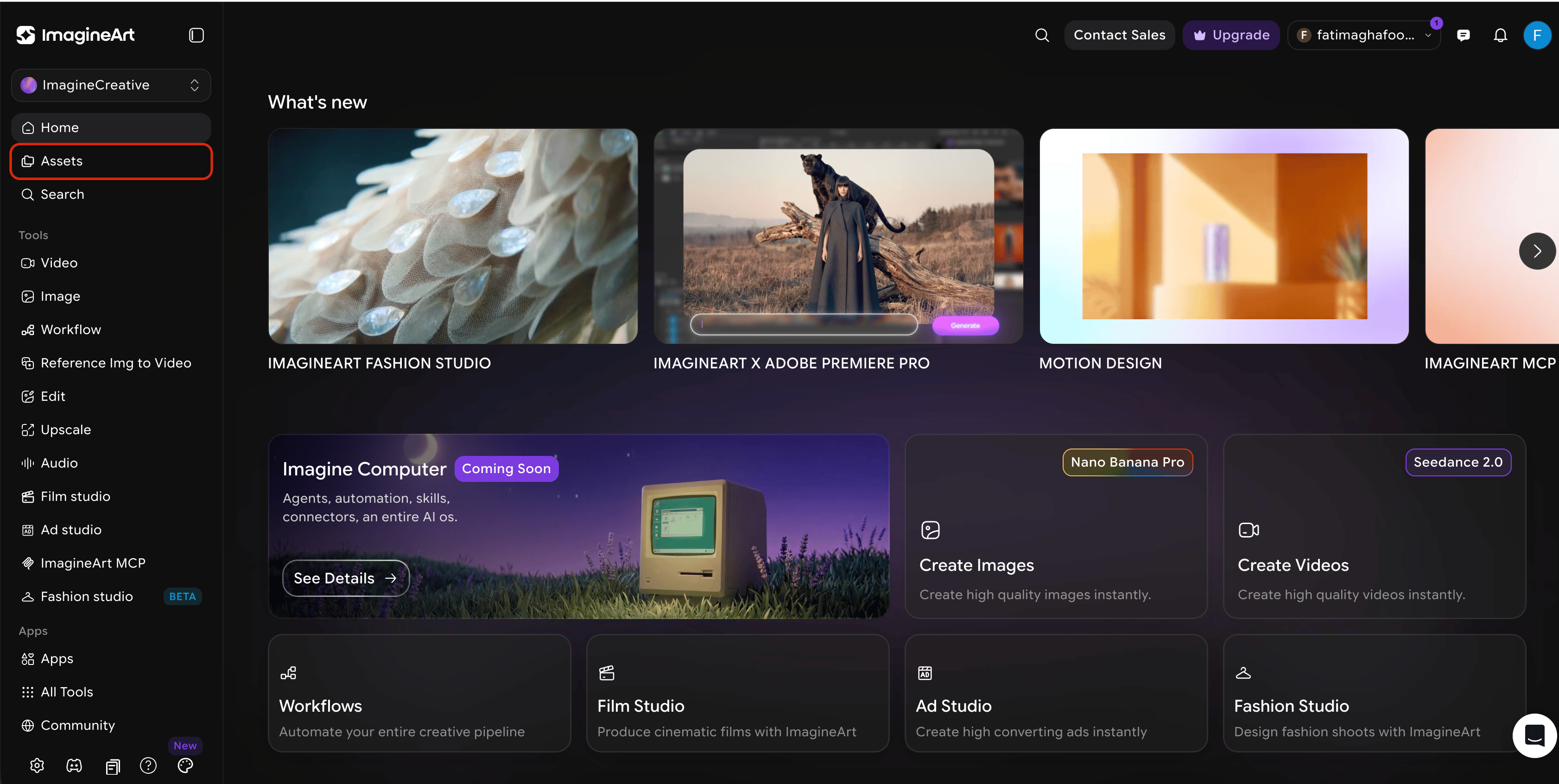
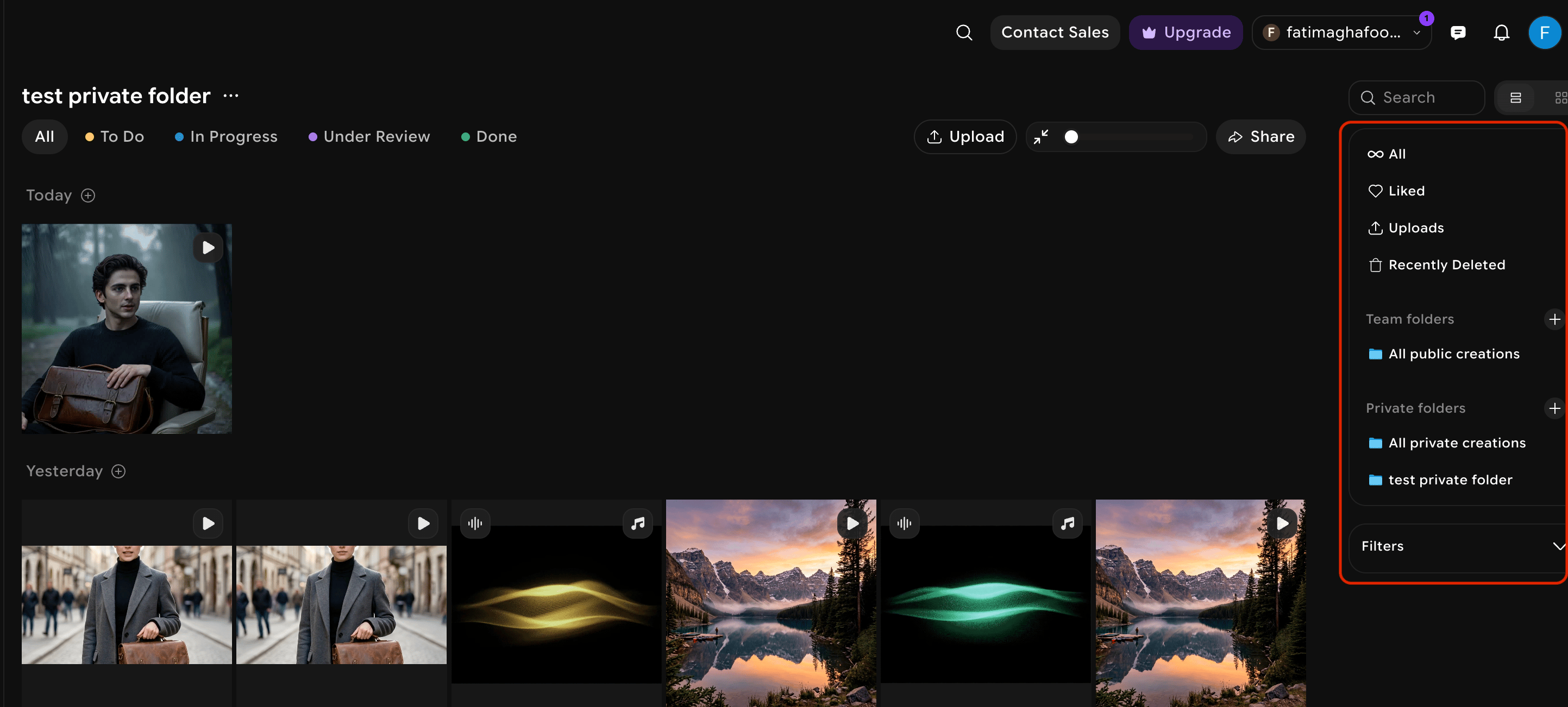
Open your folder

Navigate to the folder you want to share from your workspace library.
Folder library view — placeholder
2

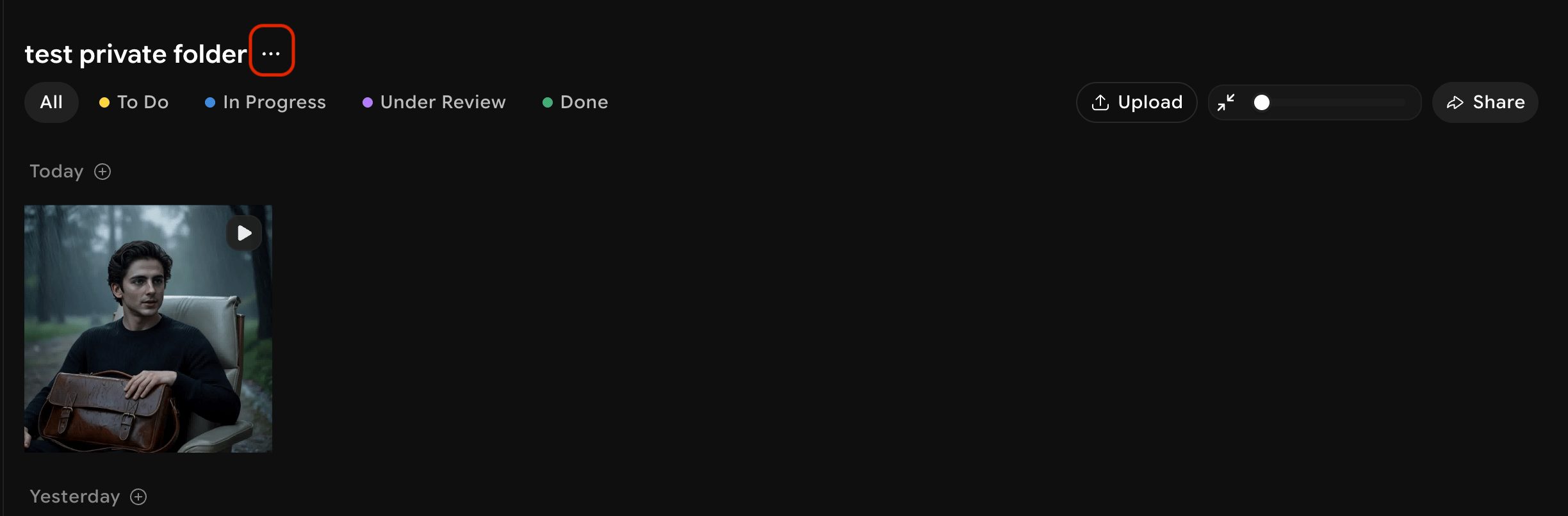
Open share settings

Click the ··· menu on the folder and select Share.
3

Add members

Search for and select the team members you want to grant access. You can add multiple members at once.
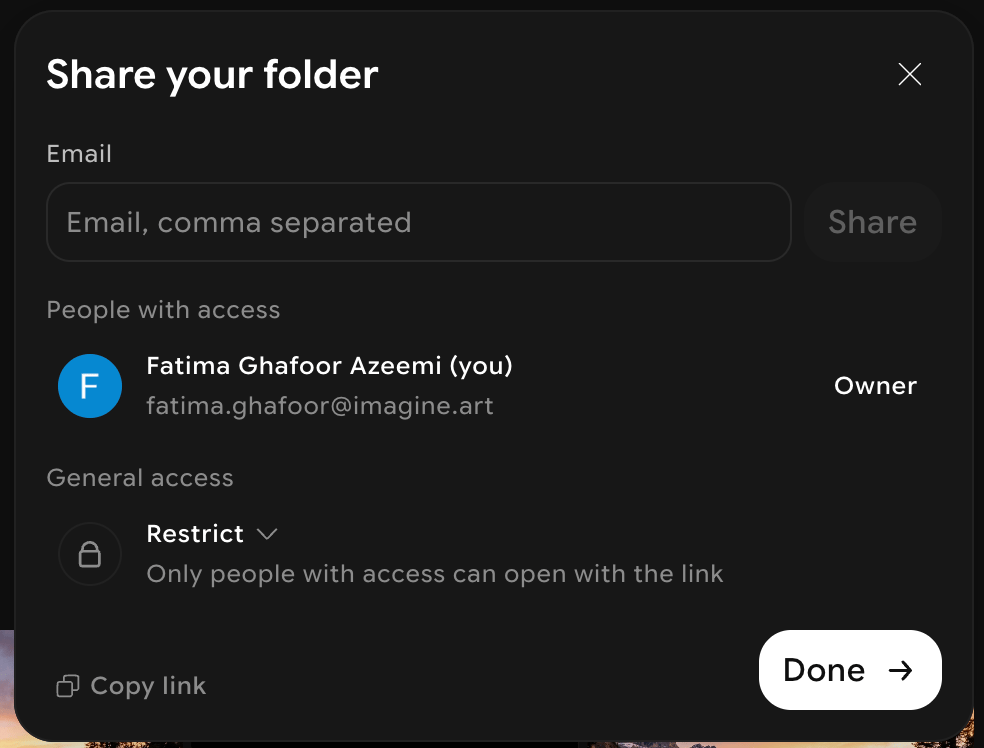
Folder share panel — placeholder
4

Confirm

Click Share. The selected members will see the folder in their shared view and can access its contents.
Shared folder access does not affect the assets inside — members can view and use the folder’s content, but generation history and settings remain tied to the original owner’s account.