

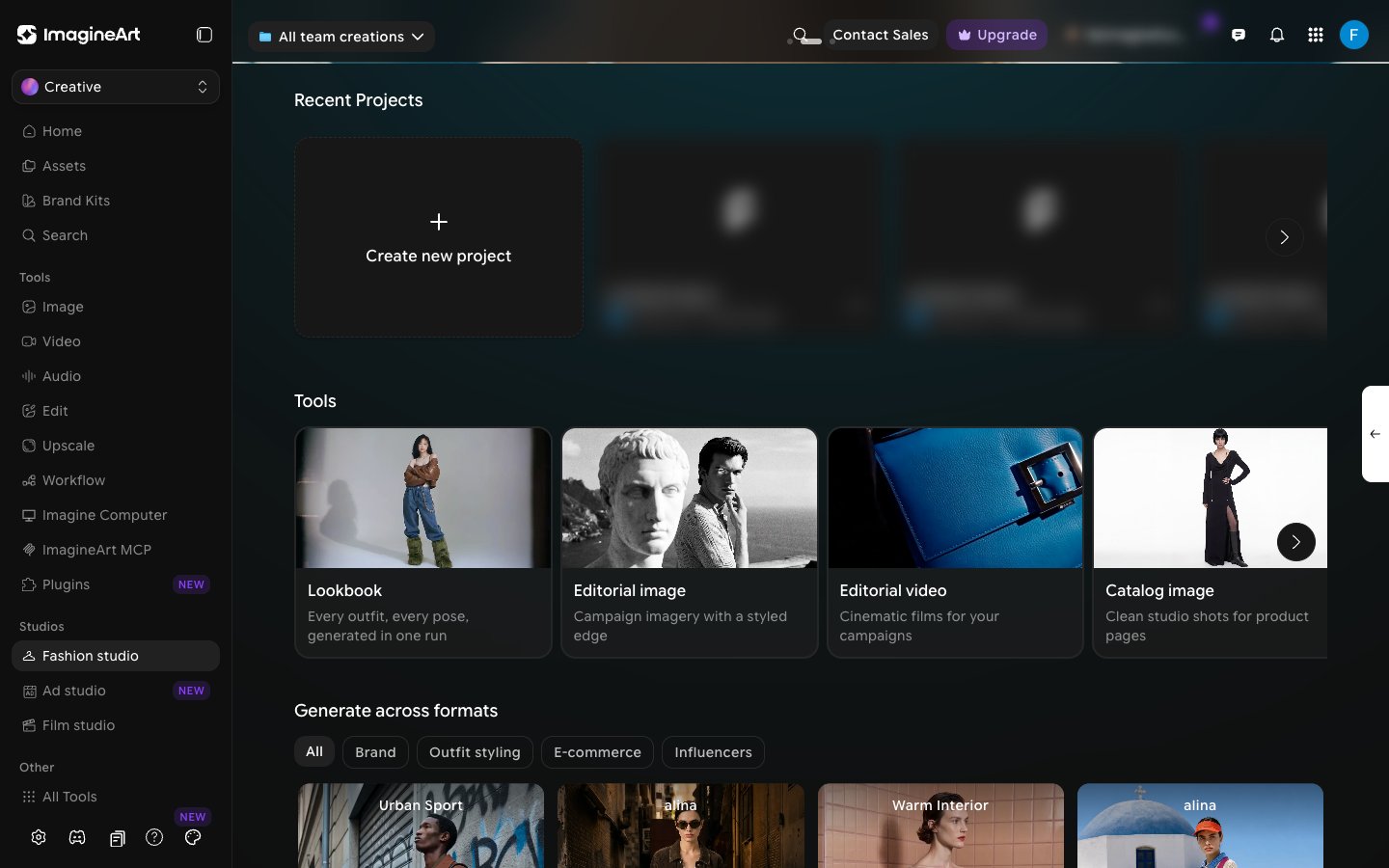
Editorial, Catalog, and Lookbook
All three modes share the same editor — the same model picker, outfit picker, background and pose pickers — so switching between them doesn’t mean learning new controls. What changes is the kind of shoot you’re going for:- Editorial — campaign imagery and video with a styled, editorial edge. Use this for brand campaigns and social content where mood and styling matter.
- Catalog — clean, consistent studio shots for product listings. Use this when you need product-page-ready images or clips without an editorial “look.”
- Lookbook — batch mode. Put one model in several outfits and poses, and generate every combination in one run.
Building a shot
Whichever mode you’re in, the editor is built around the same pieces:- Models — pick a preset model, reuse one you’ve created before, or generate a new one.
- Choosing an outfit — preset garments, footwear, and accessories, or upload your own.
- Scenes & poses — a large preset library for backgrounds and poses, or bring your own reference photo (backgrounds can also be generated from a prompt).
- Templates — skip building a shot entirely and start from a ready-made look.
- Video mode — turn a shot into a short video.
- Editing a creation — regenerate an existing image with a new scene, angle, or description.