

1
Browse available connectors
A visual hub diagram sits above a searchable My connectors grid — 33 real integrations at last count, including Slack, Notion, Gmail, GitHub, Google Workspace (Docs/Drive/Sheets/Slides/Meet/Calendar/Classroom), HubSpot, Jira, Linear, QuickBooks, Sentry, Stripe, and more. There’s no category grouping — just one searchable list.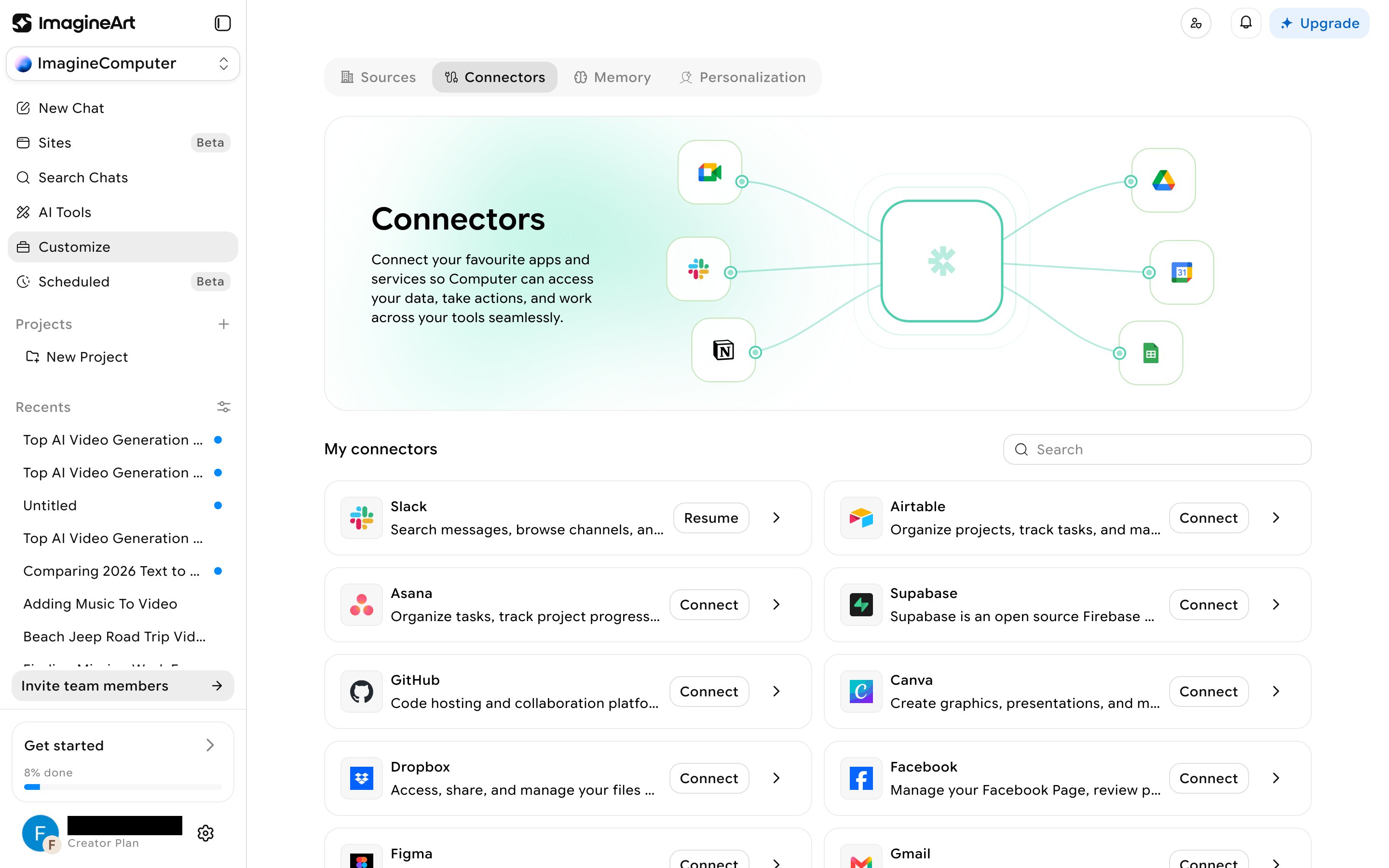
2
Connect a real account
Click Connect on any connector. A confirmation modal shows the connector’s name and description first — clicking Connect there redirects you to that provider’s real OAuth sign-in page (confirmed for Slack: a genuine
slack.com sign-in requesting a real, specific scope list). Nothing is faked or simulated — you’re authorizing a real third-party connection.3
Scope exactly what it can do
Click into any connector (its name or the chevron on its row) to see Tools permission — every individual action the connector could take (for Notion: adding content blocks, appending code/media/table blocks, creating databases, and more), each with its own allow/deny toggle and a search box to filter the list. This is real per-action scoping, not a single on/off switch.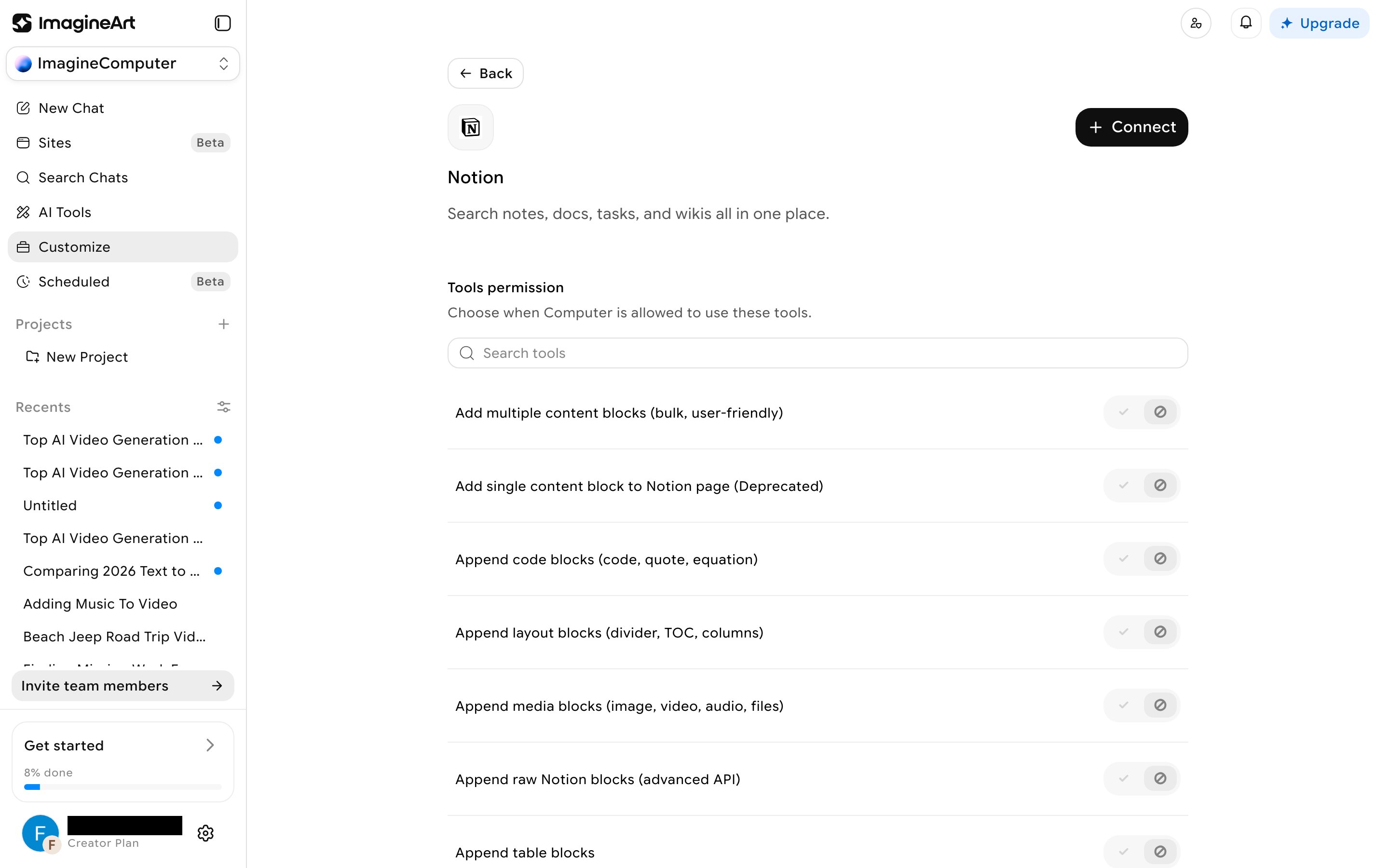
Using a connector in a chat
There’s no@-mention syntax for connectors. Instead, the prompt bar has a dedicated icon that opens a Search connectors picker — a compact version of the same list, with inline Connect for anything not yet linked, and a Manage Connectors link back to the full settings page.