Switching into it
To open ImagineBusiness, click Workflow in the switcher at the top of ImagineArt Home. Every page lives under a distinct/enterprise/* area of the app.
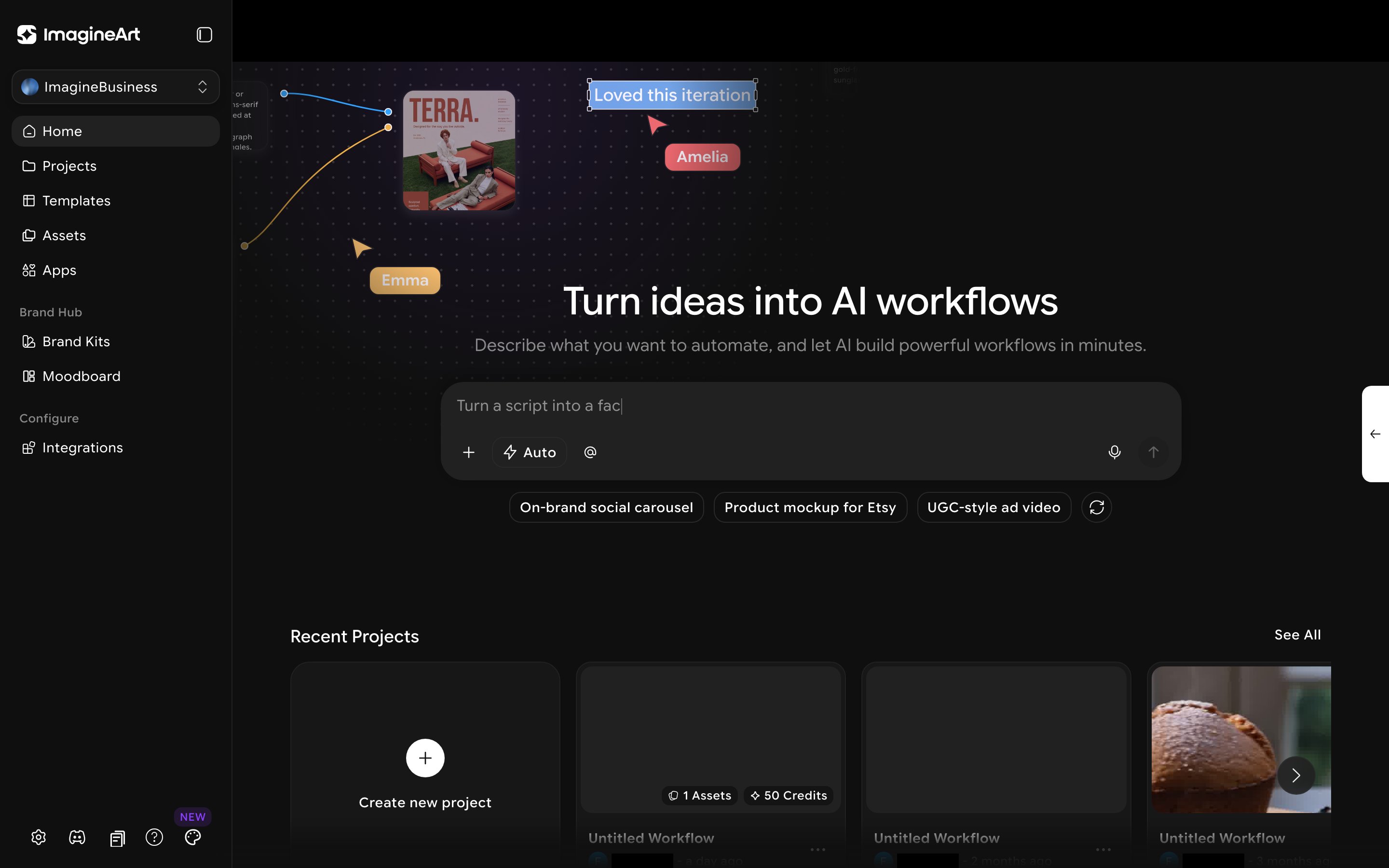
- Home — a dashboard with an AI workflow generator and your team’s recent projects. See below.
- Projects — the same node-based workflow canvas you’d use in regular Workflows.
- Templates — a searchable gallery of pre-built workflows to start from instead of building a canvas from scratch.
- Assets — a shared team asset library.
- Apps — Team Apps, My Apps, and Community Apps: ready-to-run apps powered by your workflows.
- Brand Hub — Brand Kits and Moodboards, covered on their own page: The Brand Hub.
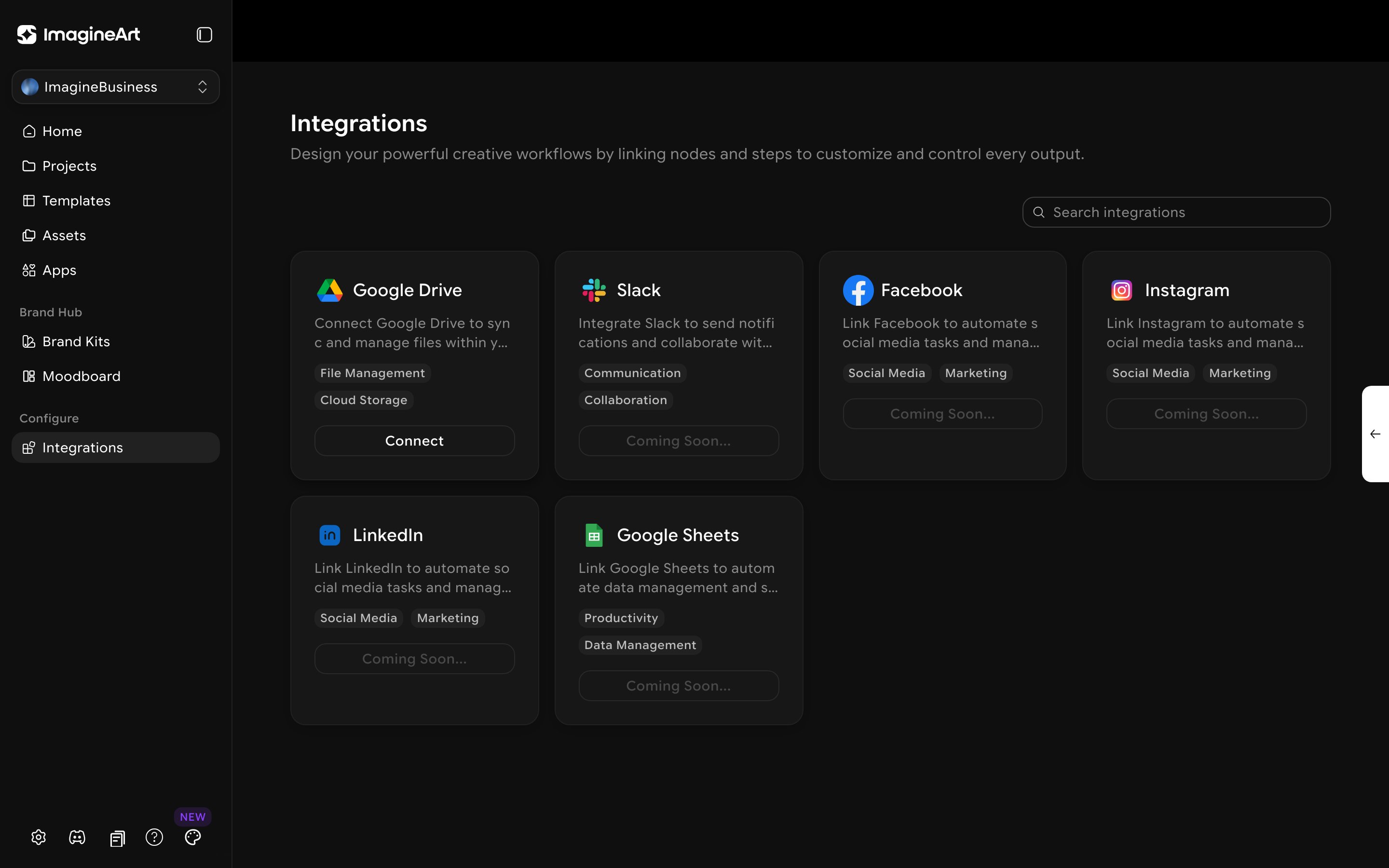
- Configure → Integrations — connect third-party tools.
ImagineBusiness is a paid tier. Click Upgrade to see the available team plans, or Contact Sales for a custom Enterprise plan. Once you’re on it, Projects, Templates, Assets, and Brand Hub are fully available; some integrations are still marked “Coming Soon.”
Home
The Home page is the landing screen when you switch into ImagineBusiness — a prompt box (“Turn ideas into AI workflows… Describe what you want to automate…”) with suggestion chips (for example, “On-brand social carousel,” “Product mockup for Etsy,” “UGC-style ad video”) for generating a starter workflow from a plain-language description, plus a Recent Projects grid below it.The top bar
Every ImagineBusiness page shares the same top bar, none of it specific to any one section. Your profile, credits, and team switcher are at the bottom of the sidebar. See Switch teams.Templates
Click Templates for a searchable gallery of pre-built workflows. Each template is a ready-to-run workflow you can use as-is or customize.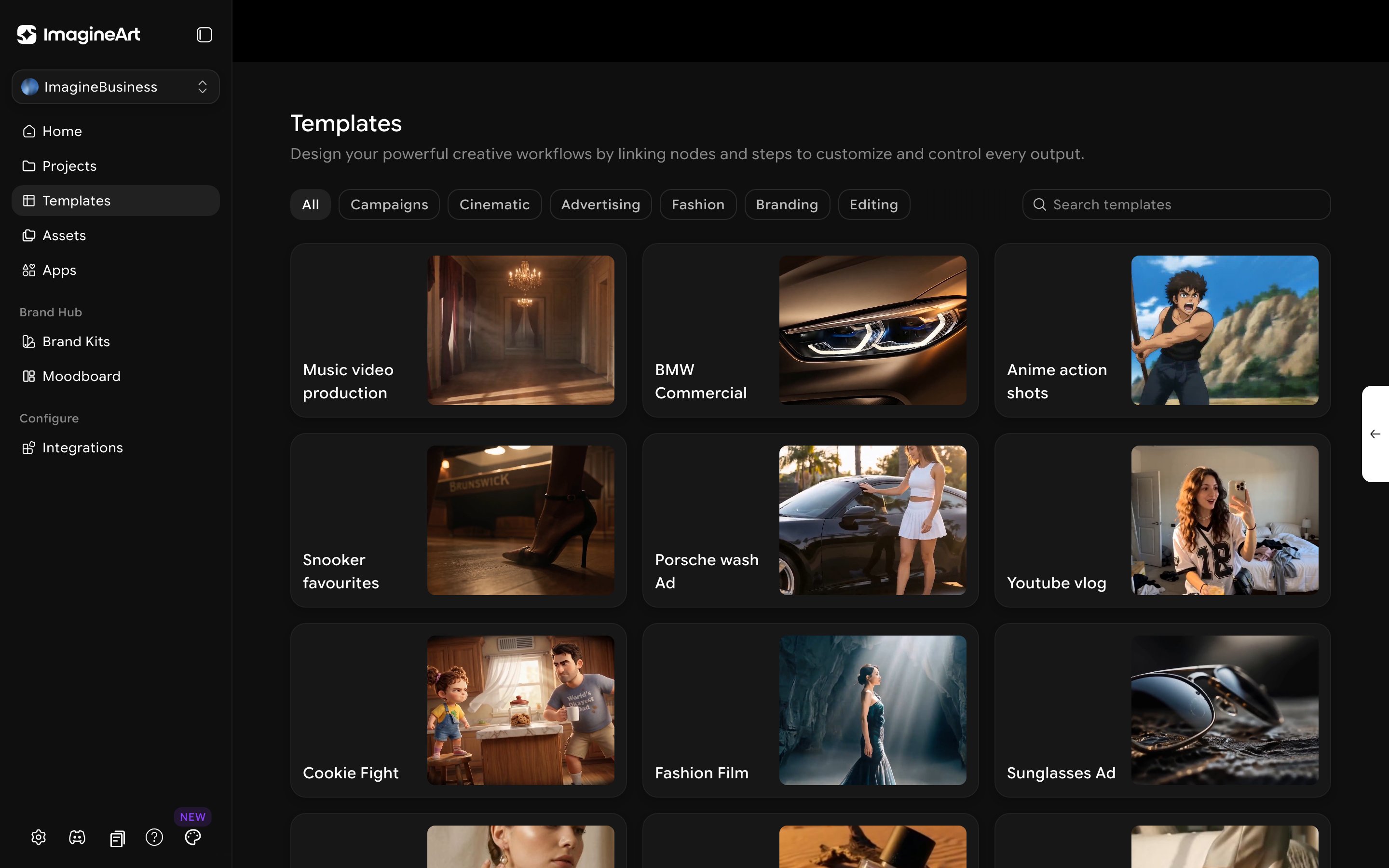
Template categories (for example Cinematic, Advertising, Fashion & Apparel, Branding, FMCG, and Editing) are updated over time, so the filters you see may differ.
Assets
Click Assets for the team’s shared library. Beyond a simple grid, assets carry status tracking — All / To Do / In Progress / Under Review / Done — and are organized into Team folders (shared, e.g. “All public creations”) and Private folders you create yourself. Saved views for Liked, Uploads, and Recently Deleted sit alongside the status pipeline, plus a multi-select Filters accordion, an Upload button, a grid/list toggle, and a zoom slider.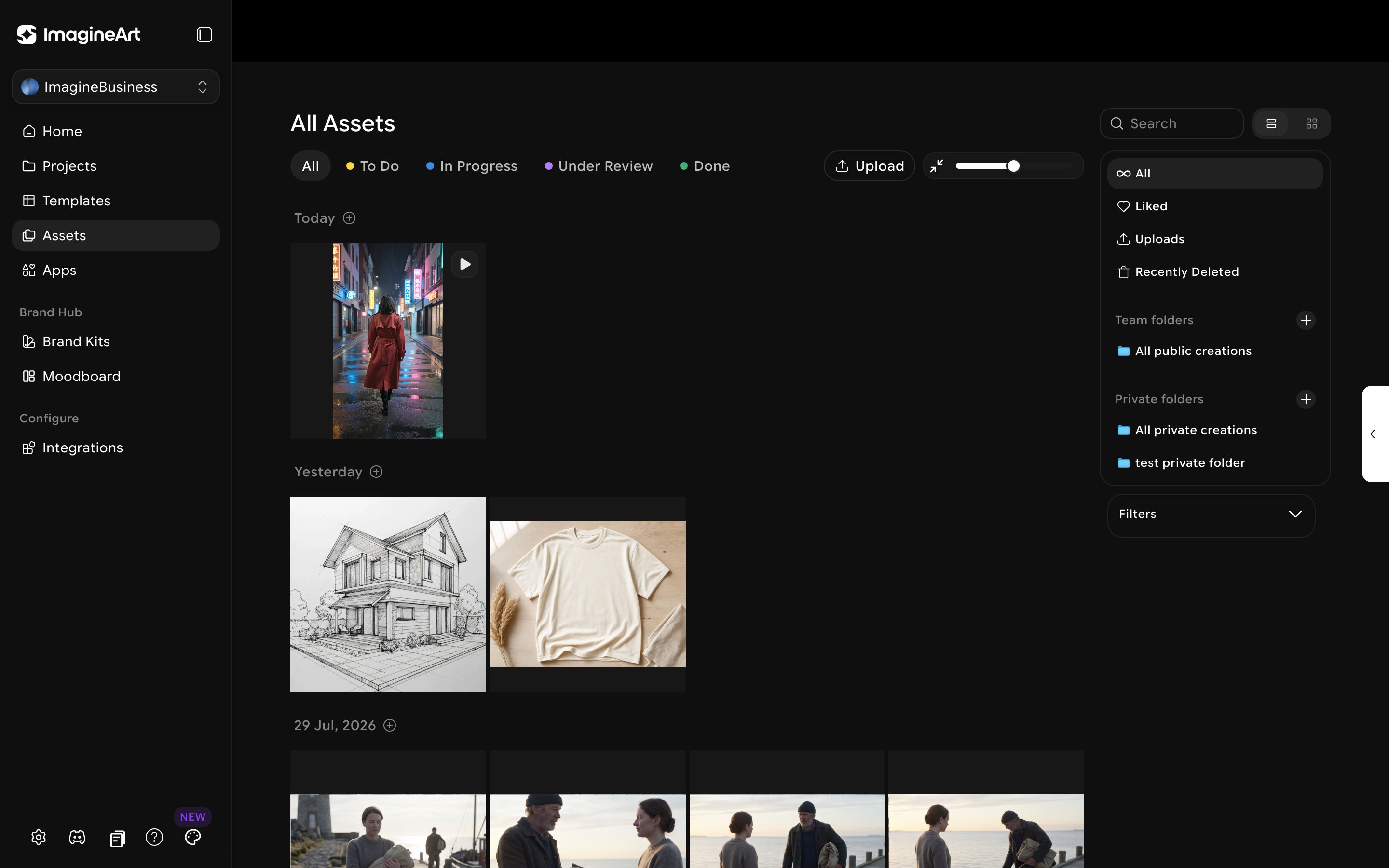
Connecting your tools
Under Configure → Integrations, connect third-party tools your team already uses.