

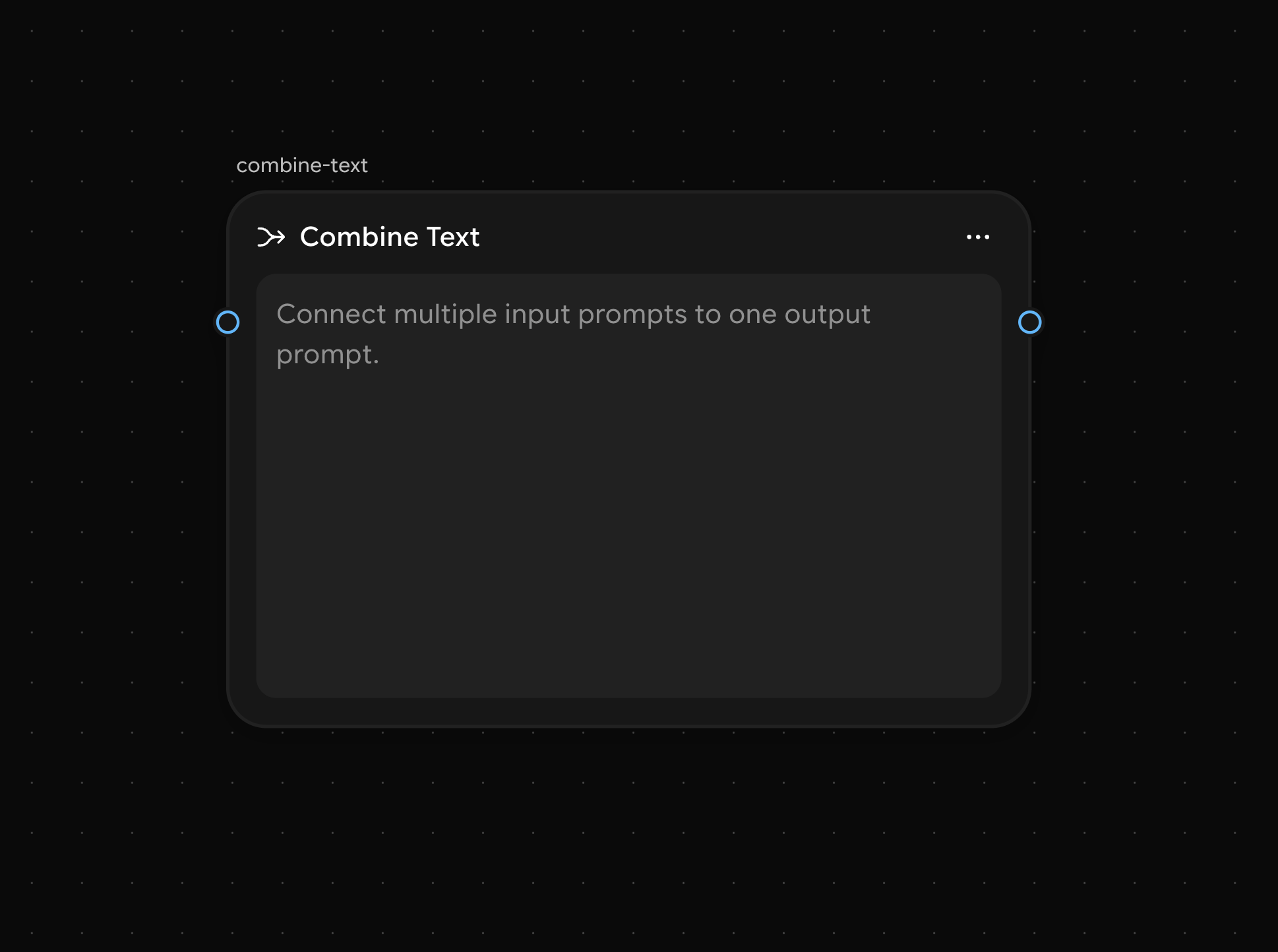
Combine Text Node interface
How to Use
1
Add the Node
Click the Add (+) button and select Combine Text from the Text Utilities node category.
2
Connect Inputs
Connect multiple text inputs (such as paragraphs, prompts, or content) into the node.
3
Combine Text
The node will automatically merge the provided inputs into a single, well-structured output.
Sample Use Cases
Creating a Comprehensive Blog Post
Creating a Comprehensive Blog Post
You can have multiple inputs like research data, key quotes from experts, and your original thoughts. The Combine Text Node will merge all of these into a smooth, structured blog post, ensuring the content flows naturally.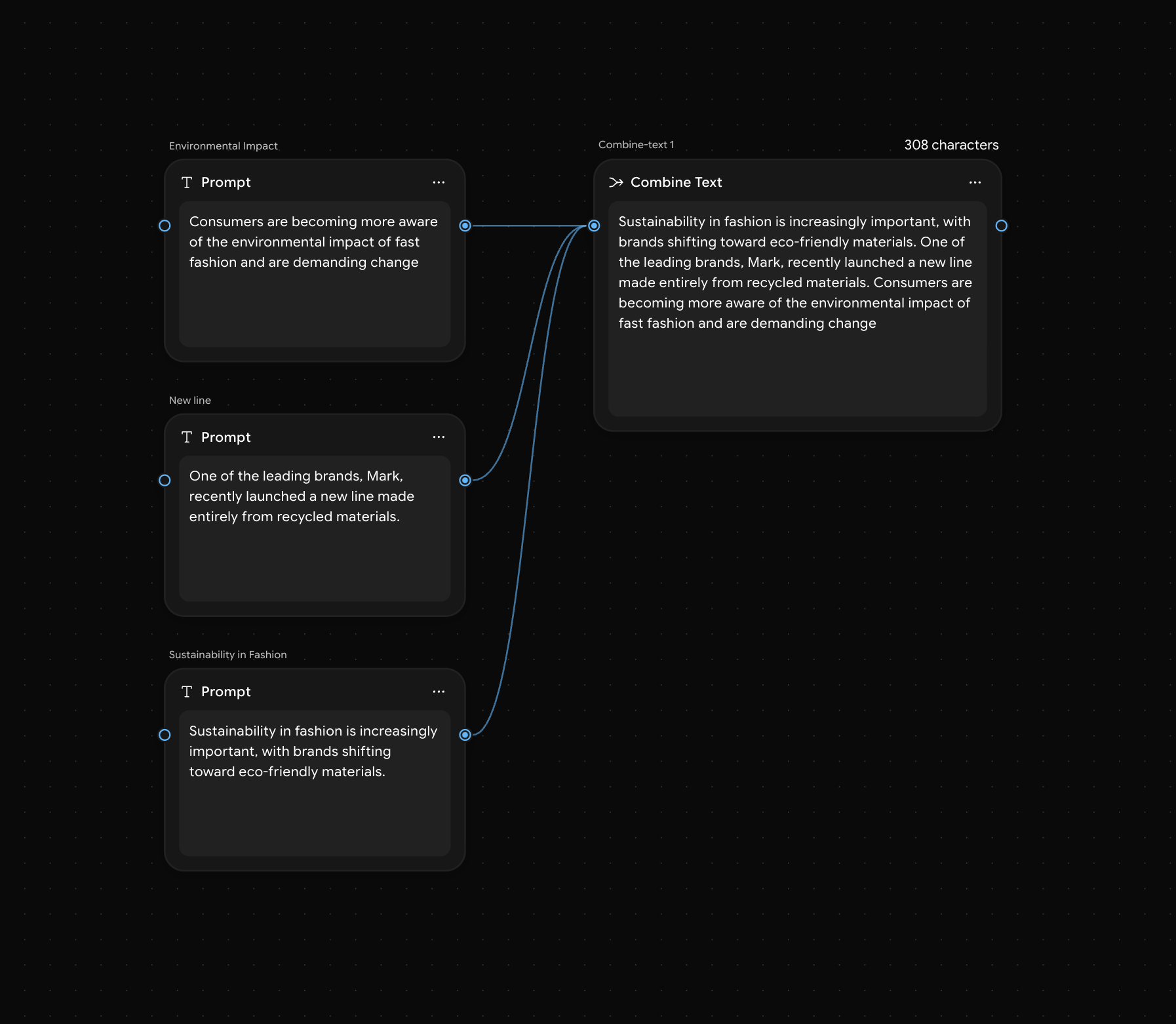
Generating a Script for a Marketing Video
Generating a Script for a Marketing Video
You might have various sections of a script—an introduction, product features, and a call to action. The Combine Text Node will merge these sections into a smooth, professional video script.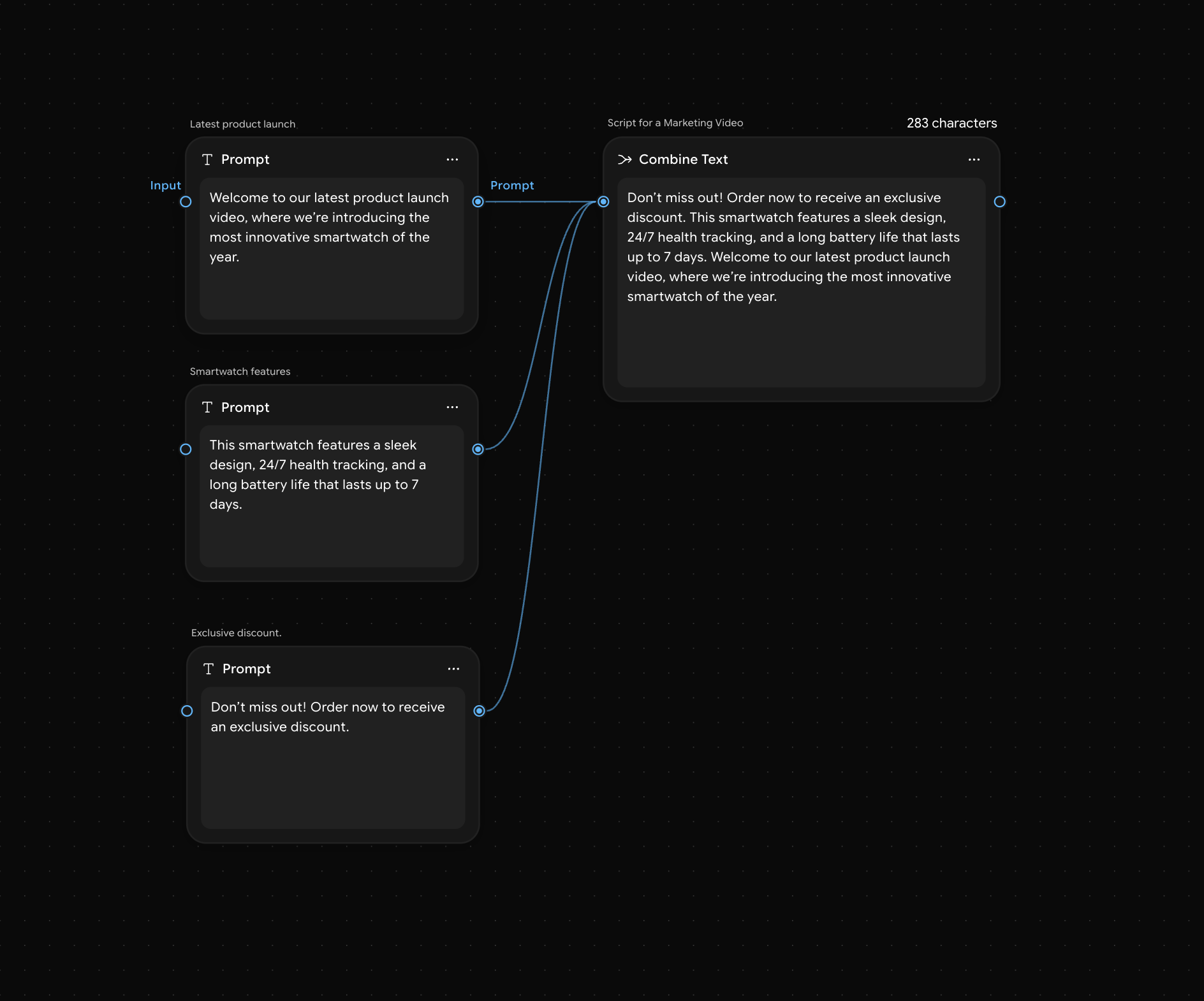
Combining Product Descriptions for E-Commerce
Combining Product Descriptions for E-Commerce
You may have separate bullet points describing the features, benefits, and usage of a product. The Combine Text Node will merge them into a single, engaging product description for your e-commerce platform.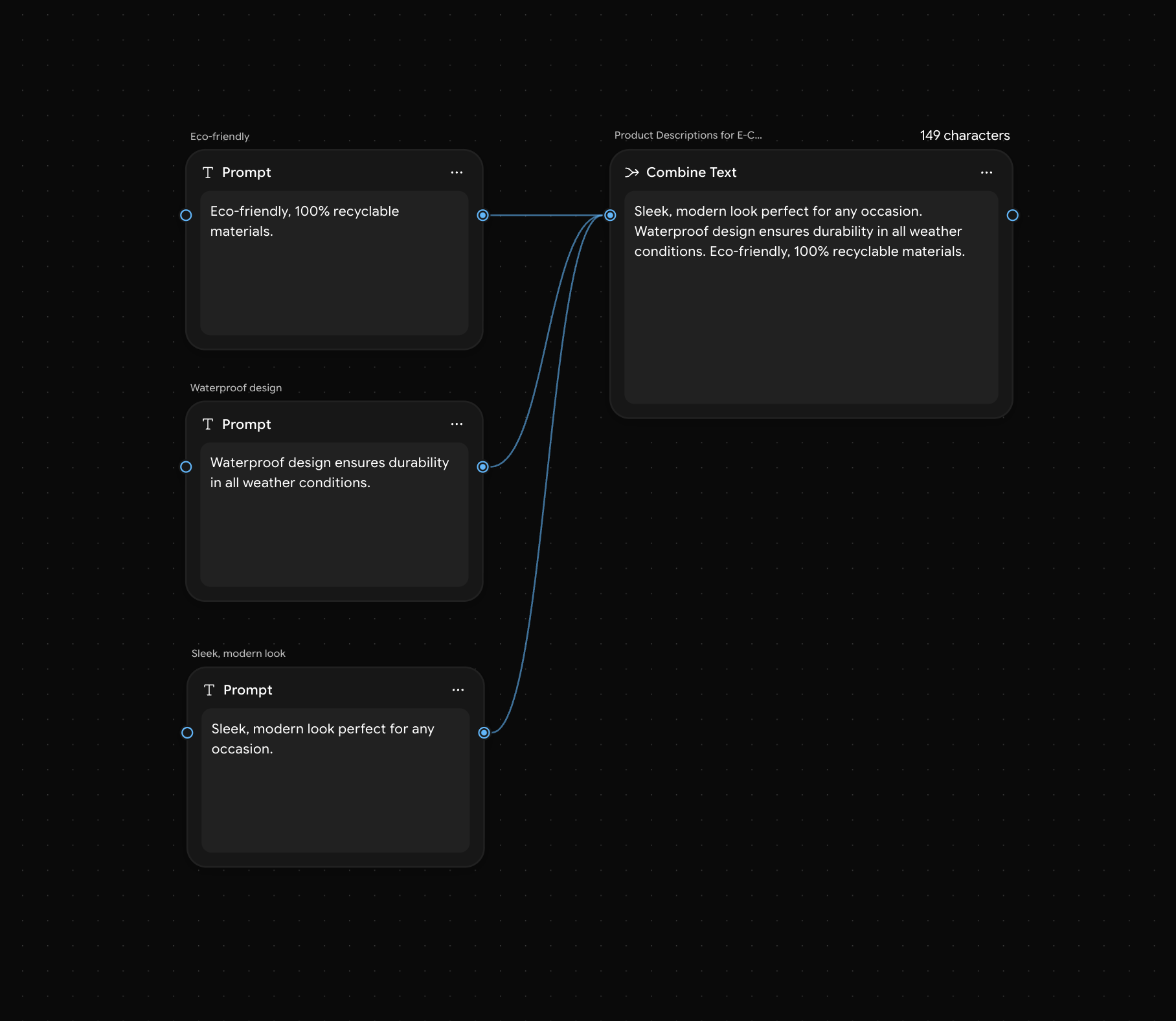
When to Use
- Content Merging: When you need to merge various pieces of content into a single, cohesive output.
- Scriptwriting: Combine different sections of a script (intro, body, conclusion) into one seamless narrative.
- Product Descriptions: Merge individual product features into a polished, engaging description for e-commerce.
- Marketing Materials: Combine promotional copy, calls to action, and product details into a unified marketing message.