

Summary
The Text Iterator Node lets you feed multiple text inputs into a workflow and process each one individually through the connected downstream nodes. Enter multiple prompts, descriptions, or any text content — and the iterator passes each one separately to the next node in the chain. It’s essential for workflows where you need to generate multiple outputs from different text inputs in a single run.How to Use
1
Add the Node
Click the Add (+) button and select Text Iterator from the Text node category.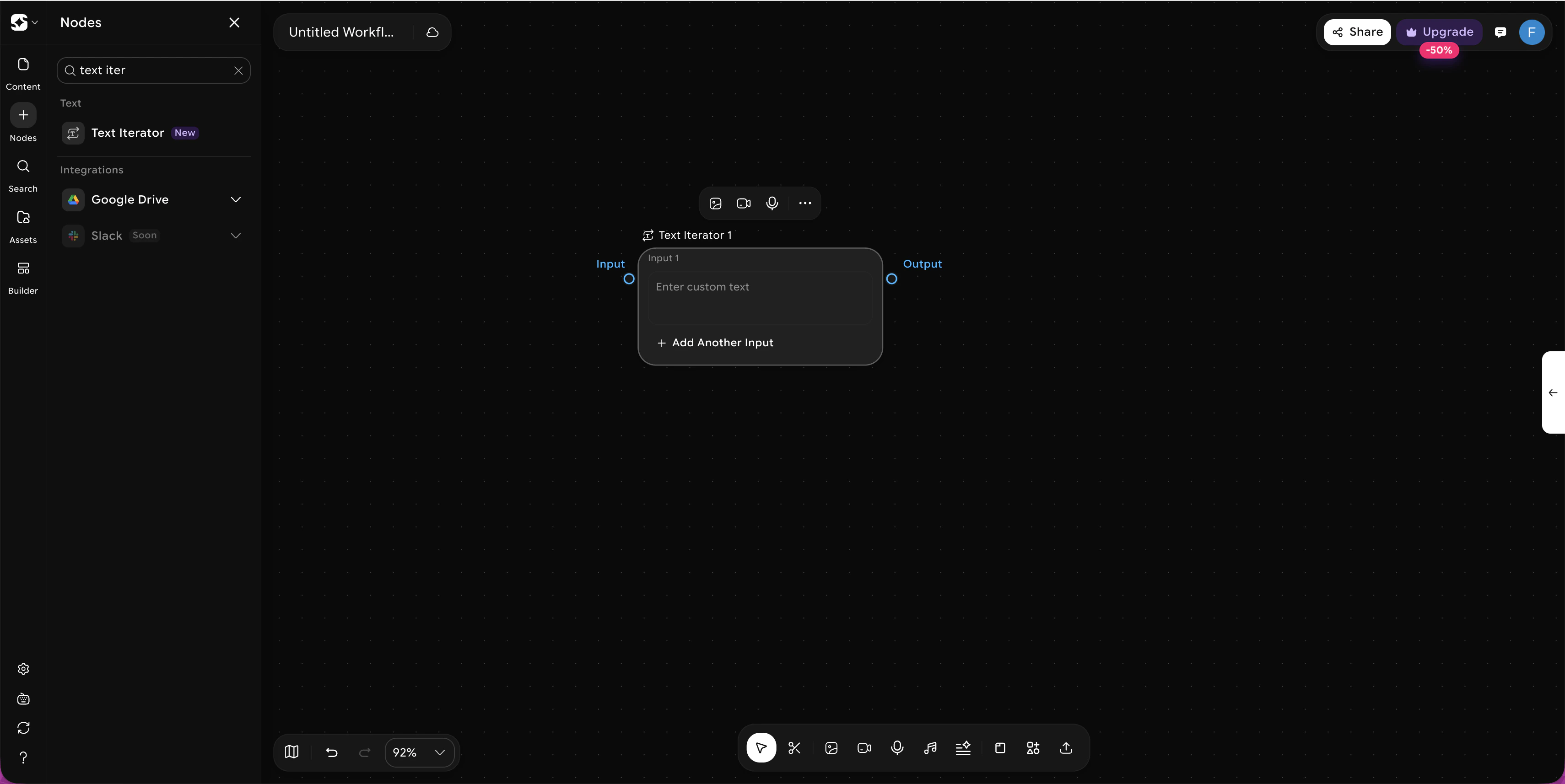
2
Enter Your Text Inputs
Type your content into the available input fields (Input 1, Input 2, Input 3, etc.). Click + Add Another Input to add more.
3
Connect Downstream Nodes
Link the iterator’s output to any node you want to apply to each text input — such as Generate Image, Generate Video, or AI Copilot.
4
Run
When the workflow runs, the iterator feeds each text input one by one through the connected nodes, generating a separate output for every input.
Sample Use Cases
Batch Image Generation from Multiple Prompts
Batch Image Generation from Multiple Prompts
Enter a series of different scene descriptions and connect to a Generate Image node. Each prompt produces its own image — perfect for generating a full set of visuals in one run.
Multi-Scene Video Production
Multi-Scene Video Production
Write individual scene descriptions as separate inputs and connect to a Generate Video node. Each text input generates its own video clip, ready to be combined downstream.
Bulk Ad Copy Variations
Bulk Ad Copy Variations
Enter multiple ad copy variations and connect to an AI Copilot node to refine, expand, or translate each one — all in a single workflow run.