

Summary
The Prompt Node allows you to give clear instructions to the AI models to generate text, images, and videos. It’s perfect for crafting custom prompts for text, images, or videos based on your specific needs.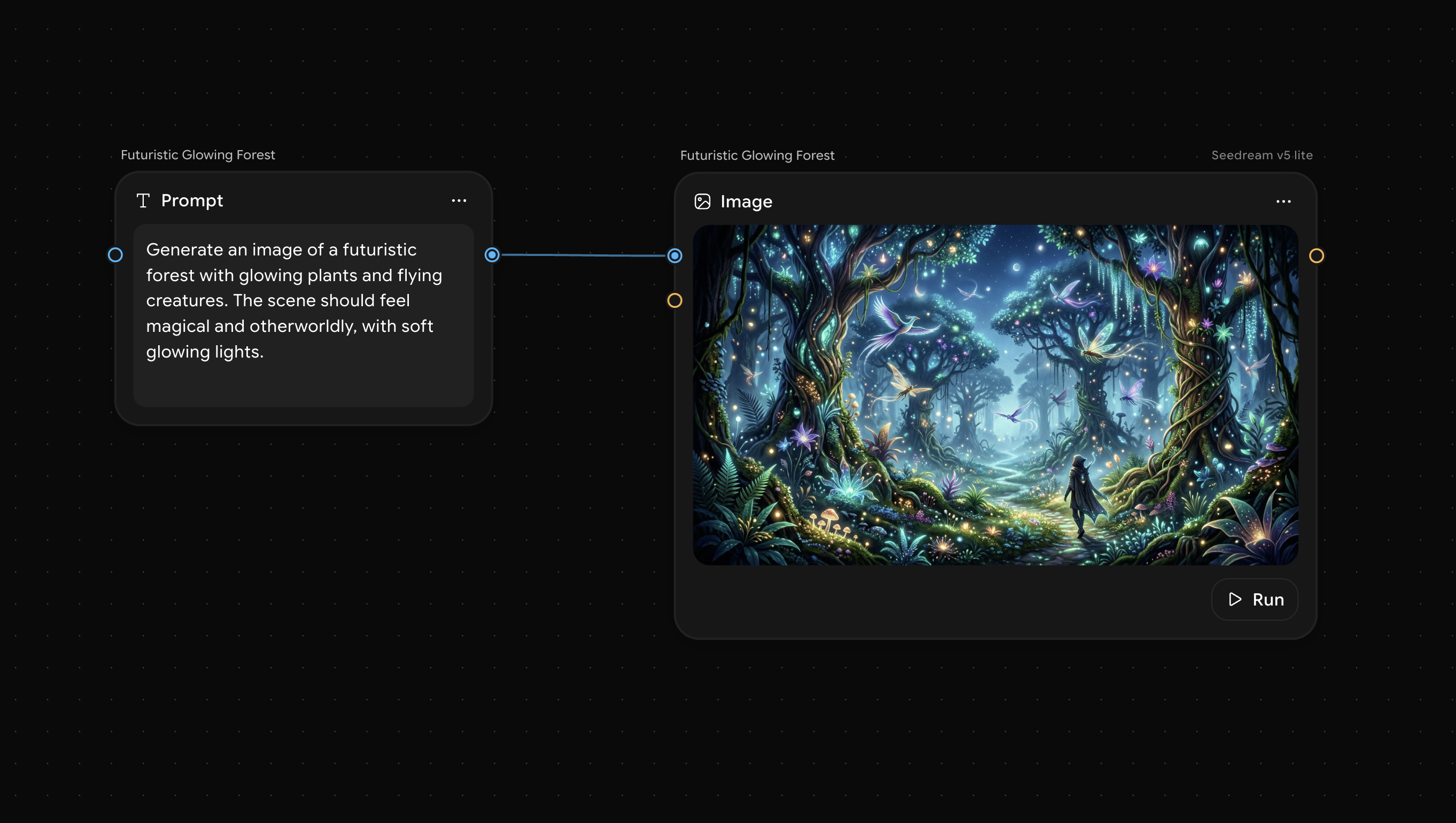
Key Features
- Write detailed prompts for specific outputs.
- Works for all; text, image, and video generation.
- Use it with other nodes for complex workflows.
How to Use
- Add the Node: Click the Add (+) button and select Prompt from the Text node category (it sits at the top level, not inside Text Utilities), or use the shortcut (P).
- Enter Your Prompt: Write a detailed prompt to define the content you want to generate (e.g., “Generate a product description for an eco-friendly jacket”).
- Connect with Nodes: Connect this with other nodes for generating content, such as Image or Video.
Sample Use Cases
Text
Text
“Write a catchy caption for a social media ad about our new eco-friendly sneakers.”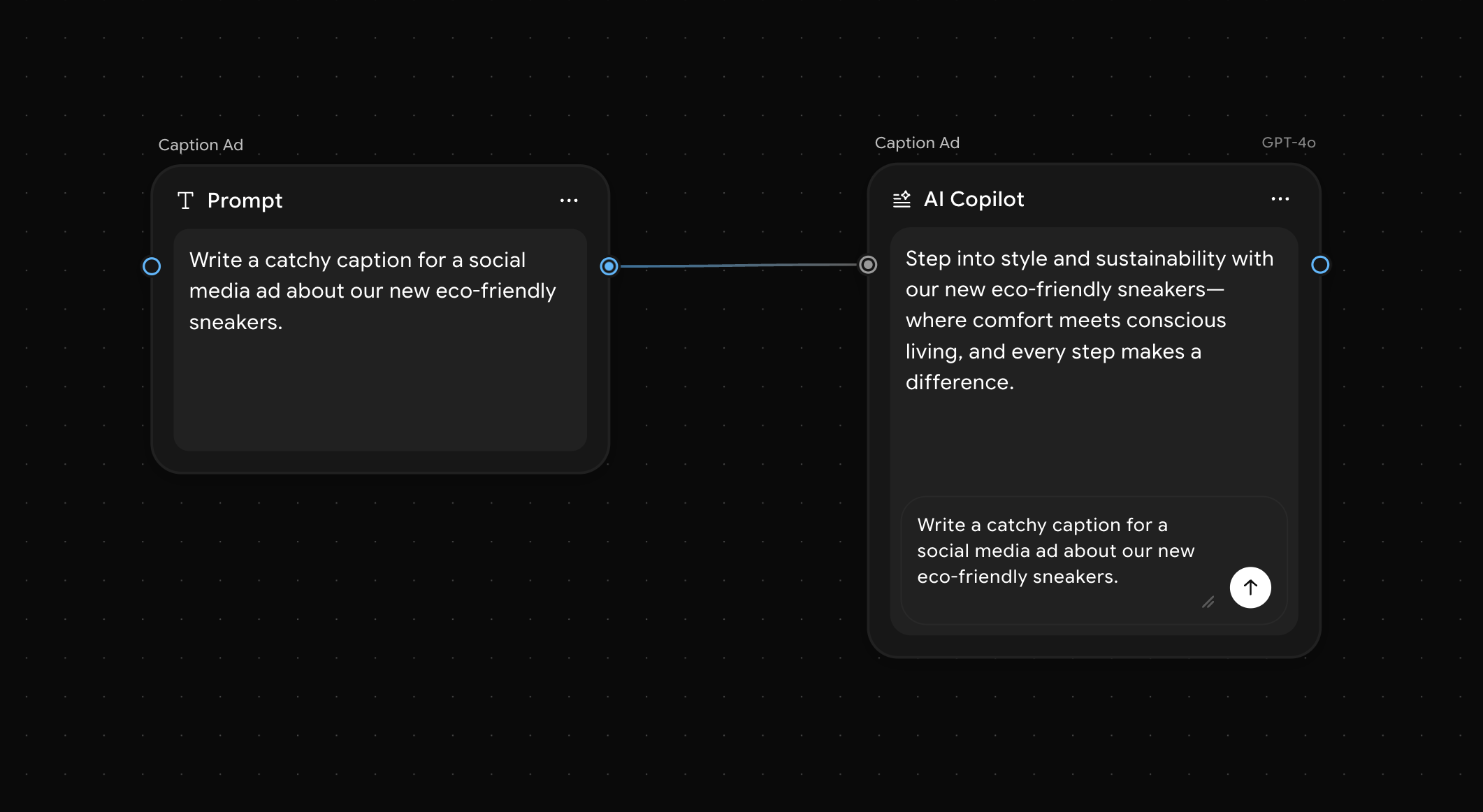
Image
Image
“Generate an image of a beach sunset with a silhouette of a person practicing yoga.”