

When to use Ad Reference
- You’ve spotted a viral ad in your feed or a competitor’s campaign that’s clearly landing, and want to borrow its structure honestly (not clone it exactly) for your own product.
- You want a faster starting point than picking a format, hook, and setting individually.
- You have your own past ad you liked and want to riff on it again.
How it works
1
Open Ad Reference
On the Ad Studio home, click the Ad Reference card in the Tools row. Use the arrow on the right of the row if the card is off screen. If you’re already inside a project, click Ad Reference under Tools in the project sidebar instead.
2
Pick a reference video
Upload your own reference (MP4/MOV/WEBM, up to 50MB) or pick one from Latest Viral Ads — a curated, regularly refreshed feed of real viral ad clips.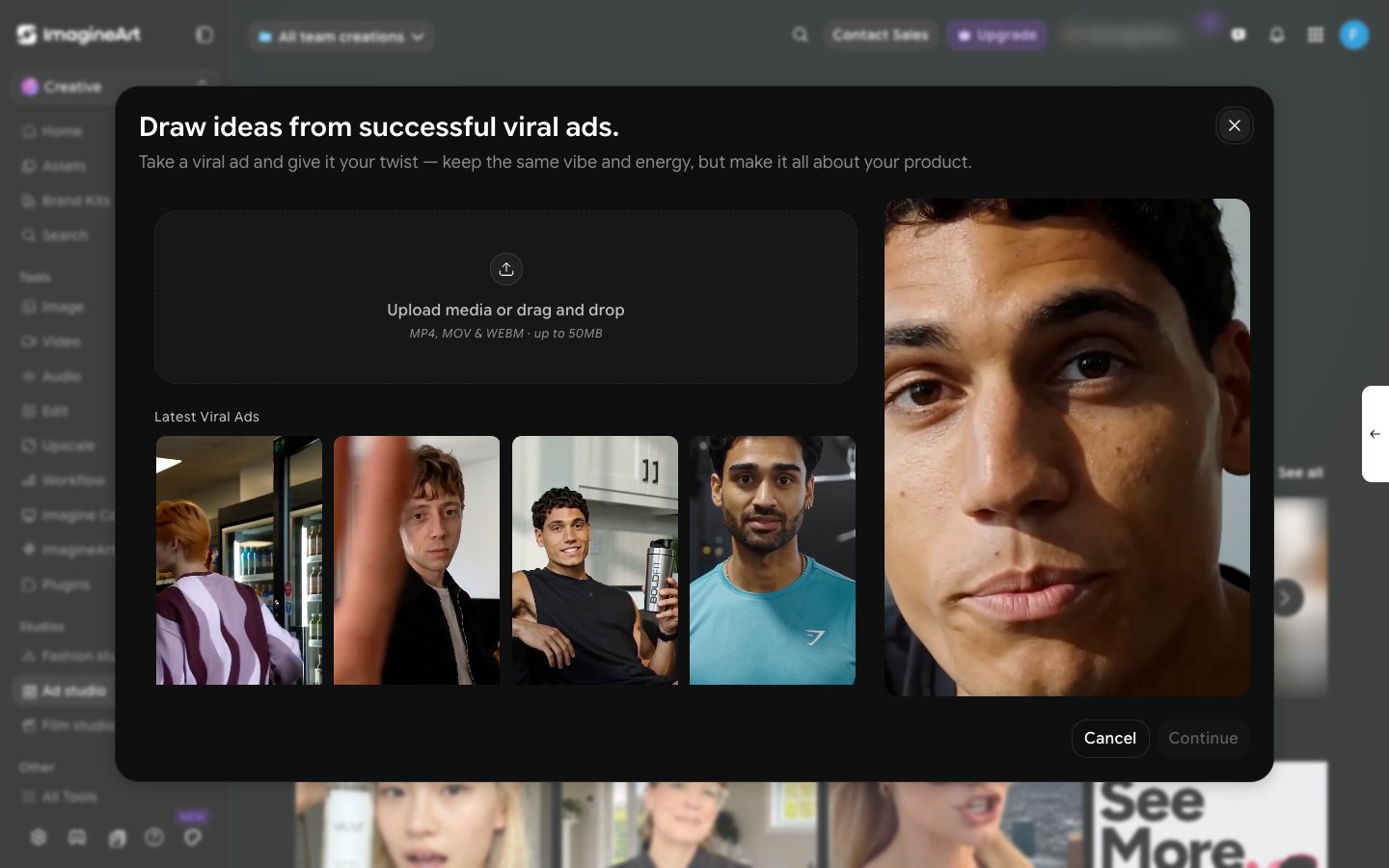
3
Continue and add your product
Click Continue, then bring in your own product the same way you would from the main workspace.