

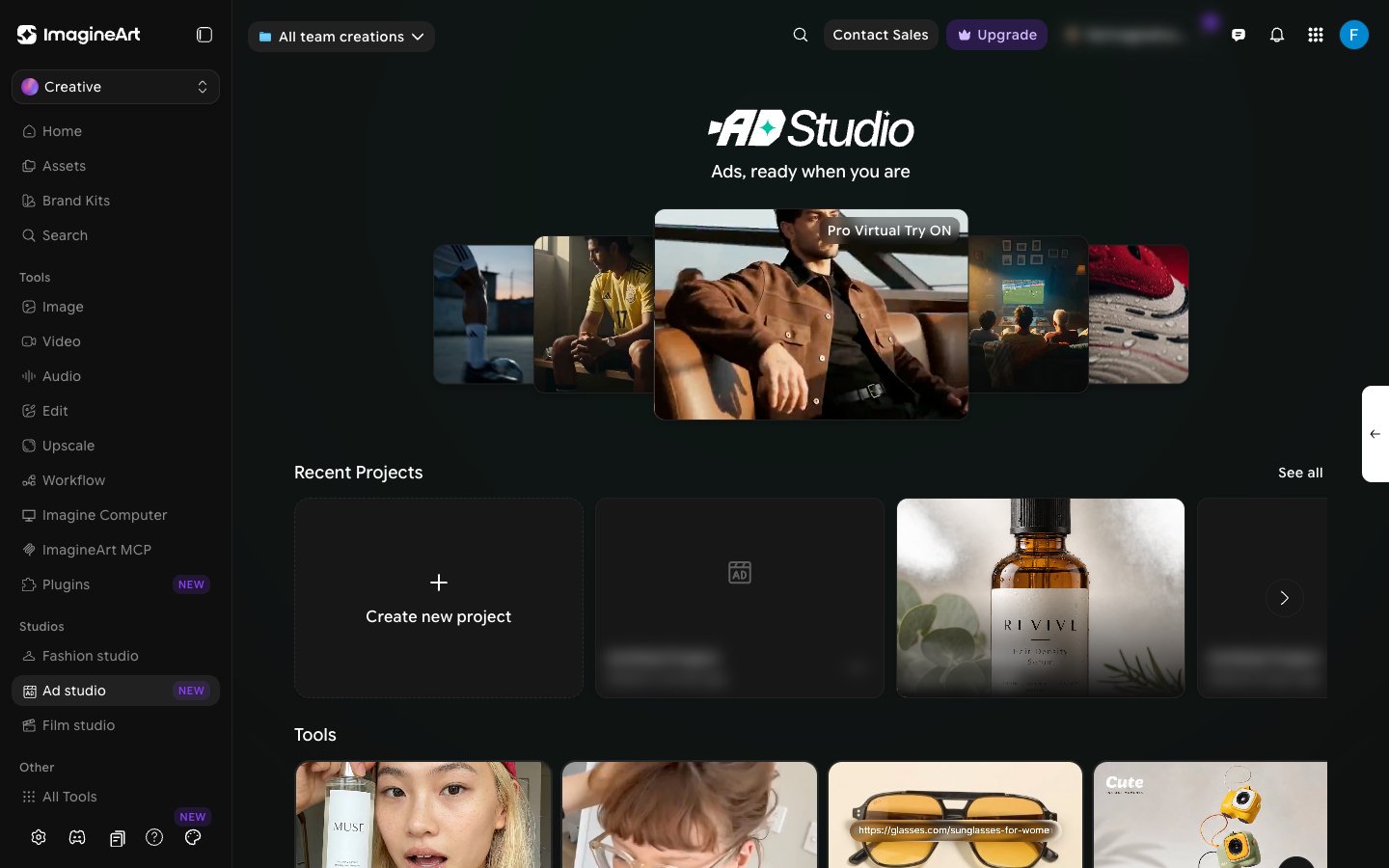
Who this guide is for
This guide is written for the people who actually ship ads:- E-commerce sellers on Shopify, Amazon, Etsy, or any DTC storefront.
- Brand and performance marketers who run paid social campaigns.
- Agencies producing creative for multiple clients at once.
- Founders running ads themselves before they hire a marketing team.
- Anyone testing creative iteratively — UGC variants, hook A/B tests, format tests.
How this guide is organized
The guide is structured around two workflows: the fast path (URL to Ad) for when you have a product page and need an ad now, and the build-from-scratch path for when you want full creative control. We start with orientation, then walk through both paths, then give you recipes and best practices.- Sections 1–4 cover orientation: what Ad Studio is, what you need, and how the workspace is laid out.
- Section 5 covers the URL-to-Ad fast path.
- Section 6 covers building an ad from scratch — formats, hooks, settings, and assets.
- Section 7 gives you proven recipes for the most common ad types.
- Sections 8–10 are reference material: tips, glossary, and a one-page cheat sheet.
How to use this guide
Throughout the guide you will see three kinds of callouts. Each marks a different kind of advice:- Tip — a non-obvious technique that saves time or money.
- Try this — a quick exercise to lock in what you just learned.
- Heads up — a limit, a constraint, or a common mistake to avoid.
What you’ll be able to do by the end
- Open Ad Studio, create a project, and produce a finished ad from a product URL in minutes.
- Build an ad from scratch with the right format for your product — UGC, unboxing, review, virtual try-on, ASMR, or hyper-motion.
- Pick a hook that earns the first three seconds of attention.
- Choose a scene setting that matches your product and audience.
- Configure aspect ratio, quality, and duration for the platforms you run on.
- Add product images and avatars — uploaded, generated, or from the library — to lock in a consistent visual identity.
- Apply proven recipes for common ad types, and test variations quickly enough to learn what actually performs.
Read this first — If you only have ten minutes, read Getting Started and The Fast Path: URL to Ad. That alone is enough to produce your first ad. Come back to the rest when you want to tune the creative.
Before you begin
Ad Studio runs entirely in your web browser. There is nothing to install. Before you start, take a minute to make sure the basics are in place — it will save you frustration later.What you need
A modern browser
Chrome, Edge, Safari, or Firefox, kept reasonably up to date.
A stable internet connection
Generation runs on our servers, so a steady connection means a smoother experience.
An ImagineArt account
Sign up or log in at imagine.art/home before opening Ad Studio.
Your product information
Either a live product URL (Shopify, Amazon, your storefront) or clean product photos you can upload.
A clear sense of where the ad will run
TikTok, Instagram Reels, Meta in-feed, YouTube Shorts. The platform determines aspect ratio, duration, and pacing.