

What you will be able to do
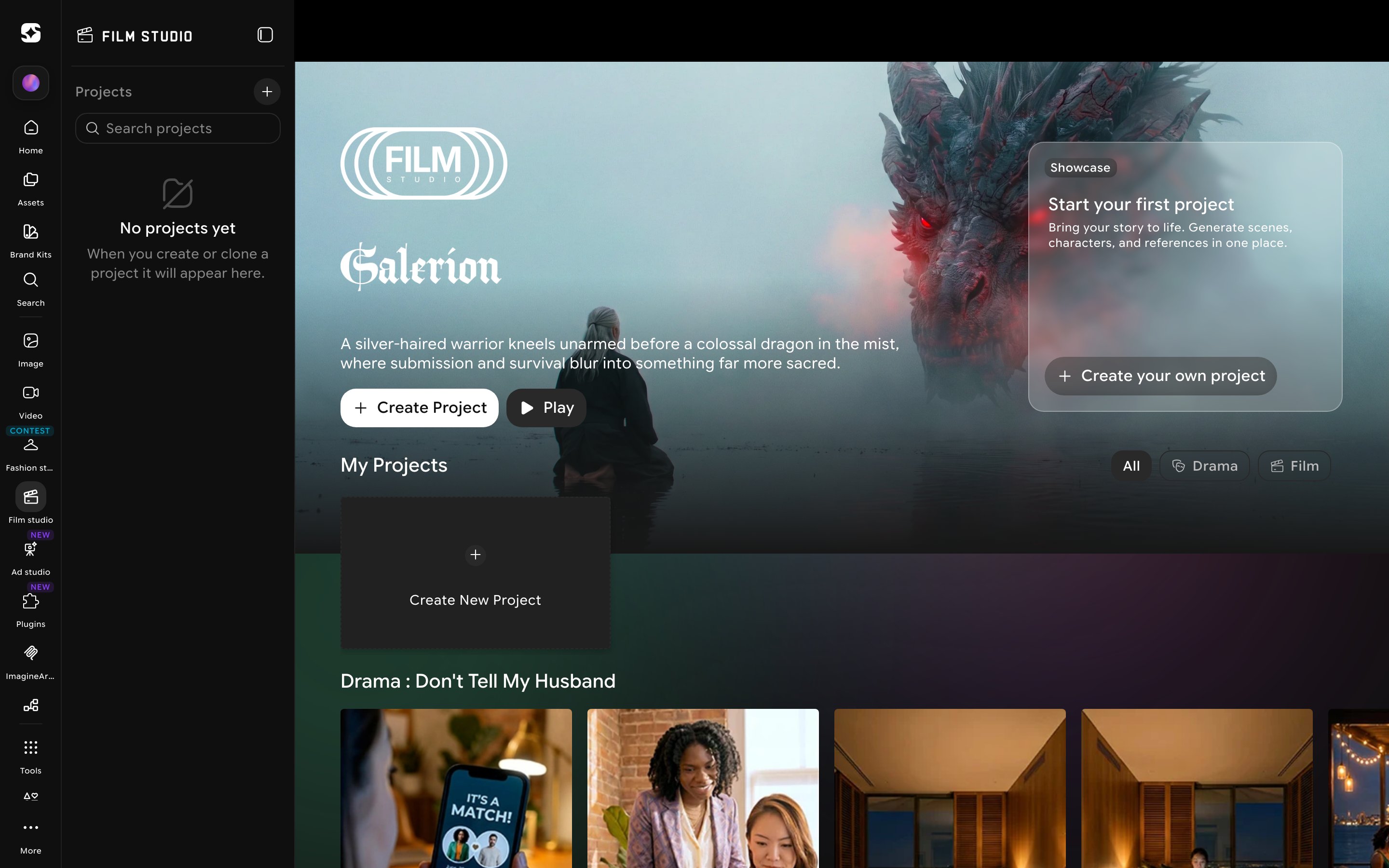
Seven concrete capabilities — the ones that take you from blank workspace to multi-shot film with a consistent look.- Start a new project on imagine.art / film-studio and find your way around the workspace.
- Generate a single image from a prompt and control its look using camera, lens, focal length, and aperture.
- Build a multi-scene storyboard for any production.
- Generate a single-shot video, then graduate to multi-shot films up to 15 seconds long.
- Apply genres, camera movements, and speed ramps to give your footage a deliberate, cinematic feel.
- Edit an existing video with a prompt, and extend an existing video into a longer sequence.
- Save your favorite camera setups as presets, so your work has a consistent look across projects.
Building a vertical drama series instead? See Drama Studio — a second project type inside Film Studio built for multi-episode, platform-ready series with a persistent cast, rather than a single cinematic short.
A note on philosophy — Film Studio is a director’s tool, not a slot machine. The more deliberate your direction — your camera choice, your aperture, your shot rhythm — the more deliberate your result. This guide is structured to help you make those choices with intention.
How this guide is organized
The guide follows a simple principle: learn the smallest useful thing first, then build on it. We start with the workspace and a basic image, then add cinematographic controls, then move into video, and finally cover editing and extending your work.- Getting Started & Workspace cover orientation: what Film Studio is, what you need, and how the workspace is laid out.
- Creating Images covers image creation — the foundation for everything else, because a great frame is the seed of a great shot.
- Creating Videos covers video creation — single-shot and multi-shot workflows.
- Edit & Extend cover tools for refining and lengthening existing video.
- Pro Tips, Glossary, and Quick Reference are reference material you can return to at any time.
Read this first — If you only have ten minutes, read Getting Started and Understanding the Workspace. That alone is enough to start producing. Come back to the other sections when you want more control.
Before you begin
Film Studio runs entirely in your browser. There is nothing to install — but a few minutes of preparation will save you frustration later.Browser
A modern browser — Chrome, Edge, Safari, or Firefox, kept reasonably up to date.
Internet
A stable connection — generation runs on our servers, so a steady link makes for a smoother experience.
Account
An ImagineArt account — sign up or log in at imagine.art before opening Film Studio.
References (optional)
Any photos, mood-board images, or video clips you want to influence the look. Keep them on your computer so you can upload quickly.