

Available effect types
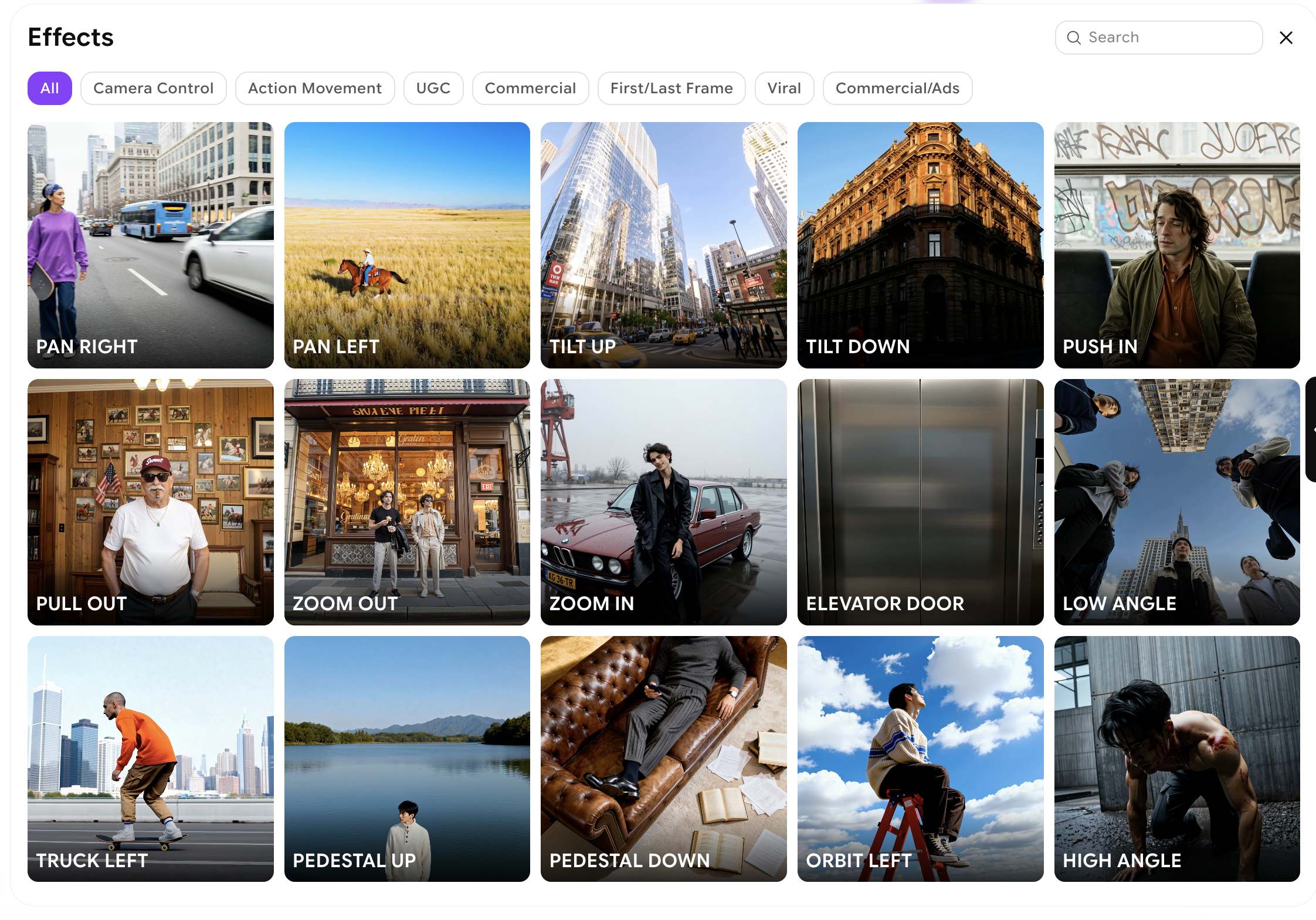
Video Effects supports a range of visual enhancements that you can apply to your input image:Motion effects
Add natural movement to elements in the scene — camera pans, zooms, parallax depth, flowing water, swaying foliage, or other organic motion.
Lighting effects
Introduce dynamic lighting changes such as flickering light sources, beams of light, reflections on surfaces, or shifting time-of-day illumination.
Cinematic transitions
Apply signature cinematic looks — dramatic push-ins, slow reveals, depth-of-field shifts, or stylised camera movements that add production value.
Atmospheric effects
Overlay weather and atmospheric elements such as rain, snow, fog, fire sparks, or particles to add mood and environmental character.
How to apply video effects
1
Open Video Studio
Navigate to Video Studio and select Text to Video to begin.
2
Select your effect
At the top of the Video Generation panel, you have the option to select your effect.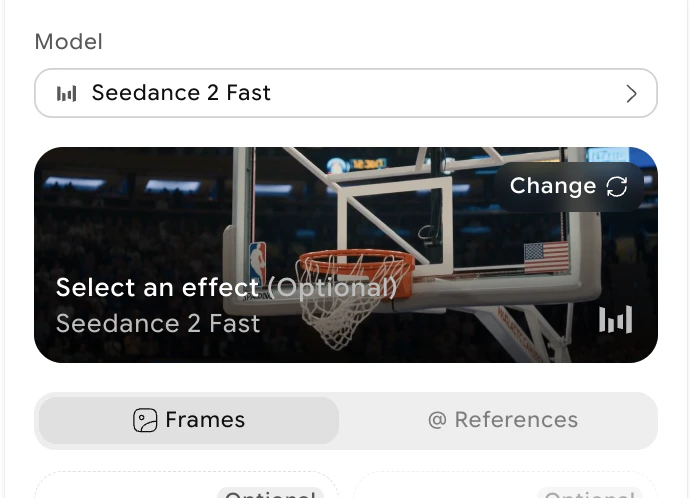
3
Upload your source image
Upload the image you want to apply the effect to. Use a clear, well-composed image for the best output.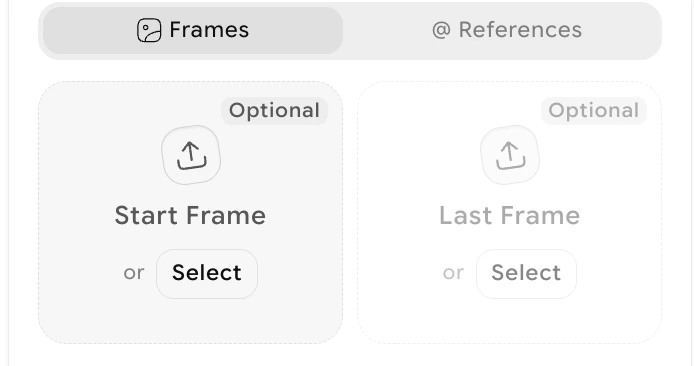
4
Configure generation settings
Choose the aspect ratio and generation settings (duration and resolution) for your output video.
5
Generate the video
Click Generate. The AI applies your selected effect to the image and produces a dynamic video clip. Generation typically completes within 30–60 seconds.
What to do next
Extend Video
Add 5 more seconds of content to the end of your effects video.
Edit Video
Use natural language to change specific elements in your generated video.
Text to Video
Generate a new video from scratch with a text prompt.
Video Credits
See credit costs for Video Effects generations.