

This mode is perfect for creators looking to create videos that match the look and feel of existing footage, but with new scenes, actions, or characters.
How to Use?
1
Select the 'Reference Video' Mode
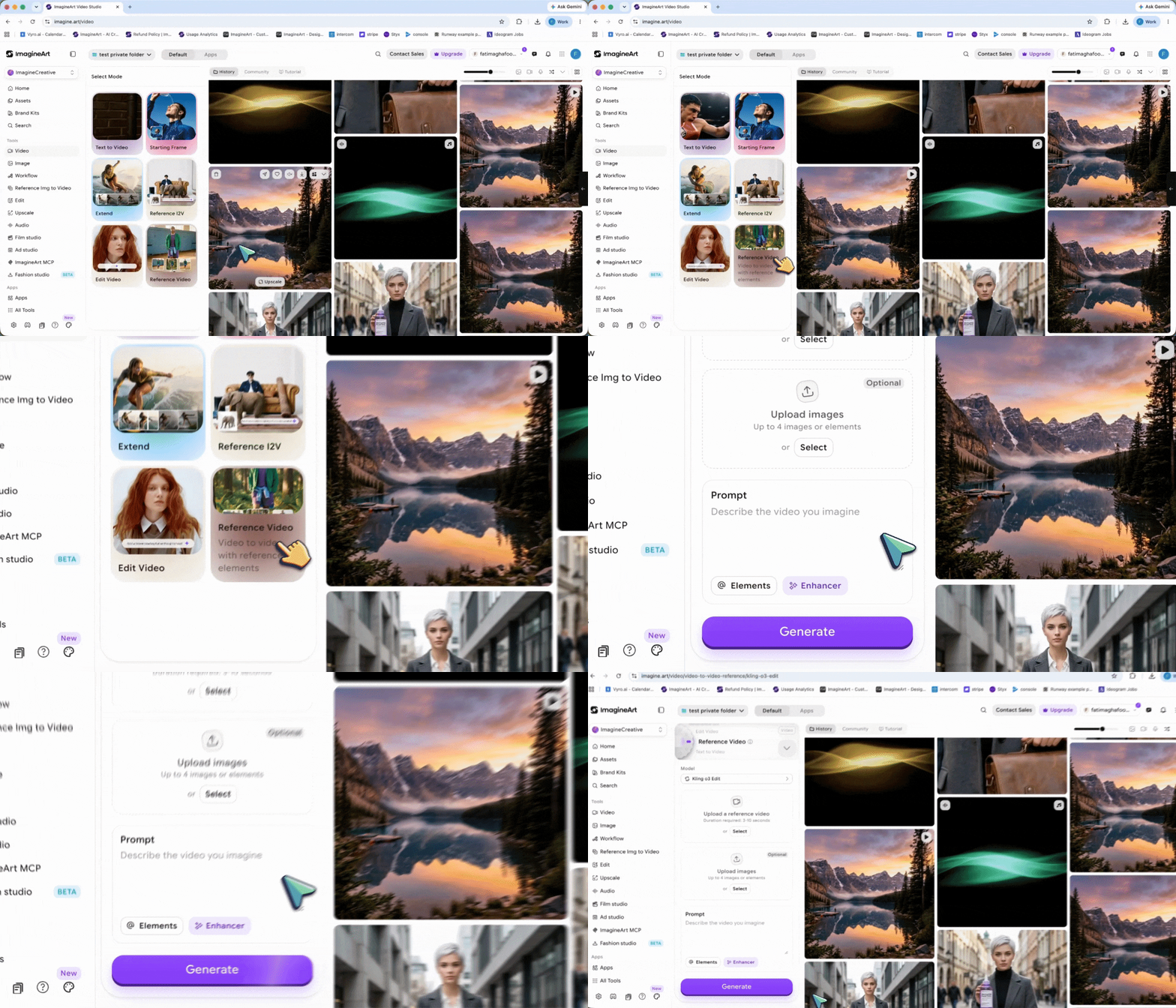
2
Upload Reference Video
Provide a reference video (3–10 seconds long) that will serve as the base for your new video.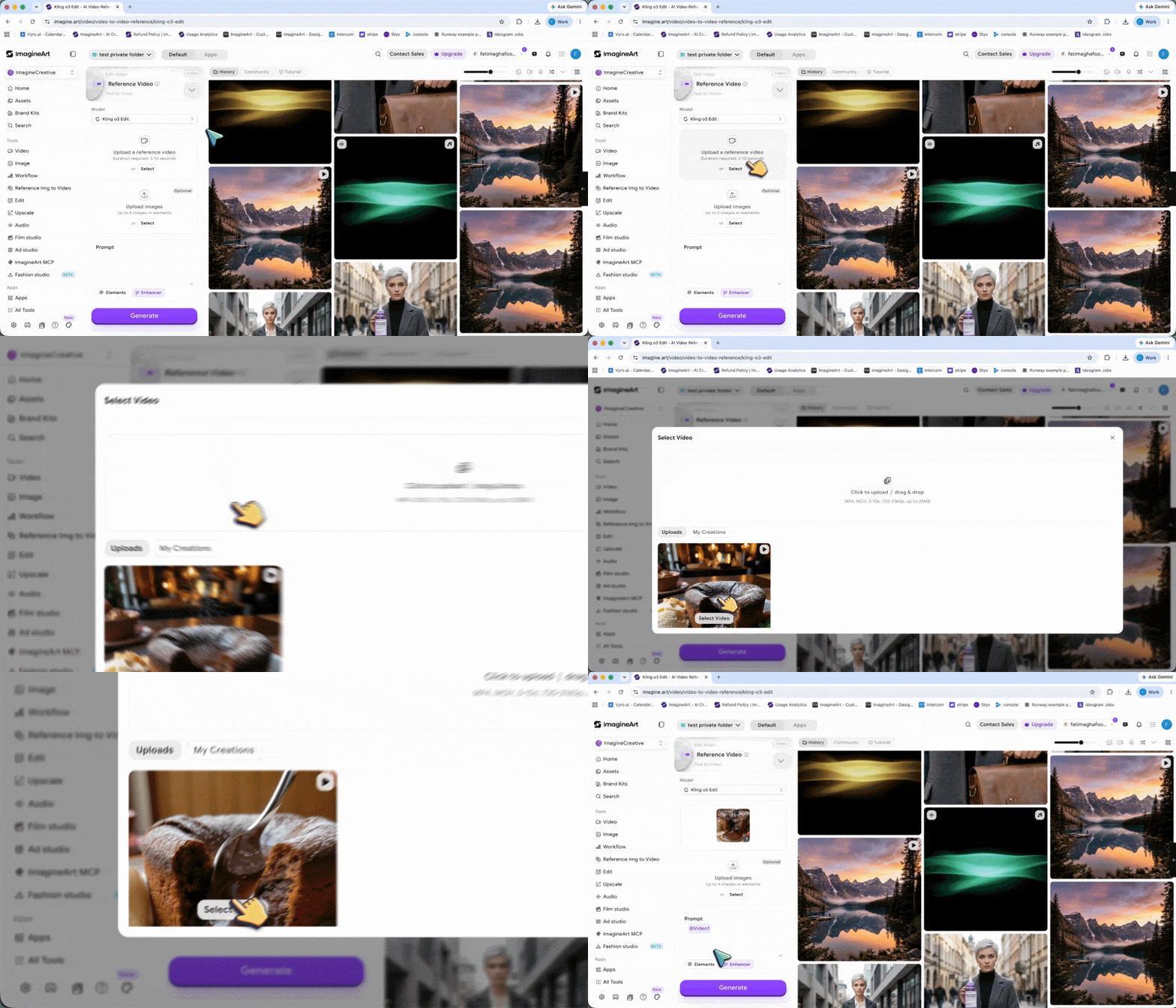
3
Upload Reference Elements
Add up to four images or elements that guide the generation process, such as specific characters, props, or scene details.\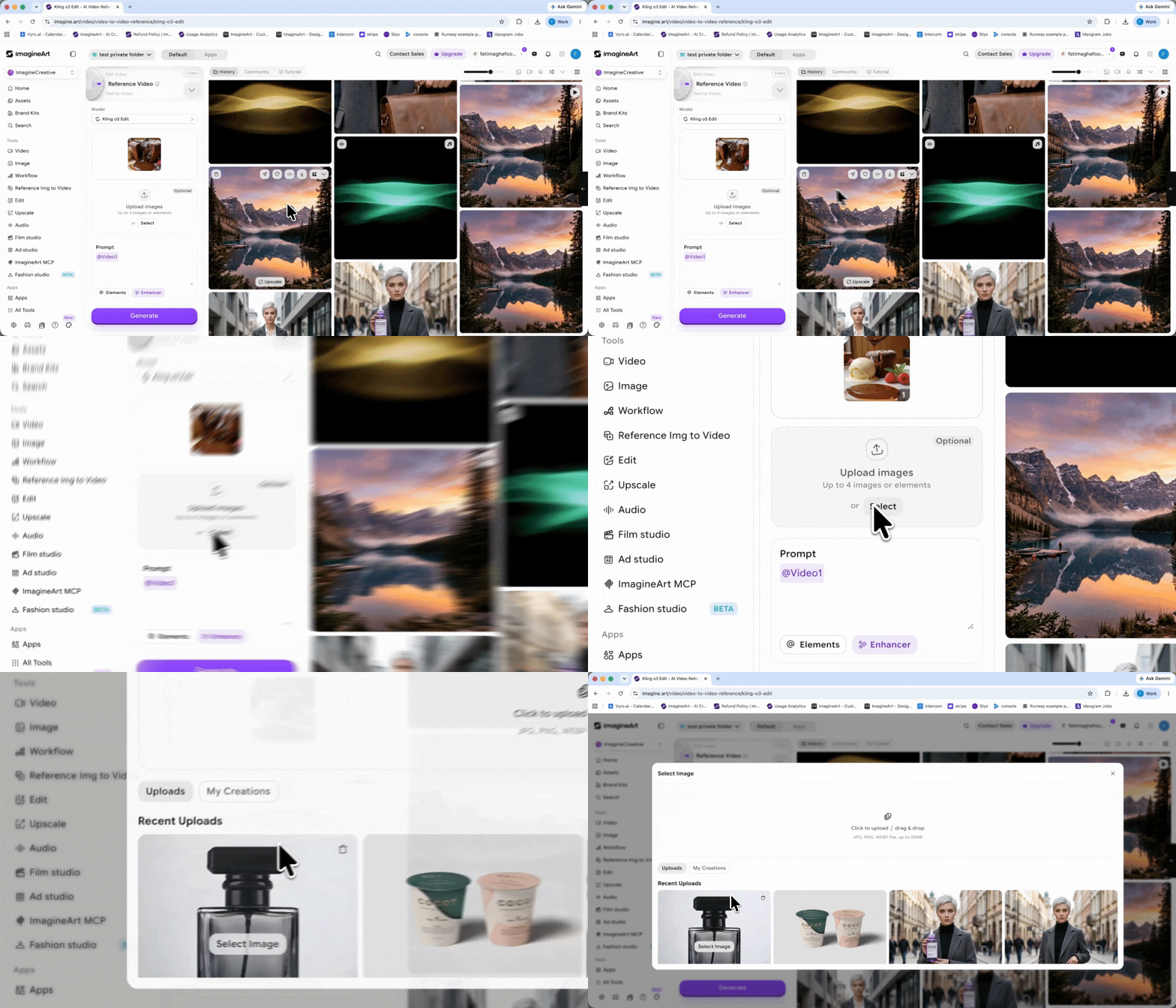
4
Set Parameters
Choose video duration, resolution, and output format according to your needs.
5
Generate the Video
Click Generate, and the model will create a new video that aligns with your reference video and elements.
Input Media Supported
Reference video supports various input media to help guide video generation and editing, ensuring flexibility in your creative process. Videos:- 1 video can be uploaded for use in Reference Video.
- Duration: 3 to 10 seconds.
- Max File Size: 200 MB.
- Max Resolution: 2K.
- Multiple images (up to 4) can be uploaded or generated from different angles to form an element, providing more reference information for the model.
- Note:
- When a video is present, you can upload up to 4 images/elements combined.
- Without a video, you can upload up to 7 images/elements.
Example Scenarios You Can Create
- Style Matching: Create a new video that matches the style, lighting, and camera work of your reference video, but with different characters or props.
- Scene Replication: Replicate the action or scene of your reference video in a new setting or with different characters, while keeping the same mood or tone.
- Enhanced Elements: Introduce new objects, characters, or backgrounds into an existing scene while maintaining visual coherence with the original reference video.