

01 · Body
Sets the underlying texture — digital cleanliness, film grain, large-format scale.
02 · Lens
Sets the optical character — anamorphic, swirly, surgical, vintage.
03 · Focal
Sets the field of view — how much of the world you see, how compressed.
04 · Aperture
Sets the depth of field — how much of the image is in sharp focus.
Camera bodies
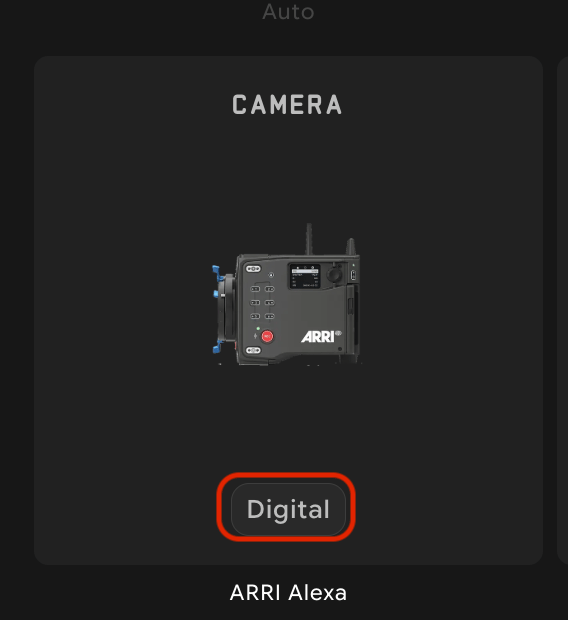
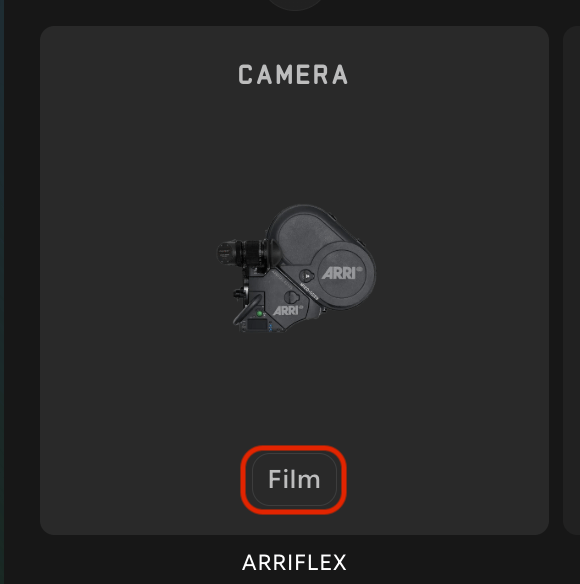
Cameras fall into two families: digital (clean, modern, color-rich) and film (grainy, organic, classic). Pick the family first, then the specific model based on the feel you want.Digital cameras
Film cameras
Lenses
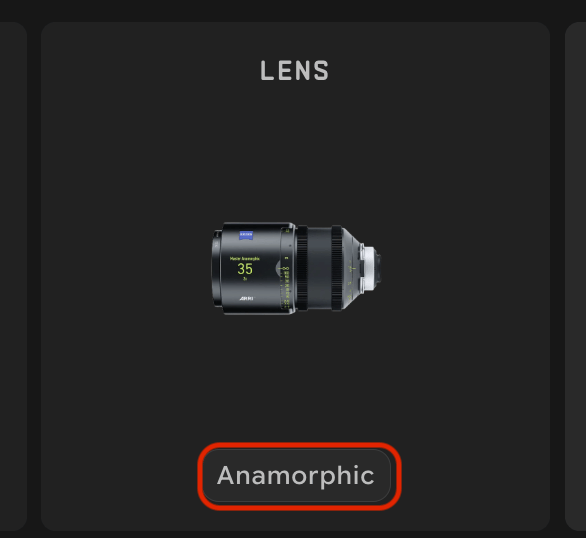
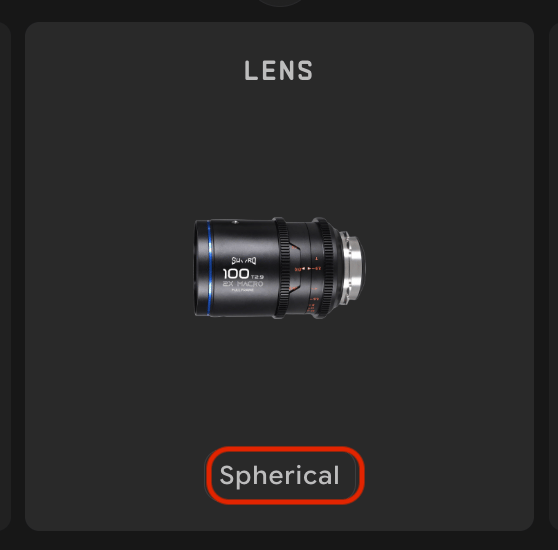
Where the camera body sets the underlying texture, the lens sets the optical personality. Lenses fall into two groups — anamorphic (cinematic widescreen) and spherical (everything else).Anamorphic
Spherical
Focal length
Measured in millimeters; controls two things at once — how wide your field of view is, and how compressed your perspective looks. Wide focal lengths make space feel deep. Long focal lengths make space feel flat and stacked.Aperture
Controls depth of field — how much of your image is in sharp focus. Wide-open (small f-number) gives creamy background blur and razor-thin focus. Stopped-down (large f-number) keeps everything sharp from foreground to horizon.Camera Presets — a shortcut past the four dials
If you’d rather start from a recognizable look than tune camera, lens, focal, and aperture yourself, the camera picker has a second tab: Camera Presets, alongside All Cameras. Each preset is a named director- or film-style look that bundles all four dials into one click.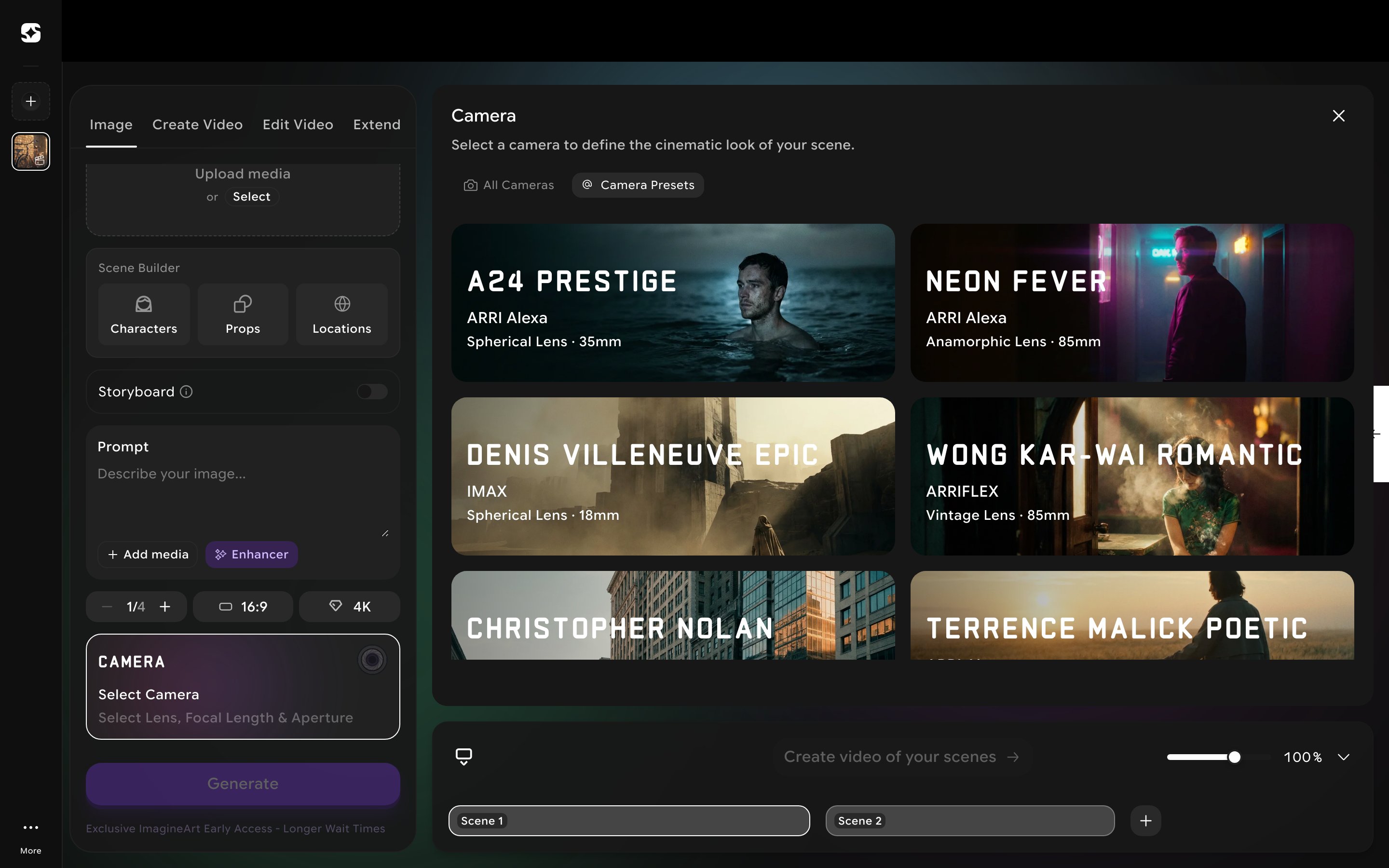
More presets are available in the gallery — including Christopher Nolan and Terrence Malick Poetic — each following the same pattern of a named look bundled from the same camera/lens/focal/aperture dials above.
Putting it together
Reading tables one row at a time is useful — but the magic comes from combining them. Seven starter combos you can copy directly into a project.Premium drama
Camera: ARRI Alexa · Lens: Spherical · Focal: 50mm · Aperture: f/2.0The safe, classic cinema look. If you take one combo from this page, take this one.
Hollywood epic
Camera: IMAX · Lens: Anamorphic · Focal: 35mm · Aperture: f/2.8Big scale, widescreen flares. Trailer energy, the big-screen feel.
Music video / dream
Camera: ARRI Flex · Lens: Vintage · Focal: 85mm · Aperture: f/1.4Grainy, soft, romantic. Reach for this when you want texture and warmth.
Cyberpunk action
Camera: Red V Raptor · Lens: Anamorphic · Focal: 35mm · Aperture: f/2.0Crisp, vivid, widescreen. Neon-on-wet-asphalt territory.
Documentary
Camera: Sony FX6 · Lens: Spherical · Focal: 35mm · Aperture: f/5.6Naturalistic, lots in focus. Honest, observational.
Beauty close-up
Camera: ARRI Alexa · Lens: Petzval · Focal: 85mm · Aperture: f/1.4Swirly bokeh, soft glow. Fashion, beauty, hero portraits.
Surreal POV
Camera: Red V Raptor · Lens: Fish eye · Focal: 8mm · Aperture: f/2.8Wide, curved, immersive. POV action, dream sequences, anything that should feel “inside the moment.”