

What makes Chatgpt different
Chatgpt is built natively into GPT-4o’s architecture — not a separate model bolted on. This means it draws on GPT-4o’s full knowledge base when composing images: it can accurately render national flags, company logos, scientific diagrams, maps, and UI mockups that most models would get wrong. It’s also the best model for infographics and text-heavy layouts where both visual composition and textual accuracy matter.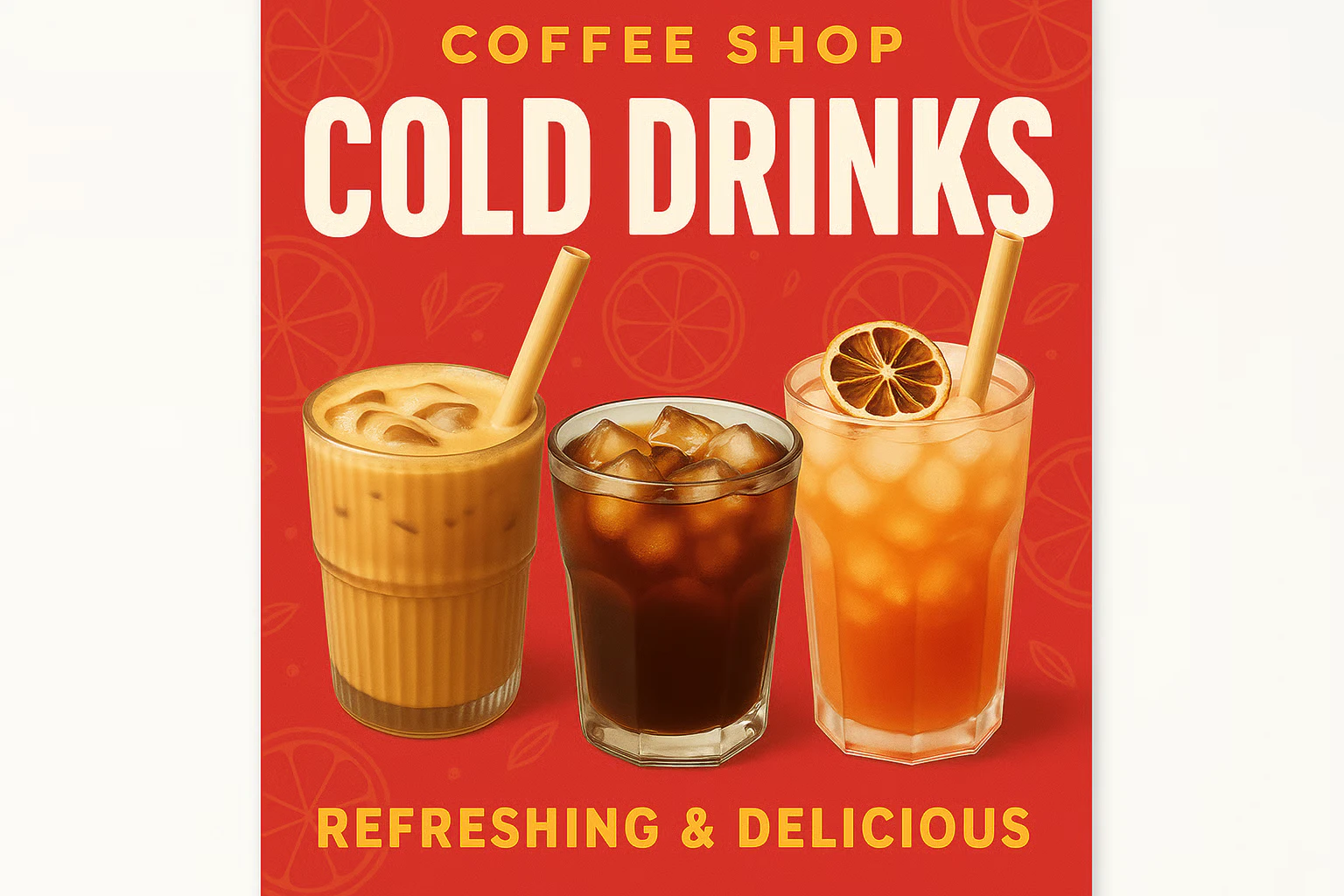
Capabilities
Complex prompt fidelity
Significantly more precise than DALL-E 3. Follows multi-element, multi-constraint prompts with high accuracy.
Multi-reference compositing
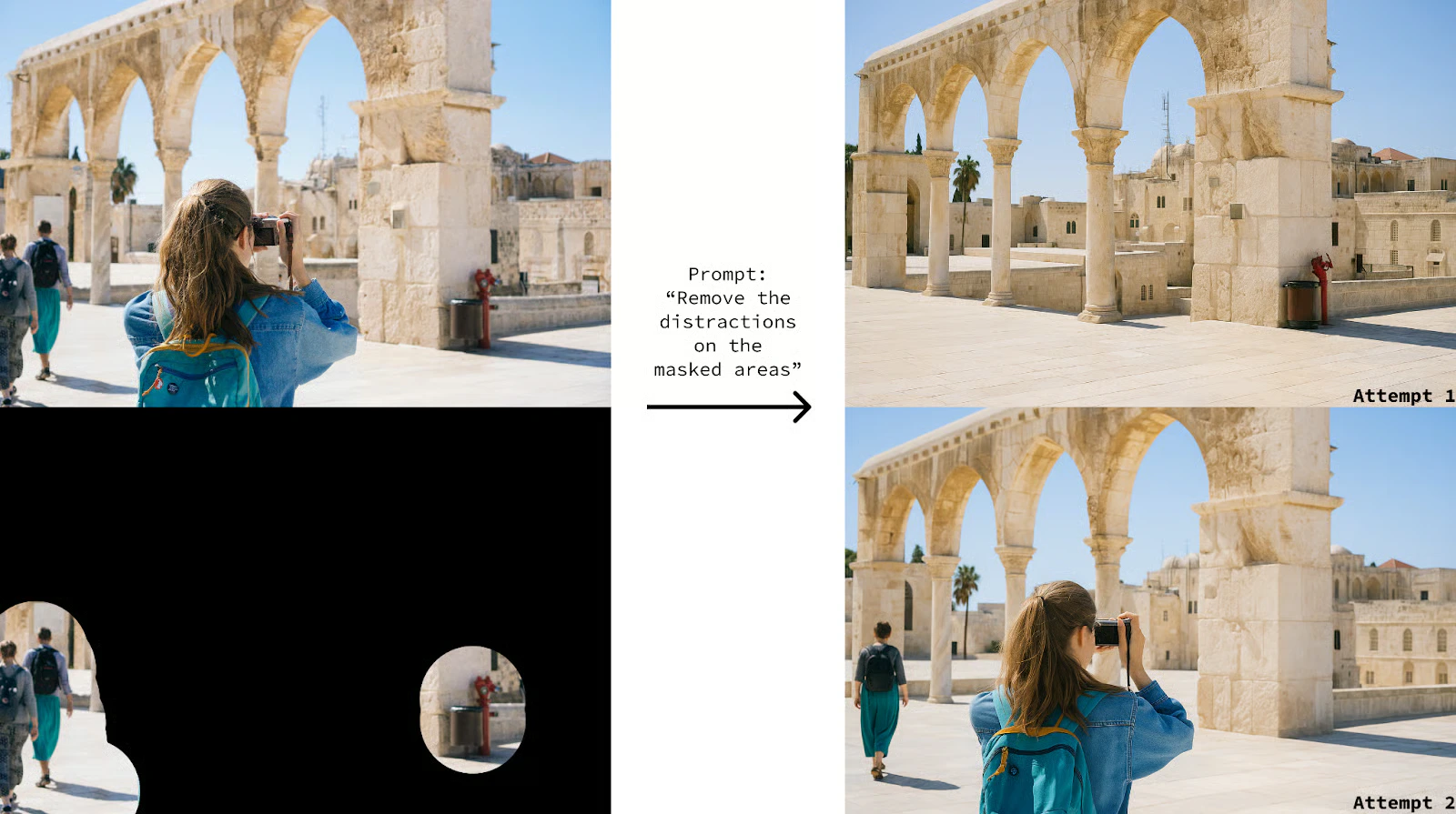
Accepts up to 10 reference images for editing — combine subjects, backgrounds, products, and styles in a single generation.
Conversational editing
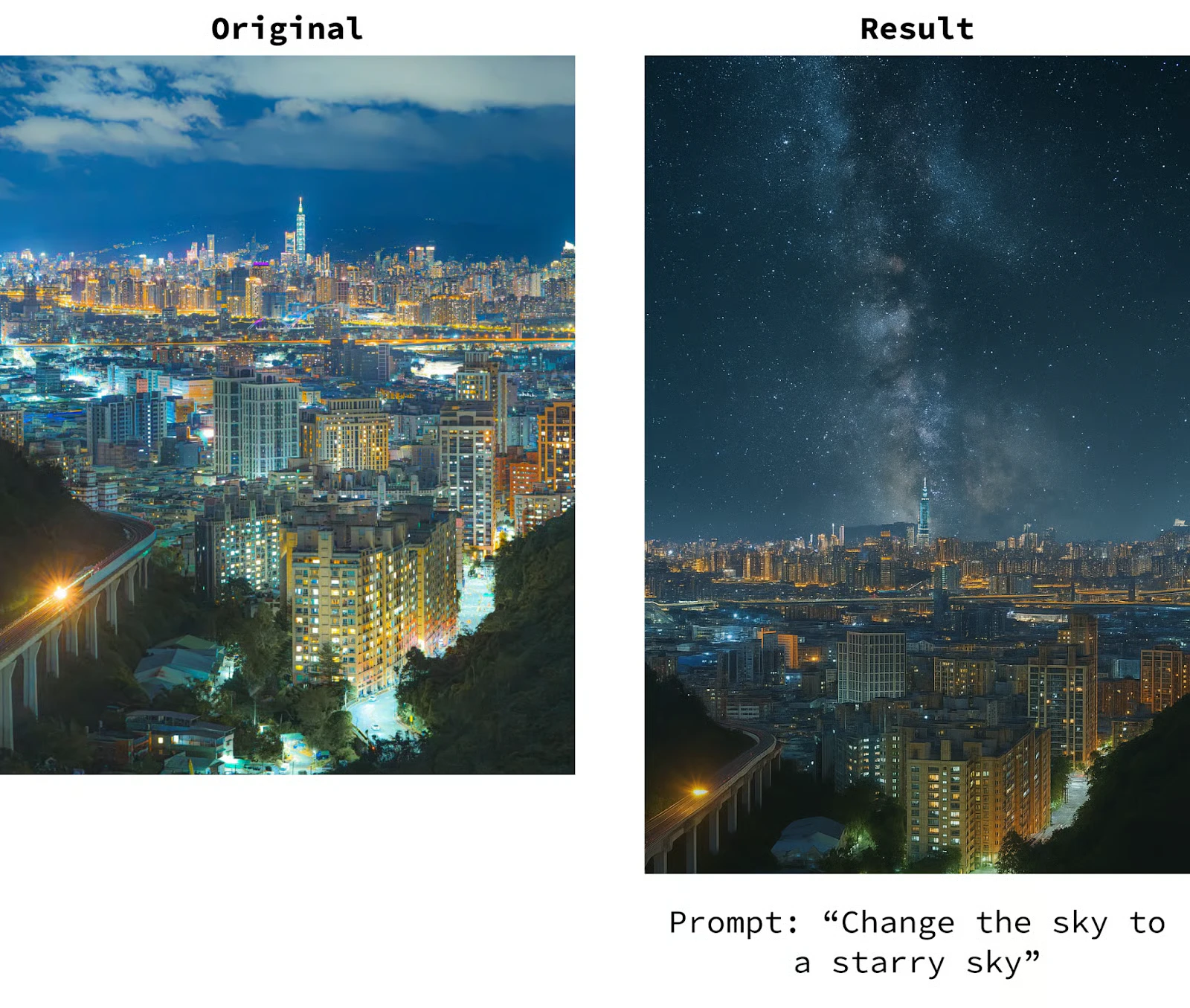
Refine images through natural chat context — maintains consistency and intent across multiple iterative edits.
Specifications
How to use
1
Open the AI Image Generator
Go to the ImagineArt AI Image Generator.
2
Select the model
From the model dropdown, choose Chatgpt.
3
Write your prompt
Write a detailed, structured prompt. Chatgpt handles complex multi-element instructions well — be specific about all required components.
4
Upload references (optional)
Upload up to 10 reference images for compositing or style guidance.
5
Generate and iterate
Generate your image. Use follow-up prompts to refine specific elements while maintaining overall composition.
Prompting tips
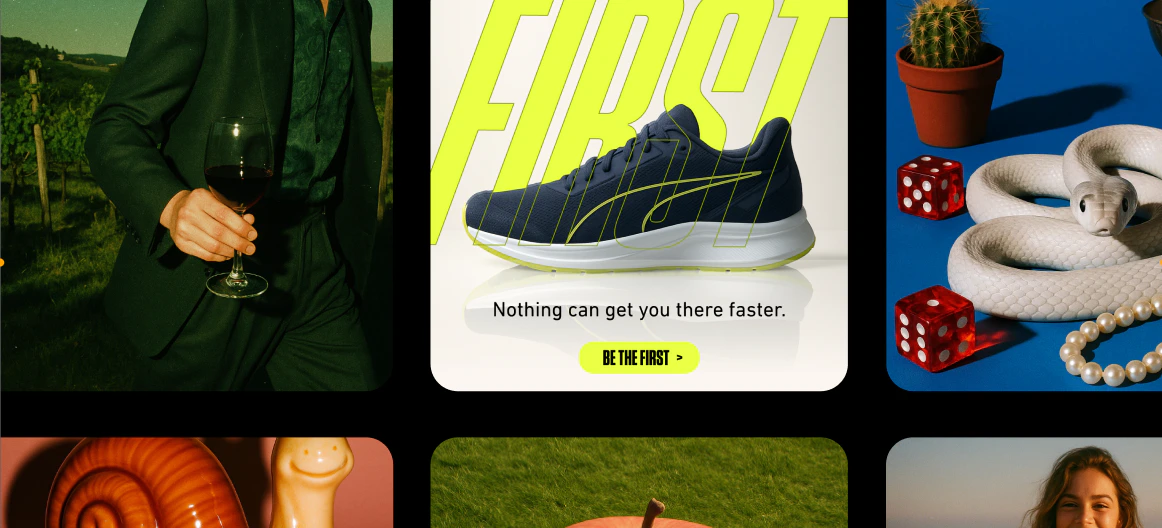
- Describe text content precisely — Include exact wording, font style, and placement. Example: “A poster with the title ‘Sale Ends Friday’ in large bold red sans-serif text at the top.”
- Use it for knowledge-dependent visuals — Prompts referencing specific brands, flags, maps, or scientific concepts will produce more accurate results than other models.
- Multi-step editing — Generate a base image, then use follow-up instructions to modify specific elements: “Change the background to a sunset”, “Make the text white”.
- Be explicit with layout — For infographics: “Three-column layout, icons on the left, text on the right of each icon”.
Example prompts
A clean infographic showing the water cycle: evaporation, condensation, precipitation, and collection. Labeled with arrows, minimal design, blue and white color palette.
A product label for “Alpine Spring Water” with mountain imagery, clean typography, and a blue gradient background. Professional, minimal design.
A social media post graphic for a coffee shop: warm brown tones, a latte art photo, text reading “Good Morning, Seattle” in serif font, minimal modern layout.
Compare models
Chatgpt uses GPT-4o’s architecture to ground image generation in world knowledge, making it particularly effective for prompts that reference specific real-world objects, brands, or concepts that other models typically misrepresent.