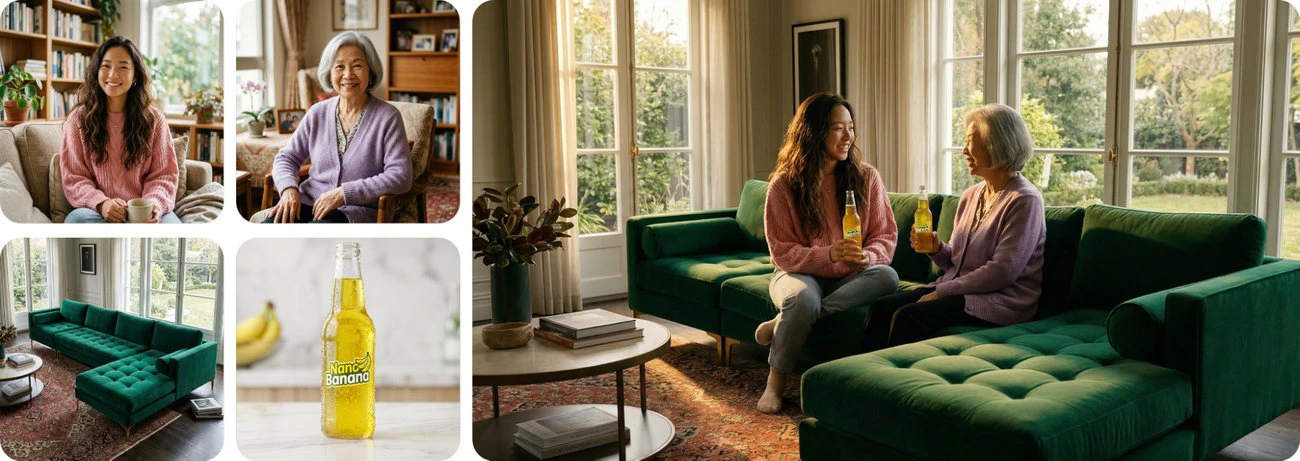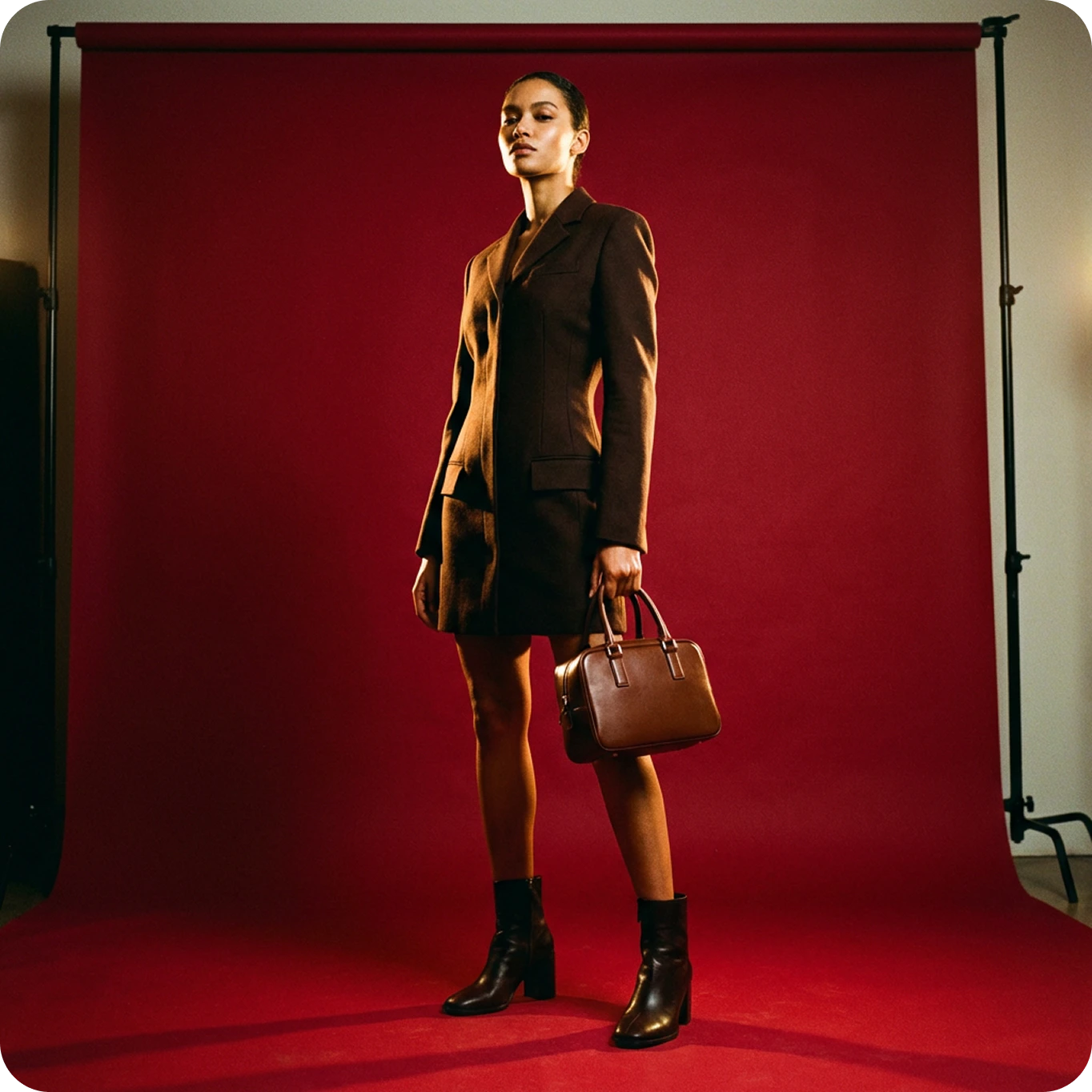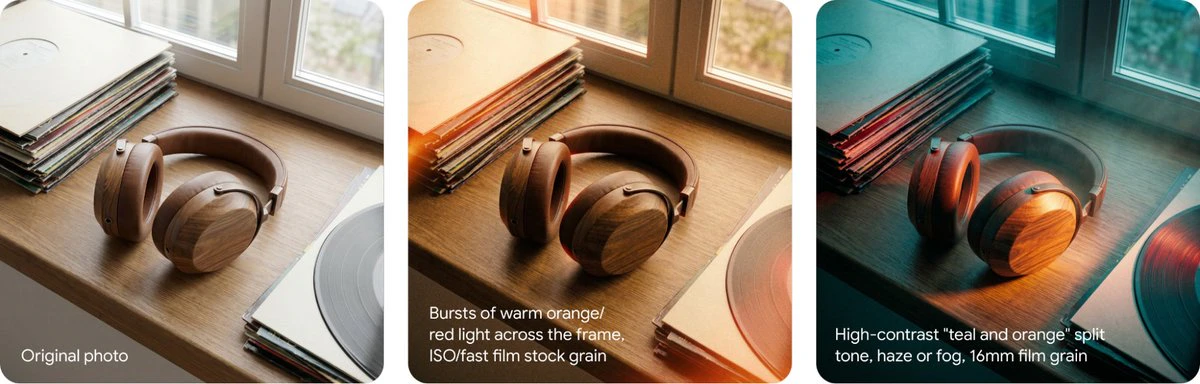
Nano Banana — officially Google’s Gemini 2.5 Flash Image model — is one of Google’s most advanced and precise AI image models. Originally teased with a banana emoji, it went viral under the playful name Nano Banana. Known for its speed, one-shot accuracy, and consistency across edits, it’s particularly valuable for branding, marketing, and e-commerce workflows.
Nano Banana is available exclusively through ImagineArt’s platform, integrated into both the AI Image Generator and the Image Editor.

What Nano Banana does well

Nano Banana stands out for handling multi-image editing, combining elements like subjects, backgrounds, products, and styles in a single instruction with high accuracy.

One-shot accuracy

Processes complex edits in one attempt, reducing retries and delivering fast, reliable results even for intricate requests.

Multi-image editing

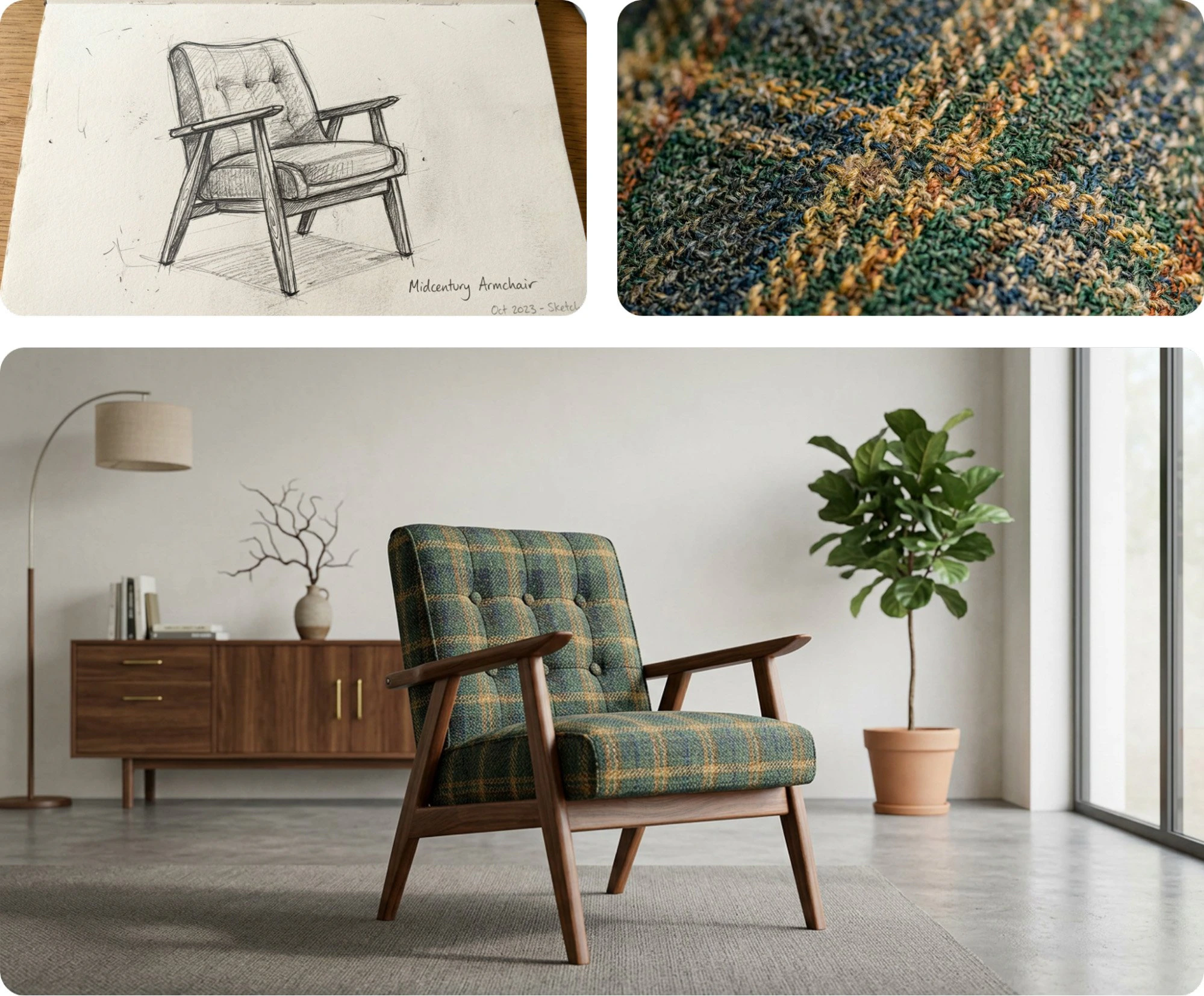
Handles up to 4 reference images for complex compositions, enabling seamless integration of different elements — subjects, backgrounds, products, and styles.

Consistency across edits

Maintains consistent subject identity, lighting, and overall style coherence across multiple outputs — ideal for brand campaigns and multi-product series.

Near real-time generation

Delivers high-quality results at near real-time speeds, making it efficient for both quick iterations and large-scale projects.

Creative versatility

Adapts to text-to-image generation, guided image editing, and multi-reference design creation across different creative workflows.

Full ImagineArt integration

Available in the AI Image Generator, Image Editor, and as part of AI video generation pipelines with other models like Kling 2.1.

Strengths and limitations

StrengthsLimitations
Consistent characters, products, and stylesNo native video generation
Multi-image editing (up to 4 references)Highly stylized or abstract prompts may need fine-tuning
One-shot accuracy for complex editsPreview release — features may evolve
Near real-time generationRequires other ImagineArt tools for video workflows
Flexible for text-to-image and guided editing

When to use Nano Banana

Nano Banana is best suited for workflows where both speed and accuracy matter, especially when you need to maintain visual consistency across multiple outputs.
  • Virtual try-ons — Realistic fitting of clothing or accessories on models or customers. Especially useful in fashion.
  • Brand design — Logos, product packaging, marketing visuals, and brand-related imagery.
  • E-commerce — Editing and swapping product images, adjusting backgrounds, creating product mockups.
  • Multi-image campaigns — Consistent style and character across product variations or promotional materials.
  • Art direction and filmmaking — Generating storyboard frames, concept shots, or visual guides for video production.
  • Storytelling — Consistent visuals for character-based narratives across multiple frames.
  • Fast ideation — Reliable and fast results without multiple iterations.

How to use Nano Banana

1

Open the generator

Go to the ImagineArt AI Image Generator.
2

Select the model

From the model dropdown, choose Google Nano Banana.
3

Enter your prompt and references

Write your text prompt and upload any reference images (up to 4) for better guidance.
4

Generate

Click Generate and wait for the model to process your request.
Prompting tips

Nano Banana is optimized for one-shot accuracy, so precise and structured prompts produce the best results.
  1. Be specific — Define the subject, background, product, and style within the same prompt. For example: “A man in a modern kitchen holding a coffee mug, styled like a product ad.”
  2. Use multiple references — Upload images of the subject, product, and setting together to maintain consistency across outputs.
  3. Guide the mood — Include descriptive terms like “cinematic”, “flat lay”, or “studio lighting” to influence composition and overall tone.

Example prompts

Example 1
A fluid gender albino person inside a vintage car with bright yellow chrysanthemums spilling out through the windows, holding a baby blue handbag. The scene blends nature and fashion with a dreamlike atmosphere, shot in a cinematic and analog photo style.
Example 2
A sleek modern kitchen with stainless steel appliances and a marble countertop, featuring a woman in a red dress holding a glass of wine. The scene should reflect contemporary elegance, with soft lighting highlighting the product and surroundings.

Model comparison

ModelVisual styleStrengthsBest for
Nano BananaPhotorealistic, adaptiveOne-shot accuracy, multi-image editingImage editing, branding, e-commerce, campaigns
Flux KontextArtistic, flexibleStrong stylization, precision controlCreative edits, experimental work
Seedream 4.0Photorealistic, consistentUp to 6 references, native 4KComplex campaigns, multilingual markets, high-res assets
ImagineArt 1.5 ProRealistic, cinematicNative 4K, composition controlPosters, typography-based designs