


Aurora: xAI’s image generation engine
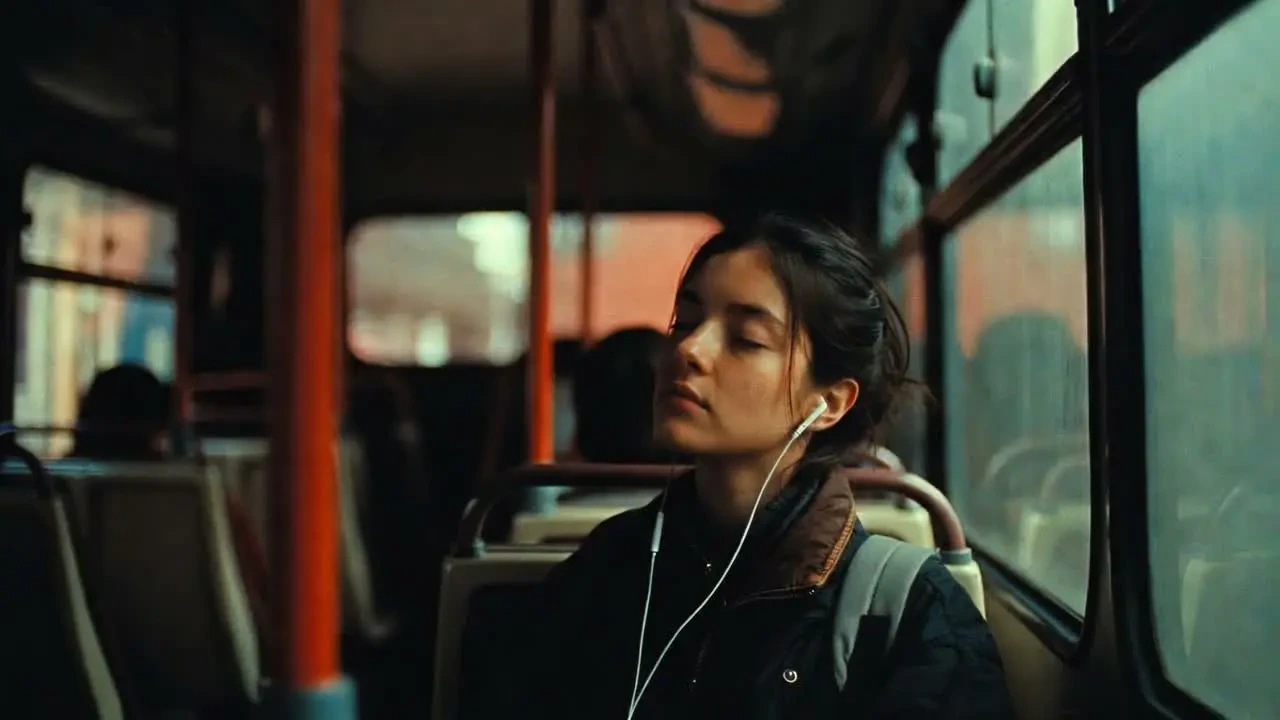
Grok Imagine is powered by Aurora — xAI’s autoregressive mixture-of-experts image generation model. Unlike diffusion models, Aurora generates images autoregressively, which enables strong handling of real-world knowledge: logos, text, brand identities, and named entities render accurately because the model reasons about them rather than interpolating from patterns. Aurora supports multimodal input (text and existing images) and generates across a wide style range — from photorealistic portraiture to cinematic stills, anime, oil paintings, and pencil sketches.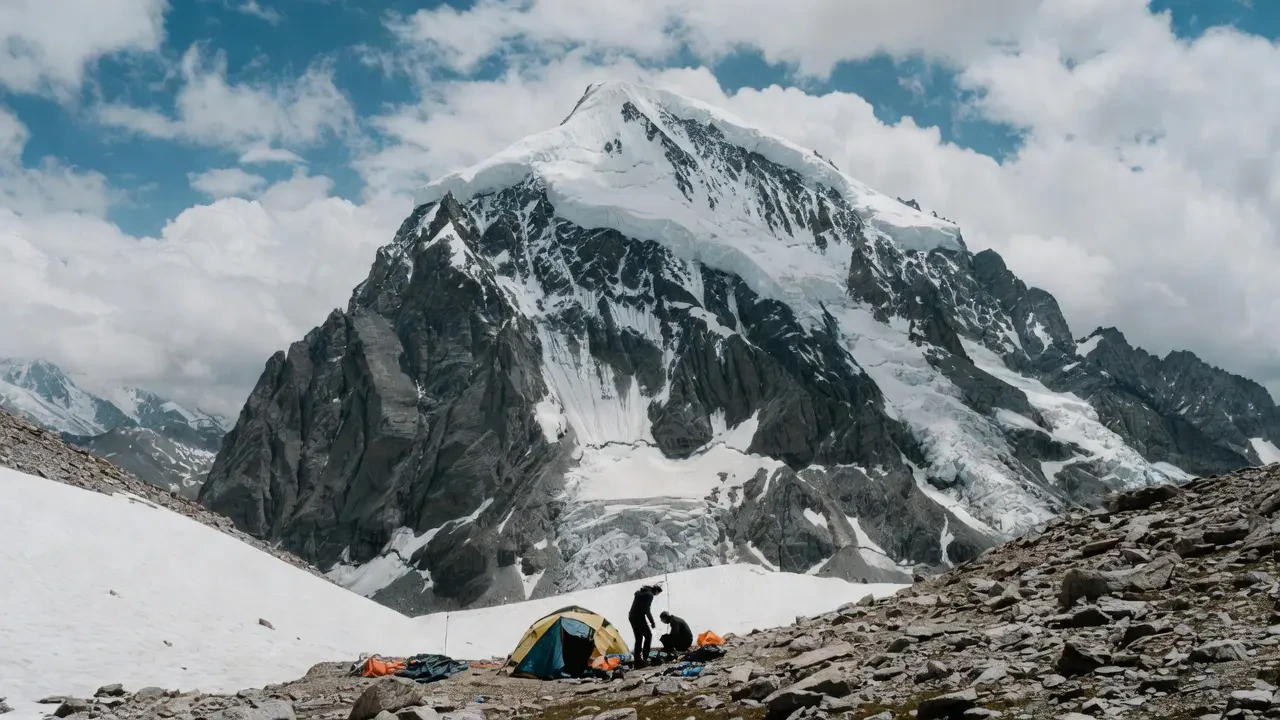
Capabilities
1K resolution
Output at 1K (1024×1024) resolution.
Multimodal input
Accepts existing images alongside text prompts for editing, style transfer, image-to-image.
10,000-character prompts
Handles extremely detailed, multi-paragraph prompts without truncation
Specifications

How to use
1
Open the AI Image Generator
Go to the ImagineArt AI Image Generator.
2
Select the model
From the model dropdown, choose xAI Grok Imagine.
3
Write your prompt
Name real-world subjects directly when accuracy matters. Aurora handles known entities, logos, and brands well — you don’t need to describe what is widely known.
4
Upload a reference (optional)
For image-to-image generation or style transfer, attach your reference image before generating.
5
Generate
Click Generate and review the output.

Prompting tips
- Name entities explicitly — “An Aston Martin DB5 on a wet London street at night” is more effective than describing a generic luxury car.
- Detailed prompts are welcomed — Up to 10,000 characters means you can include full scene descriptions, mood boards in text, and multi-element briefs without worrying about truncation.
- For style variety — Append style directives at the end: “oil painting style”, “anime illustration”, “pencil sketch on cream paper”, “cinematic 35mm film photography.”
Example prompts
An Airbus A380 flying over the Swiss Alps at golden hour, dramatic clouds, photorealistic aviation photography, sharp detail.
A samurai warrior standing in a bamboo forest at dawn, morning mist, dramatic back-lighting, anime illustration style, vibrant color palette.
A vintage travel poster for Kyoto, Japan — Mount Fuji in background, cherry blossom trees, art deco typography, rich color blocks.
Grok Imagine is powered by Aurora, xAI’s in-house autoregressive MoE model. Its distinctive strength is accuracy for real-world subjects — logos, brands, named entities, and recognizable objects render with higher fidelity than diffusion models on the same prompts.