

FLUX rebuilt for production
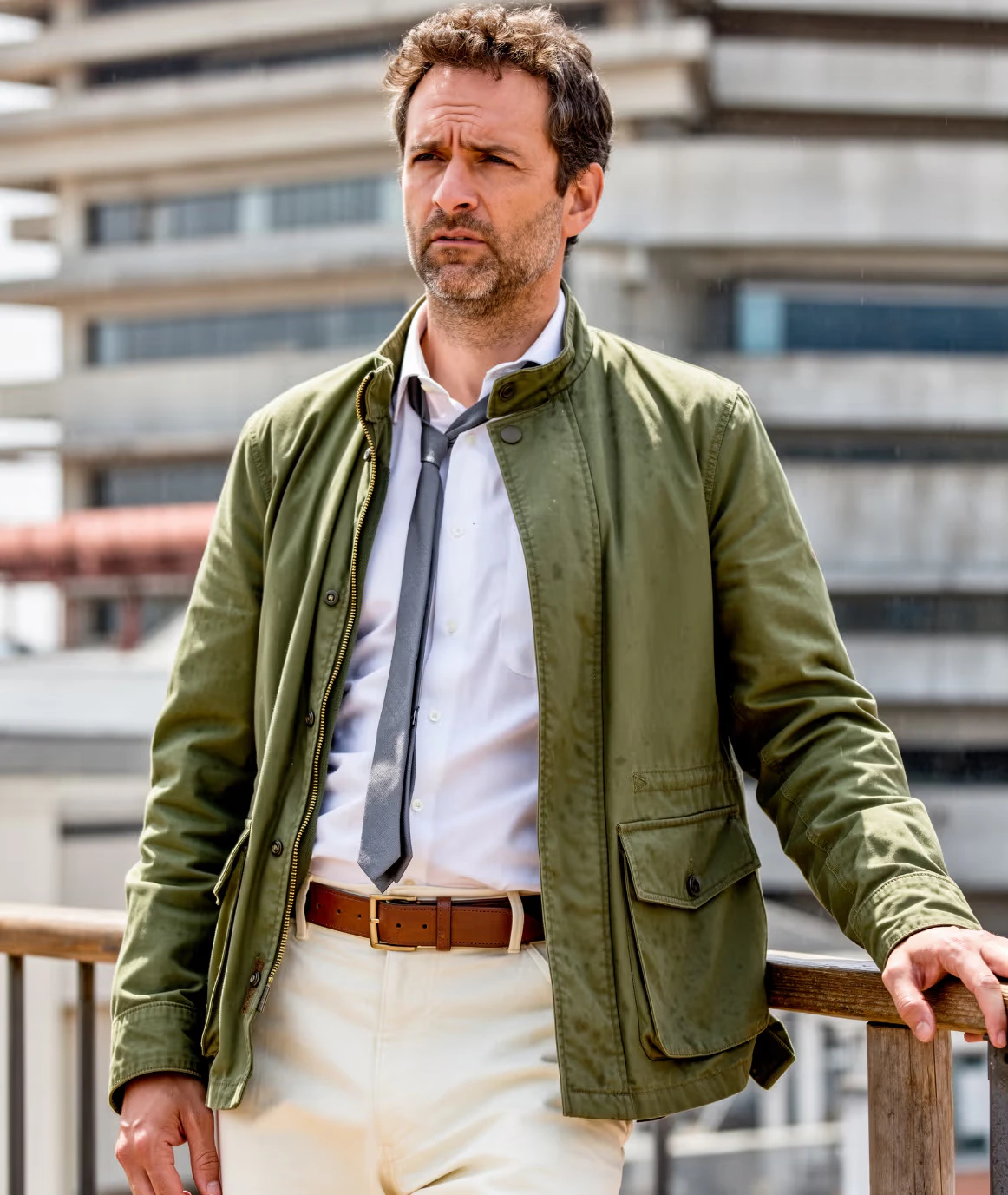
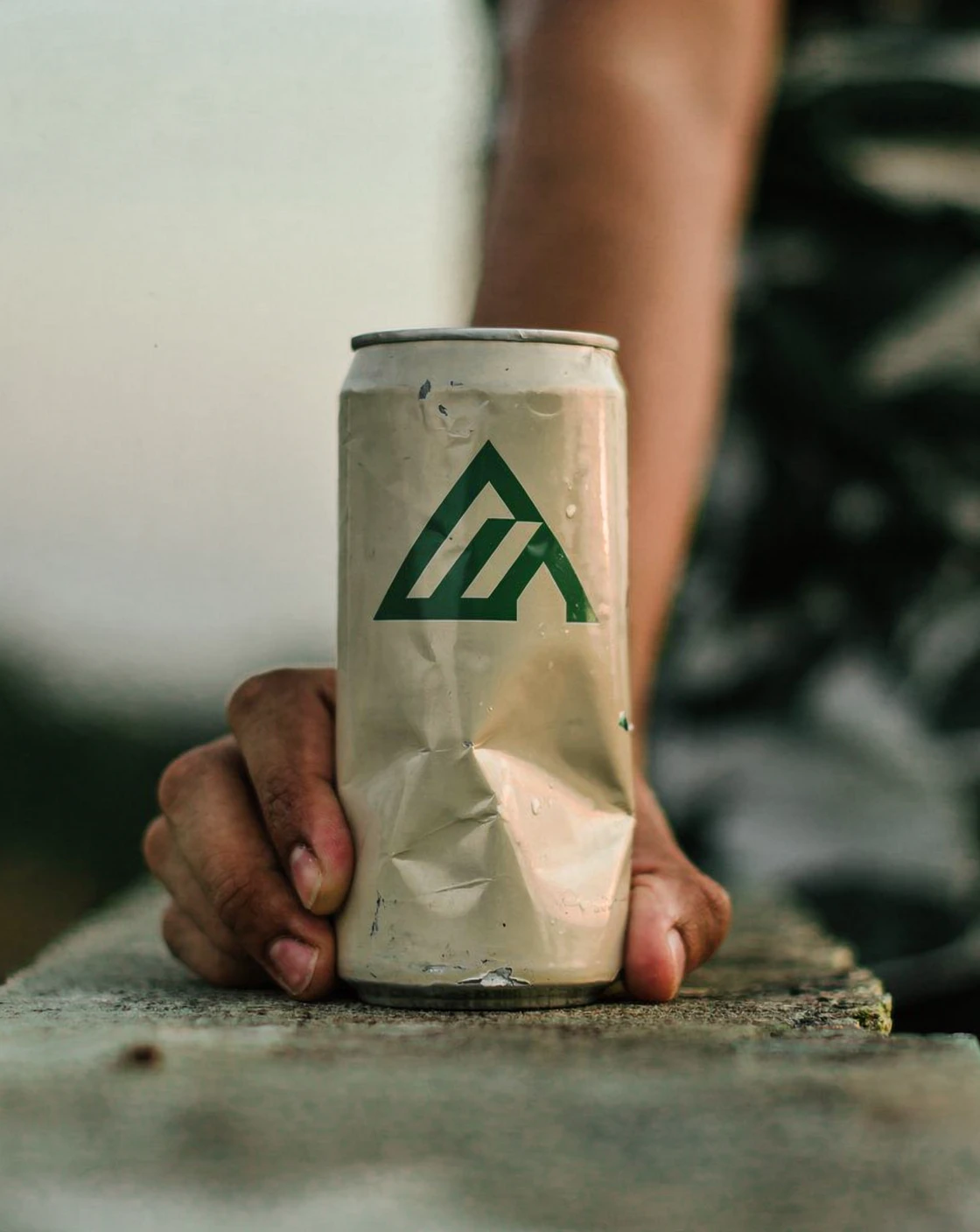
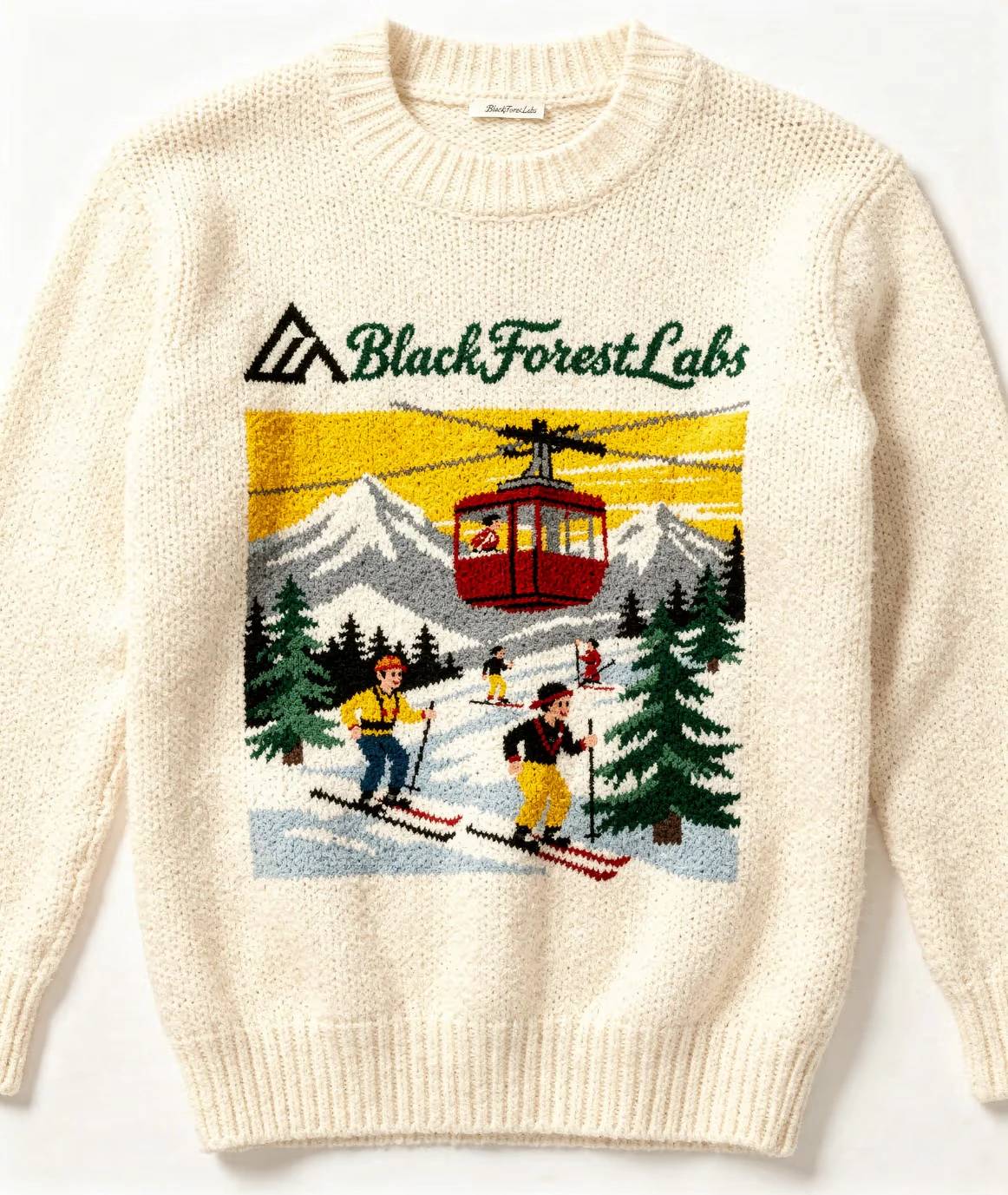
FLUX.2 Pro is a ground-up 32B rebuild — not a fine-tune of FLUX.1. The model addresses the three most significant FLUX.1 limitations: text-in-image generation that previously failed in production contexts now works reliably for typography, infographics, and UI mockups; character consistency using multiple references is meaningfully stronger; and spatial logic (objects interacting with physical realism, lighting aligned to real-world behavior) is noticeably more accurate. FLUX.2 Pro sits in the middle of the FLUX.2 family — above FLUX.1 Ultra in the generational hierarchy, and below FLUX.2 Max in the current lineup.Capabilities
Real-world spatial logic
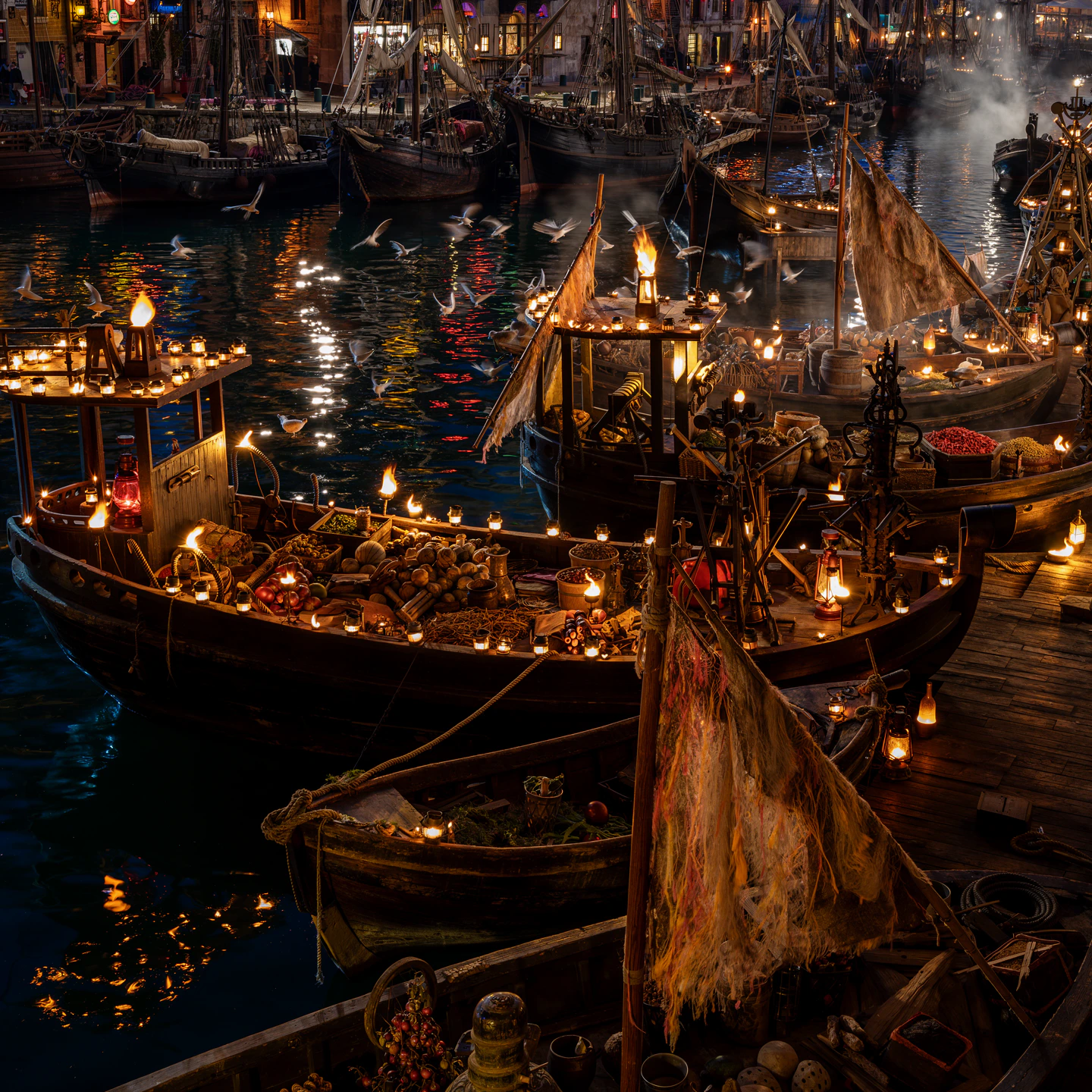
Objects interact with physical realism — surfaces, shadows, reflections, and spatial relationships align with how light and objects behave in the real world.
4-megapixel output
Up to 4MP resolution for print-ready commercial deliverables — editorial, packaging, advertising, and large-format output.
Precise instruction following
More reliable adherence to detailed prompts compared to FLUX.1 — complex spatial instructions, specific material descriptions, and multi-element compositions are followed accurately.
Specifications
How to use
1
Open the AI Image Generator
Go to the ImagineArt AI Image Generator.
2
Select the model
From the model dropdown, choose Flux.2 Pro.
3
Write your prompt
Include text exactly as you want it to appear in the image — Flux.2 Pro will render it accurately in most configurations.
4
Add references (optional)
Upload up to 10 reference images for character or style consistency across a campaign.
5
Generate
Click Generate and assess the output at your chosen resolution.
Prompting tips
- Include exact text content — Wrap the text you want rendered in quotes within the prompt:
"A product label with the text 'ARCTIC BLEND' in bold condensed sans-serif, cool blue tones."The model renders quoted text with high accuracy. - Describe lighting physics explicitly — Flux.2 Pro’s improved spatial logic responds well to precise lighting descriptions: “soft diffused overhead light with warm fill from the left, no harsh shadows.”
- Reference images for consistency — For serial campaigns, attaching reference images produces more reliable identity preservation than relying on text description alone.
Example prompts
A premium whiskey bottle label design with the text “OLD HIGHLAND RESERVE” in embossed serif lettering, dark navy background, gold foil accents, traditional distillery aesthetic.
A fashion editorial spread: a model in a structured white blazer standing in a sun-drenched courtyard, architectural background, high-fashion photography, natural midday light.