

A completely different architecture
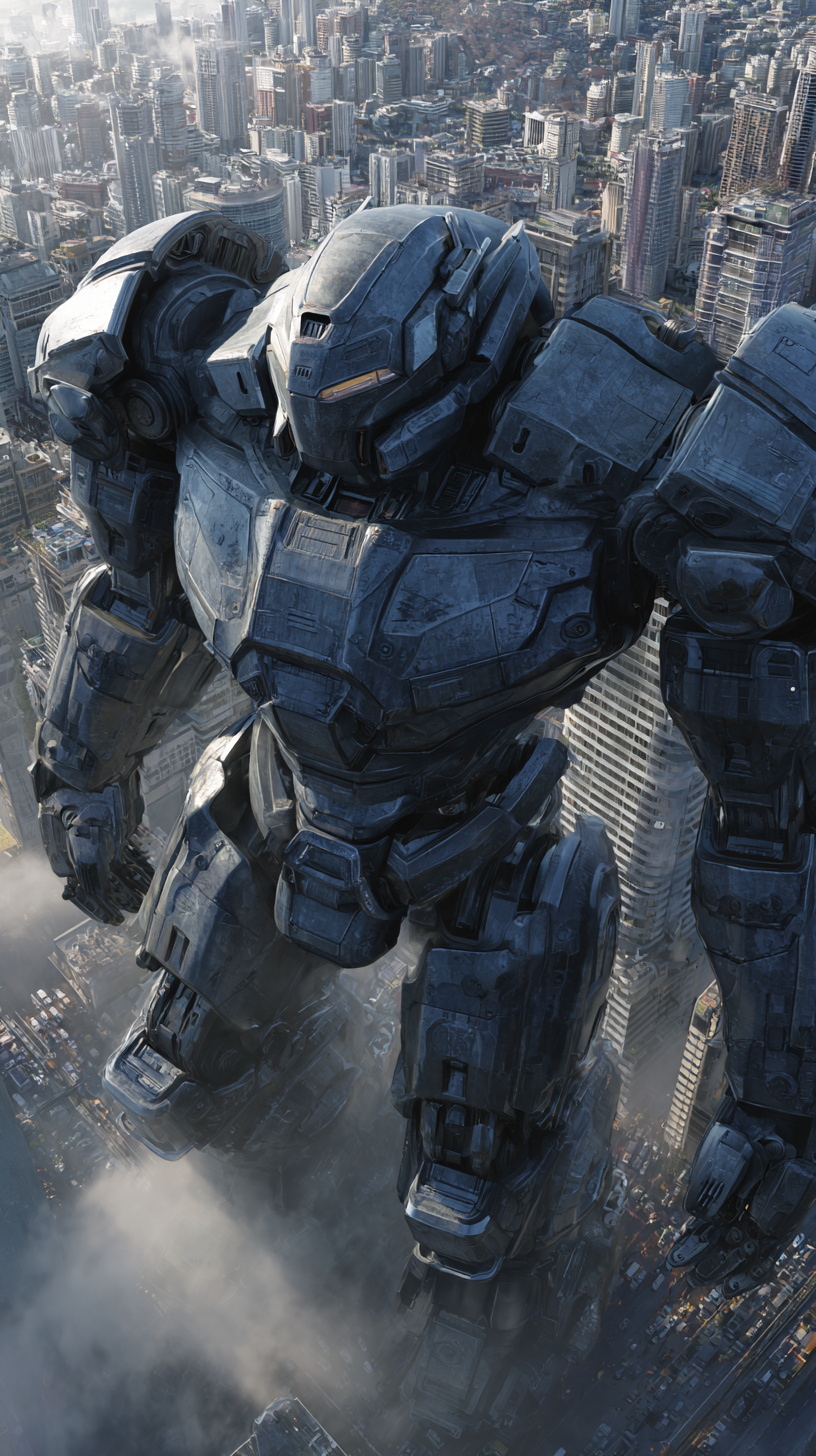
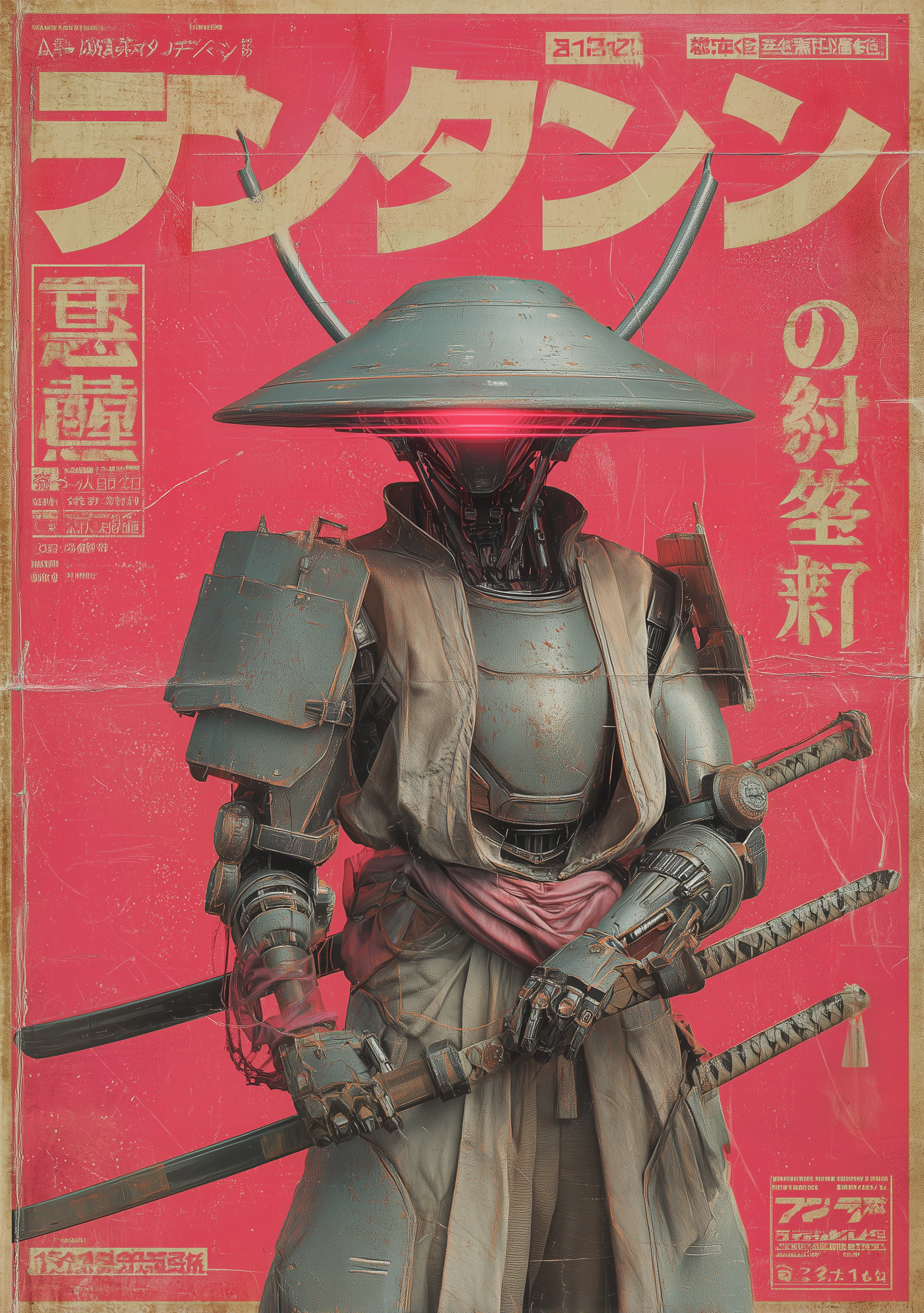
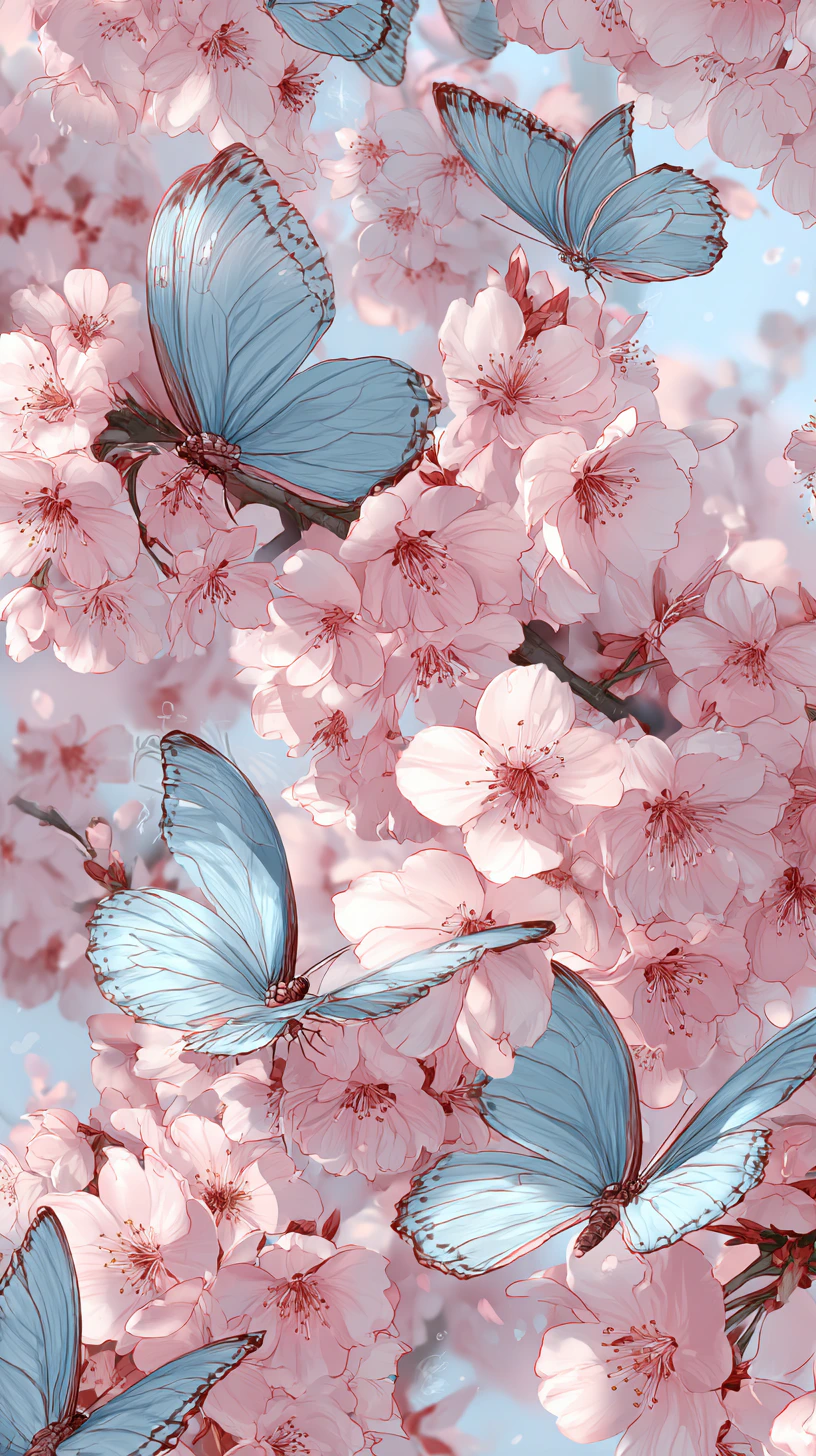
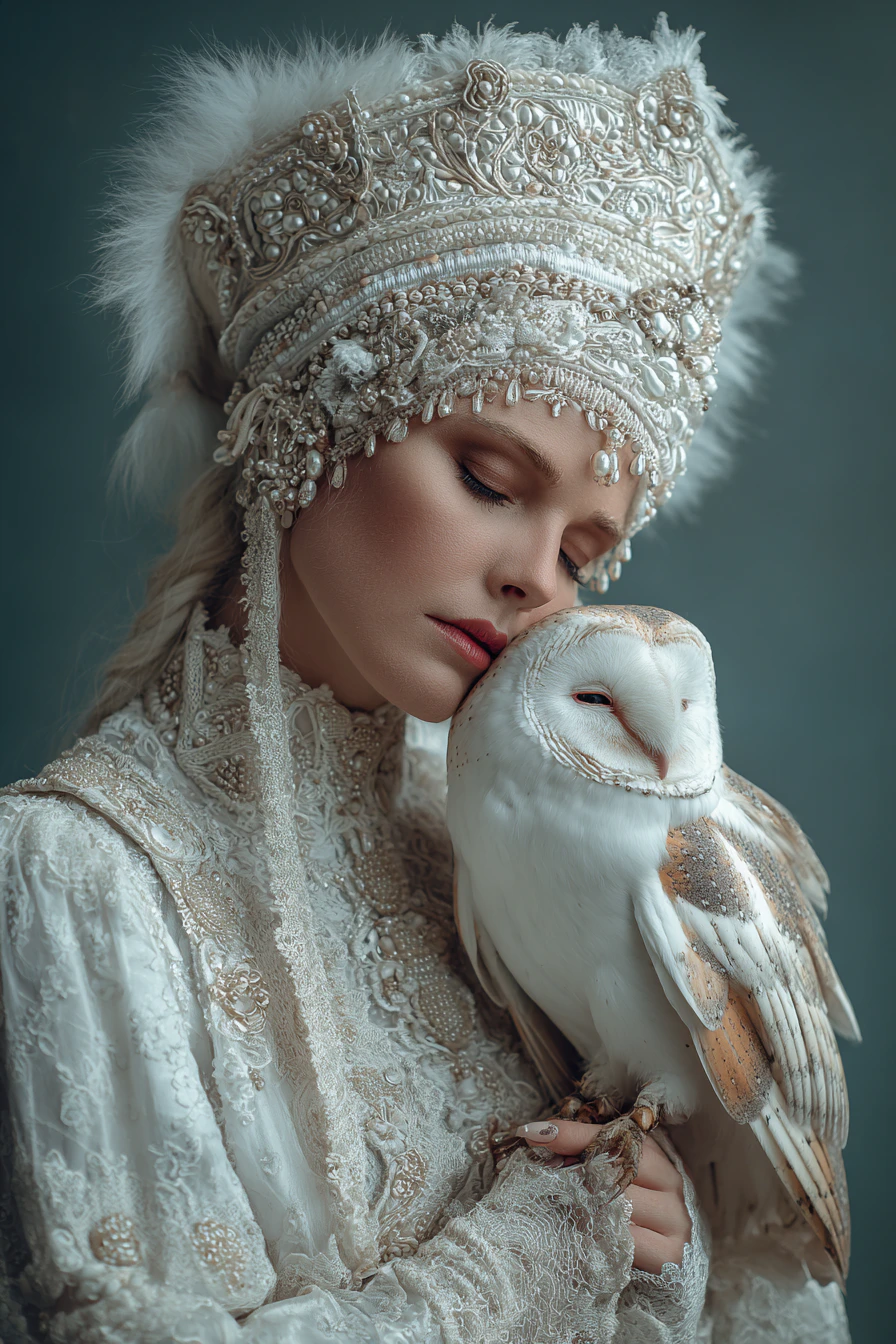
Midjourney V7 is not an incremental update — it’s a ground-up rebuild. CEO David Holz described it as “a totally different architecture.” The result is visibly richer textures, more coherent spatial compositions, and significantly improved human anatomy (especially hands and bodies) that have historically been a weak point for generative image models. Prompt adherence is the headline improvement: V7 follows complex, multi-element instructions with far fewer dropped or altered elements compared to V6.Capabilities
Built-in personalization
Default personalization learns your aesthetic preferences from your generation history. A brief rating session calibrates the model to your taste.
Omni Reference
Unified reference system for style, subject, and character references. Use —sref codes to explore curated style galleries or lock a specific look.
Richer textures and anatomy
Markedly improved material rendering — fabric, skin, stone, and organic surfaces look more convincing. Human hands and body proportions are significantly more accurate.
Key parameters
These are Midjourney’s native parameters. ImagineArt’s settings panel for V7 shows aspect ratio, Prompt Enhancer, and Variations; it doesn’t include a Draft Mode toggle.How to use
1
Open the AI Image Generator
Go to the ImagineArt AI Image Generator.
2
Select the model
From the model dropdown, choose V7 (it appears with the Midjourney sailboat logo).
3
Write your prompt
Be specific about subject, mood, lighting, and style. V7 rewards precise prompts — the more detail you include, the more faithfully the output matches your intent.
4
Set your aspect ratio
Choose from 9:21, 9:16, 2:3, 3:4, 1:1, 4:3, 3:2, 16:9, or 21:9.
5
Generate
Click Generate and review the output.
Prompting tips
- Use
--exp 10–25for creative work — Low--expvalues push the model into more unusual aesthetic territory without losing coherence. - Personalization makes a visible difference — If you’ve rated images or generated extensively in Midjourney, V7’s personalization will skew outputs toward your established preferences automatically.
- Be explicit about anatomy — Despite improvements, specifying “correct hand anatomy” or “natural posture” in prompts reinforces V7’s improved but not flawless anatomical rendering.
Example prompts
A lone lighthouse on a rocky Atlantic coast at dusk, crashing waves, deep blue and orange sky, cinematic composition, photorealistic.
A 1970s Tokyo neon-lit street at night, wet cobblestones reflecting signs, rain, cinematic film photography aesthetic, rich shadow detail.
An architect’s desk covered in blueprints and scale models, warm desk lamp, afternoon window light, documentary photography.