

The flagship of FLUX.2
FLUX.2 [max] combines the 32-billion parameter rectified flow transformer architecture with a Mistral-3 24B vision-language model, creating a 46,864-token context window that enables dramatically more nuanced prompt understanding than any previous FLUX model. The result is stronger adherence to complex multi-element prompts, more consistent character and style identity across references, and grounded generation that can visualize real-world trending subjects. FLUX.2 Max is the top tier in the FLUX.2 family — above FLUX.2 Pro — for workflows where maximum quality and prompt fidelity are the priority.
Capabilities
Grounded generation
Real-time web search integration enables accurate visualization of trending products, current events, and recently released subjects without detailed descriptions.
4-megapixel output
Generates up to 4MP (approximately 2752×1536) — print-ready resolution for commercial, editorial, and large-format work.
46,864-token context
Exceptionally large context window enables nuanced, multi-paragraph creative briefs and highly specific compositional instructions.
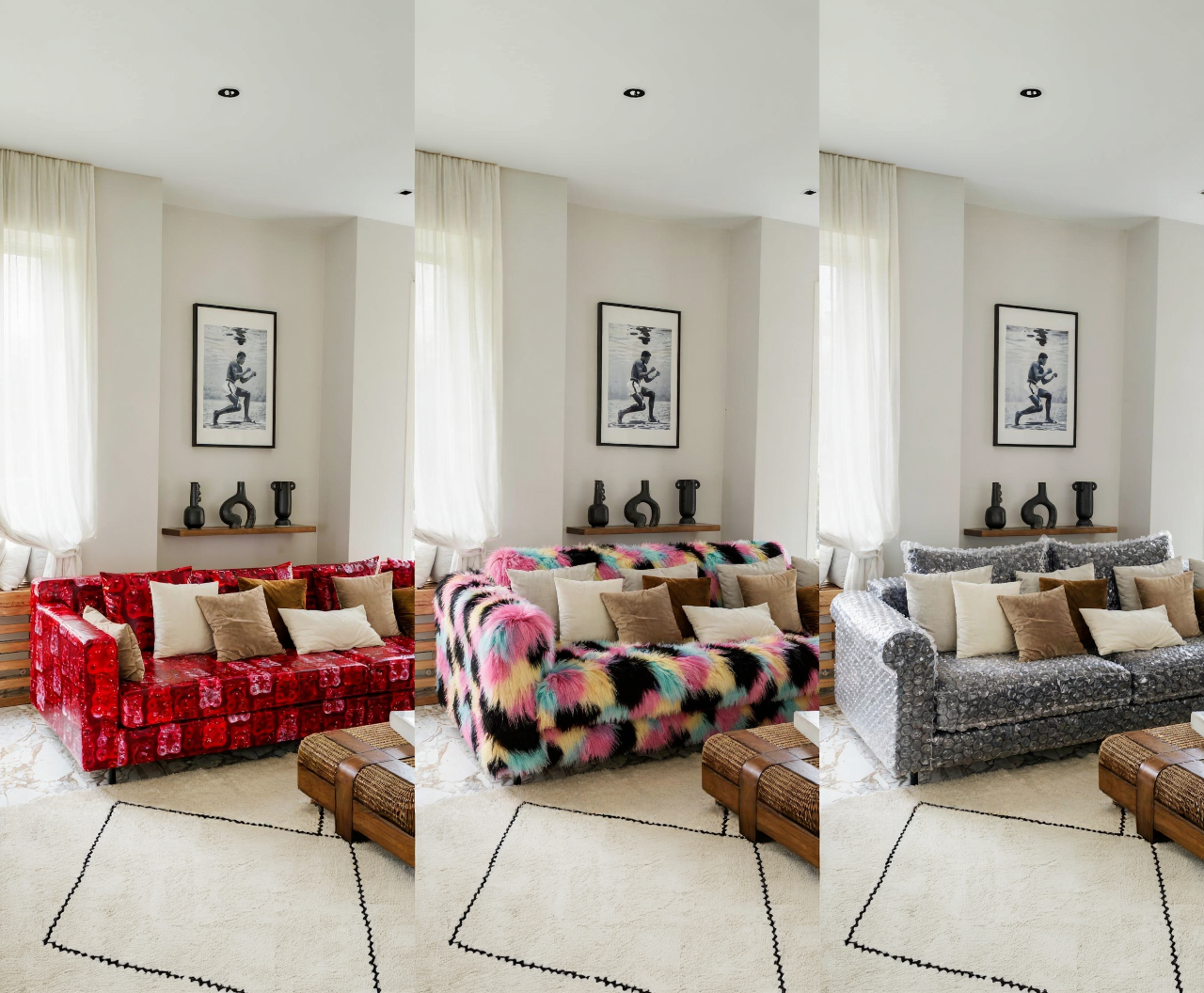
Specifications
How to use
1
Open the AI Image Generator
Go to the ImagineArt AI Image Generator.
2
Select the model
From the model dropdown, choose Flux.2 Max.
3
Write your prompt
Be as detailed as needed. With 46,864 tokens of context, Flux.2 Max can handle exhaustive creative briefs — describe spatial relationships, lighting, materials, mood, and style precisely.
4
Add reference images (optional)
Upload up to 10 reference images for character consistency or style anchoring.
5
Generate
Click Generate. For most prompts, 1MP generates in 4–6 seconds; 4MP in 8–10 seconds.
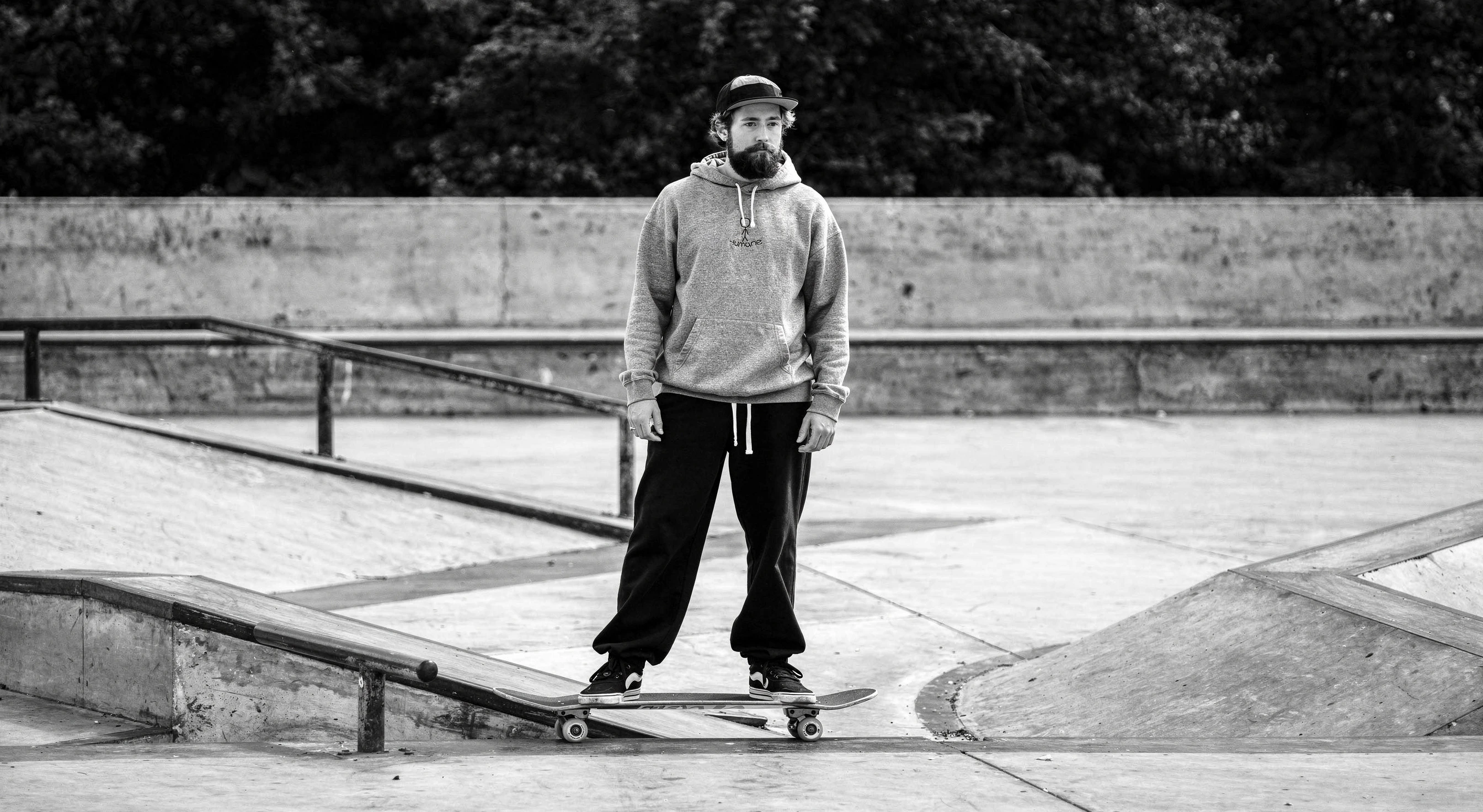
Prompting tips
- Maximize the context window — Unlike smaller models, Flux.2 Max won’t drop details from long prompts. Use the space to be precise about lighting, materials, spatial composition, and style.
- Use reference images for consistency — For campaigns or series, passing reference images maintains visual identity far better than text descriptions alone.
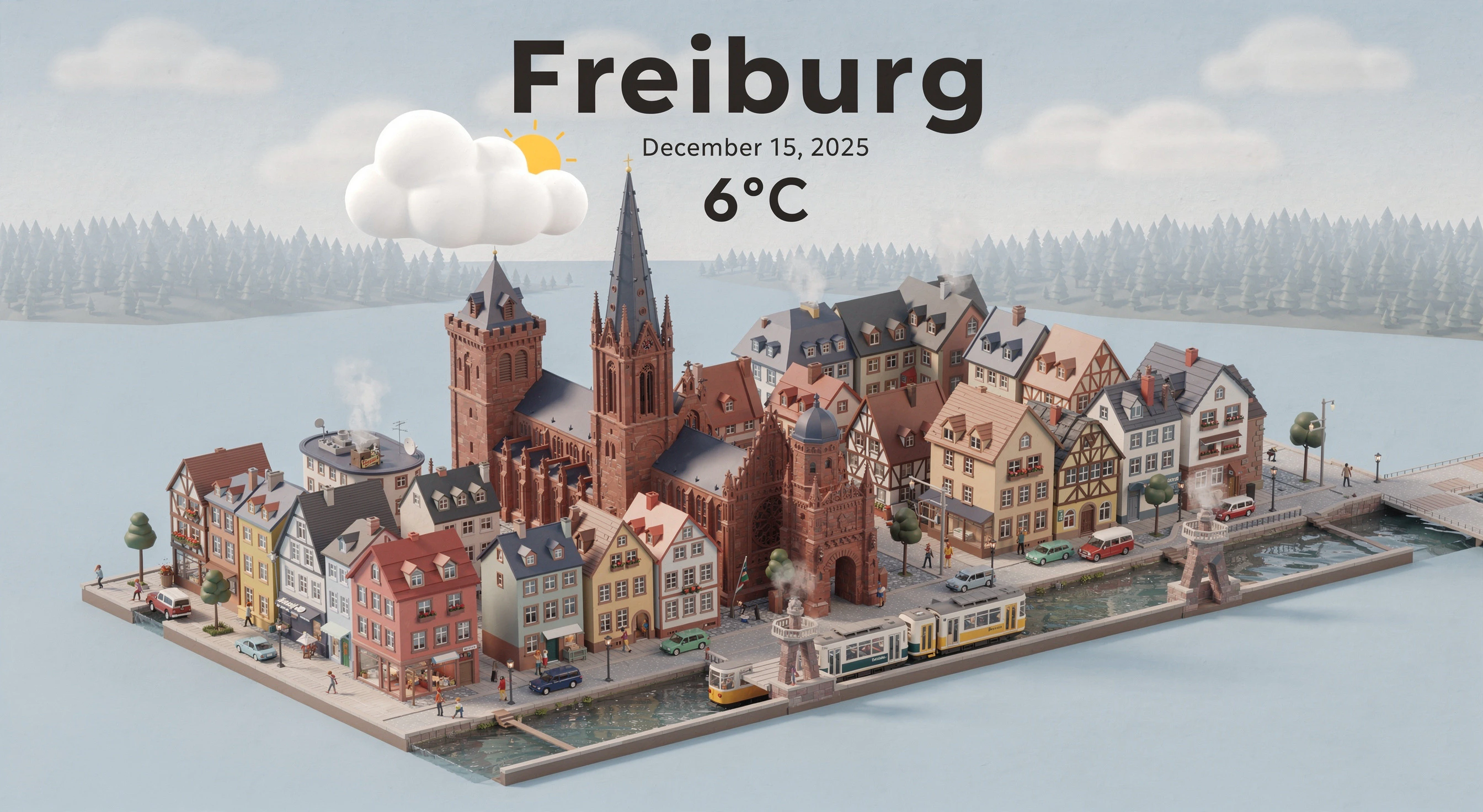
- Web grounding works for current subjects — Reference recently launched products or current events by name; grounded generation handles the visual accuracy.
Example prompts
A high-end residential kitchen with Calacatta marble countertops, brushed brass fixtures, integrated appliances, warm pendant lighting over a central island, architectural photography style, shot at dusk.
A futuristic electric sports car (based on [reference image]) in a wind-tunnel test environment, dramatic directional lighting, photorealistic CGI quality.
Compare models
Flux.2 Max sits at the top of the FLUX.2 lineup. For production-grade output with strong text rendering where the absolute ceiling on prompt adherence isn’t needed, Flux.2 Pro is a slightly faster and more cost-efficient option.