

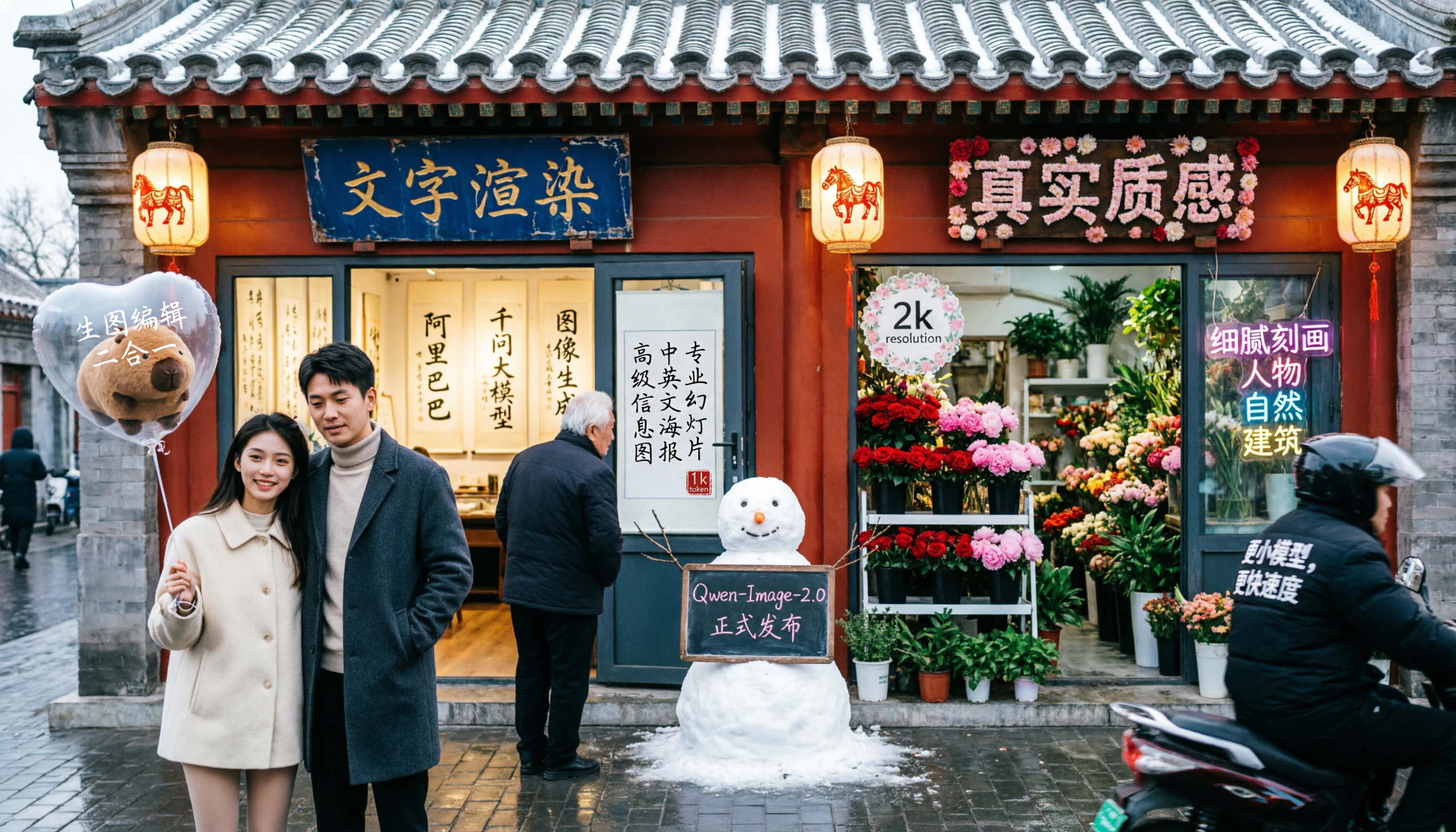
Capabilities
Integrated image editing
The unified Qwen-Image-2.0 model handles generation and editing in one — style transfer, object insertion/removal, text editing within images, pose manipulation.
Photorealistic humans
Detailed facial features, skin textures, pores, and natural lighting for high-quality portrait and lifestyle photography.
1K output
Generates at 1K in 1:1, 4:3, 3:4, 16:9, and 9:16.
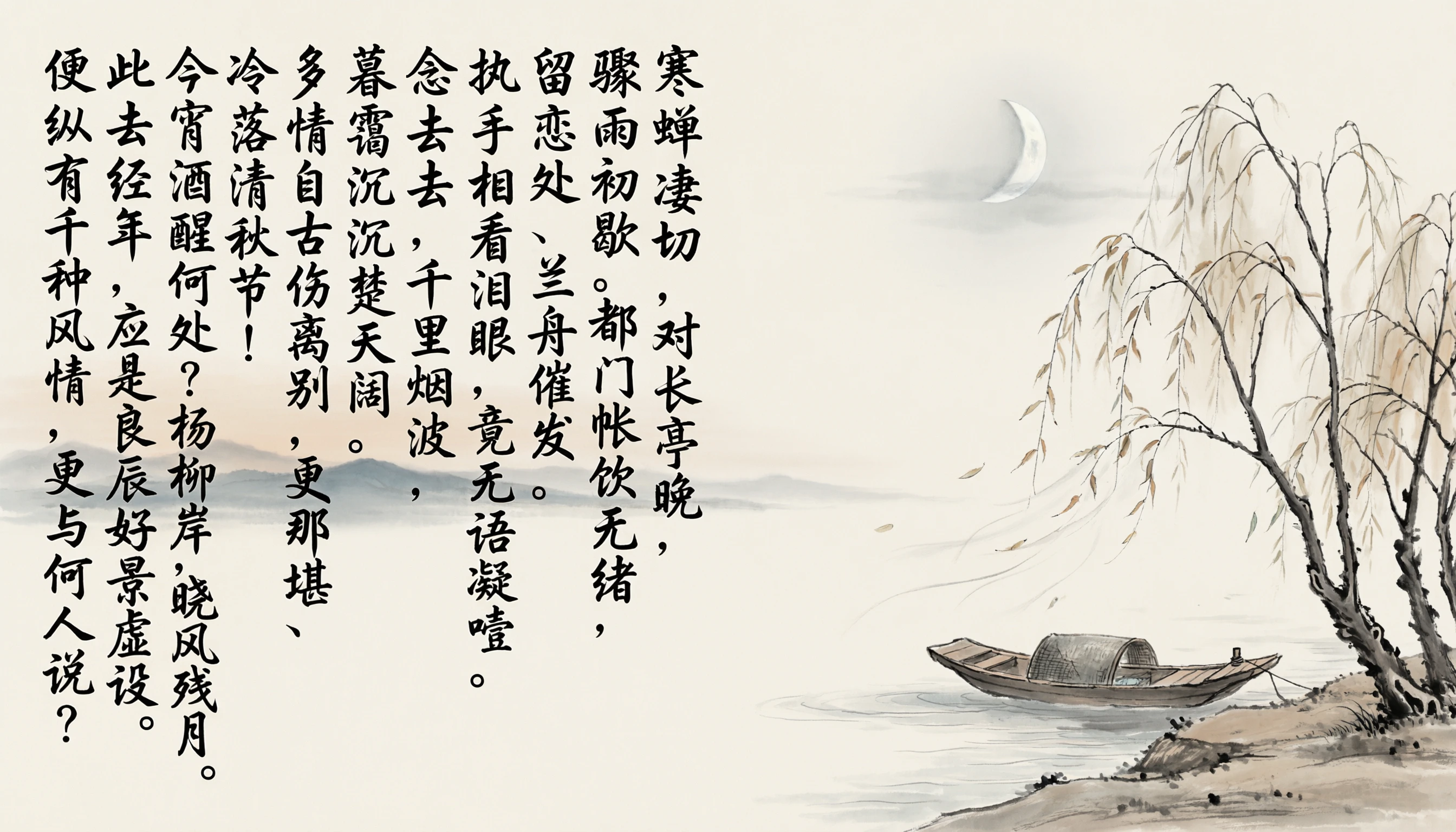
How to use
1
Open the AI Image Generator
Go to the ImagineArt AI Image Generator.
2
Select the model
From the model dropdown, choose Qwen Image.
3
Write your prompt
Write a detailed prompt. For text-in-image generation, include the exact text you want rendered and describe its layout and style.
4
Set your aspect ratio
Choose 1:1, 4:3, 3:4, 16:9, or 9:16. Qwen Image generates at 1K.
5
Generate
Click Generate and review the output.
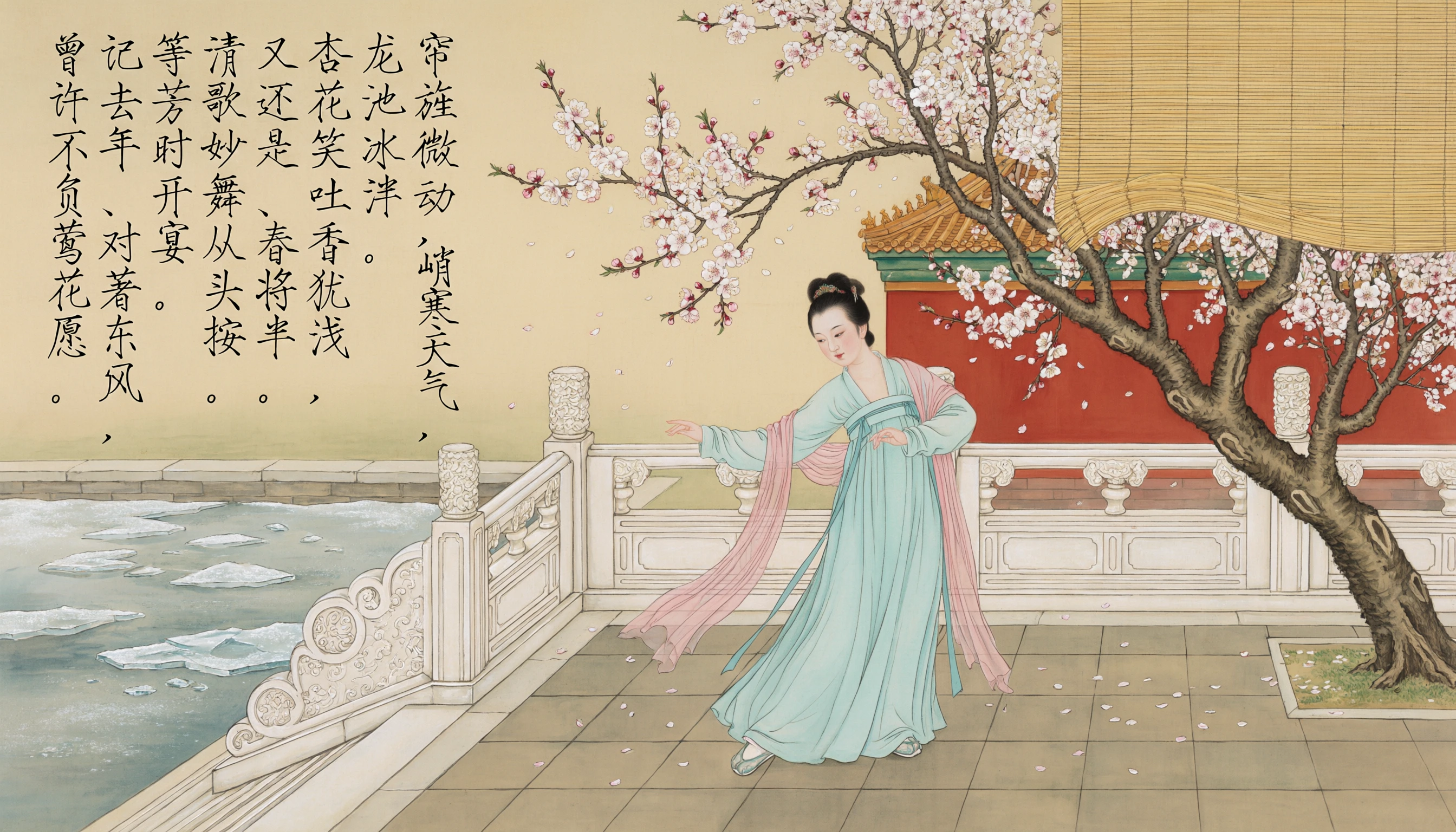
Prompting tips
- For text-in-image — Describe exactly what text should appear and how: “A book cover with the title ‘The Last Algorithm’ in large silver metallic lettering, sci-fi aesthetic.”
- For bilingual layouts — Specify both the English and Chinese text content and their relative positions for accurate rendering.
- For illustrations — Use rich descriptive vocabulary: “hyperdetailed concept art”, “scientific illustration style”, “editorial infographic” push the model toward its strongest outputs.
- For editing — Describe changes clearly: “change the sky to a sunset”, “add a coffee cup on the desk”, “make the text red”.
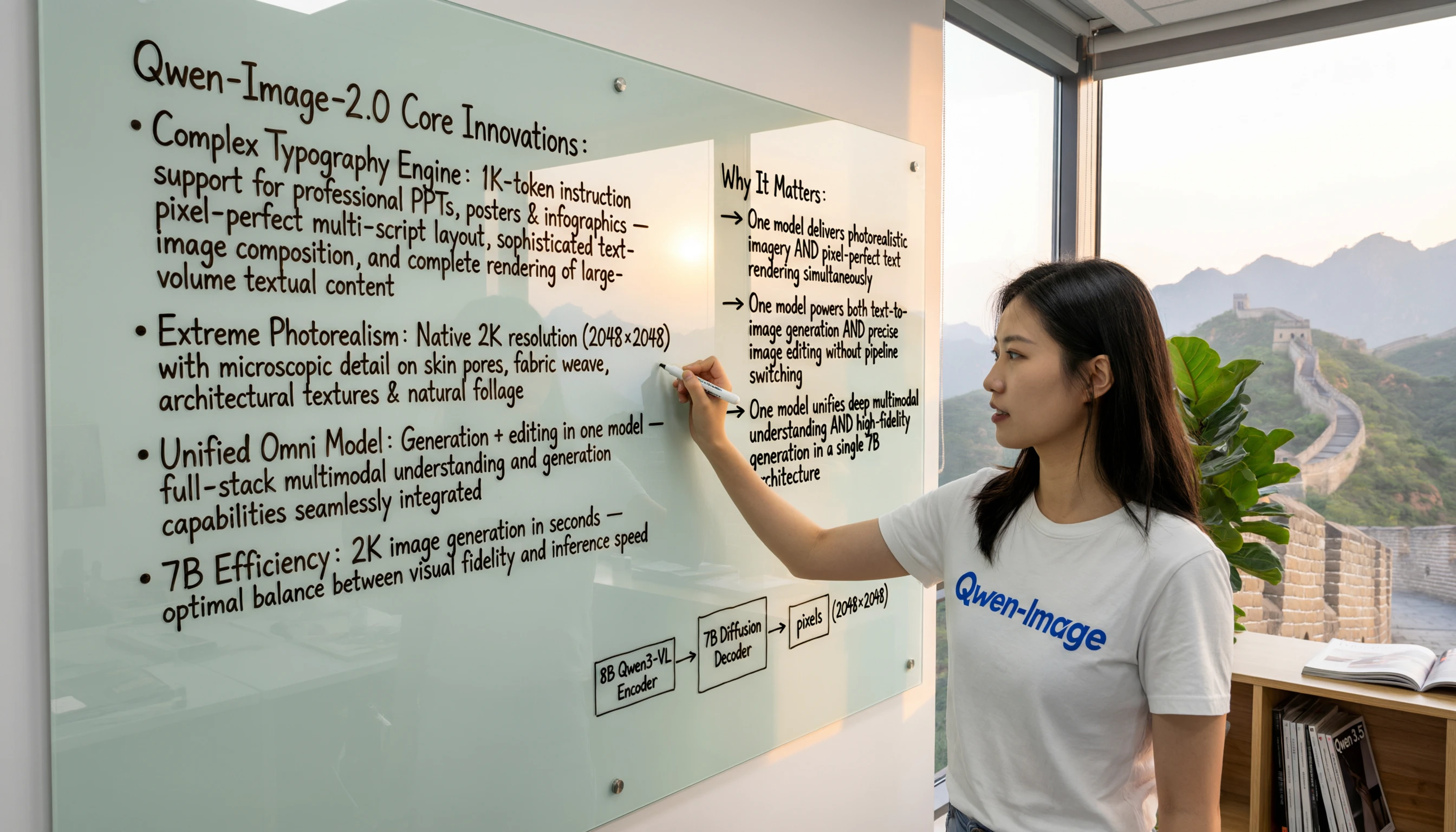
Example prompts
A detailed scientific diagram of a human cell with labeled organelles — nucleus, mitochondria, Golgi apparatus, endoplasmic reticulum — clean white background, educational illustration style.
A Chinese New Year poster with bold red typography reading “新年快乐” (Happy New Year) and “2026” in gold, traditional patterns, fireworks illustration.
A book cover for a fantasy novel: “The Iron Sky” in large ornate metallic lettering, dramatic storm clouds, a lone figure silhouetted on a rocky cliff.