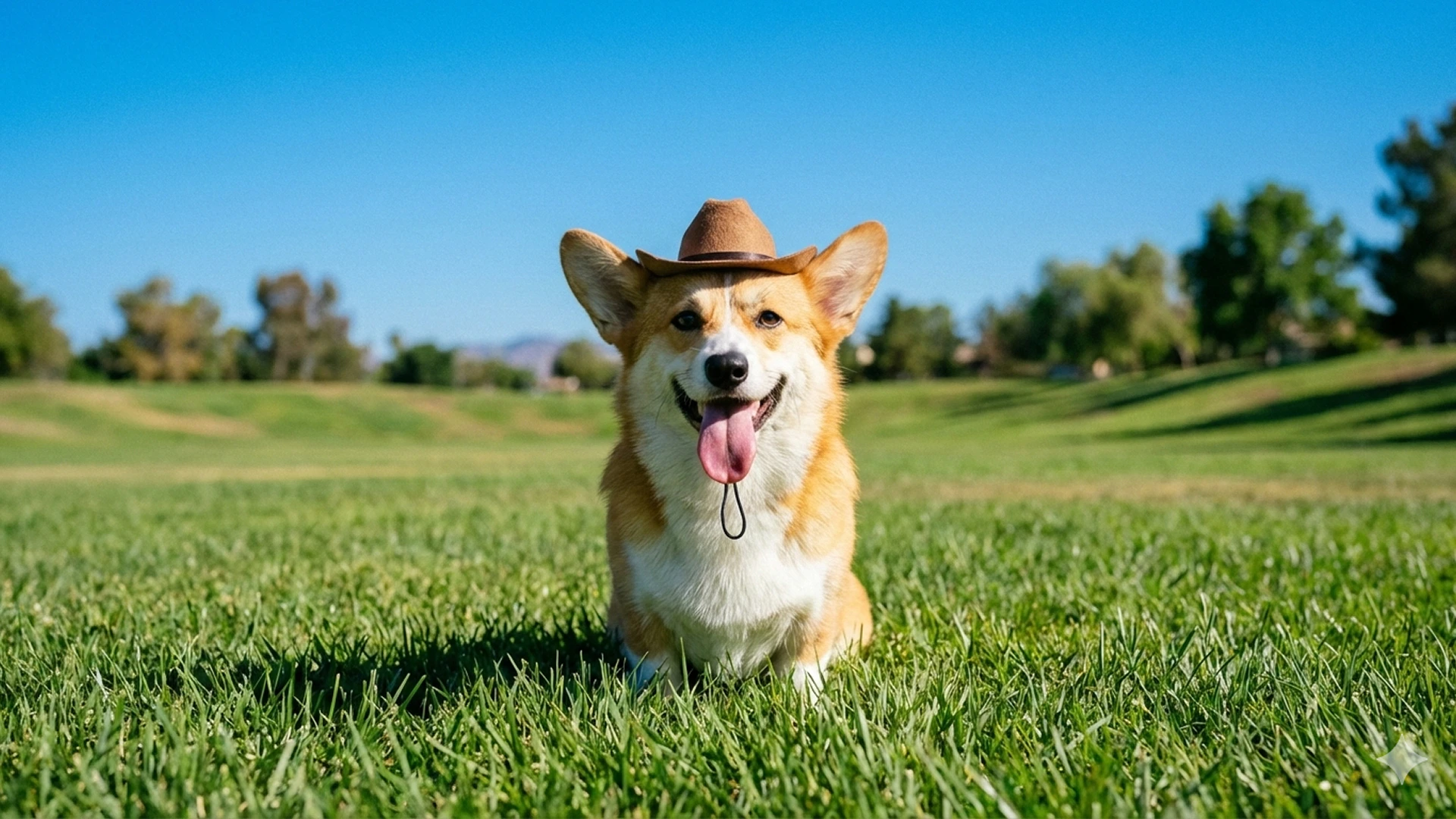
The fastest Nano Banana
Nano Banana 2 is powered by Gemini 3.1 Flash Image — Google’s most efficient image generation model. It delivers approximately 4× faster generation than Nano Banana Pro at roughly half the cost, while maintaining high output quality. At 1K resolution, images generate in 5–15 seconds; 4K takes 15–40 seconds. The model integrates real-time web search grounding, enabling accurate rendering of current products, events, and entities without requiring detailed prompts..png?fit=max&auto=format&n=oPtF8B-1qLY-HQuK&q=85&s=da8d96827e3b8135afce8a70c37ff4cb)
When to use Nano Banana 2
Best for- Fast drafts and high-volume batches.
- Infographics, labeled diagrams, and product callouts.
- Real products, logos, and places, using web search grounding.
- You want the newest Nano Banana, with more aspect ratios. Use Nano Banana 2.1.
- You need small or dense text. Use GPT Image 2.5 Sunburst.
- You need a final, photorealistic hero shot. Use ImagineArt 2.0.
Capabilities
Real-time web grounding
Integrated Google Search grounding renders current products, logos, and real-world entities accurately — no need to over-describe known subjects.
Up to 4K output
Choose 1K, 2K, or 4K output in 10 aspect ratios, from 21:9 to 9:16.
Text and data visualization
Accurate text rendering and data visualization capabilities — suitable for infographic drafts, labeled diagrams, and product callouts.
Specifications
.png?fit=max&auto=format&n=oPtF8B-1qLY-HQuK&q=85&s=5d4582c957b65a65b46b0a1e8fffae2b)
How to use
1
Open the AI Image Generator
Go to the ImagineArt AI Image Generator.
2
Select the model
From the model dropdown, choose Nano Banana 2.
3
Write your prompt
Write a focused prompt. For reference-based generation, attach your reference images before generating.
4
Add reference images (optional)
Upload up to 14 reference images for product consistency, character matching, or style anchoring.
5
Generate
Click Generate. Nano Banana 2 is the fastest way to explore concepts before committing to a higher-resolution model.
.png?fit=max&auto=format&n=oPtF8B-1qLY-HQuK&q=85&s=d3c7f3bf417d66631f6a91dd0804b7aa)
Prompting tips
- Use it for exploration first — Nano Banana 2’s speed makes it ideal for validating compositions before upgrading to Nano Banana Pro or ImagineArt 2.0 for final output.
- Reference images do the heavy lifting — Rather than describing every detail in text, pass reference images. The model excels at compositing from visual references.
- Let web grounding handle known subjects — For branded products, logos, or real-world locations, name them directly instead of describing them. The grounding handles the rest.
Example prompts
A sleek wireless speaker on a white marble surface, soft diffused studio lighting, product photography, crisp shadow.
A woman in a yellow raincoat standing on a mountain ridge, dramatic storm clouds, cinematic photography.