

Two modes
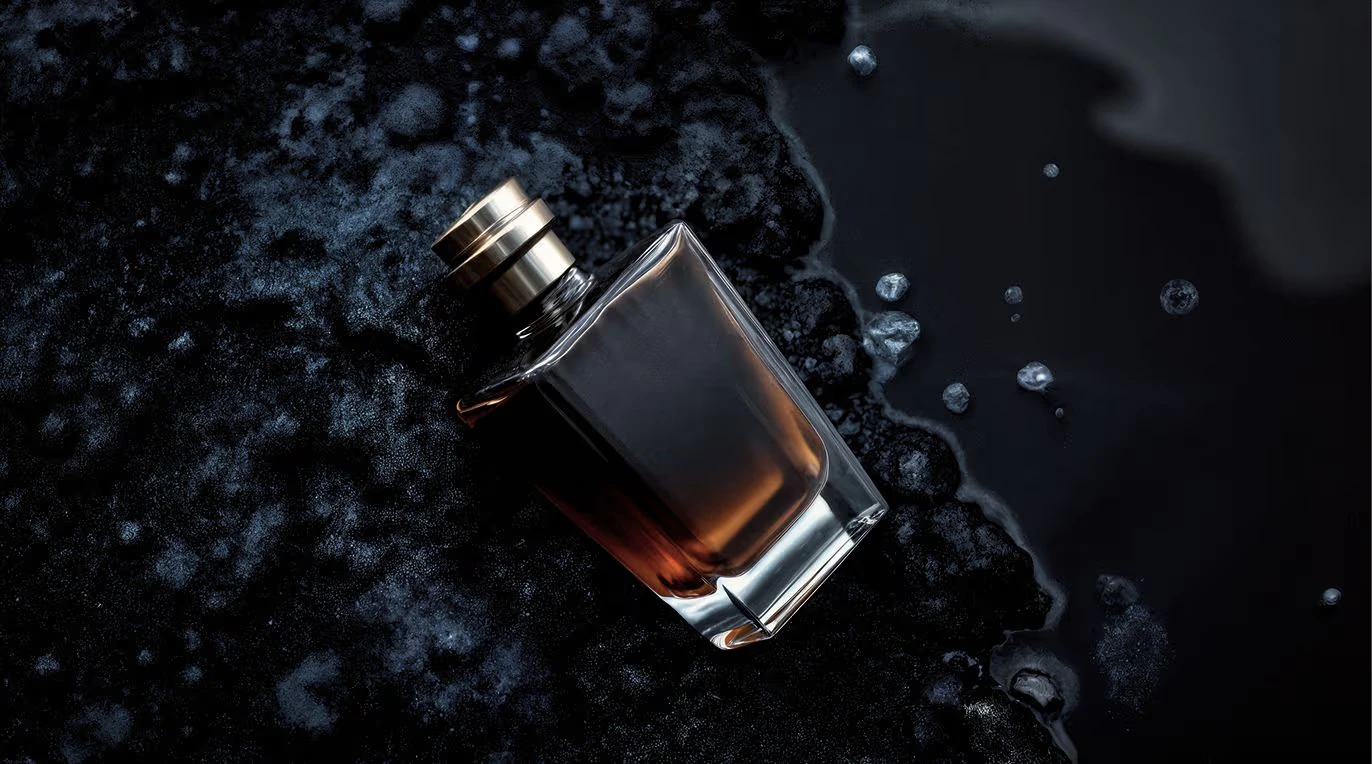
Ultra Mode generates images at up to 4 megapixels — four times the resolution of standard FLUX1.1 [pro] — with full prompt fidelity preserved at the higher resolution. No quality degradation. Raw Mode produces a less synthetic, more natural aesthetic: candid photography style, increased diversity in human subjects, and enhanced realism for nature and documentary scenes. Enable it when you want output that looks like it was captured, not generated.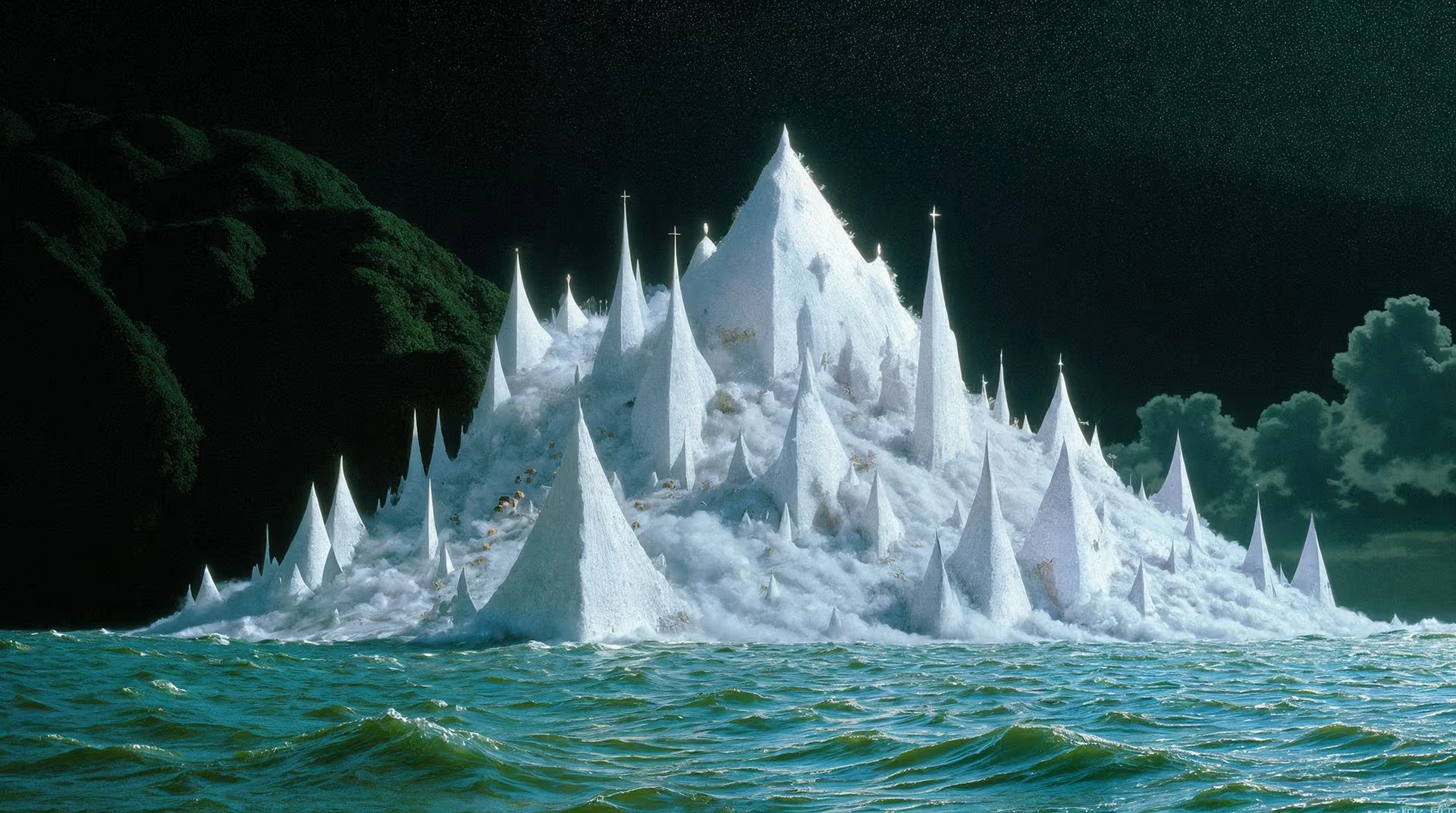
Capabilities
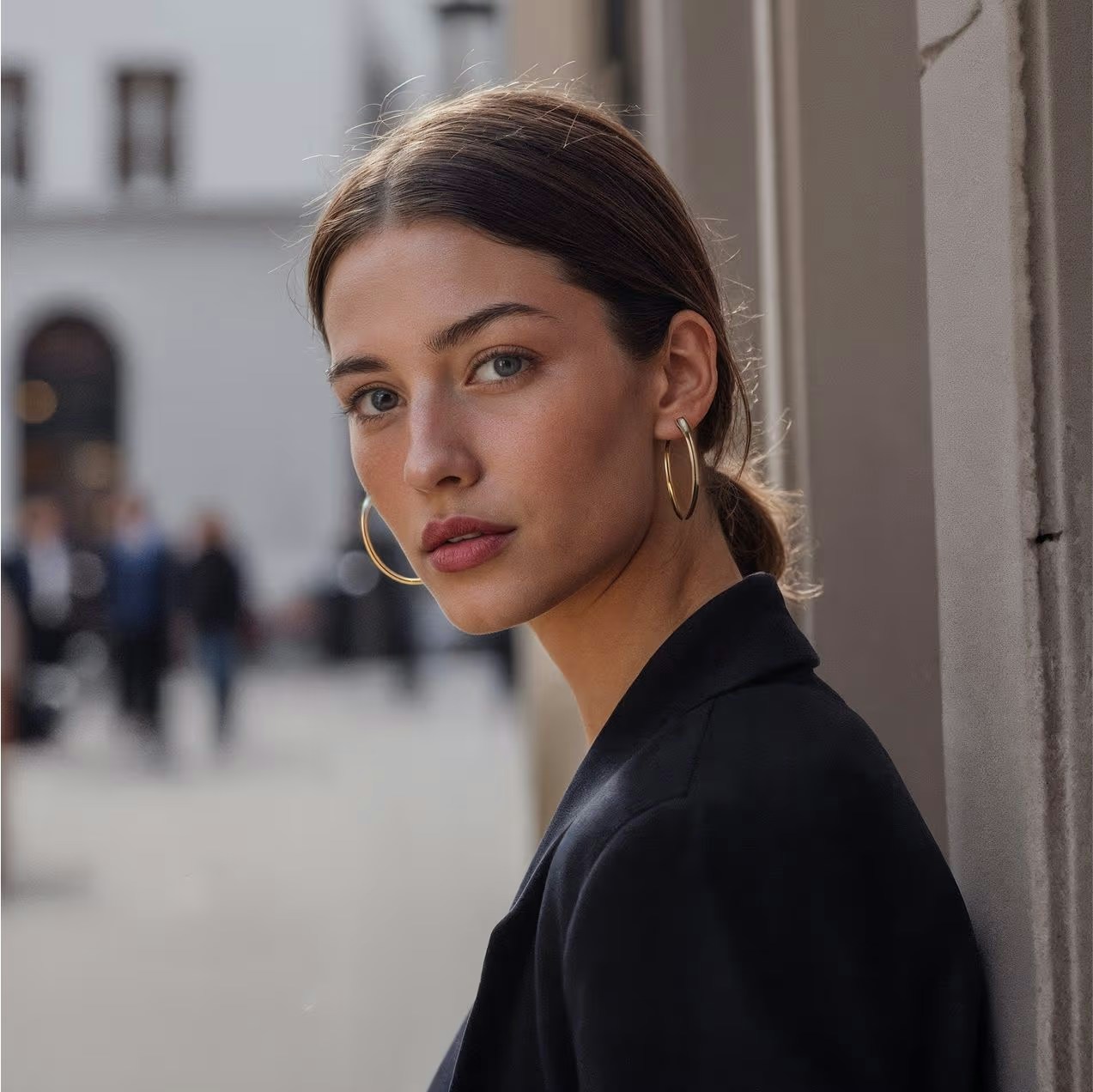
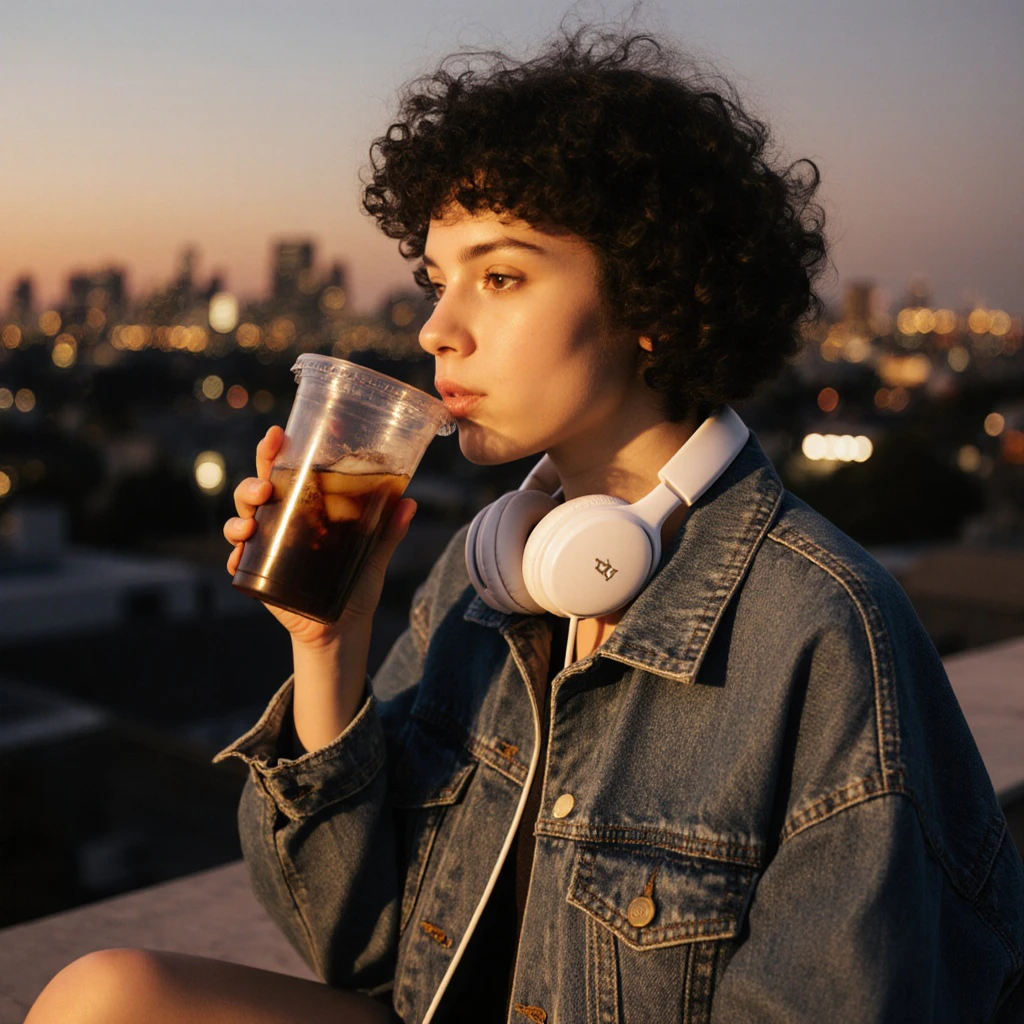
Raw mode
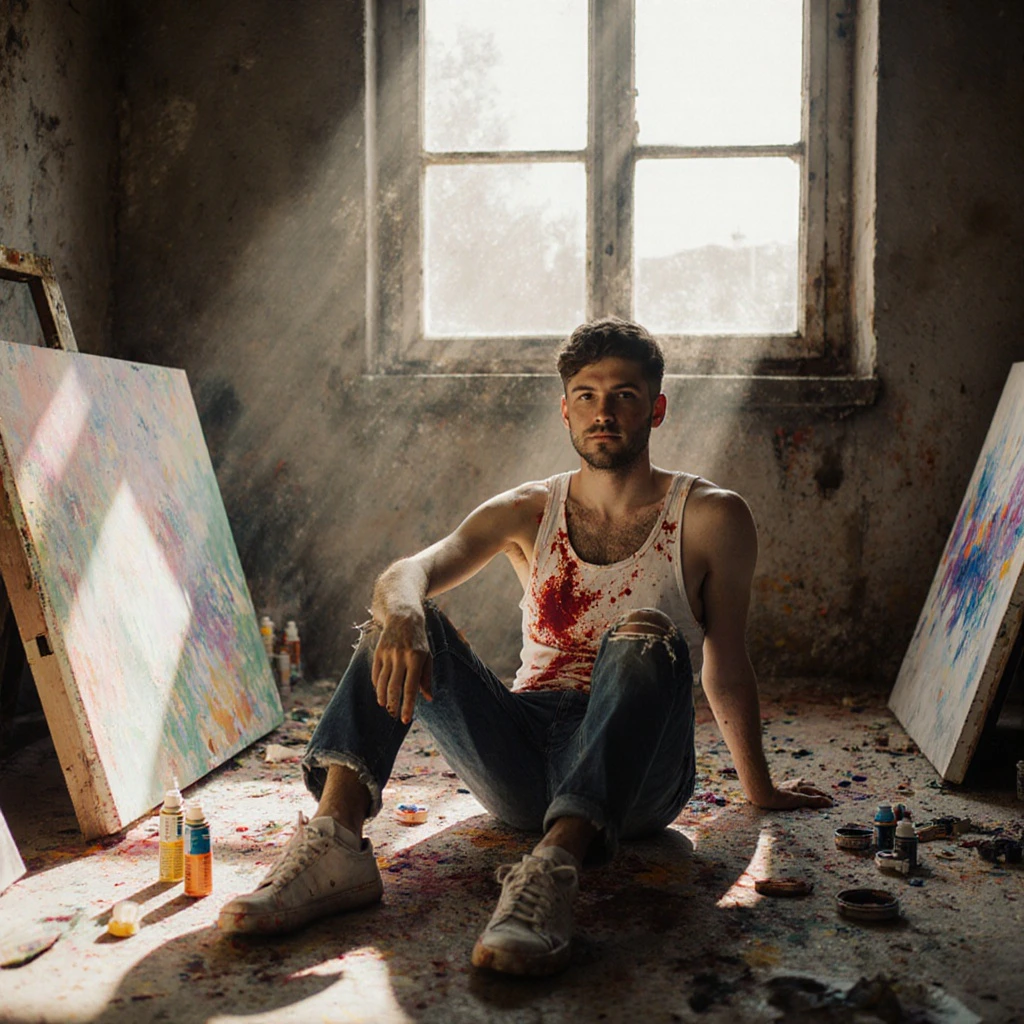
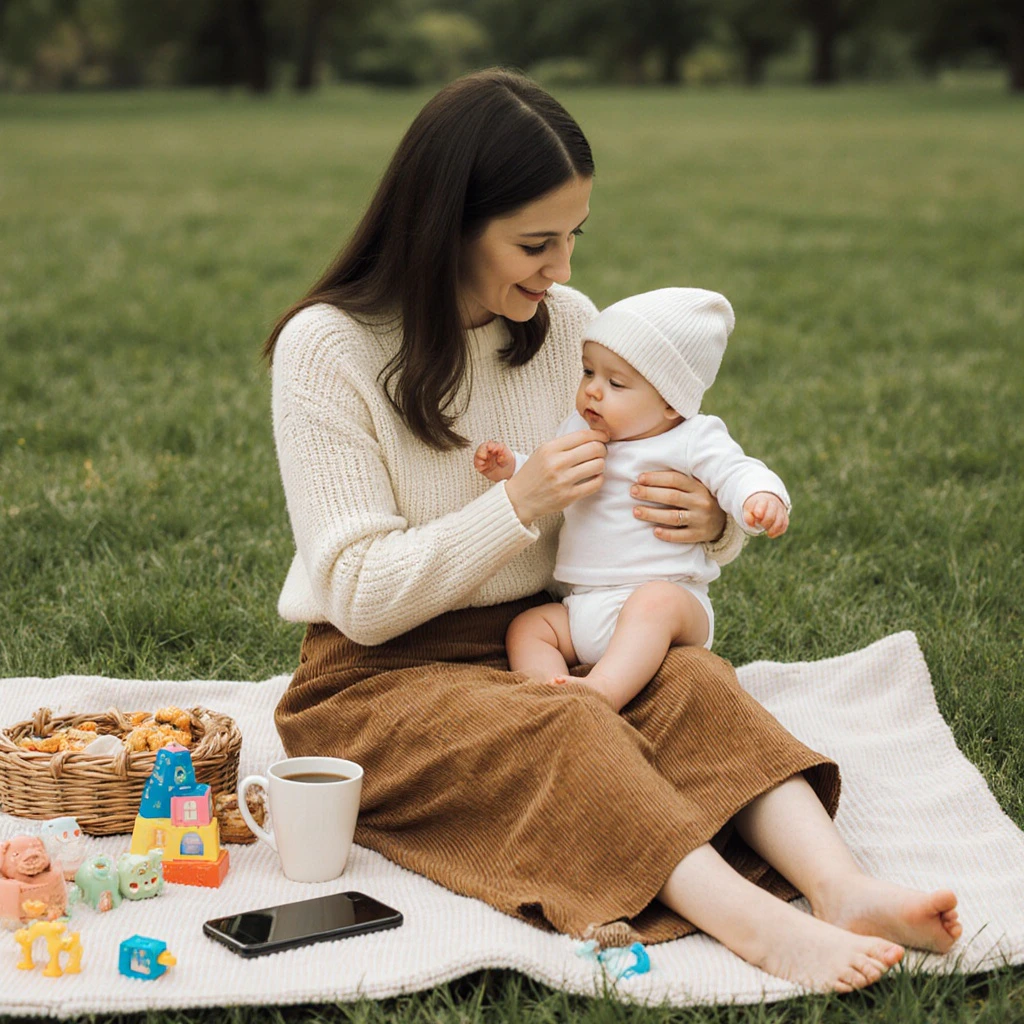
Produces candid, photojournalism-style images with authentic lighting variation, more diverse human subjects, and reduced synthetic look.
Image-to-image support
Accepts a base image as input with adjustable influence strength (0.0–1.0) for style-guided or composition-directed generation.
Prompt upsampling
Optional prompt enhancement automatically expands short prompts into richer descriptions for better results.
How to use
1
Open the AI Image Generator
Go to the ImagineArt AI Image Generator.
2
Select the model
From the model dropdown, choose Flux 1.1 Ultra.
3
Write your prompt
Write a detailed prompt. For a candid, photojournalistic look, describe candid scenes, environmental portraits, or nature photography subjects.
4
Set your aspect ratio
Choose 1:1, 4:3, 3:4, 3:2, 2:3, 16:9, or 9:16. Flux 1.1 Ultra generates at 2K.
5
Generate
Click Generate. Flux 1.1 Ultra delivers results in approximately 10 seconds.
ImagineArt’s settings panel for Flux 1.1 Ultra doesn’t include an Ultra Mode or Raw Mode toggle.
Prompting tips
- Ultra mode works best with highly descriptive prompts — include lighting, composition, texture, and atmosphere details to take advantage of the 4MP fidelity.
- Raw mode excels with scene-based prompts: “Street photographer capturing a busy market”, “Wildlife portrait of an otter in natural habitat”, “Candid portrait, soft natural window light”.
- Product photography — Use Ultra mode with precise material and lighting descriptions: “Levitating wireless mouse, studio soft box lighting, shadow gradient, minimalist white background”.
Example prompts
Macro photograph of bioluminescent mushrooms glowing in a dark forest, ethereal blue-green light, mist, shallow depth of field, National Geographic style.
Aerial view of mountain terrain at golden hour, dramatic shadow and light across ridgelines, landscape photography, ultra-detailed.