

What makes GPT Image 2 different
GPT Image 2 is OpenAI’s first image model built on GPT-5.4 — their most capable reasoning architecture. Unlike previous image models, gpt-image-2 actively thinks before generating: it plans composition, resolves spatial relationships, and interprets multi-part instructions before a single pixel is produced. The result is near-perfect in-image text accuracy (99%+) across dozens of languages including Chinese, Japanese, Korean, Hindi, and Bengali, comprehensive prompt fidelity for complex multi-element scenes, and character consistency across batches of up to 10 images.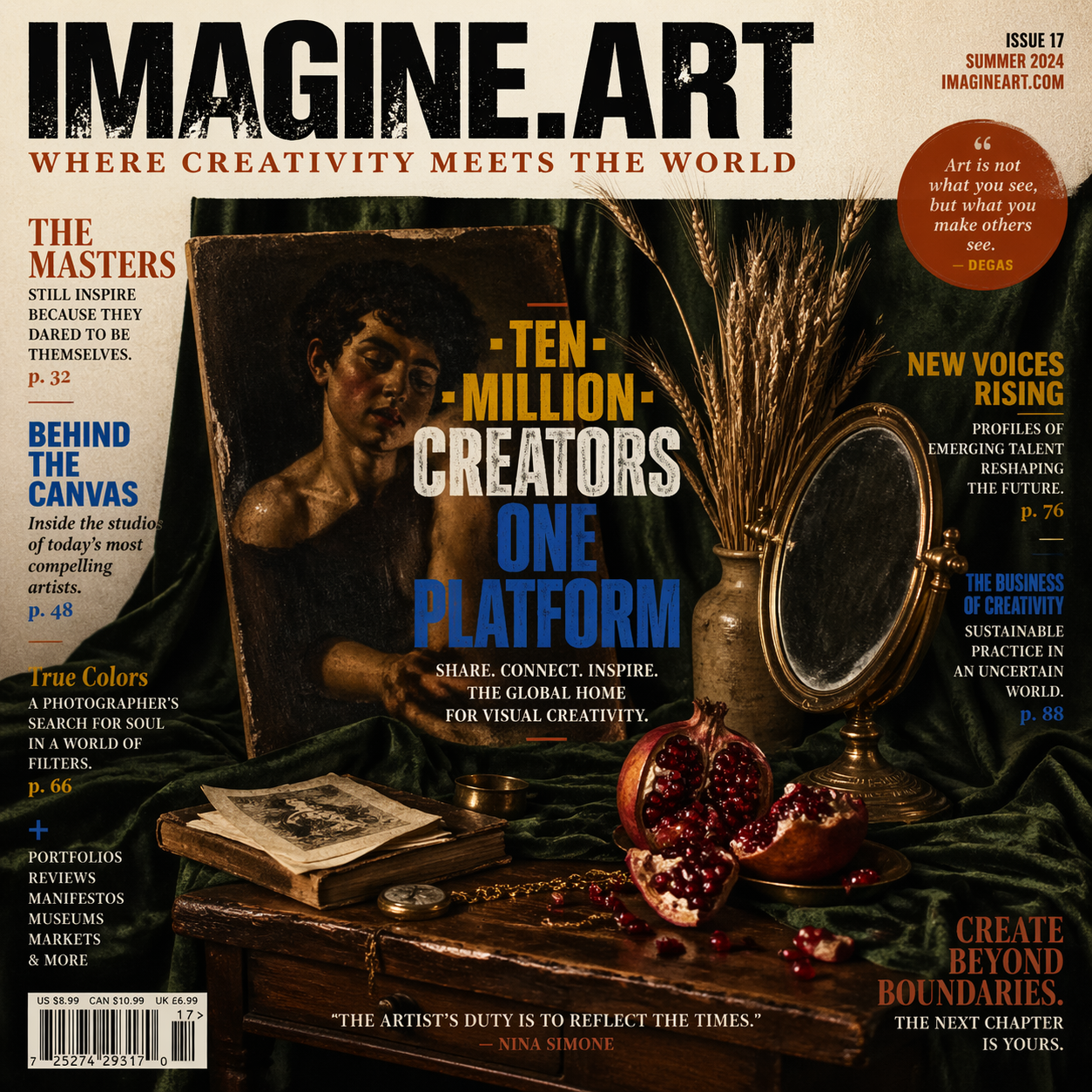
Capabilities
Near-perfect text rendering
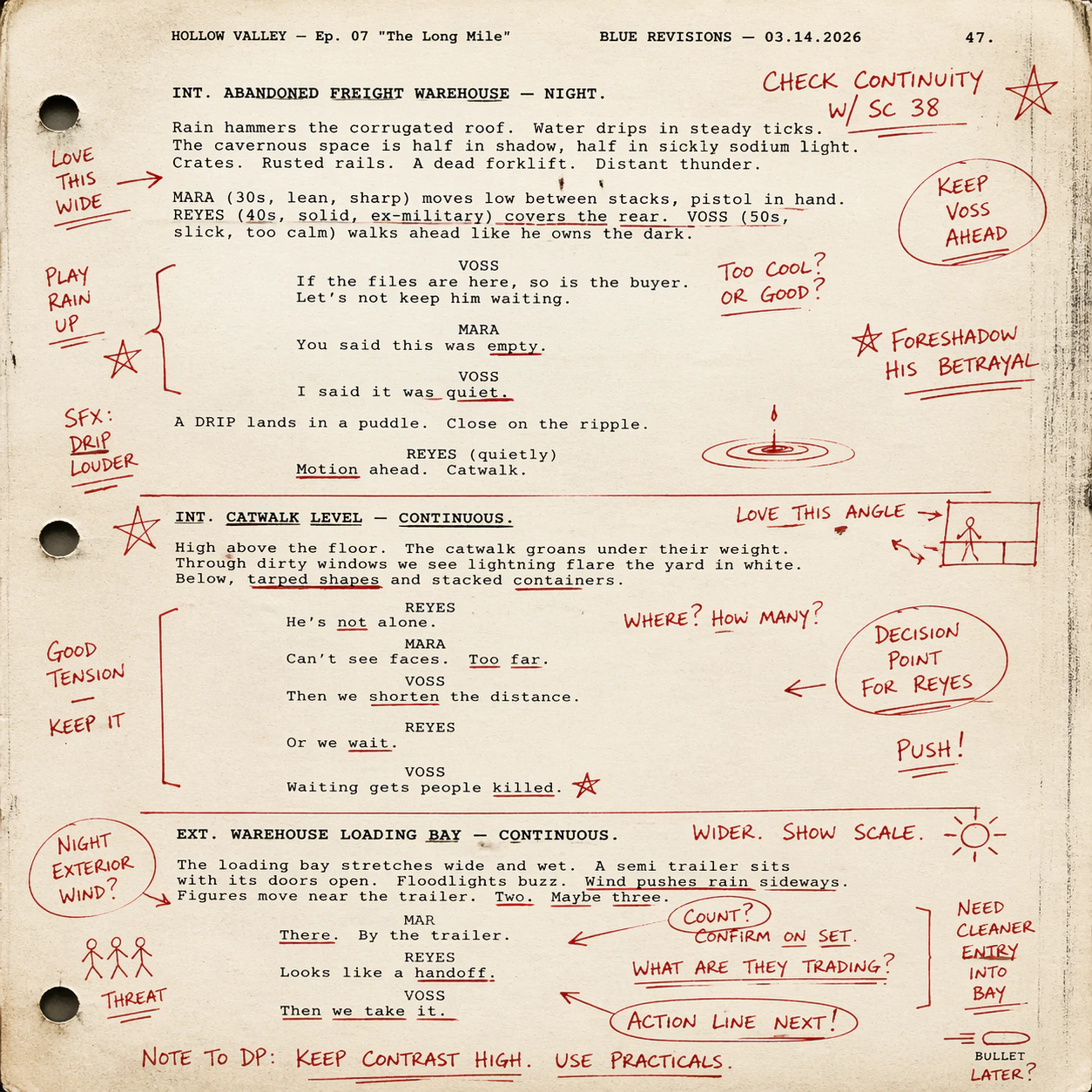
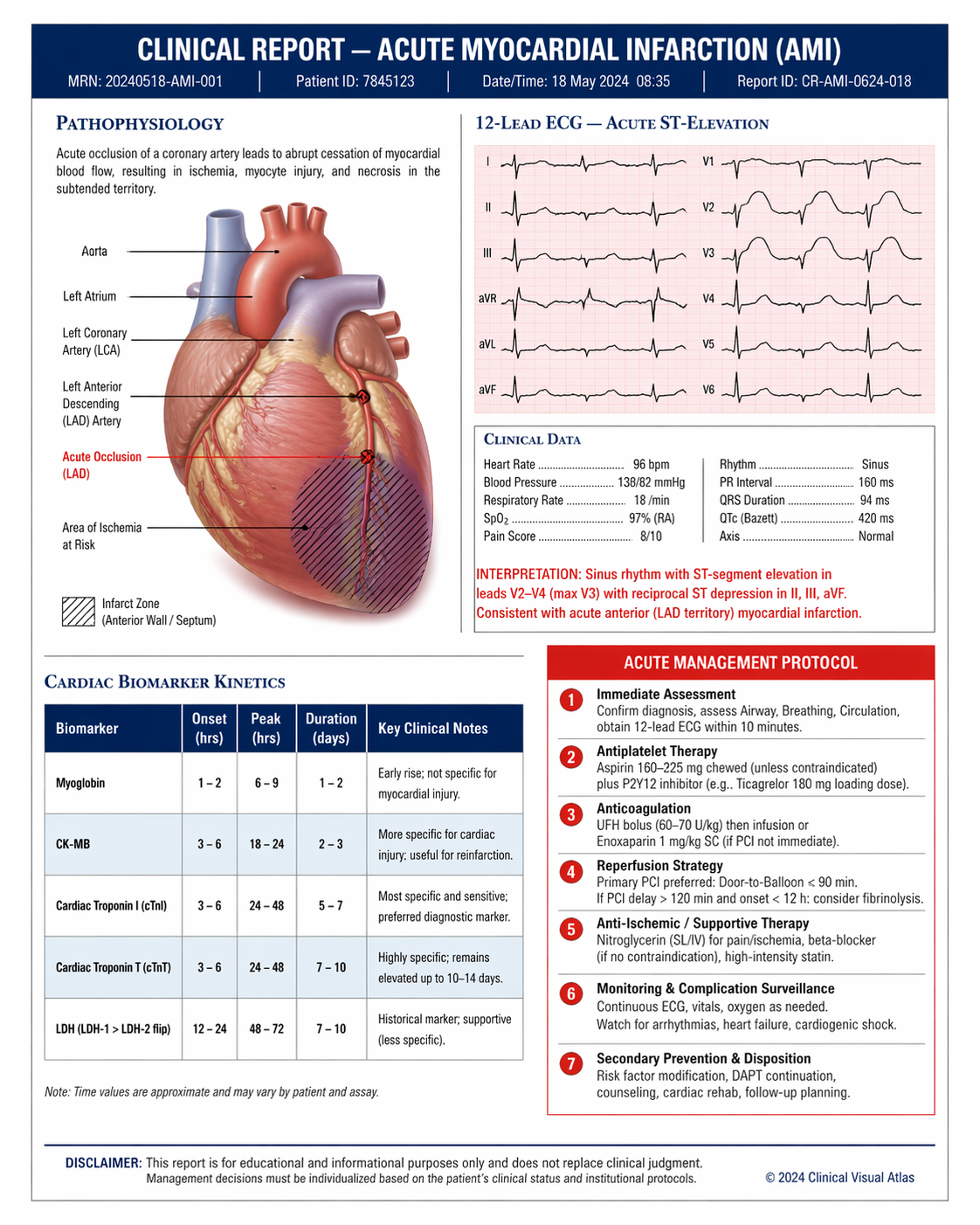
99%+ accuracy for in-image text including multilingual scripts — CJK (Chinese, Japanese, Korean), Indic (Hindi, Bengali), and more. The strongest model for infographics, posters, and text-heavy layouts.
Reasoning-driven generation
Powered by GPT-5.4’s reasoning capabilities. The model plans composition, resolves spatial relationships, and interprets complex multi-element prompts before generating — yielding higher instruction fidelity than any prior model.
Character consistency across batches
Generates up to 10 images per prompt while maintaining consistent facial features, clothing, expressions, and visual identity across different scenes and poses.
World-knowledge grounding
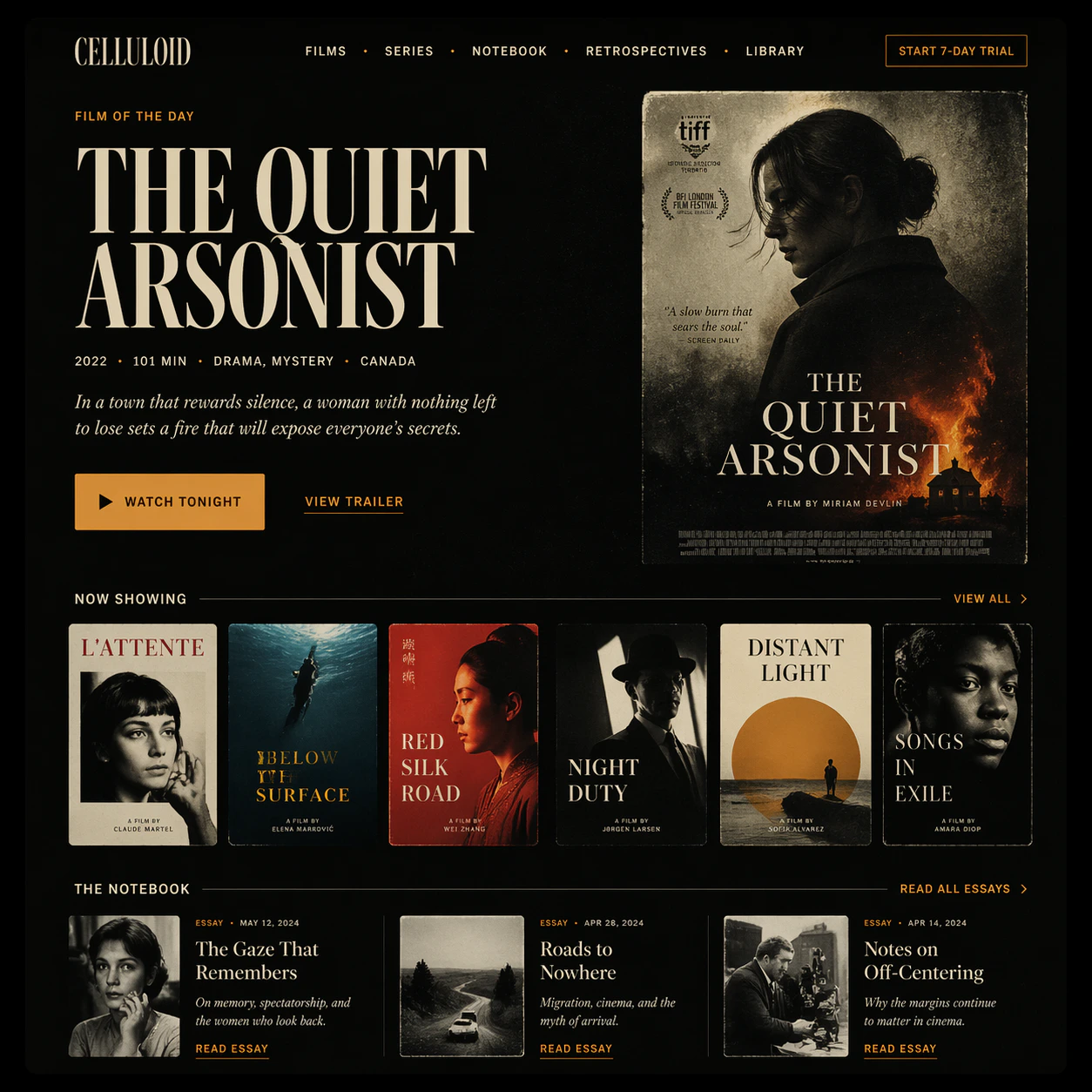
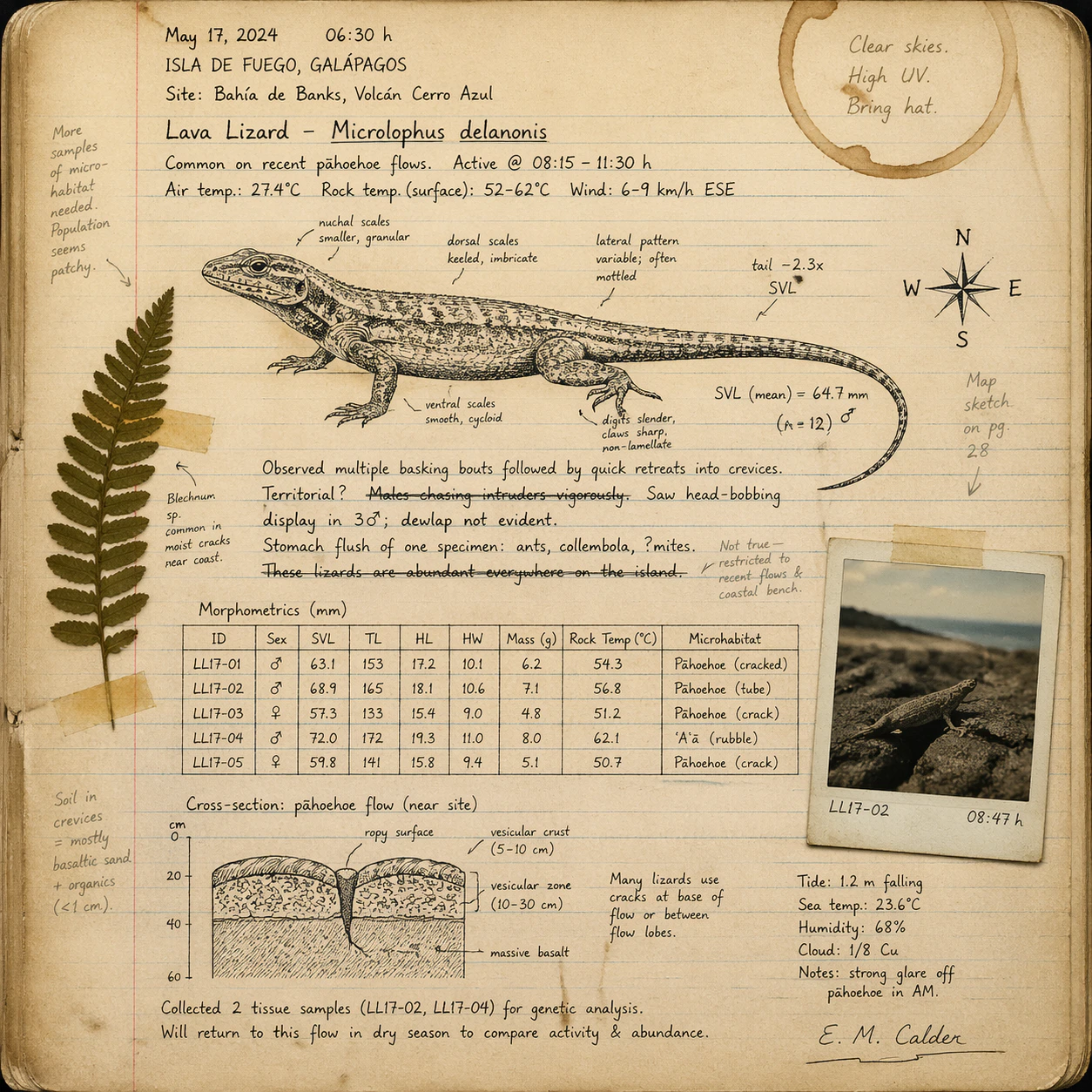
GPT-5.4’s knowledge base enables accurate rendering of logos, national flags, landmarks, scientific diagrams, and UI mockups that other models typically misrepresent.
Natural language editing
Describe changes in plain English — the model applies them without requiring manual mask drawing. Also supports mask-based inpainting and outpainting for precise region-level control.
Multi-reference compositing
Accepts up to 10 reference images for editing — combine subjects, backgrounds, products, and styles in a single generation with accurate spatial and stylistic coherence.
Specifications
How to use
1
Open the AI Image Generator
Go to the ImagineArt AI Image Generator.
2
Select the model
From the model dropdown, choose GPT Image 2.
3
Write your prompt
Write a detailed, structured prompt. GPT Image 2 excels at multi-element instructions — describe text content, spatial relationships, style, and real-world references explicitly.
4
Upload references (optional)
Upload up to 10 reference images for compositing, style guidance, or character consistency.
5
Generate and iterate
Generate your image. Use follow-up prompts to refine specific elements — the model maintains composition intent and subject identity across iterative edits.
Prompting tips
- Name text content explicitly — Include exact wording, language, font style, and placement. Example: “A poster with the Japanese title ‘春の祭り’ in bold brushstroke style at the top.”
- Use it for knowledge-dependent visuals — Prompts referencing specific brands, flags, scientific concepts, or real-world diagrams produce accurate results that other models get wrong.
- Leverage reasoning for complex scenes — Describe spatial relationships, layering, and composition constraints directly: “Three-column infographic: icons left, data center, footnotes right.”
- For editing, specify what to preserve — “Change the background to a night city skyline but keep the subject’s lighting, pose, and outfit exactly as-is.”
- Multi-image consistency — To generate scene variations, describe all scenes in a single prompt. The model will maintain visual identity across all outputs.
Example prompts
A bilingual product packaging label for “Alpine Spring Water” — English headline at top, Japanese subtitle 天然湧水 below, mountain waterfall illustration, clean minimal design, blue and white palette.
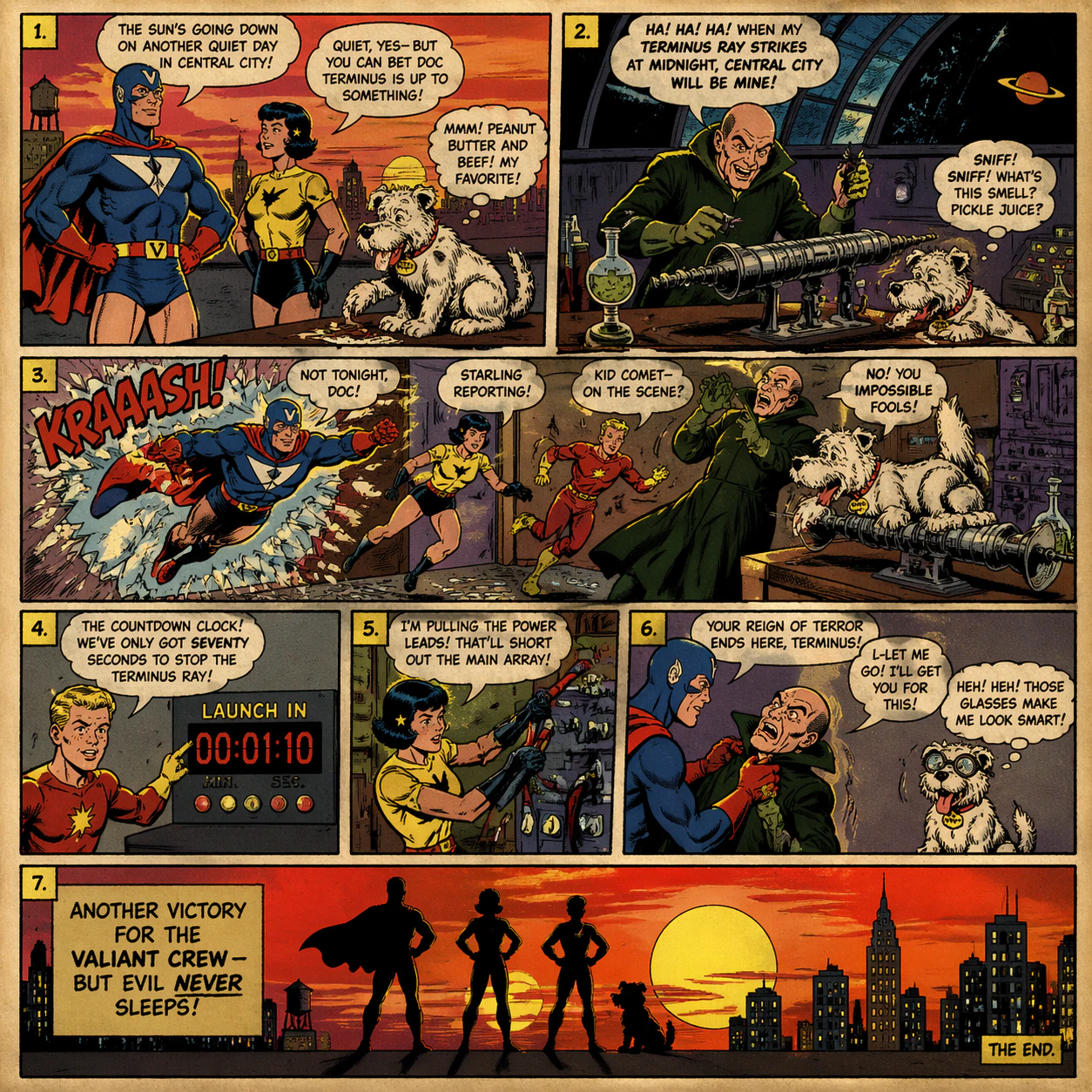
A six-panel manga page: a samurai confronts a dragon in a bamboo forest. Consistent character design, bold linework, speech bubbles with legible Japanese text, dramatic panel transitions.
A scientific infographic illustrating CRISPR gene editing — labeled molecular diagrams, step-by-step breakdown, clean white background, accurate scientific notation, sans-serif type throughout.
A social media post for a coffee shop grand opening: warm amber tones, latte art, bold text reading “Now Open — Shibuya, Tokyo” in English and Japanese, minimal modern layout.
Compare models
GPT Image 2 does not support transparent background output. For images requiring a transparent PNG or WebP with alpha channel, use Chatgpt or Chatgpt 1.5.