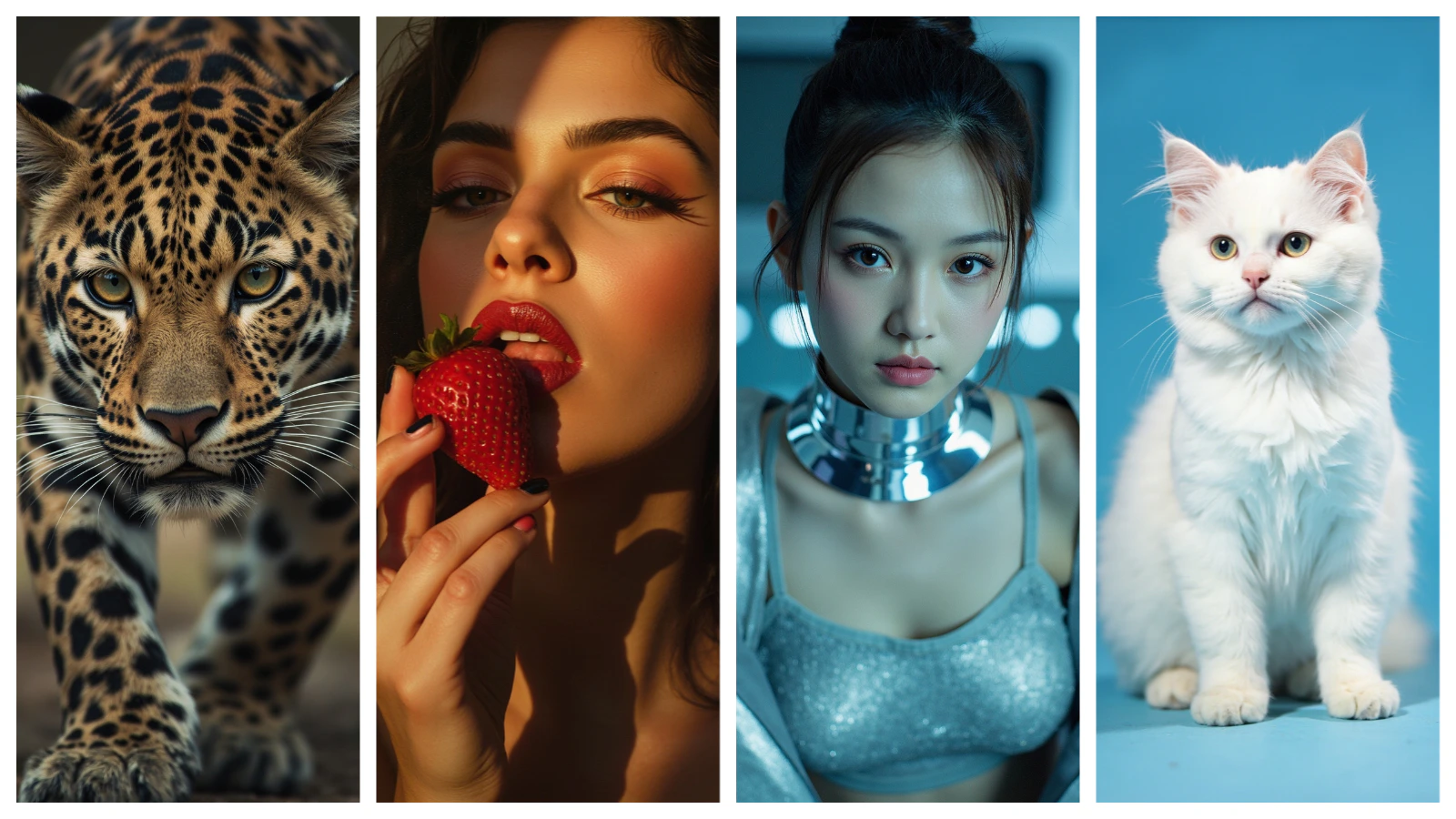
Capabilities
Subject reference
Accepts a subject reference image to maintain consistent character appearance across multiple generated images.
Flexible aspect ratios
Generates at 1K in seven aspect ratios: 1:1, 4:3, 3:4, 3:2, 2:3, 16:9, and 9:16.
Rich material rendering
Handles intricate product details, fabric textures, and complex material surfaces with high fidelity.
How to use
1
Open the AI Image Generator
Go to the ImagineArt AI Image Generator.
2
Select the model
From the model dropdown, choose Minimax Image.
3
Write your prompt
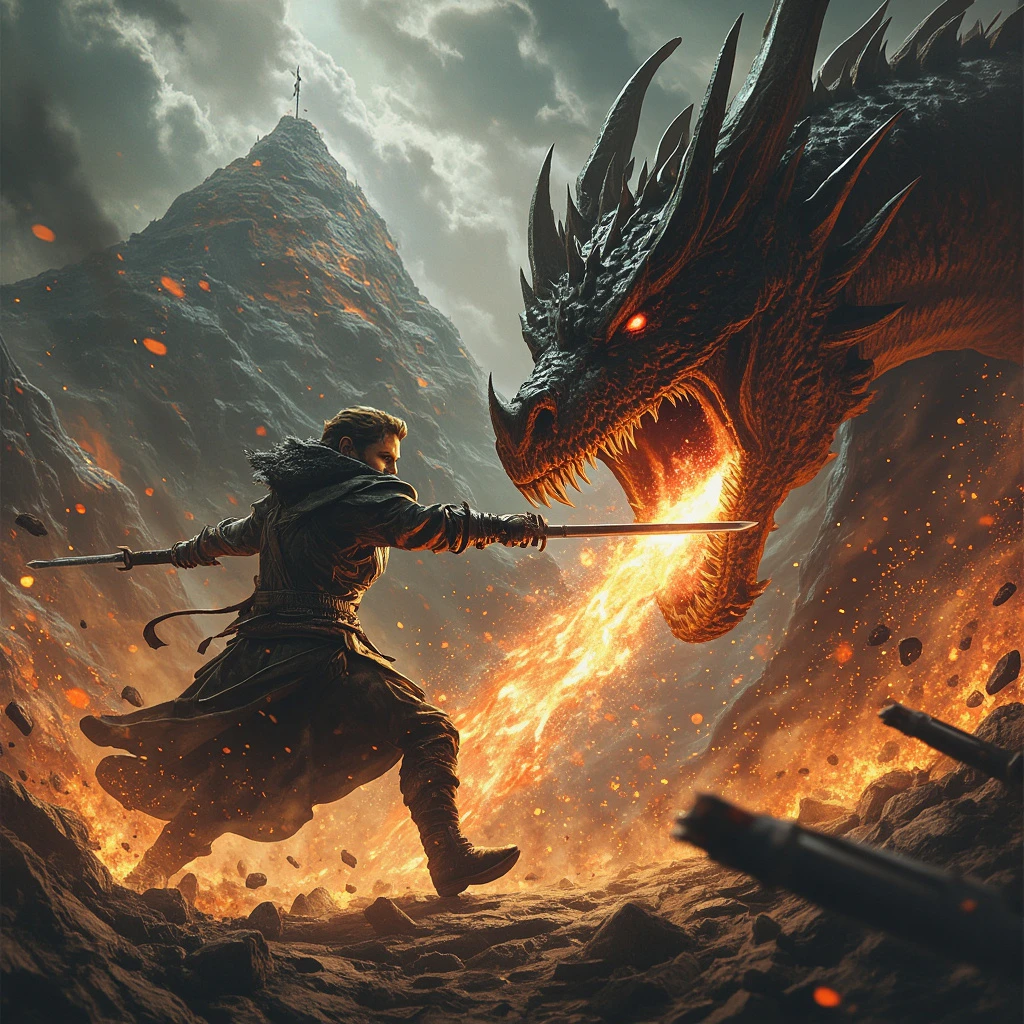
Describe the subject, environment, lighting, and style. Minimax Image responds well to cinematic and photographic language.
4
Upload a subject reference (optional)
To maintain character consistency across multiple images, upload a reference photo using the subject reference input.
5
Set your aspect ratio
Choose the aspect ratio for your output. Minimax Image generates at 1K.
6
Generate
Click Generate and review the output.
Prompting tips
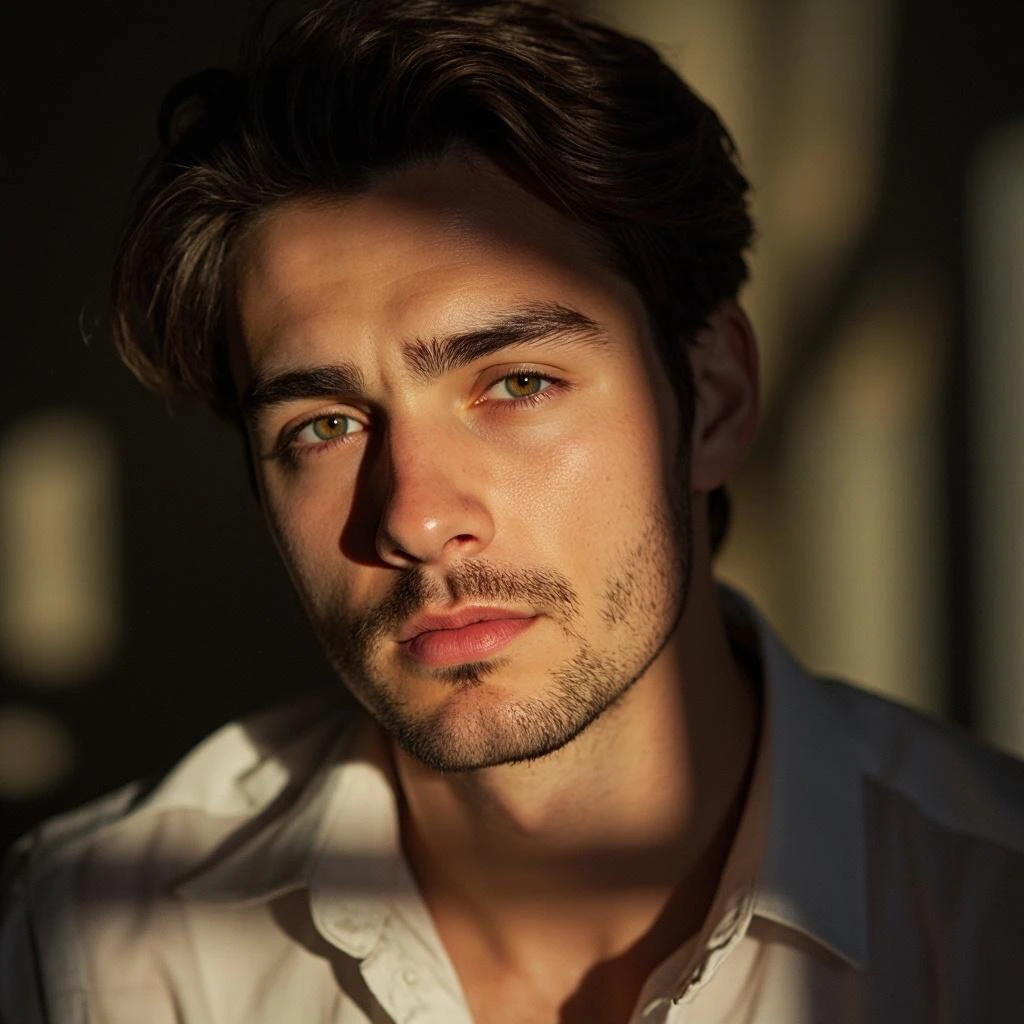
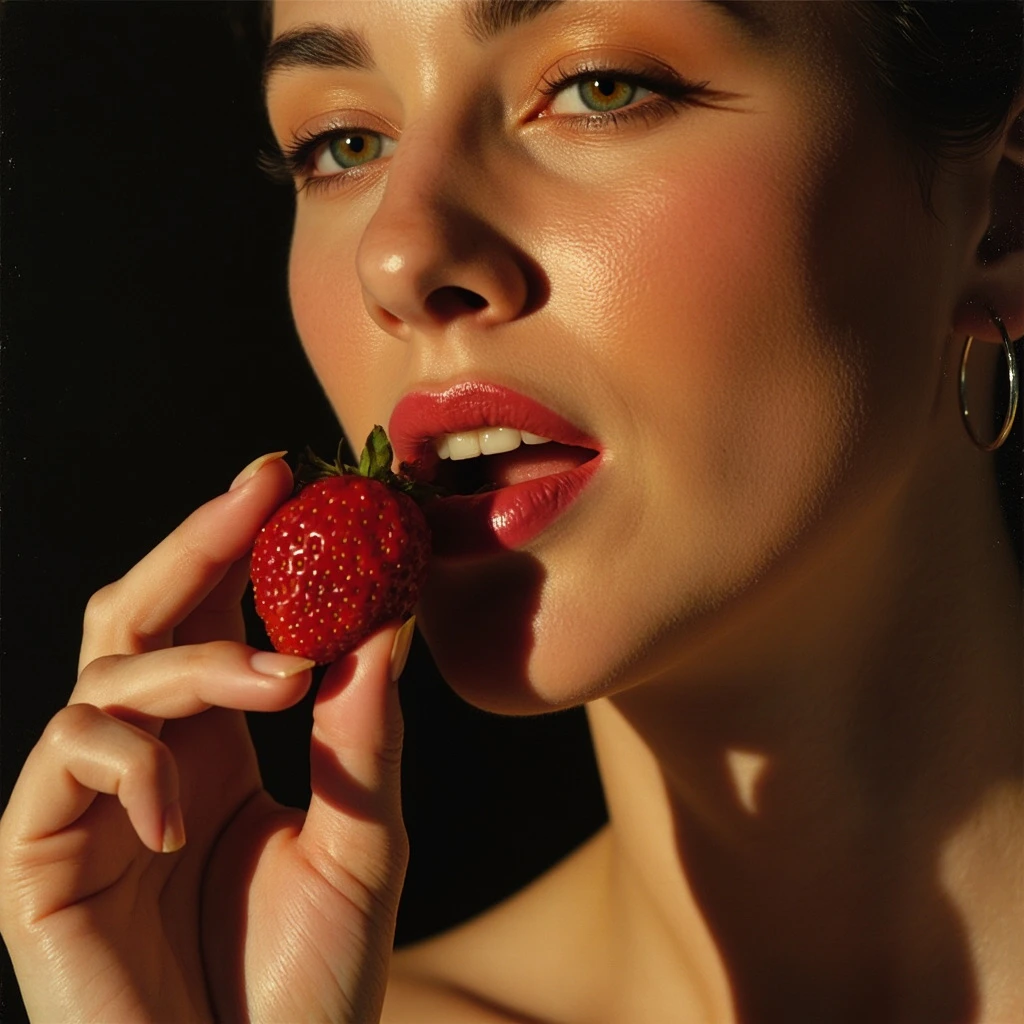
- Describe the lighting explicitly — “soft natural window light”, “dramatic rim lighting”, “overcast studio” significantly influence the photorealistic output quality.
- Use subject reference for campaigns — For consistent character appearances across multiple images (product shots, brand campaigns), always upload a subject reference.
- Specify materials for product work — “brushed stainless steel”, “glossy ceramic”, “matte leather” push the model toward more accurate material rendering.
Example prompts
A woman in a red silk dress standing in a rain-soaked alley at night, neon reflections on the wet pavement, cinematic composition, shallow depth of field.
A luxury perfume bottle on a marble surface, soft diffused studio lighting, white background, product photography, ultra-detailed.