

Capabilities
Native 4K generation
Generate images directly at 4K resolution. Fine details, textures, and typography stay crisp — ideal for posters, banners, and large-format visuals.
Enhanced realism
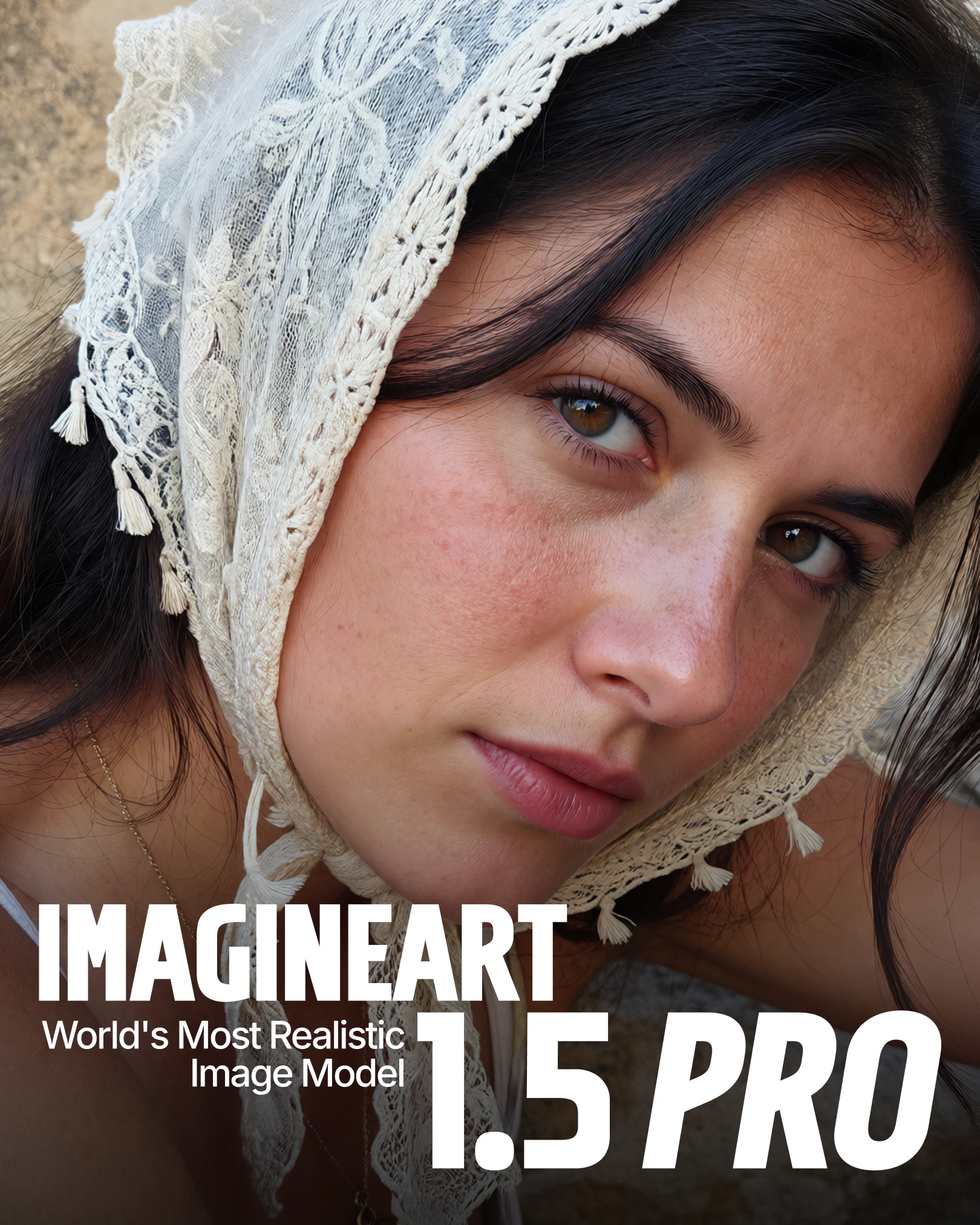
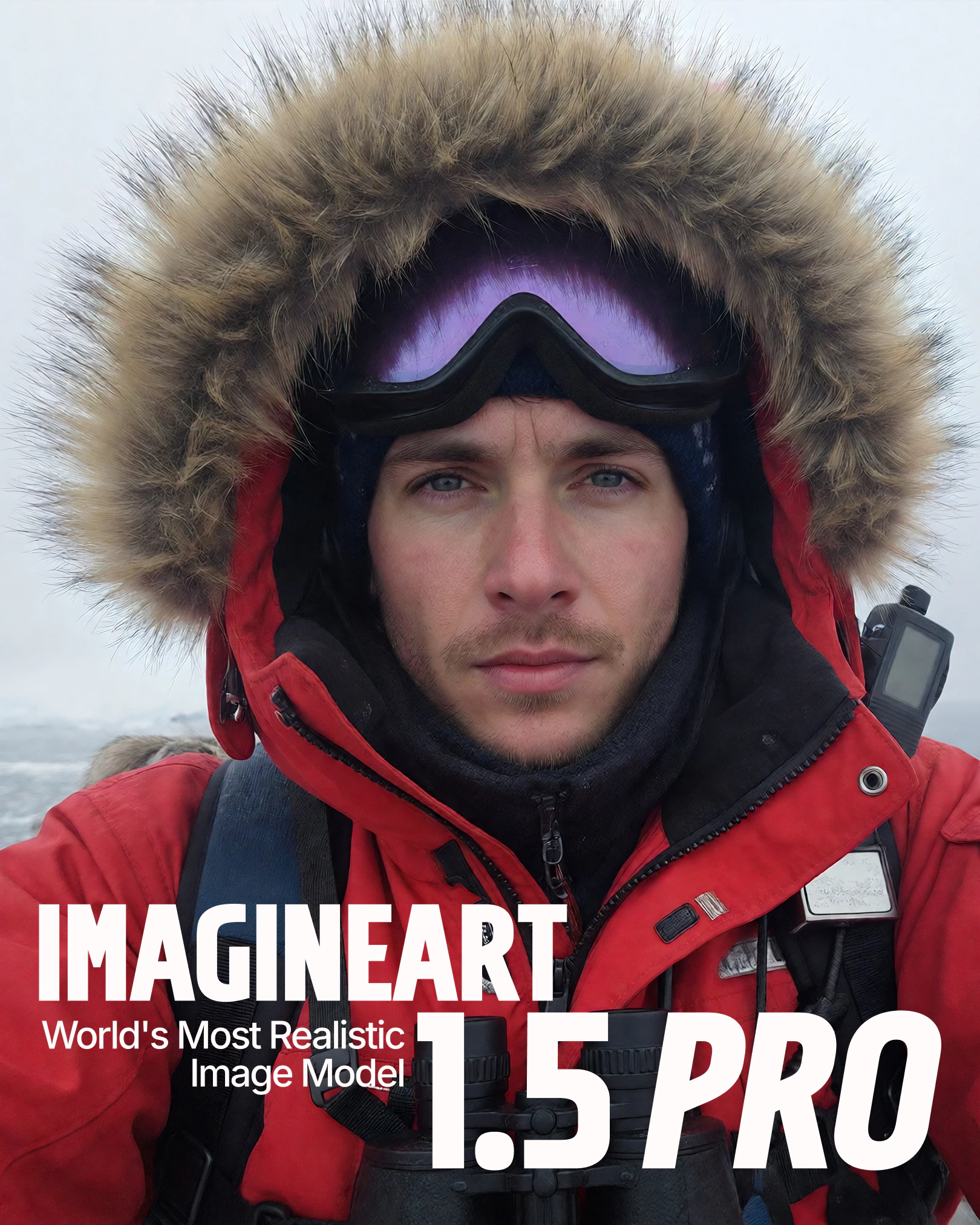
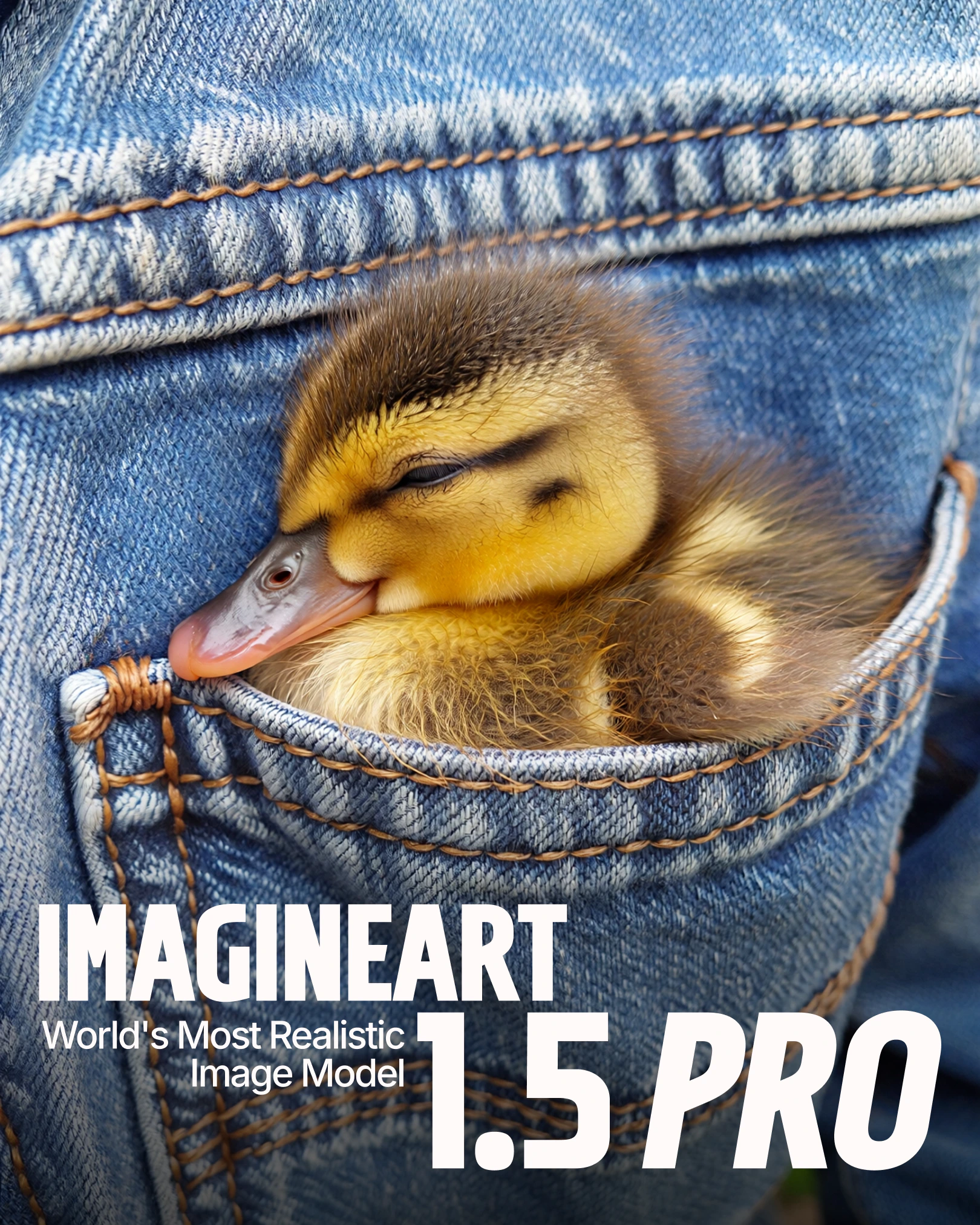
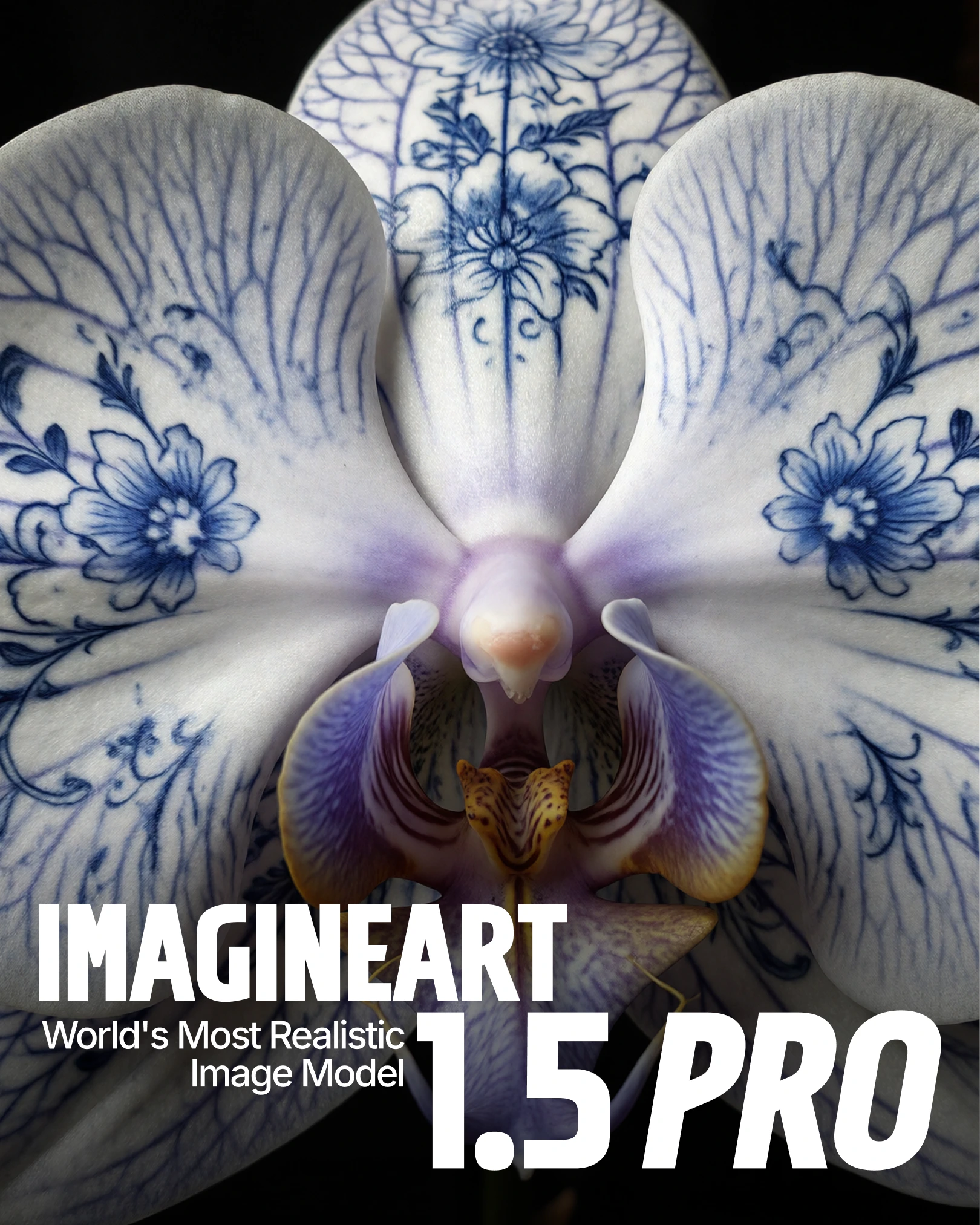
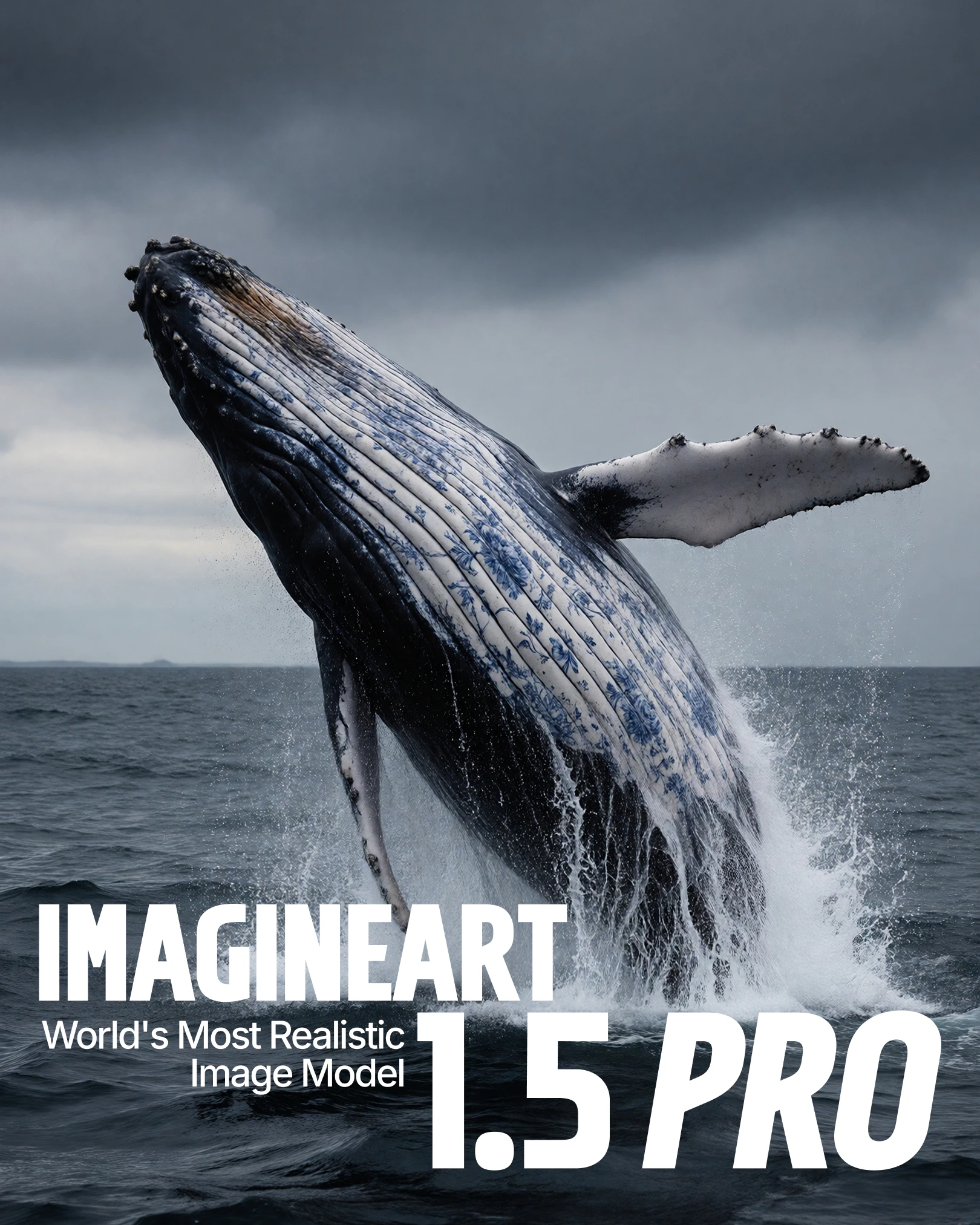
Refined lighting, depth, and material handling produce cohesive visuals with natural shadows, accurate skin tones, and realistic reflective surfaces.
Composition control
Maintains spatial relationships and visual hierarchy across complex multi-element compositions, keeping designs balanced and structured.
Accurate text rendering
Sharp, correctly spelled text at 4K resolution. Ideal for posters, advertisements, and typography-forward editorial layouts.
Precise color placement
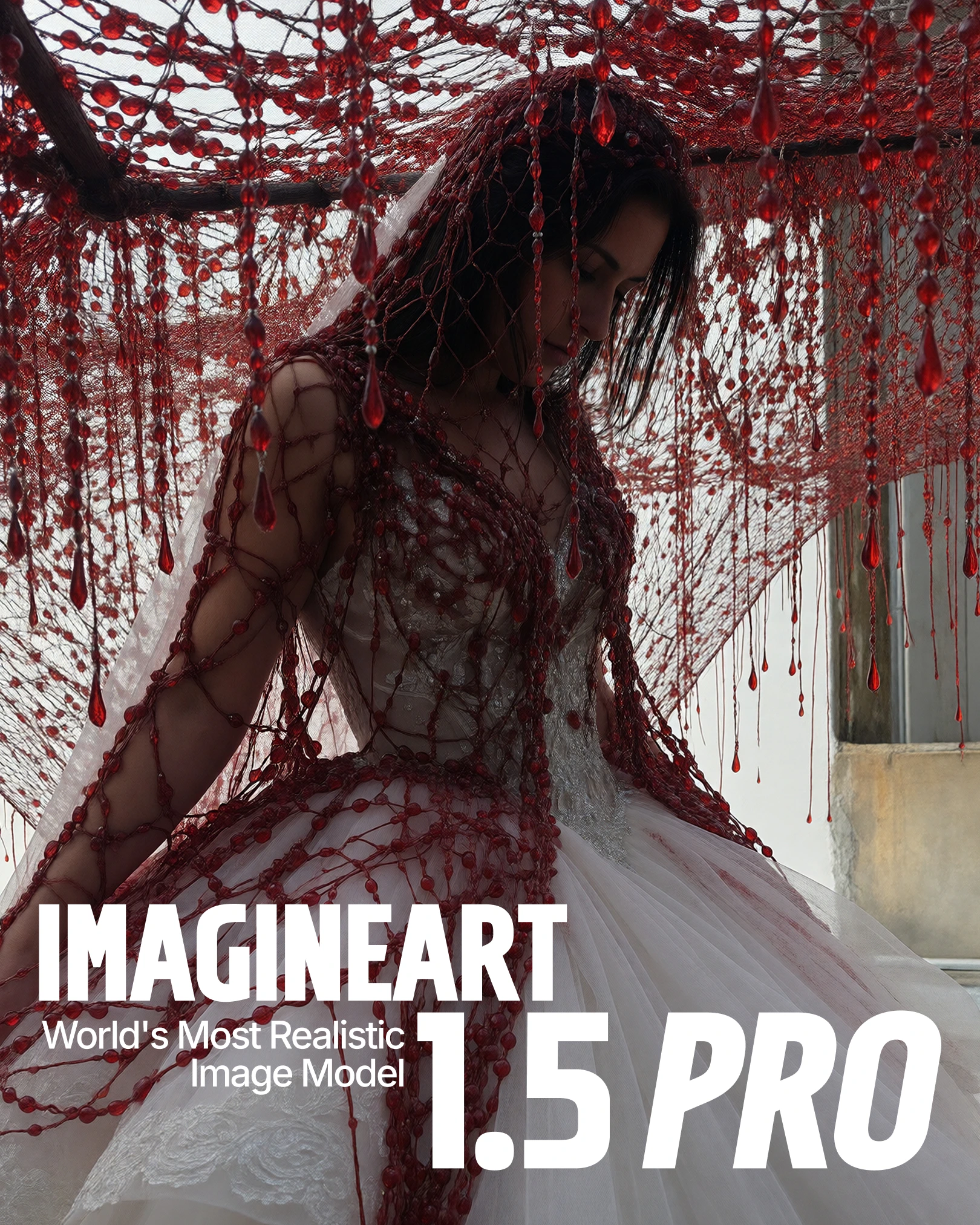
Colors apply accurately to intended objects or regions — critical for brand designs and product concepts where color fidelity matters.
Emotional detail
Refined facial expressions and emotional nuance make it well-suited for portraits, cinematic stills, and narrative-driven artwork.
How to use
1
Open the AI Image Generator
Navigate to the AI Image Generator in ImagineArt.
2
Select the model
Open the model dropdown and choose ImagineArt 1.5 Pro.
3
Write your prompt
Write a clear, descriptive prompt. Include style cues, text instructions, or upload reference images to guide the model toward your intended result.
4
Customize the output
Apply visual styles, effects, or color palettes to match your brand or creative direction.
5
Set your aspect ratio
Choose the aspect ratio that fits your project — 1:1 for social, 16:9 for widescreen, 4:3 for editorial, and so on.
6
Generate
Click Generate and let the model produce your image.
Use cases
Posters and visual design
Posters and visual design
Native 4K support and strong composition handling make ImagineArt 1.5 Pro ideal for posters, banners, and complex visual layouts. The model’s spatial awareness keeps multi-element designs structured and balanced.
Product and concept visualization
Product and concept visualization
Accurate lighting, materials, and realism make it well-suited for product mockups and concept designs where photographic quality is essential.
Typography-based creatives
Typography-based creatives
Clear, accurate text rendering at 4K makes it the right choice when typography is the focal point — advertisements, editorial layouts, and branded text overlays.
Cinematic and narrative artwork
Cinematic and narrative artwork
Enhanced realism and emotional detail make it effective for cinematic stills, storytelling-driven projects, and portrait work requiring nuanced facial expression.