

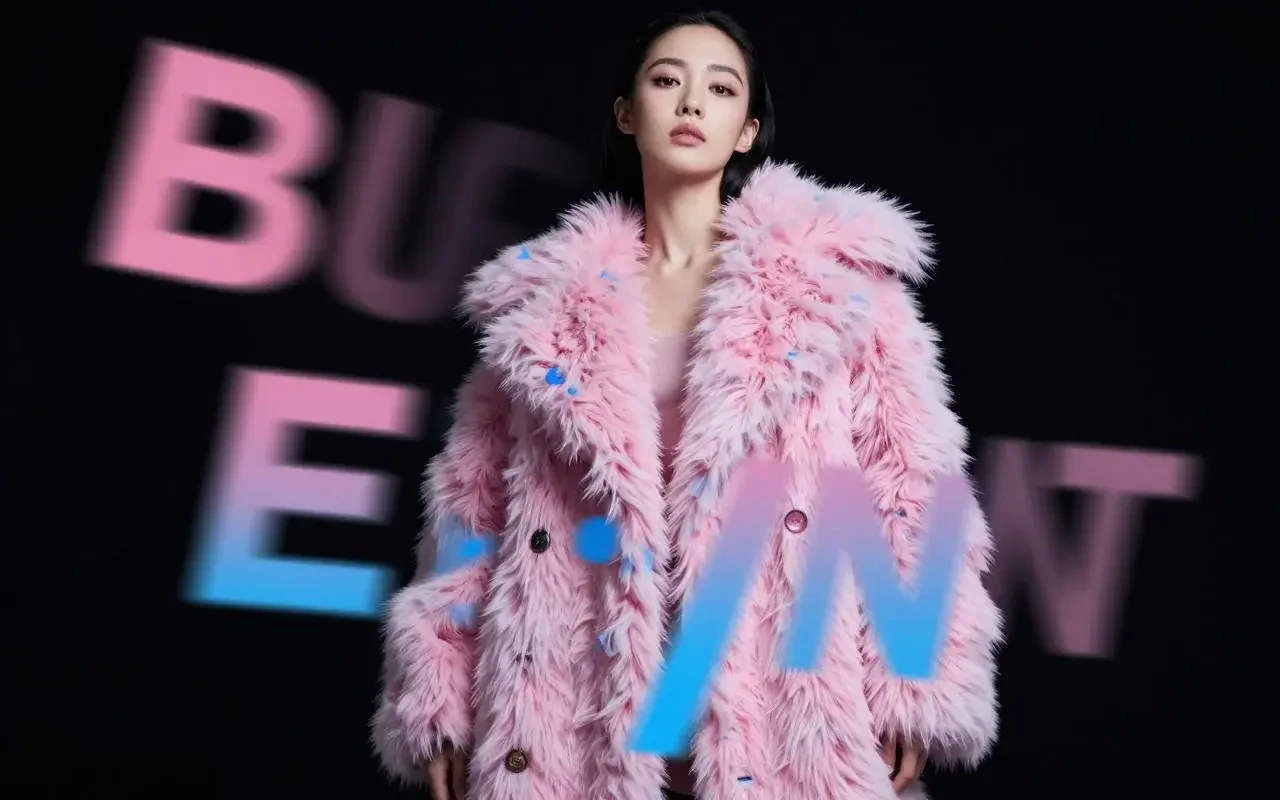
Built for speed without sacrificing quality
Z Image Turbo is built on S3-DiT (Scalable Single-Stream Diffusion Transformer) — a unified architecture where text, visual semantic, and image tokens are processed in a single stream rather than dual-stream models like FLUX. Combined with Decoupled-DMD distillation, generation is compressed to just 8 steps with no classifier-free guidance required, delivering results approximately 4× faster than FLUX.2 Dev at comparable or better quality.Capabilities
Photorealistic output
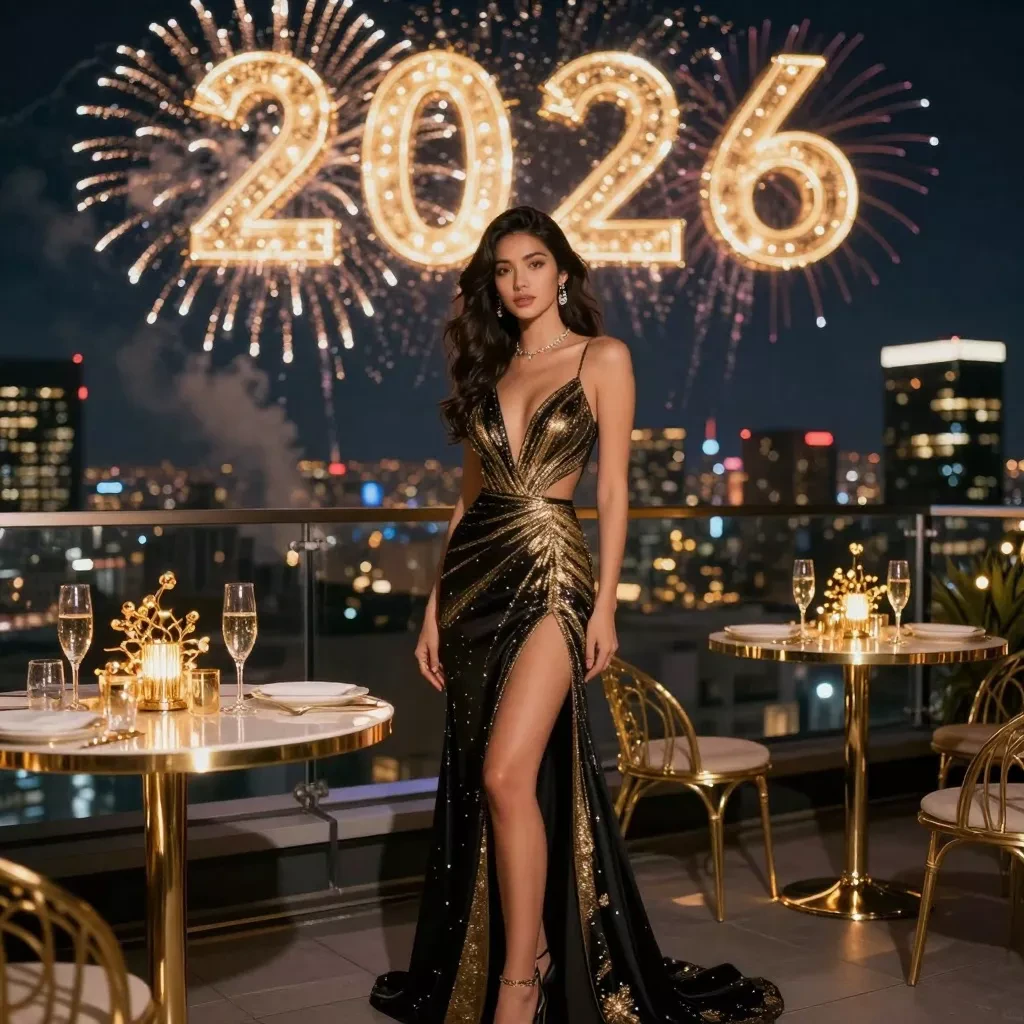
Photography-grade quality with accurate lighting, shadows, and fine material detail. Performs at or above models with 5× more parameters.
World knowledge grounding
Accurately renders named landmarks, cultural references, and recognizable figures — drawing on Alibaba’s Qwen3-4B text encoder for depth.
Prompt enhancement
Built-in structured reasoning chains expand and refine prompts automatically for richer, more coherent outputs from short instructions.
.webp?fit=max&auto=format&n=410AHfb3Tlhn-w0b&q=85&s=5215acbee07a87b8bd0b715f87836fd8)
Specifications
How to use
1
Open the AI Image Generator
Go to the ImagineArt AI Image Generator.
2
Select the model
From the model dropdown, choose Z Image Turbo.
3
Write your prompt
Write a clear, focused prompt. Z Image Turbo responds best to precise, concise descriptions — overly long prompts can add noise rather than detail.
4
Set your aspect ratio
Choose 1:1, 4:3, 3:4, 1:3, 3:1, 2:3, 3:2, 9:16, or 16:9. ImagineArt doesn’t show a resolution setting for Z Image Turbo.
5
Generate
Click Generate. At 8 steps, results arrive significantly faster than most other models.
Prompting tips
- Keep prompts concise and specific — Z Image Turbo is optimized for structured, precise prompts. Dense, paragraph-length prompts can reduce coherence rather than improve it.
- For bilingual text in images — Include both the English and Chinese text you want rendered, with explicit placement: “A product banner with bold red text reading ‘Summer Sale’ and ‘夏季特卖’ below it.”
- Avoid high CFG values — The model was trained at guidance scale 0.0. Using high CFG in manual configurations introduces artifacts. Leave guidance at default.
- Use prompt enhancement — Enable the built-in prompt enhancer for short or abstract prompts. It applies Alibaba’s structured reasoning to expand your intent into richer descriptions.
Example prompts
A Japanese ramen shop at night, warm amber light spilling from the windows onto rain-wet cobblestones, steam rising from bowls inside, photorealistic, cinematic composition.
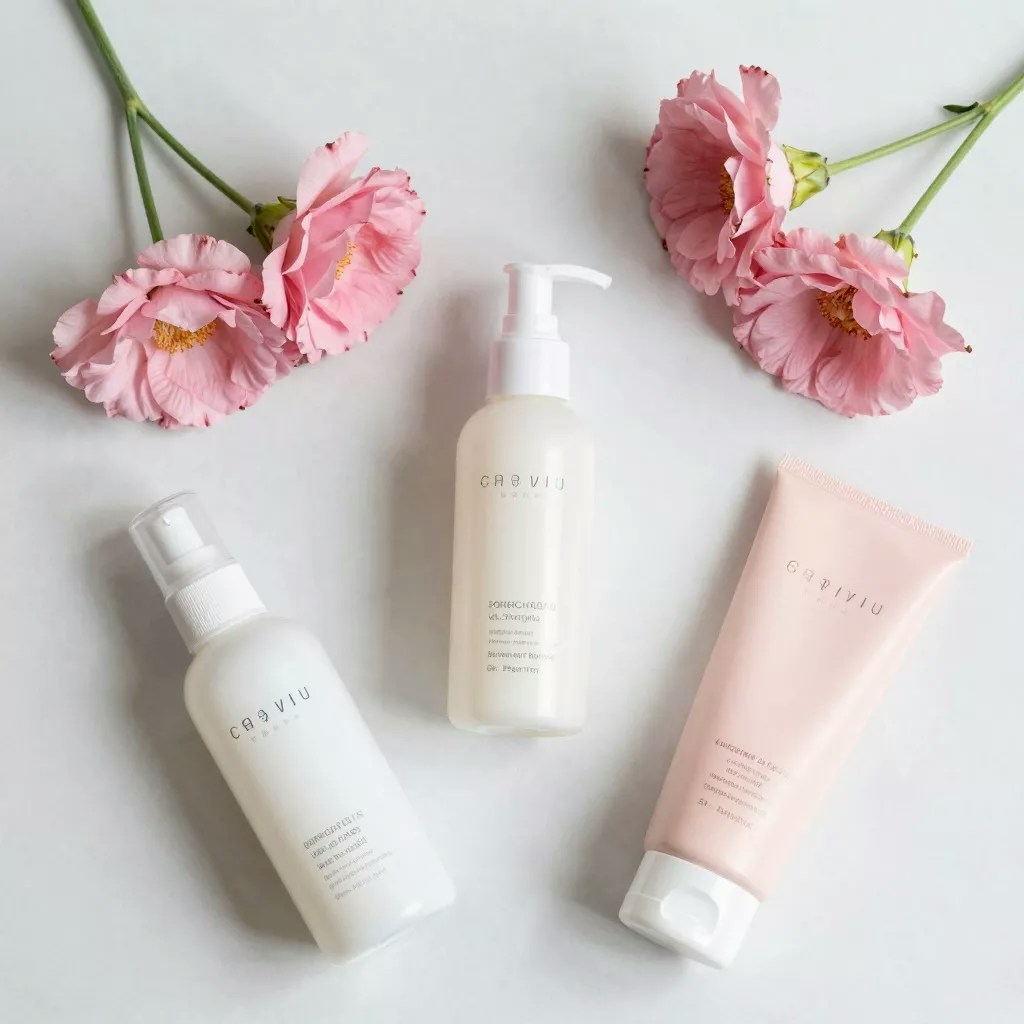
A product flatlay of a wireless speaker on brushed concrete, minimalist studio lighting, crisp shadow, commercial photography style.
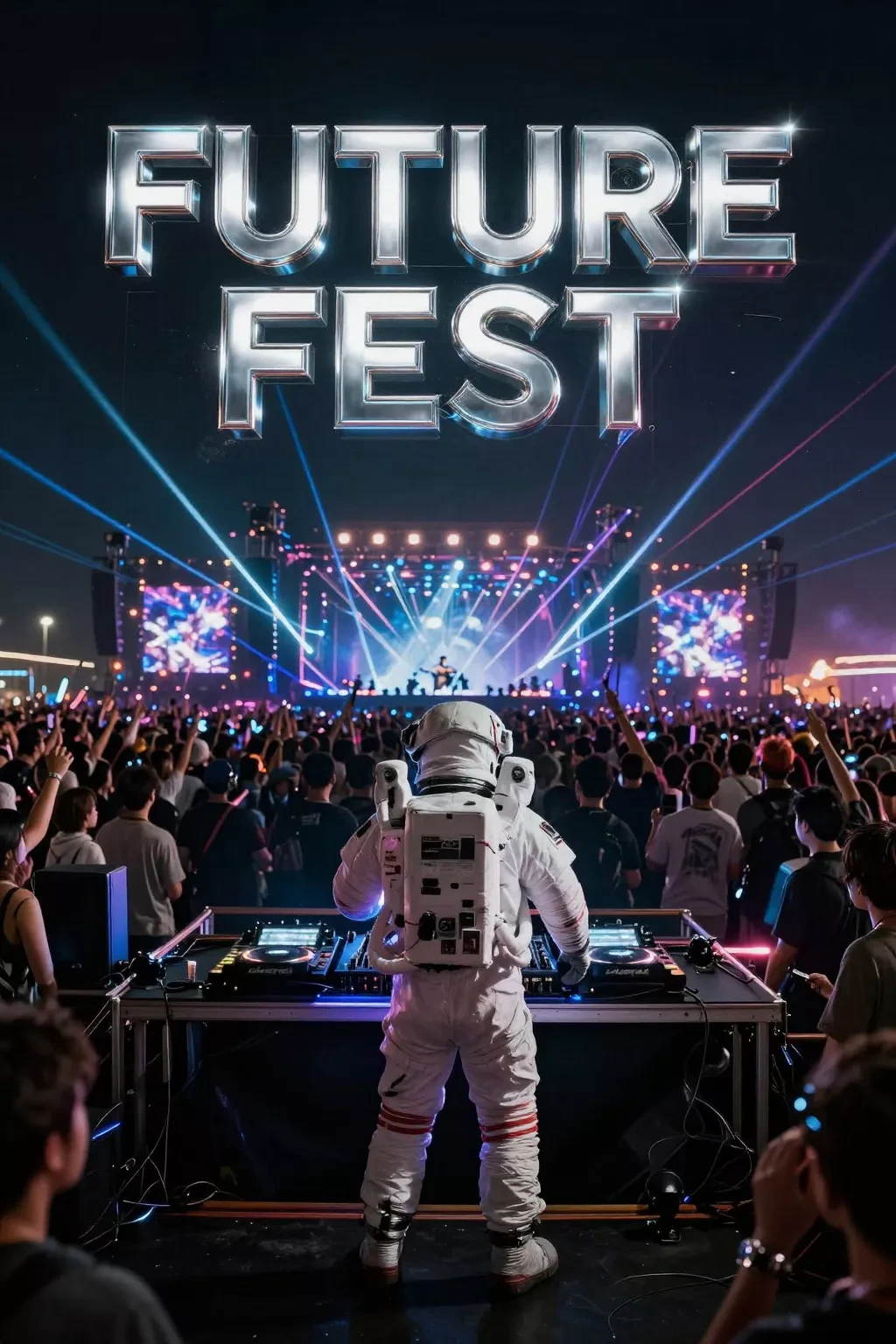
A bold event poster with “OPEN MIC NIGHT” in large neon-style lettering and “每周五 / Every Friday” beneath it, dark urban background.
Compare models
Z Image Turbo is developed by Alibaba’s Tongyi Lab under the Apache 2.0 license. Pick it when speed matters most, or when you need bilingual English and Chinese text in fast drafts.