

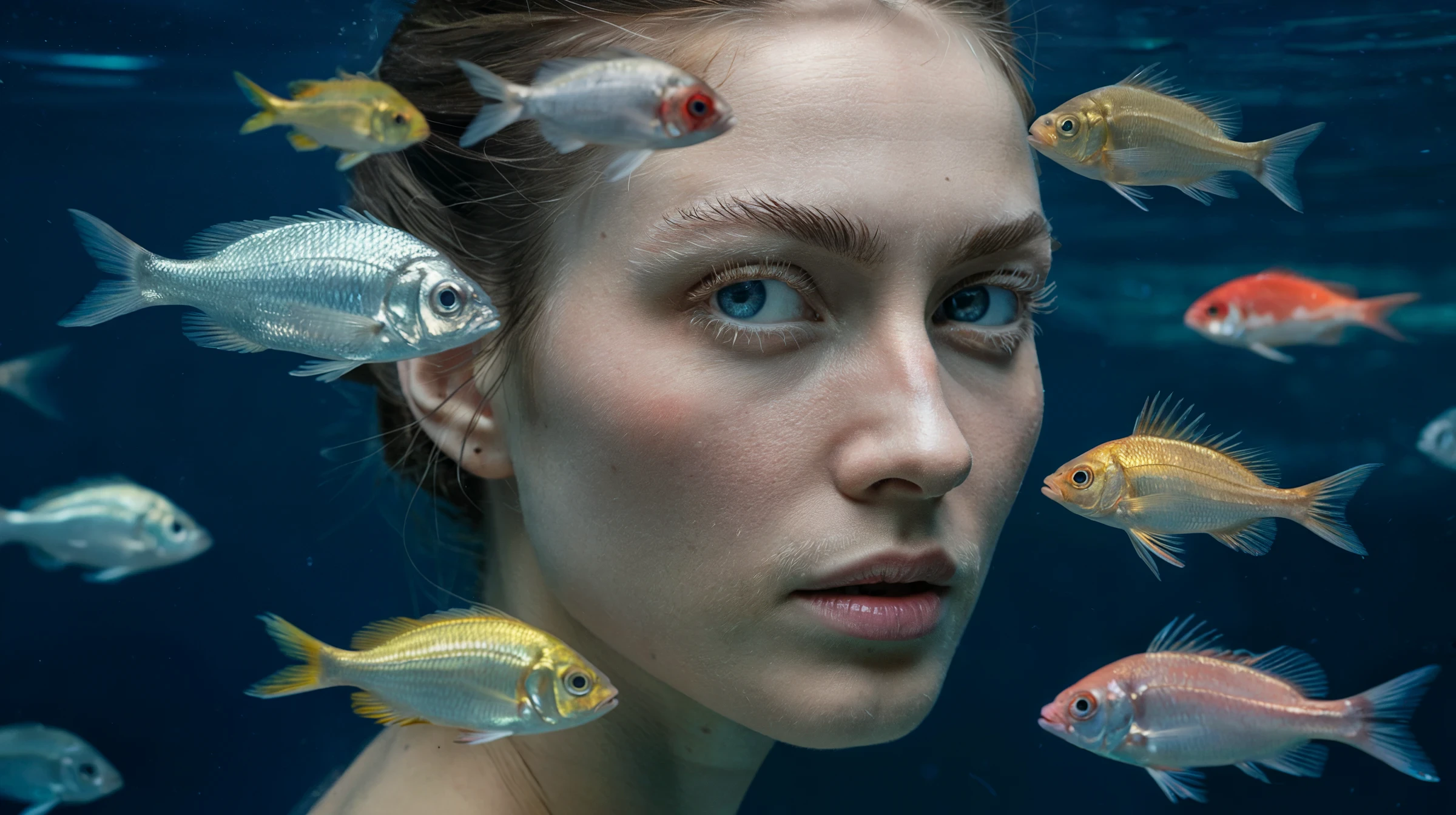
Capabilities
Style reference images
Upload up to 3 reference images to define the visual style. Over 4 billion style presets and reusable Style Codes for consistent outputs.
Multilingual typography
Supports text rendering in Spanish, Italian, French, Chinese, and Arabic alongside English — essential for international campaigns.
58 style presets
Choose from presets including Oil Painting, Watercolor, Pop Art, Cyberpunk, Art Deco, Minimalist, JAPANDI_FUSION, and more.
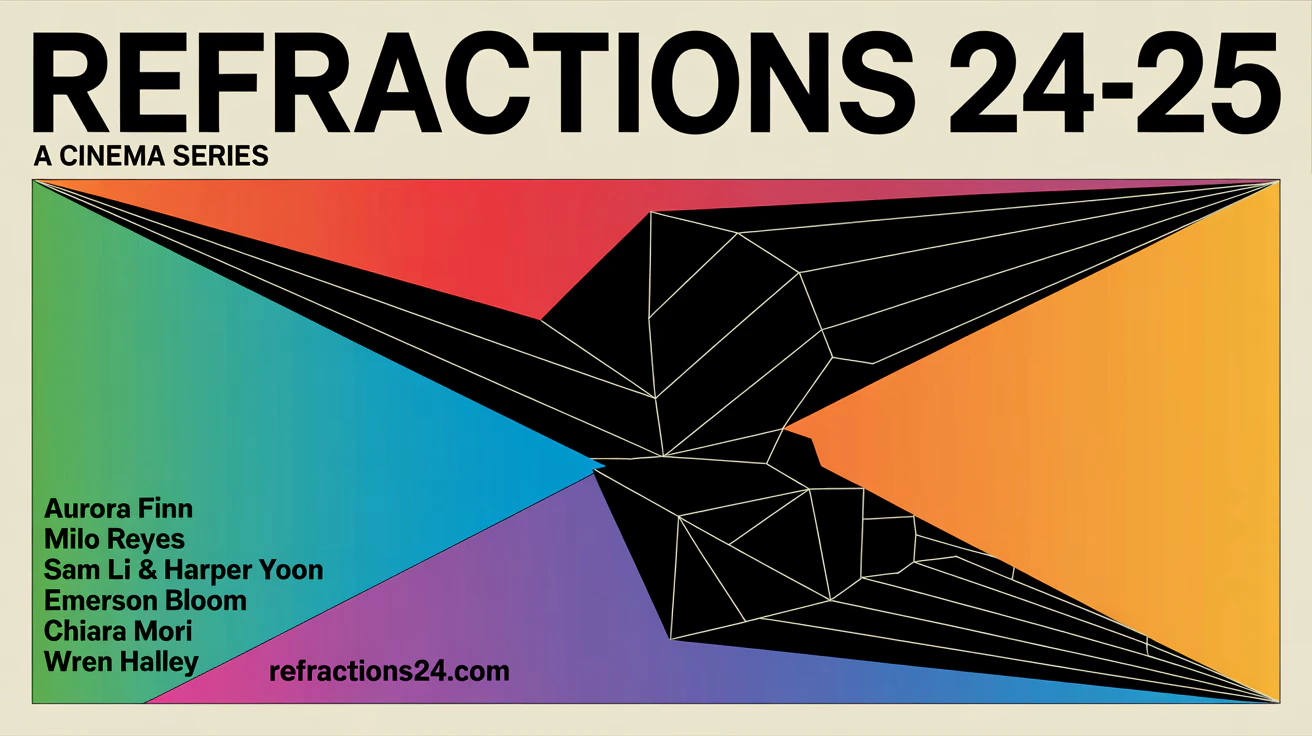
Style types
Ideogram v3 supports these style types. ImagineArt’s settings panel doesn’t include a style type selector, so describe the style you want in your prompt.How to use
1
Open the AI Image Generator
Go to the ImagineArt AI Image Generator.
2
Select the model
From the model dropdown, choose Ideogram v3.
3
Set your aspect ratio
Choose 1:1, 4:3, 3:4, 16:9, or 9:16. Ideogram v3 generates at 1K.
4
Write your prompt
Write your prompt. For text-heavy designs, place the exact text you want rendered in quotes within the prompt.
5
Add style references (optional)
Upload up to 3 reference images to define the visual style or composition.
6
Generate
Click Generate.
Prompting tips
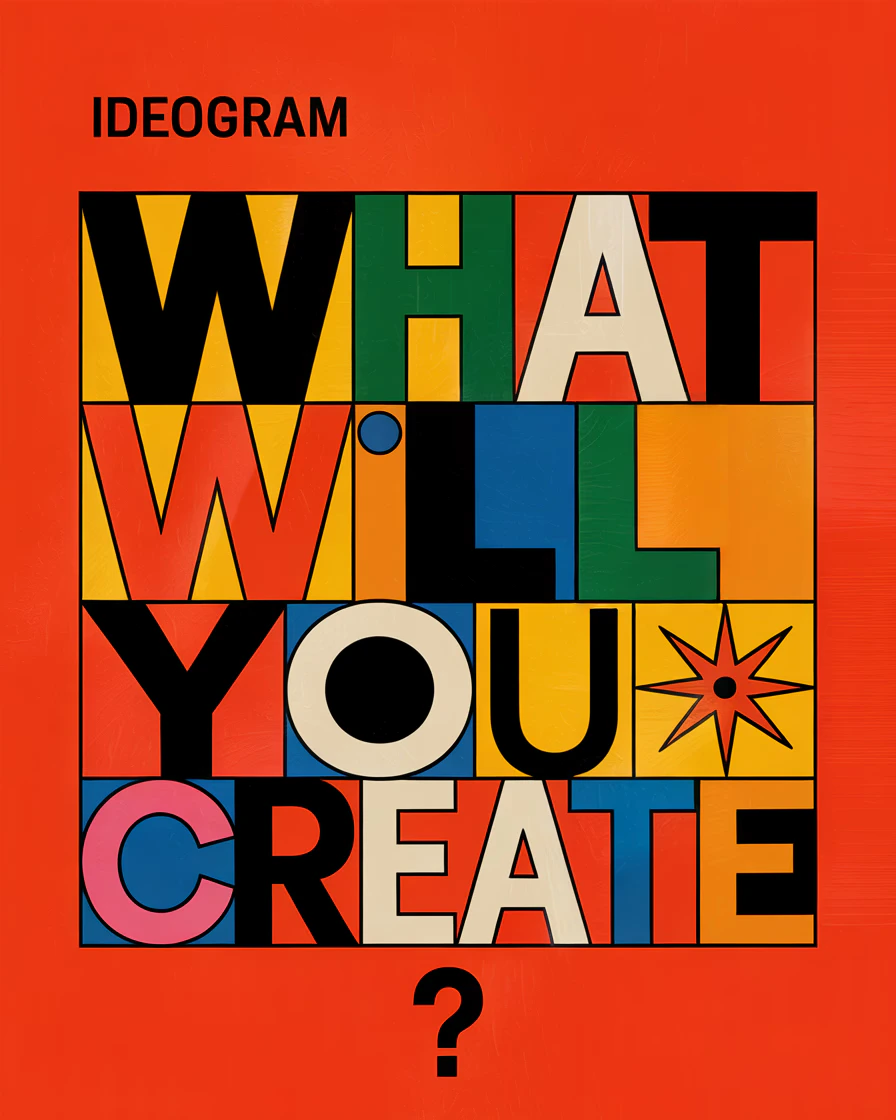
- Put text content in quotes — Explicitly quote the text you want rendered: A poster with “SUMMER SALE” in bold yellow lettering at the top.
- Specify font style — “serif”, “handwritten”, “bold sans-serif”, “neon glow” all produce very different text treatments.
- Use Design style type for commercial work — activating the DESIGN style type significantly improves layout awareness and graphic structure.
- Keep multilingual text short — Shorter words and phrases render more accurately than full sentences, especially in non-Latin alphabets.

Example prompts
A vintage circus poster with “THE GRAND SHOW” in large ornate typography, illustrated animals in the background, warm sepia tones, Art Deco style.
A modern product label for a craft gin bottle reading “Northern Lights” with aurora imagery and minimalist Scandinavian design.