

ImagineArt’s most capable model
ImagineArt 2.0 represents the next generation of ImagineArt’s in-house model development — a step change in capability beyond the 1.5 family. The model delivers noticeably higher detail fidelity across all subject types, more reliable interpretation of complex and nuanced prompts, and photorealism that sits closer to actual photography in lighting behavior, texture accuracy, and spatial depth. For work where the ImagineArt 1.5 Pro quality ceiling isn’t enough — high-stakes commercial campaigns, hero shots, and premium editorial — ImagineArt 2.0 is the model to use.When to use ImagineArt 2.0
Best for- Photorealistic portraits and lifestyle images.
- Commercial hero shots and campaign imagery.
- Detailed prompts with nuanced lighting, mood, and camera language.
- Text is the main element, as on posters or packaging. Use Ideogram v3 or GPT Image 2.5 Sunburst.
- You’re combining many reference images. Use Nano Banana 2.1.
- You need 4K output. Use Nano Banana 2.1 or GPT Image 2.5 Flare.
Capabilities
Next-generation photorealism
Higher detail fidelity than the 1.5 family — surfaces, materials, lighting, and depth render with a closer resemblance to actual photography.
Enhanced prompt comprehension
Better understanding of complex, multi-element prompts — nuanced descriptions of mood, lighting, composition, and subject relationships are followed more precisely.
Superior composition control
Stronger compositional logic — subject placement, framing, depth of field, and spatial relationships are handled with more professional-grade intent.
Portrait and anatomy
The most accurate rendering of human subjects in ImagineArt’s lineup — skin, micro-expressions, and body proportions with exceptional detail.
Commercial-grade output
Suitable for high-stakes commercial work — campaigns, product launches, editorial features, and hero imagery that needs to hold up at full size.
Wide subject range
Excels across portraits, landscapes, product photography, architectural shots, and lifestyle imagery — a versatile flagship for all photorealistic use cases.
How to use
1
Open the AI Image Generator
Go to the ImagineArt AI Image Generator.
2
Select the model
From the model dropdown, choose ImagineArt 2.0.
3
Write your prompt
Be specific about lighting, mood, subject, and style. ImagineArt 2.0’s enhanced comprehension means even nuanced details in the prompt will be reflected in the output.
4
Set your aspect ratio
Choose from 14 aspect ratios, from 1:4 to 4:1. ImagineArt 2.0 generates at 2K.
5
Generate
Click Generate and review the output. ImagineArt 2.0 is built for final-quality deliverables.
Prompting tips
- Be specific about mood and atmosphere — “Warm, late-afternoon light casting long shadows across the subject, soft golden haze, candid portrait aesthetic” produces richer results with ImagineArt 2.0 than with previous models.
- Camera-language prompts work well — f/1.4 aperture, 50mm lens, natural window light — the model interprets photographic vocabulary accurately.
- Use it for the final deliverable — Draft with ImagineArt 1.5 or 1.5 Pro, then run the finalized prompt on ImagineArt 2.0 for the production output.
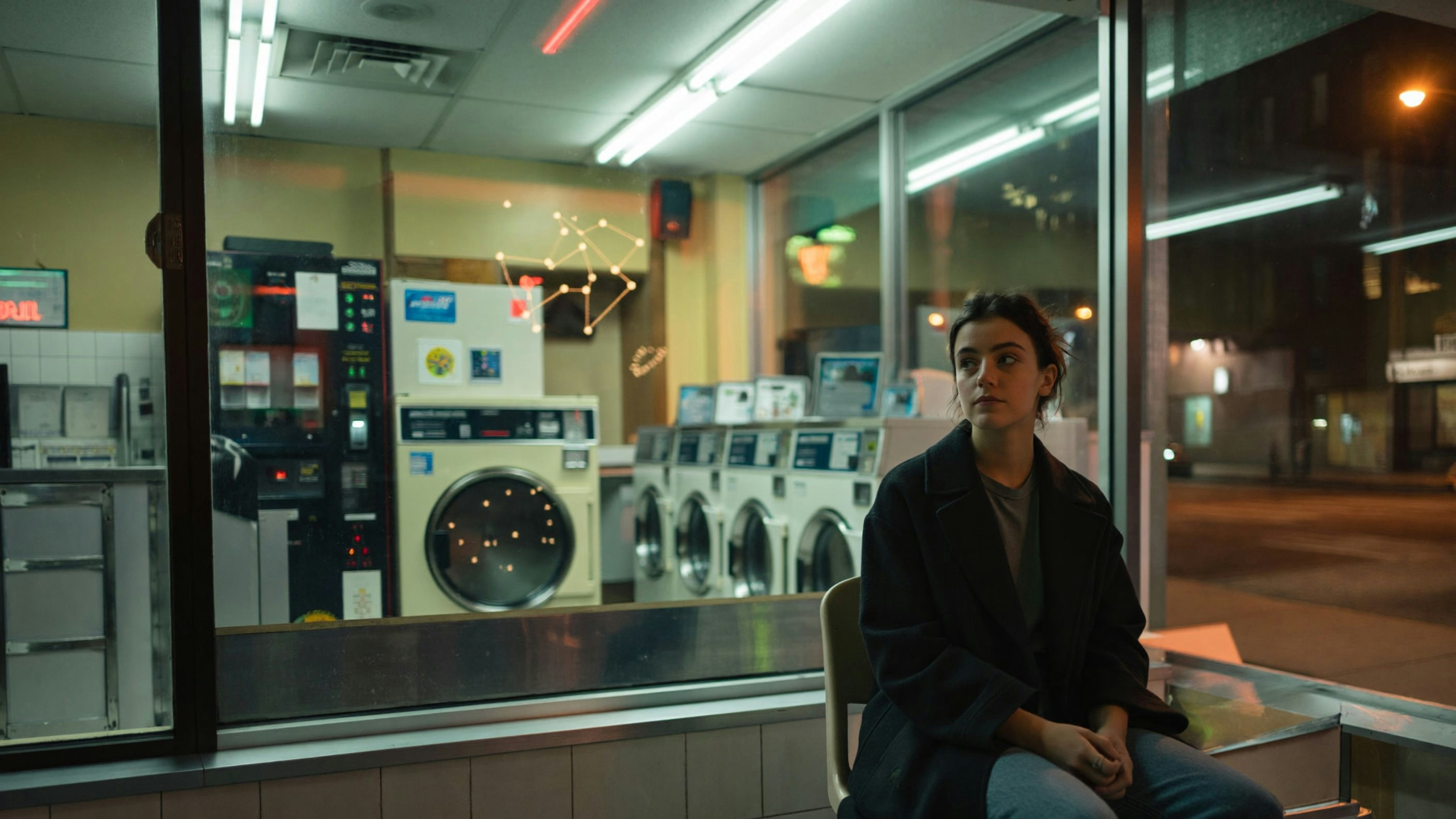
Example prompts
A fashion editorial portrait of a woman in a structured burgundy overcoat, cold overcast light, urban background slightly out of focus, high-fashion photography, Vogue aesthetic.
An architectural exterior shot of a contemporary home at dusk, warm interior lights contrasting cool twilight sky, lush garden, professional architectural photography.
A premium skincare product hero shot: a glass serum bottle on a wet black stone surface, macro lens, dramatic directional light with reflections, commercial photography.
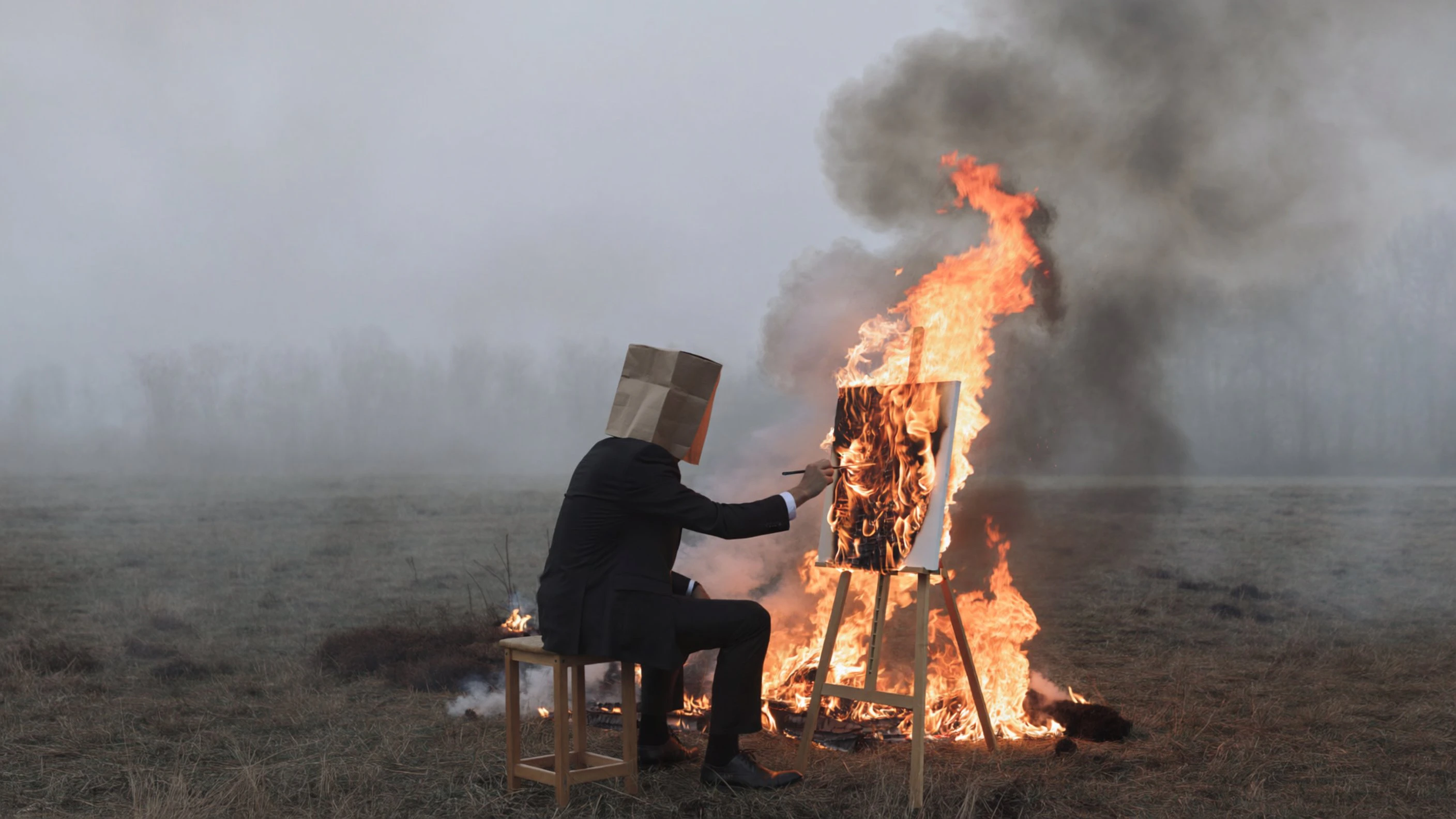
ImagineArt model comparison
ImagineArt 2.0 is ImagineArt’s highest-capability proprietary model. For most photorealistic work, ImagineArt 1.5 Pro or ImagineArt 1.5 deliver excellent results at lower cost — use 2.0 when you need the platform’s absolute best.