

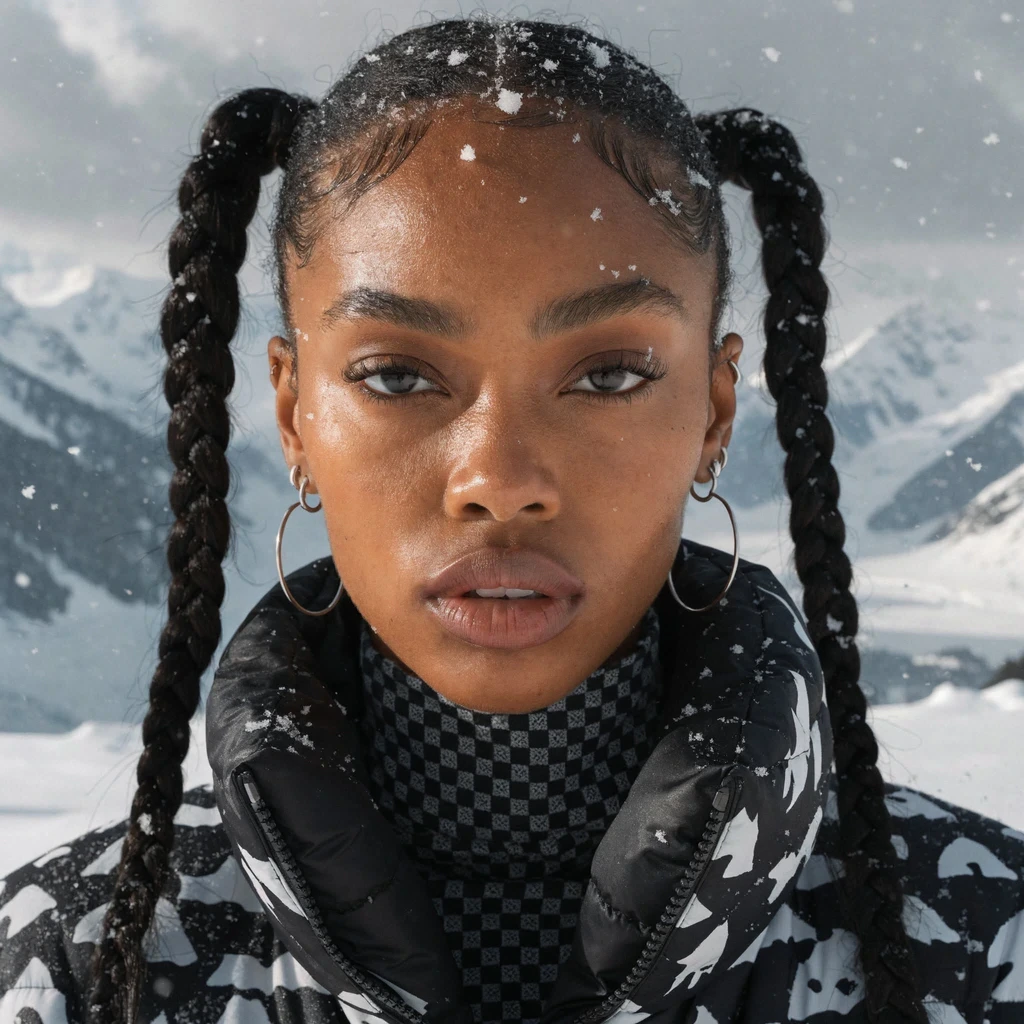
.webp?fit=max&auto=format&n=QZIQ0tIYqnqVKXQJ&q=85&s=e1fa823522374678c5b84b49c79dbc9c)
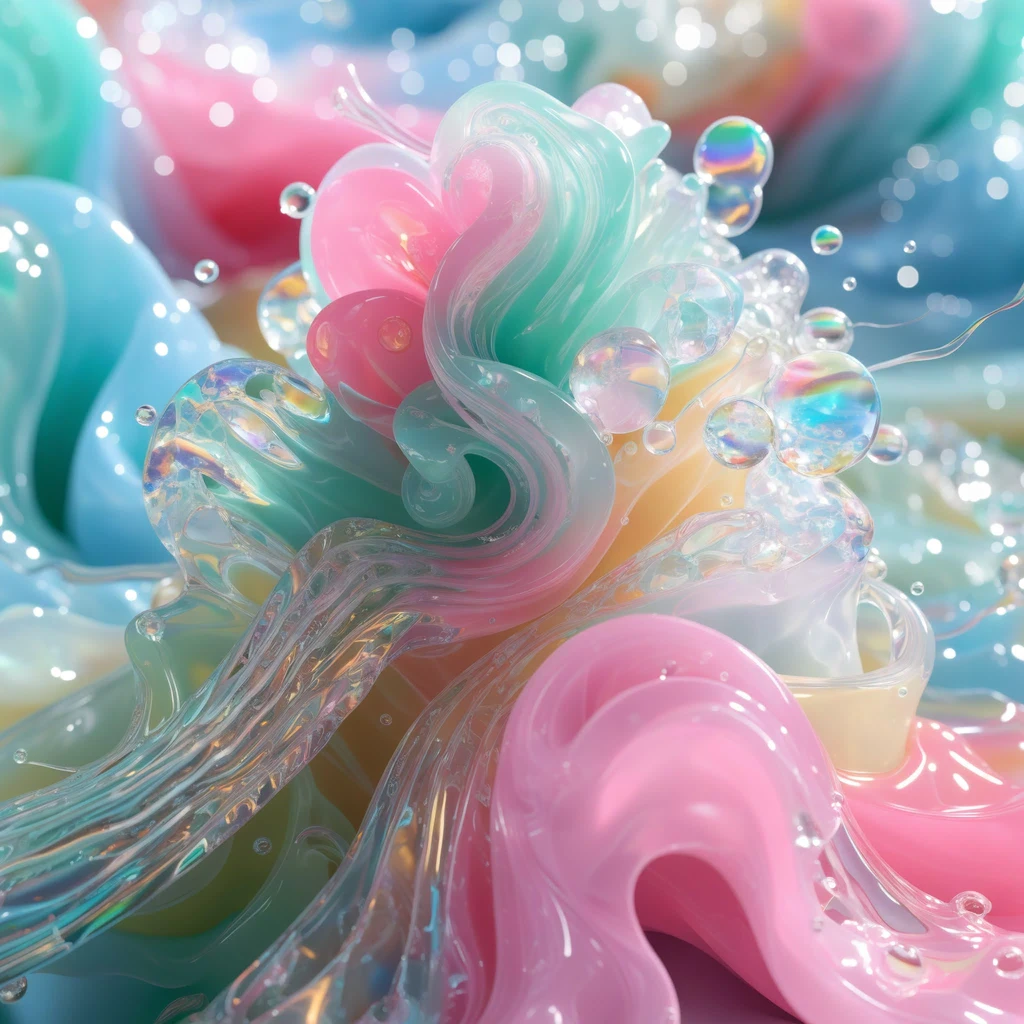
Recraft v4 at print scale
Recraft v4 Pro is not a separate model — it’s the same V4 architecture running at 2048×2048 (4-megapixel) output. Everything Recraft v4 does well carries over: design-taste composition, reliable text rendering, native SVG generation, and precise prompt adherence. The difference is resolution and generation time (~28–30 seconds vs. ~10 seconds for v4 standard). Use Recraft v4 (standard) to iterate quickly. Use Recraft v4 Pro when you’re ready for the final deliverable.Capabilities
All v4 capabilities
Same compositional intelligence, design-taste training, and text rendering accuracy as Recraft v4 — just at 4× the resolution.
Print-ready detail
Sufficient resolution and detail for large-format print: posters, banners, packaging, and editorial spreads.
Professional typography
At 2048px, text elements hold sharpness and readability at scale.
Specifications
How to use
1
Open the AI Image Generator
Go to the ImagineArt AI Image Generator.
2
Select the model
From the model dropdown, choose Recraft v4 Pro.
3
Develop your concept first
Use Recraft v4 (standard) to iterate on composition and style at 1K. At ~10 seconds per image, it’s 3× faster for exploration.
4
Switch to Pro for the final
Once you have the direction locked, switch to Recraft v4 Pro for 4MP output.
5
Choose output format
Select PNG for raster or SVG for editable vector output — both are available at full 4MP quality.