

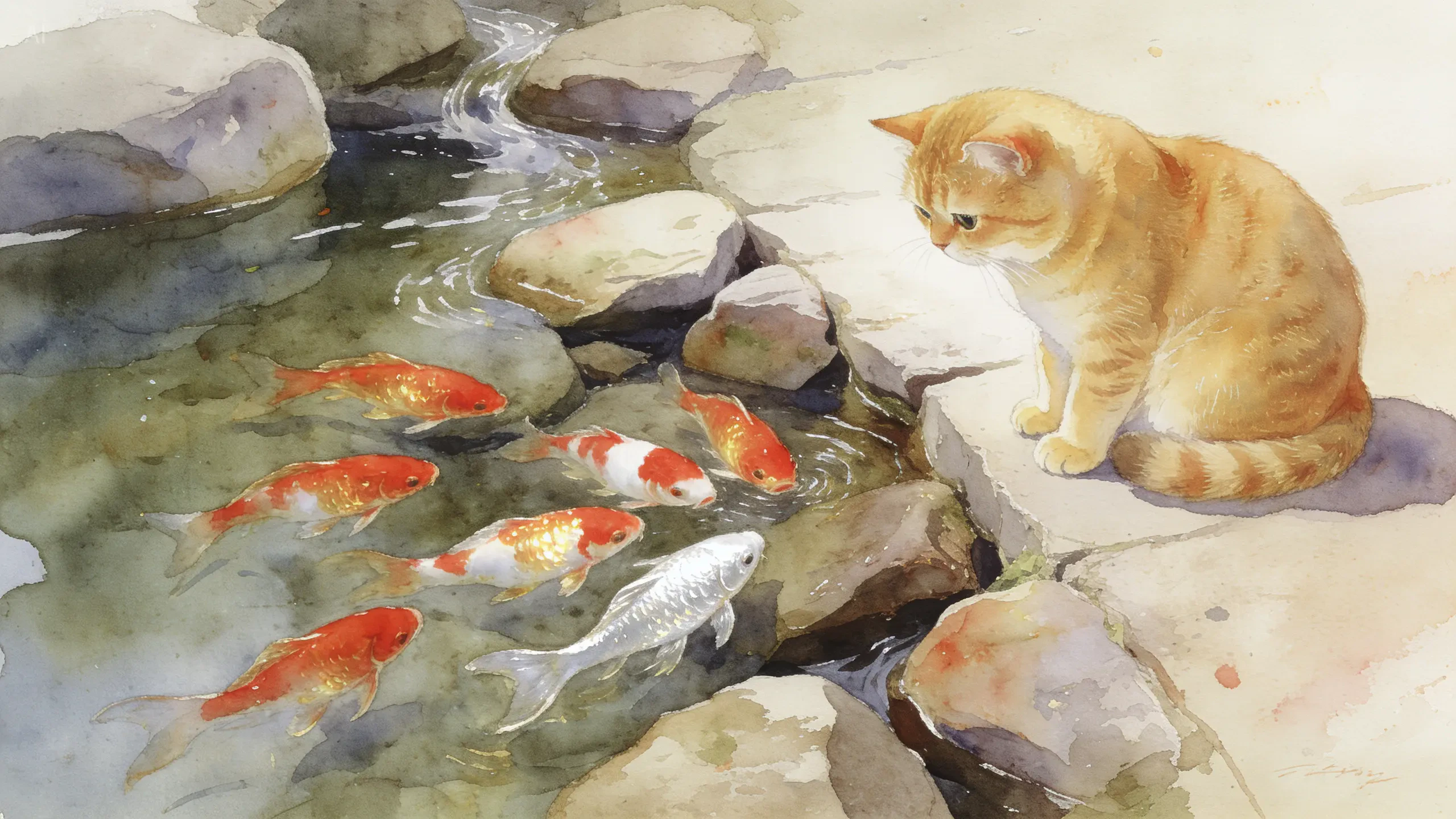
The production standard in the Seedream family
Seedream v4.5 is a significant upgrade over v4 — not a minor patch. Generation is 30–40% faster (8–14 seconds depending on resolution and complexity), text rendering is substantially improved for small and dense type (logos, menus, data tables), and multi-image editing supports up to 4 reference images with accurate subject identification and reference detail preservation. Where Seedream v5 Lite is optimized for speed and exploration, v4.5 is the right choice for the final 20–30% of a production workflow: the outputs that will actually ship to clients.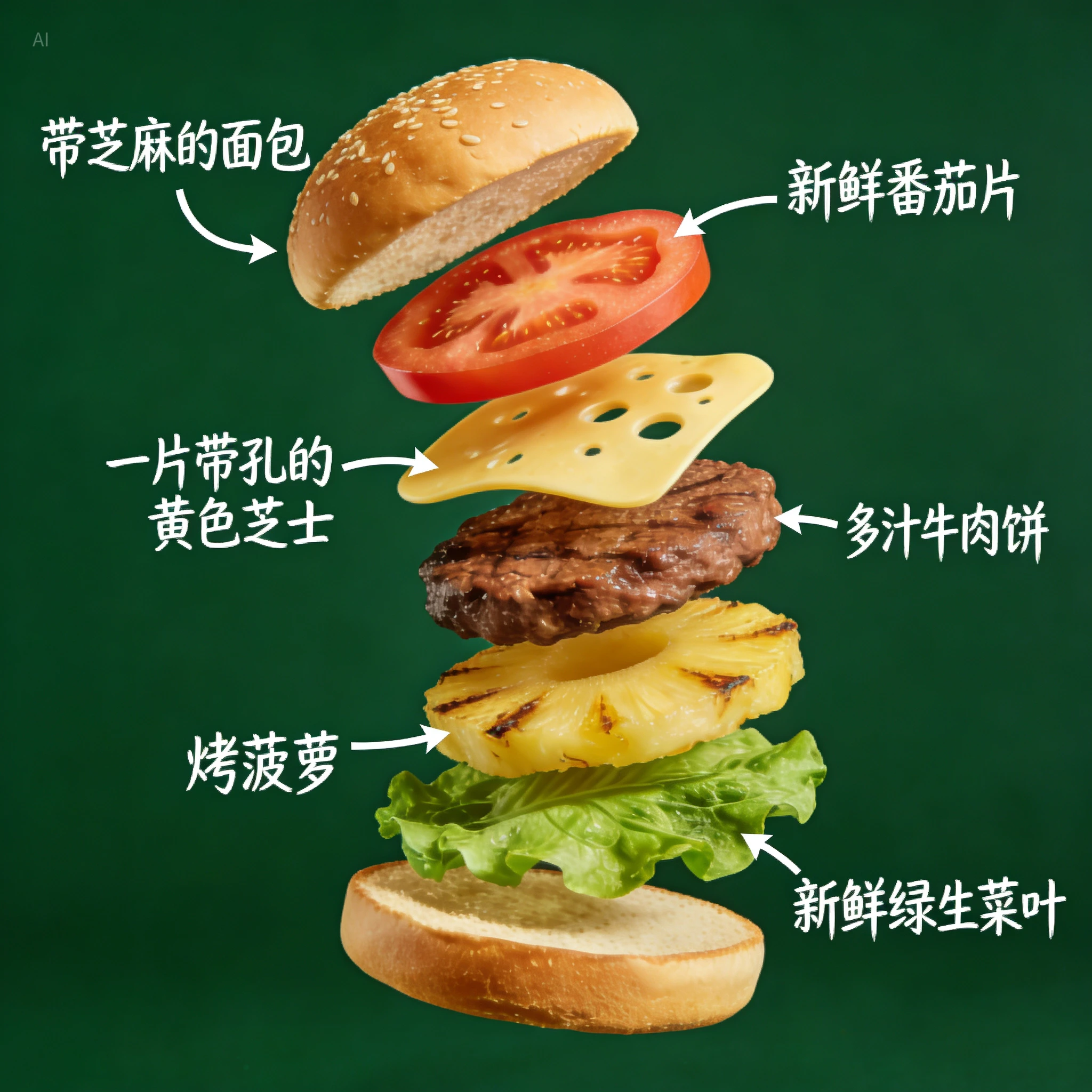
Capabilities
Native 4K output
Generates at 4K for print, billboard, and other high-resolution deliverables.
30–40% faster than v4
Meaningful speed improvement at equivalent quality — more iterations per session without sacrificing the detail that v4 established.
Subject consistency
Firmer grasp on subjects across generation variations — facial features, lighting, and color tone are preserved more reliably across a session.
Specifications
How to use
1
Open the AI Image Generator
Go to the ImagineArt AI Image Generator.
2
Select the model
From the model dropdown, choose Seedream v4.5.
3
Write your prompt
For text-in-image, include the exact text you want rendered. For multi-reference composites, describe subjects clearly.
4
Upload references (optional)
Upload up to 4 reference images for consistent multi-product or multi-character outputs.
5
Generate
Click Generate. At 8–14 seconds, Seedream v4.5 is fast enough for efficient iteration at production quality.

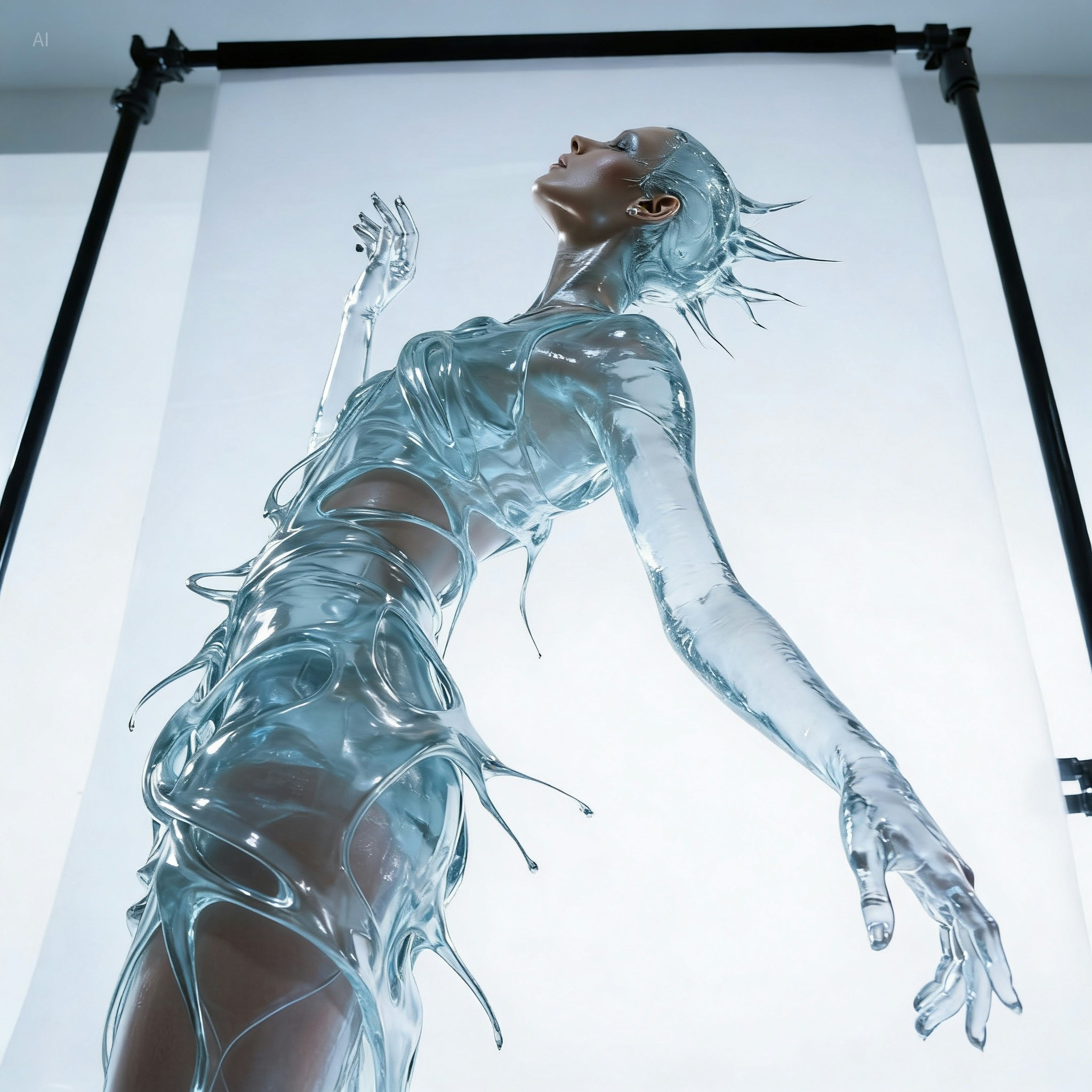

Prompting tips
- For dense text layouts — Describe the full text hierarchy: headline, subheads, body copy, and any labels or callouts. v4.5 renders dense layouts accurately at production size.
- Use reference images for product consistency — Attach your product photography references and describe the scenario. The model preserves product details (colors, textures, shapes) precisely.
- For large-format output — Seedream v4.5 generates at 4K. For larger prints, run the result through Upscale.
Example prompts
A premium restaurant menu spread with “TASTING MENU” as the header, five courses listed with descriptions in clean serif type, cream background, elegant layout, no imagery.
Three luxury fragrance bottles (from references) arranged on a marble surface with fresh botanicals, editorial product photography, soft natural light.
Compare models
Use Seedream v5 Lite for the ideation phase — it’s 2–4× faster at lower cost. Switch to Seedream v4.5 for the final production output, especially when you need dense text accuracy or 14-reference compositing.